Go to section
Spotlight SureThing.io - "OpenClaw" for BeginnersTask automation
The front page of AI.Used by 90M+ humans.

TAAFT Tutorial
Generate image
Tasks
Generate text
Free mode
Trending
Leaderboard
Characters
 Mini tools
New
Featured
Lists
Agents
Requests
Jobs
Map
Newsletter
Starter pack
Free tools
Speech to text
Text translator
Remove background
Settings
Edit profile
My tools
Gallery
Dashboard
Inbox
Get featured
Contact TAAFT
For you
Popular
Job impact index
Most saved
Affiliate program
Submit AI tool
Notification preferences
Glossary
Home
Timeline
My profile
Create tool
Deals
Companies
Models
Robots
Papers
Fundraises
Repositories
Devices
Organizations
Events
Prompt Pack
Merchendise
APIs
Features
Tools
Countries
Collections
Videos
Mini tools
New
Featured
Lists
Agents
Requests
Jobs
Map
Newsletter
Starter pack
Free tools
Speech to text
Text translator
Remove background
Settings
Edit profile
My tools
Gallery
Dashboard
Inbox
Get featured
Contact TAAFT
For you
Popular
Job impact index
Most saved
Affiliate program
Submit AI tool
Notification preferences
Glossary
Home
Timeline
My profile
Create tool
Deals
Companies
Models
Robots
Papers
Fundraises
Repositories
Devices
Organizations
Events
Prompt Pack
Merchendise
APIs
Features
Tools
Countries
Collections
Videos
Mini tools
New
Featured
Lists
Agents
Requests
Jobs
Map
Newsletter
Starter pack
Free tools
Speech to text
Text translator
Remove background
Settings
Edit profile
My tools
Gallery
Dashboard
Inbox
Get featured
Contact TAAFT
For you
Popular
Job impact index
Most saved
Affiliate program
Submit AI tool
Notification preferences
Glossary
Home
Timeline
My profile
Create tool
Deals
Companies
Models
Robots
Papers
Fundraises
Repositories
Devices
Organizations
Events
Prompt Pack
Merchendise
APIs
Features
Tools
Countries
Collections
Videos

▼ Popular
Editing
Free mode
100% free
Freemium
Free Trial
Other tools
-
 Ta🙏 103 karmaMay 3, 2025@Text Generatoryour answer is much too general, so useless. You could have just tell me to ask Perplexity.
 -
 Transform your images with AI — effortlessly enhance, edit, or reimagine any picture using advanced image-to-image generation. Perfect for creatives, designers, and anyone looking to bring visual ideas to life.OpenNot at all accurate…. The only thing similar between original and generated images were the clothes and accessories… face was absolutely new and unconnected.
 -
It is the best free image to image generator I have seen! It is fast, reliable, and good for making either quick adjustments or large gradual changes! 10/10 would recommend!
- SpotlightSureThing.io - "OpenClaw" for BeginnersTask automation
-
-
 Open
Open -
It has content filters and there is no option to use a system prompt.
-
 Craft AI-powered single-purpose tools autonomouslyOpenGood app if u struggling with prompt
 - Didn't find the AI you were looking for?
-
 Turn academic jargon into human conversation.Open
 -
Creative improvement of an existing professional logo. Not all prompt instructions were applied.
-
-
 Professional comic book script writing correction, correcting it into the anatomy of comic book script writing formatTurn comic scripts into industry-standard masterpieces.Open
 -
 AI-powered writing enhancer for polished, professional text.OpenSays I submitted inappropriate content. It's a freeking report on Puerto Rico.
 -
 Open
Open -
Wow, impressive! Fun tool. No prompt necessary.
-
 Transform photos into hyper-realistic ballpoint pen portraits.OpenBeautiful, great job, I love it! It is extremely accurate, no need to even enter a prompt.
 -
 Elevate your Hindi writing with AI-powered guidance.Open
 -
 Translate complex ideas into mystical insights.Open
 -
 Open
Open -
 Transform your photo into a cinematic masterpiece.Open
 -
 Your AI assistant for dynamic, genuine dating chats.Open
 -
 Open
Open -
 Professional AI email generator for persuasive business communication.Open
 -
 Transform photos into Hollywood-style action movie posters.OpenSimply upload your photo; you don't need to type anything in the prompt field. Just click "generate" and watch the magic happen.
 -
 AI writing assistant that detects your intent and creates tailored content.Open
 -
 Open
Open -
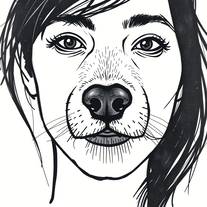 Transform photos into cinematic graffiti portraits.Open:D :D :D :D :D :D :D :D :D :D :D :D :D :D :D
 -
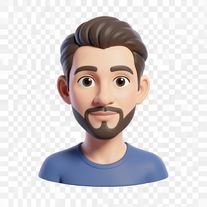 Transform photos into bold 3D caricature portraits.OpenAlways generate a portrait with earrings, even when it's a man?
 -
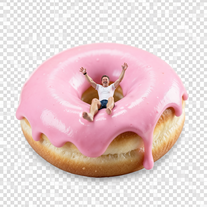
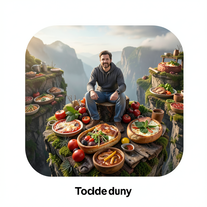 Transform photos into cinematic giant food landscapes.Open
 -
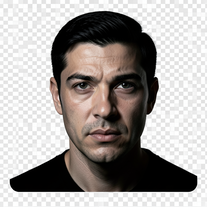 Turn portraits into cinematic masterpieces with dramatic lighting.Open
 -
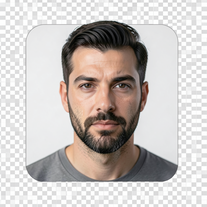 Transform photos into epic cinematic scenes with mythical creatures.Open
 -
-
 OpenChanged the prompt to improve results.
 -
 Open
Open -
Simply upload your photo; you don't need to type anything in the prompt field. Just click "generate" and watch the magic happen.
-
 Transform photos into hyper-realistic 8K caricature portraits.OpenThis tool is pre-trained; just upload a photo of yourself or someone you want to create a funny or comical scene with.
 -
 Transform photos into epic 3D cartoon characters.OpenSimply upload your photo; you don't need to type anything in the prompt field. Just click "generate" and watch the magic happen.
 -
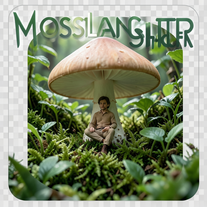
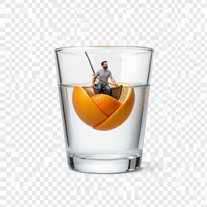
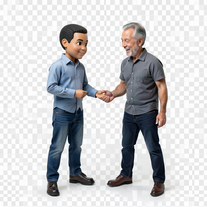 Transform photos into hyper-realistic miniature scenes.OpenSimply upload your photo; you don't need to type anything in the prompt field. Just click "generate" and watch the magic happen.
 -
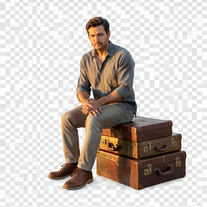 Creates hyper-realistic 8K cinematic photographs featuring surreal human-animal interactions.OpenSimply upload your photo; you don't need to type anything in the prompt field. Just click "generate" and watch the magic happen.
 -
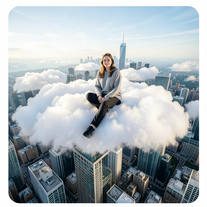 Open
Open -
-
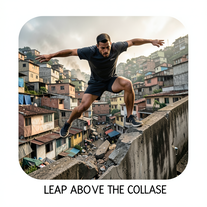 Craft hyper-real 8K cinematic action shots from reference images.Open
 -
 Hyper-realistic portraits with cinematic lighting perfection.Open
 -
 Open
Open -
 Generate ultra-realistic candid photography with facial recreation.Open
 -
 Become a fantasy tavern character for Christmas.Open
 -
 Transform photos into museum-quality graphite portraits.OpenThe second attempt is much better, but added non-existing points.
 -
 Turn one photo into studio-grade Disney character selfies.Open
 -
Simply upload your photo; you don't need to type anything in the prompt field. Just click "generate" and watch the magic happen.
-
Simply upload your photo; you don't need to type anything in the prompt field. Just click "generate" and watch the magic happen.
-
 Transform your portrait into a cinematic night street scene.OpenSimply upload your photo; you don't need to type anything in the prompt field. Just click "generate" and watch the magic happen.
 -
Simply upload your photo; you don't need to type anything in the prompt field. Just click "generate" and watch the magic happen.
-
 Transform ordinary scenes into extraordinary cinematic adventures.OpenSimply upload your photo; you don't need to type anything in the prompt field. Just click "generate" and watch the magic happen.
 -
 OpenSimply upload your photo; you don't need to type anything in the prompt field. Just click "generate" and watch the magic happen.
 -
Simply upload your photo; you don't need to type anything in the prompt field. Just click "generate" and watch the magic happen.
-
 Transform yourself into cinematic miniature adventures.Open
 -
 Transform your photo into hyper-realistic cinematic scenes.OpenThis tool is designed to only receive a photo as a reference; just use this and see the result.
 -
 Open
Open -
 Open
Open -
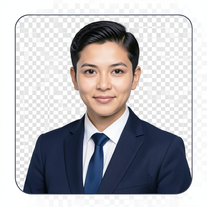 AI-powered corporate portrait generator for ultra-realistic executive headshots.Open
 -
 Open
Open -
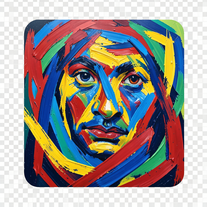 Transform photos into de Kooning-style abstract masterpieces.Open
 -
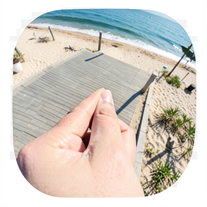 Creates ultra-realistic forced-perspective beach photos where you appear tiny.Open
 -
 Transform photos into cinematic freeze-frame masterpieces.Open
 -
 Transform photos into split-screen editorial posters instantly.Open
 -
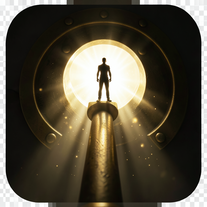 OpenSimply upload your photo; you don't need to type anything in the prompt field. Just click "generate" and watch the magic happen.
 -
 Transform photos into dramatic neo-noir assassin portraits.Open
 -
 Transform photos into cinematic 8K investigation boards.Open
 -
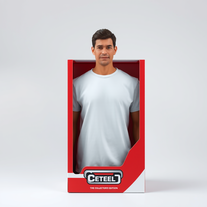 Transform yourself into a hyperrealistic collectible action figure.Open
 -
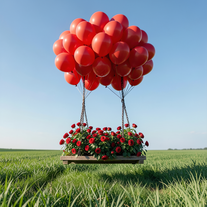 Create cinematic photos of specific people in surreal scenarios.OpenSimply upload your photo; you don't need to type anything in the prompt field. Just click "generate" and watch the magic happen.
 -
Simply upload your photo; you don't need to type anything in the prompt field. Just click "generate" and watch the magic happen.
-
 Open
Open -
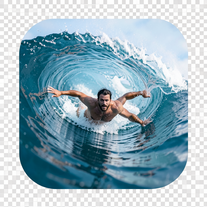 Transform portraits into hyper-realistic barrel wave shots.Open
 -
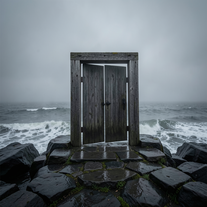 Creates ultra-realistic cinematic photographs of people through mystical doorways.Open
 -
 Open
Open -
 Wrestle giant food in hyper-realistic cinematic photos.Open
 -
 Transform portraits into high-fashion editorial magic.Open
 -
 Transform ordinary photos into ultra-realistic cinematic scenes.Open
 -
 Turn raw ideas into bestseller book blueprints.Open
 -
 Open
Open -
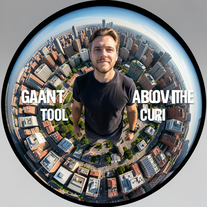 Transform portraits into cinematic fisheye masterpieces.Open
 -
 Transform photos into Back to the Future scenes.Open
 -
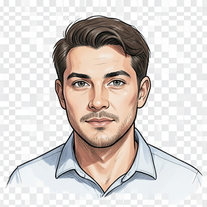 Transform photos into cinematic sketch portraits.Open
 -
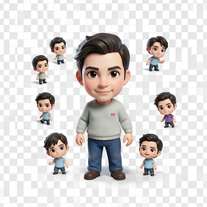 Transform photos into magical cinematic portraits with chibi versions.Open
 -
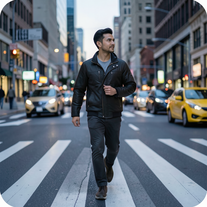 Open
Open -
 Transform photos into cinematic selfies with gorilla companions.Open
 -
 Transform photos into stunning 8K architectural blueprint portraits.Open
 -
 Transform photos into stunning 8K futuristic artwork.Open
 -
 Open
Open -
 Transform yourself into cinematic dessert scenes.Open
 -
 Creates ultra-realistic cinematic portraits from your photos.Open
 -
 Open
Open -
 Transform photos into Parisian fashion editorials instantly.Open
 -
 Transform photos into cinematic scenes with perfect precision.Open
 -
 Transform photos into cinematic exoskeleton portraits.Open
 -
 Transform photos into cinematic Ferris wheel masterpieces.Open
 -
 Transform photos into cinematic action portraits.Open
 -
 Transform photos into cinematic synthwave masterpieces.Open
 -
 Create cinematic photos with giant and miniature versions of yourself.Open
 -
 Transform any portrait into a hyper-realistic volcanic stone masterpiece.Open
 -
 Generate hyper-real GoPro-style self-portraits from your reference photo.Open
 -
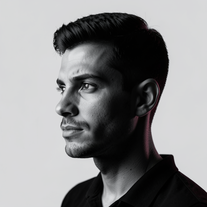 Open
Open -
 Your professional identity, perfectly framedOpen
 -
 Open
Open -
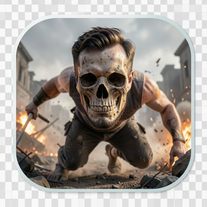
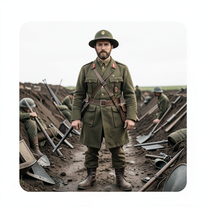 Transform subjects into hyper-realistic 8K war scenes.Open
 -
 Open
Open -
Sweet for cinematic grounded realism
-
 Transform photos into hyper-realistic 8K cinematic masterpieces.Open


















































Collections
-
Tools for Editing Wedding Videos and PhotosSubscribe3413









-
Best AI tools for photo editingSubscribe118






-
Writing and editingSubscribe65