Go to section
Sponsor
 Flow - 4x faster than typing
🎤 Dictation
Flow - 4x faster than typing
🎤 Dictation
The front page of AI.Used by 90M+ humans.

Generate image
Tasks
Generate text
Free mode
Trending
Leaderboard
Characters
 Mini tools
New
Featured
Lists
Agents
Requests
Jobs
Map
Newsletter
Starter pack
Free tools
Speech to text
Text translator
Remove background
Settings
Edit profile
My tools
Gallery
Dashboard
Inbox
Get featured
Contact TAAFT
For you
Popular
Job impact index
Most saved
Affiliate program
Submit AI tool
Notification preferences
Glossary
Home
Timeline
My profile
Create tool
Deals
Companies
Models
Robots
Papers
Fundraises
Repositories
Devices
Organizations
Events
Prompt Pack
Merchendise
APIs
Features
Tools
Countries
Collections
Videos
Mini tools
New
Featured
Lists
Agents
Requests
Jobs
Map
Newsletter
Starter pack
Free tools
Speech to text
Text translator
Remove background
Settings
Edit profile
My tools
Gallery
Dashboard
Inbox
Get featured
Contact TAAFT
For you
Popular
Job impact index
Most saved
Affiliate program
Submit AI tool
Notification preferences
Glossary
Home
Timeline
My profile
Create tool
Deals
Companies
Models
Robots
Papers
Fundraises
Repositories
Devices
Organizations
Events
Prompt Pack
Merchendise
APIs
Features
Tools
Countries
Collections
Videos
Mini tools
New
Featured
Lists
Agents
Requests
Jobs
Map
Newsletter
Starter pack
Free tools
Speech to text
Text translator
Remove background
Settings
Edit profile
My tools
Gallery
Dashboard
Inbox
Get featured
Contact TAAFT
For you
Popular
Job impact index
Most saved
Affiliate program
Submit AI tool
Notification preferences
Glossary
Home
Timeline
My profile
Create tool
Deals
Companies
Models
Robots
Papers
Fundraises
Repositories
Devices
Organizations
Events
Prompt Pack
Merchendise
APIs
Features
Tools
Countries
Collections
Videos

▼ Latest
Anime video
Free mode
100% free
Freemium
Free Trial
Featured matches



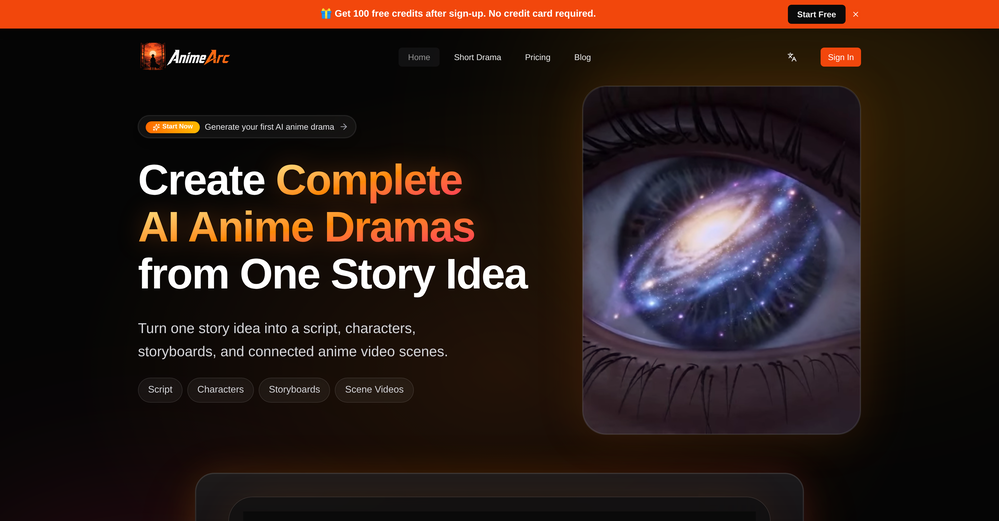

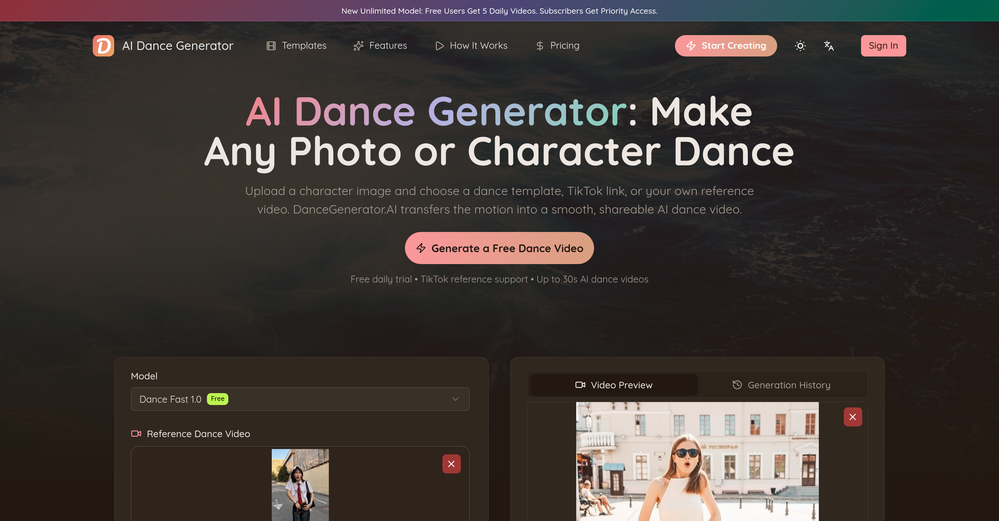

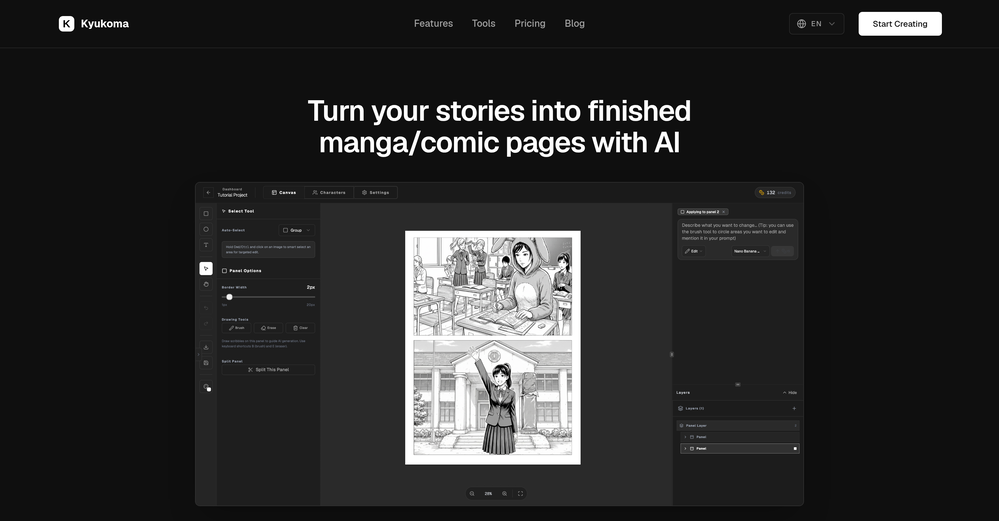

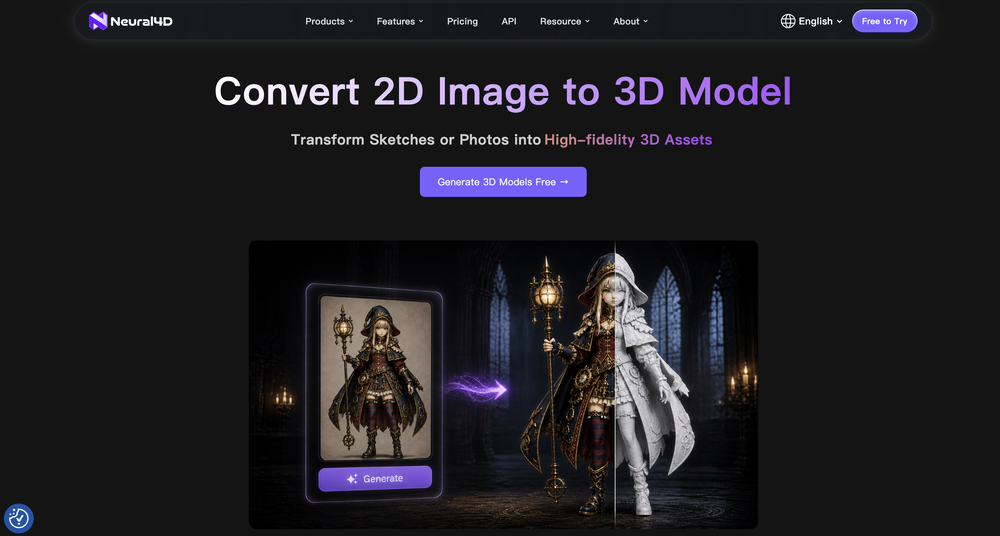



Verified tools
-
 KoooU🙏 34 karmaJun 11, 2026@HimediaI mainly used Himedia AI for image creation and got surprisingly realistic outputs. Prompt control feels intuitive compared with some other tools.
 - SponsorFlow - 4x faster than typing🎤 Dictation
-
 Start from real examples. Turn one good clip into a full video.OpenI was surprised by MotionGen's image2 model. I've uploaded a photo and it accurately suggested hairstyle variations I actually loved. Didn't expect that at all.
 -
-
Looks great, I really appreciated that it gives you credits to test it out first, not many video tools do that. Makes it way easier to actually see what it can do before paying. Nice experience overall :)
-
 Transform any photo into stunning dynamic videos.Open
 -
-
I’m not a professional animator, but Elser AI made it easy to turn a simple script into an anime-style video. The workflow feels straightforward, and the results are more consistent than I expected.
-
Just tried the Seedance 2.0 experience on LumeFlow and I’m honestly blown away. That "uncanny AI jitter" I’m used to seeing in other models is practically gone—the motion is just so smooth and fluid. I was a little skeptical at first since it’s tagged as an "Early Access Lab" feature, but the output quality is 100% the real deal. If you’re looking for cinematic physics that actually make sense, this is easily one of the best AI video experiences out there right now. Highly recommend giving it a spin.
-
 OpenHere's the rundown. If you thought image editing like Photoshop or Affinity Photo, you were wrong. It's 100% insert a photo and put a filter over it or change it into another AI image. Signing up for an account gets you 4 credits. Enough for one image to image generation. Instead, you should go to aistudio.google.com. This Dreamega site is just using google to generate their stuff anyways. You can do this yourself without paying per generation, the only difference is you need to type the prompt yourself. Is it worth paying some overblown monthly subscription on Dreamega for something you can do yourself or something you'll probably only do once?
 -
It has most popular video models on the platform
-
This tool is exceptionally useful and I find it highly enjoyable to utilise Thanks
-
Cool service. Used it just now on a video I took of my son's soccer game, which came out a bit blurry. The final result was significantly sharper.
-
Tried to recreate the bug , but seems like the app works perfectly. Try once more. Best of luck Adrian! :D
-
 Upscale, Enhance, Restore, Colorize, Stabilize & Blur Videos with AIOpenI love it, this software surprisingly colors my black and white family video images and fits this video perfectly. The effect is so stunning.
 -
It definitely looks cool but, your model selection and what is generated in your Discovery package need to be on point. They aren’t. I selected a Latin female with amber eyes and blonde hair and I got ginger hair. I tried Latin blonde with green eyes and got an Arabic with brown hair and a green shirt. It’s a great idea but, only having 5 credits and not getting what you are looking for is a waste of time or a potential client. Why ask someone to pay for something they aren’t getting? However the images are HD images and look great even if it’s not what I was looking for.



























Other tools
-
quick and the quality's nuts. tons of presets and styles to pick from, definitely one of those tools that makes you wanna keep testing more stuff.
-
It does not load the processor. Fast in operation.
-
-
Hi this is best teacher in Japan he is teach English every well. Every student like this teacher and he also loving with his students. But every time he is angry on his students because the students is very stofed.
- Didn't find the AI you were looking for?
-
 Creating lyrics in Miree style focusing on anime and pop culture.Open
 -
 Transforms image descriptions into high-quality prompts.Open