
 Mini tools
▼ Top rated
Code editing
Free mode
100% free
Freemium
Free Trial
Featured matches
-
 Open
Open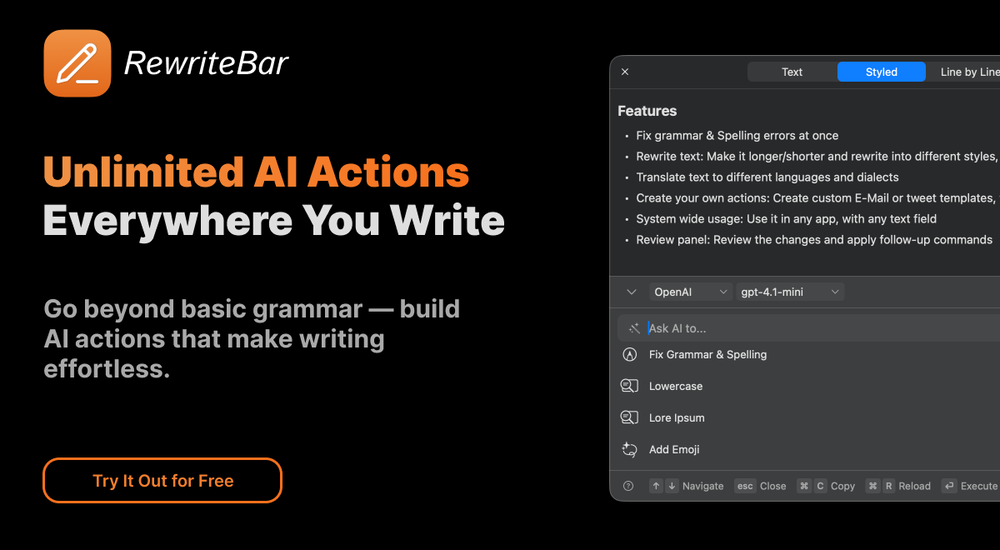 musthafa basheer🙏 16 karmaMay 24, 2024@RewriteBarIt's a useful app.
 -
 AI agent for Jupyter: Generate code, run cells with natural language.Open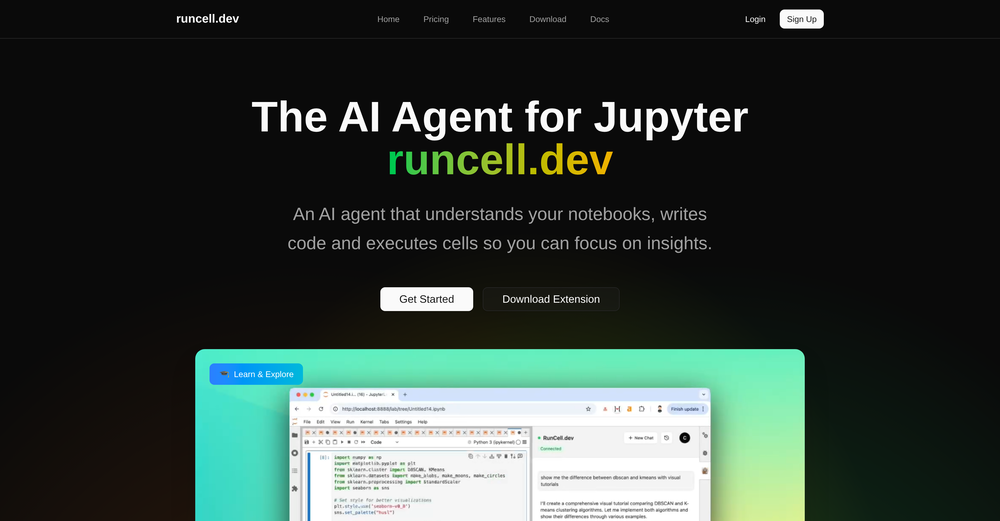
-

-
-
 Open
Open
-
 Hi Marwa — thank you for the love on your first try and for the candid update. We’re sorry about the frustration with verification and downloads — that’s on us. A quick update based on your feedback: • We’ve removed the human‑verification step entirely. It was only in place during our early launch (before login) to prevent abuse; now that sign‑in is live, it’s no longer needed. • The free plan currently includes 2 song generations per day plus unlimited listening/streaming. (Downloads are available on paid plans.) AI music generation is expensive to run, so we can’t make unlimited usage completely free, but we’re committed to keeping a useful free tier and transparent pricing. If you decide to upgrade, use the code TAAFT at checkout for 20% off any plan. If anything still doesn’t work as expected, please email us at [email protected] — we’ll jump on it. Thanks again for helping us make Eleven Music better!
 -
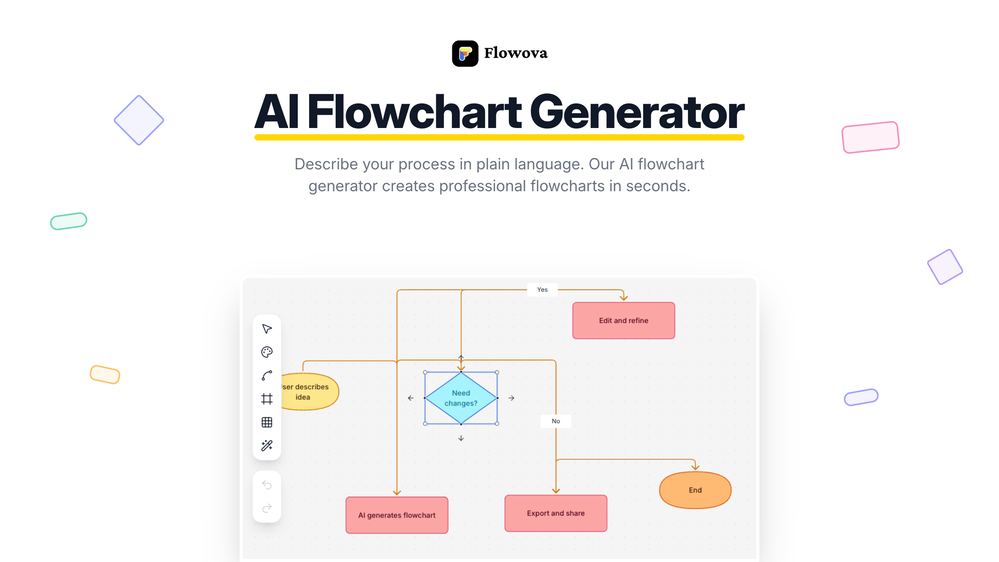 👋 Hey, I'm the founder of Flowova! We built this because we were tired of spending hours dragging boxes in traditional flowchart tools. A few things you might not know: - Works with anything — text, images, PDFs, Word, PPT, Excel, even photos of whiteboard sketches - 40+ themes designed for presentations - Full Mermaid code support for developers Happy to answer any questions! 🚀
 -
 Insanely easy to use yet reliable automation tool. Recommend to give it a try.
 -

-









Other tools
-
 Build AI Mobile & Web Apps - No Code, No Api KeysOpenI built my fitness app and published it to both App Store and Google Play in just 3 days. OnSpace AI handled all the mobile development complexity. I'm now earning from in-app subscriptions.
 -
Well, I use Statuz myself, so maybe I'm biased. The only way to find out is to try it yourself. Let us know here.
- Sponsor
 Wispr Flow-Now on Android!🎤 Dictation
 -
The thing I liked the most is that the results I get for my product are much more convincing than any tool I've used. And it's very easy to use. I like their ready-made scenes, but I'd like to see more of them going forward
-
Absolutely love this tool! It helps me apply to jobs so quickly and is so easy to use
-
It's a great AI assistant that have made my coding life so much easier.
- Didn't find the AI you were looking for?
-
-
A spotlight-ish and unique design styled app for Mac with support for local LLMs and the major flagship LLM models via API key like OpenAi, Anthropic, xAi, Groq, Google, perplexity and last but not least Deepseek. The UI blends perfectly with the MacOS UI. Has support for keyboard shortcuts. It has Some design decisions adding a touch of uniqueness. You can contextually talk with it, like, with files, audio, and document texts. So far so good.
-
-
Codespell streamlined our development process by automating repetitive backend tasks. It’s intuitive, efficient, and has become a core part of our workflow.





























Post





