
 Mini tools
▼ Top rated
Coder
Free mode
100% free
Freemium
Free Trial
-
**Simple Chat Application using Python** ===================================== Here is a simple code for a chat application using Python: **Server Side (chat_server.py)** ```python import socket import threading HOST = '127.0.0.1' PORT = 9090 server = socket.socket(socket.AF_INET, socket.SOCK_STREAM) server.bind((HOST, PORT)) server.listen() clients = [] nicknames = [] def broadcast(message): for client in clients: client.send(message) def handle(client): while True: try: message = client.recv(1024) broadcast(message) except: index = clients.index(client) clients.remove(client) client.close() nickname = nicknames[index] broadcast(f'{nickname} left the chat!'.encode('ascii')) nicknames.remove(nickname) break def receive(): while True: client, address = server.accept() print(f"Connected with {str(address)}") client.send('NICK'.encode('ascii')) nickname = client.recv(1024).decode('ascii') nicknames.append(nickname) clients.append(client) print(f'Nickname of the client is {nickname}!') broadcast(f'{nickname} joined the chat!'.encode('ascii')) client.send('Connected to the server!'.encode('ascii')) thread = threading.Thread(target=handle, args=(client,)) thread.start() print("Server Started!") receive() ``` **Client Side (chat_client.py)** ```python import socket import threading HOST = '127.0.0.1' PORT = 9090 client = socket.socket(socket.AF_INET, socket.SOCK_STREAM) client.connect((HOST, PORT)) def receive(): while True: try: message = client.recv(1024).decode('ascii') if message == 'NICK': client.send(nickname.encode('ascii')) else: print(message) except: print("An error occurred!") client.close() break def write(): while True: message = f'{nickname}: {input("")}' client.send(message.encode('ascii')) nickname = input("Choose a nickname: ") receive_thread = threading.Thread(target=receive) receive_thread.start() write_thread = threading.Thread(target=write) write_thread.start() ``` **How to use:** 1. Run the `chat_server.py` script in a separate terminal or command prompt. 2. Run multiple instances of the `chat_client.py` script in separate terminals or command prompts. 3. Each client will be prompted to enter a nickname. 4. Clients can send messages to each other by typing and pressing enter. Note: This is a very basic implementation and you may want to add more features such as error handling, encryption, and more.

Featured matches
-

 CoreWise.Video🛠️ 1 tool 🙏 12 karmaJan 9, 2026@ReplayLove the concept! Congrats on the launch
 -
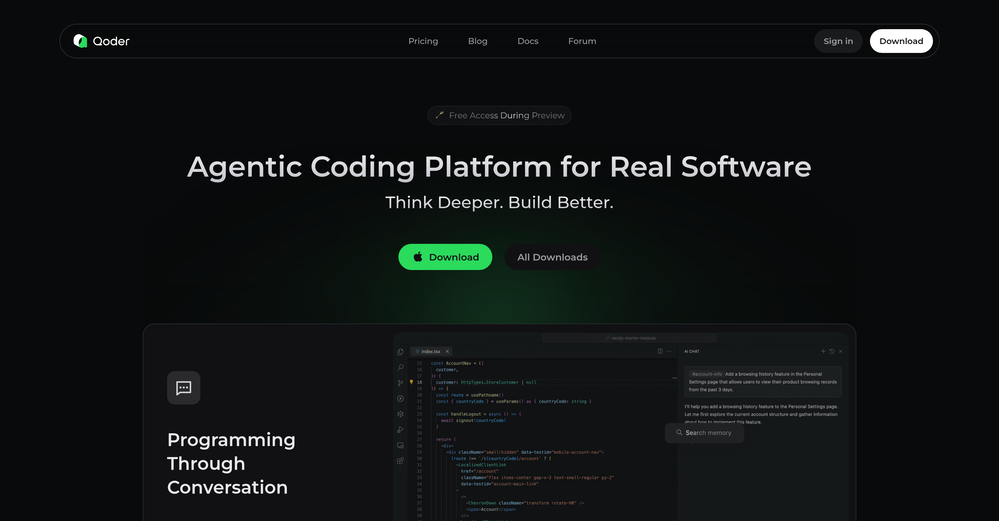
 Modular & Cross-Platform Vibe Coding Editor and Workflow Automation on Any DeviceOpen
 good!A different kind of AI tool that has been very helpful for my work!
 -
 Approve/reject Claude code permission requests from anywhere on MacOpen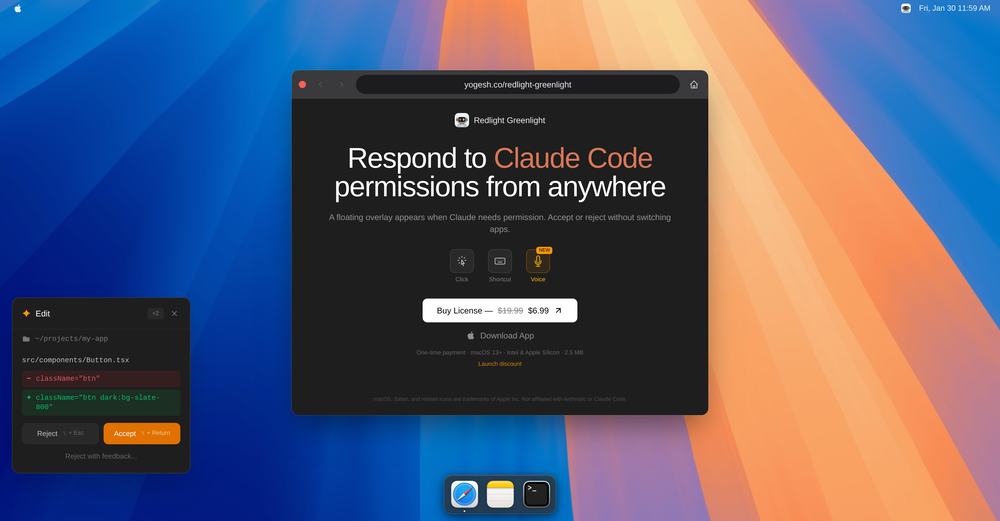
-
-
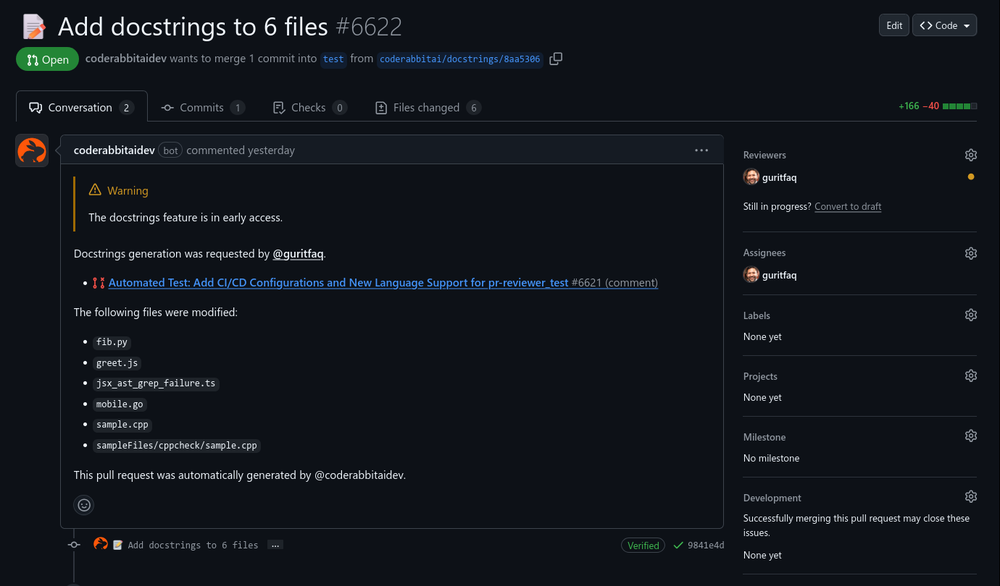 Introducing CodeRabbit Issue Planner! ✨ AI agents made coding fast but planning messy. Turn planning into a shared artifact in your issue tracker, grounded in related issues and decisions. Review prompts as a team, then hand them off to an agent! Claude or Cursor can generate a plan in seconds, but they won’t know about the related issue from last sprint, the architectural decision buried in comments, or the refactor already in flight. So they confidently plan the wrong thing. Plans like these either lead to an iterative prompting time suck, or are subtly wrong in ways you only discover during implementation or review, after assumptions harden and rewrites erase all your AI speed gains. CodeRabbit Issue Planner turns planning into a shared artifact in your issue tracker. > Plans are grounded in related issues, past decisions, and context. > Teams align with prompt reviews before code exists. > Plans are then handed off to any agent. By aligning on intent up front, teams reduce AI slop and rework, save time, and make AI usable for everyone… not just a few “prompt whisperers” on the team. So, you ACTUALLY move faster with AI.
 -
 Nice and simple tool. Not all generated images are perfect, but I like that you can simultaneously generate multiple covers in different styles. Every spin, I get at least a couple of beautiful ones.
 -

-
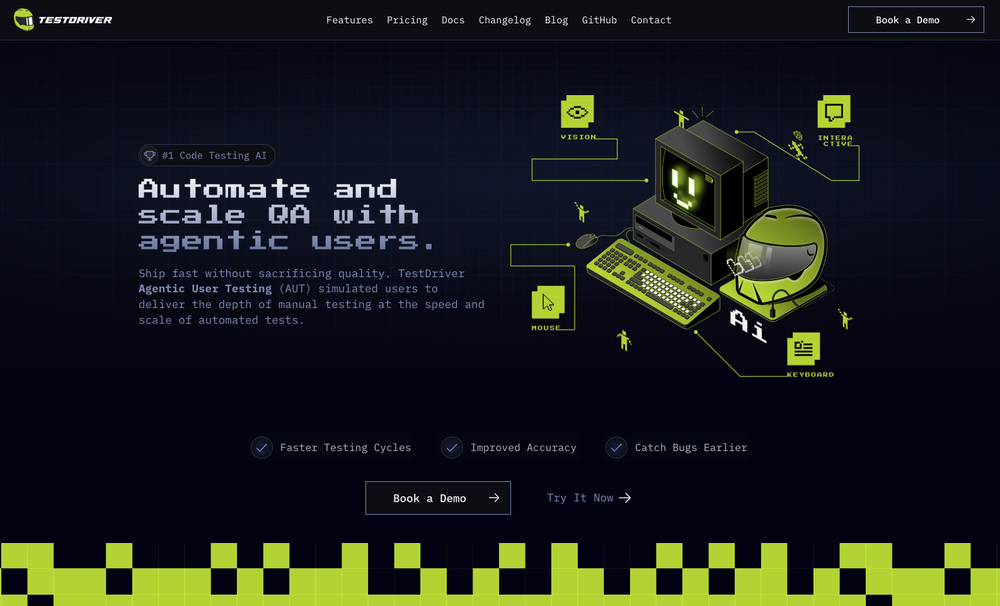 Test failure can be triggered by: - Text not being found - Image not being found - "Assert" condition not being met (according to AI with 90% confidence)
 -
 Converts JavaScript code to TypeScript.Open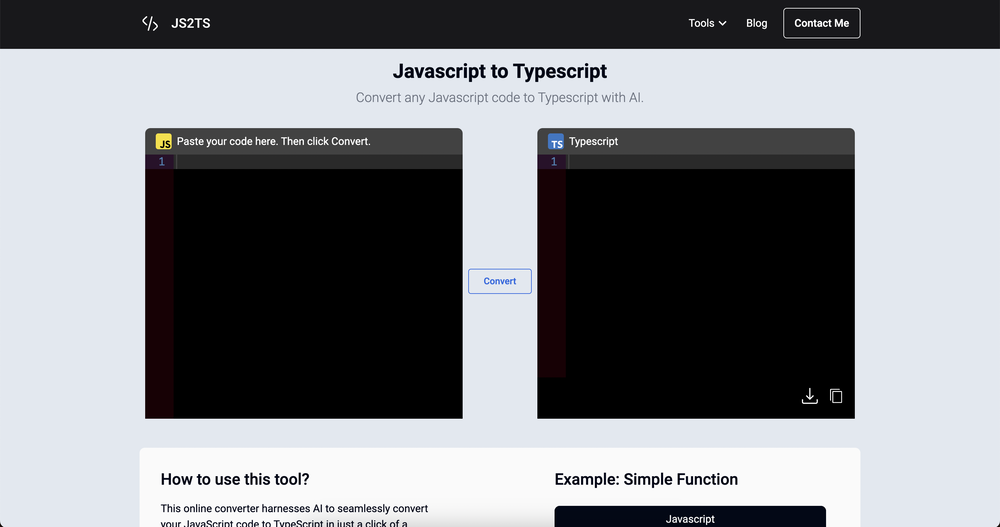
-











Other tools
-
 Build AI Mobile & Web Apps - No Code, No Api KeysOpenI built my fitness app and published it to both App Store and Google Play in just 3 days. OnSpace AI handled all the mobile development complexity. I'm now earning from in-app subscriptions.
 -
 Generate code snippets, functions, and components with AI assistance.OpenGreat tool for helping with coding tasks.
 - Sponsor:
 Base44💻 Vibe coding
 -
 Open
Open -
 Open
Open -
-
 Transform job postings into personalized cover letters instantly.Open
 - Didn't find the AI you were looking for?
-
 Transform programming ideas into crystal-clear pseudocode instantly.Open
 -
 Generate tailored cover letters from resume and job description.OpenIt makes crafting professional, tailored cover letters quick and stress-free, helping you stand out with ease. Highly recommended for everyone!
 -
 Your AI-powered partner for smarter, faster, and more productive software engineeringOpen
 -
 Transform complex programming problems into crystal-clear pseudocode.Open














Post





