Mini tools
-
 Nina Ristik🙏 31 karmaMar 18, 2024@RimoReally cool and intuitive tool, it helps me a lot with my articles!
 -
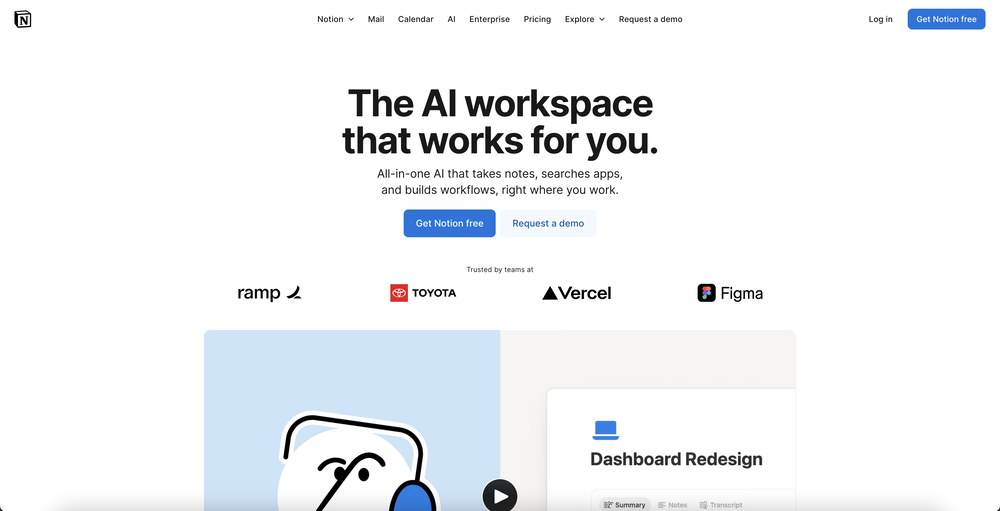
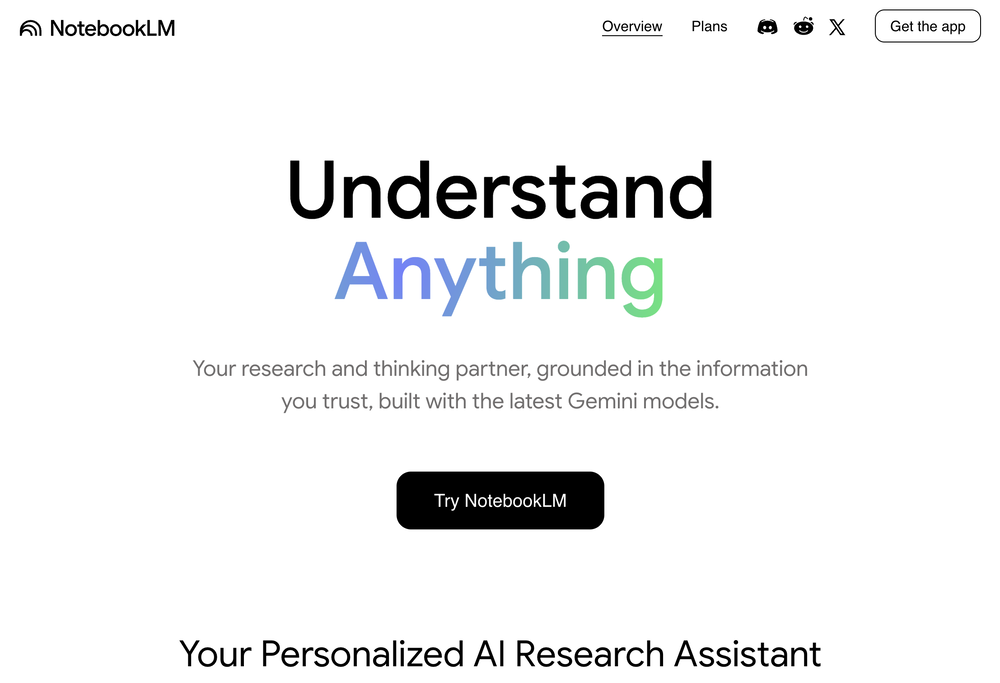
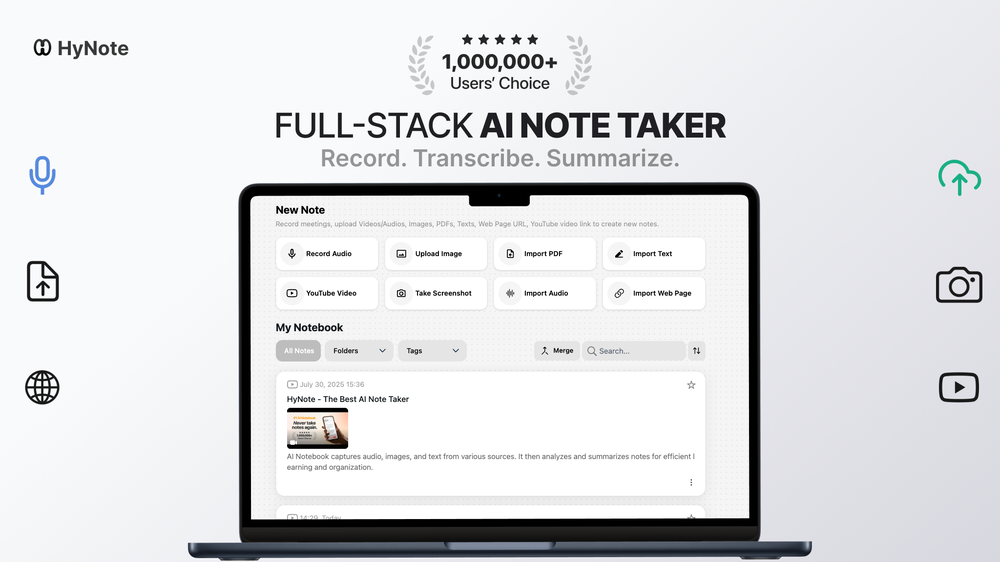 AI Notebook does what it promises, it's a decent on the go note-taking app. I like the automated tweak of these newer note-taking apps. I can just throw in pdfs, voice memos or youtube videos, and it'll generate all type oof different format like summaries, mind maps or flashcards. Extremely useful for students and professionals as it digest lengthy materials into small chunks of text. Recommended for anyone looking for a no-frills note taker tool
 -
 AI-powered task list: Dictate tasks, integrate with Gmail, Slack, ChatGPT & Calendar.Open
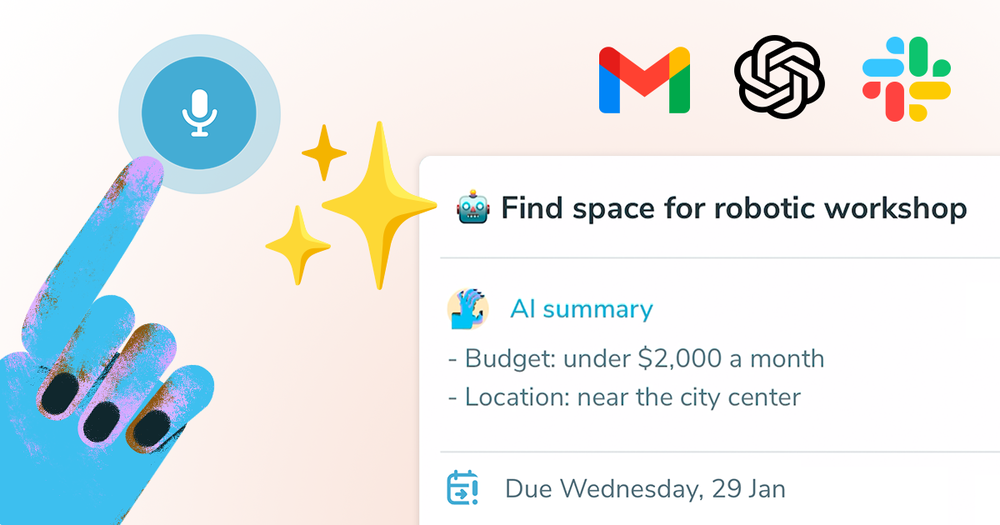 Thanks for your feedback Michael! :) You can also try our ChatGPT integration: https://ping.tm/features/chatgpt-integration
 -

-
-
-
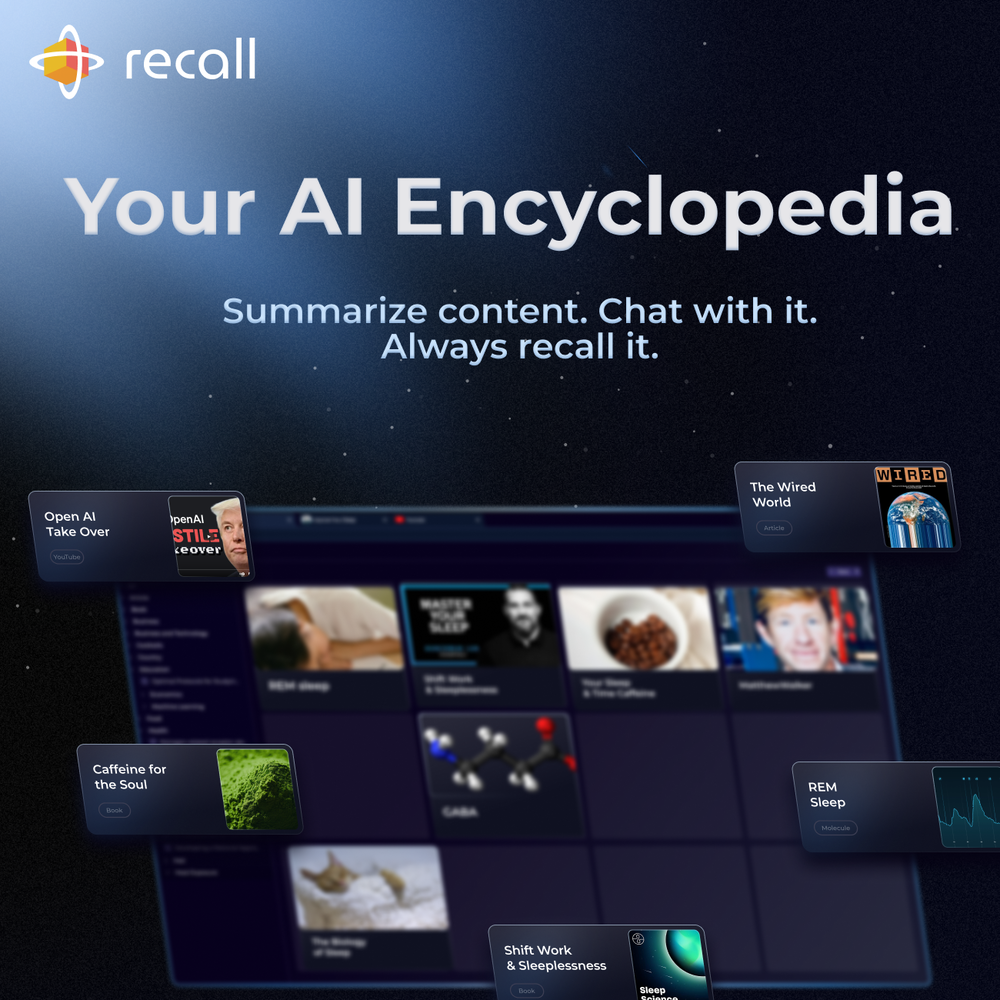 Chat with a knowledge base is an absolute game-changer for the knowledge management space. Using it for my longevity protocols and sleep optimization.
Spotlight TendemTask automation
#1 website for AI tools.Used by 80M+ humans.