 Flow - 4x faster than typing

 Mini tools
 Any idea to video, made simple.
 freebeat AI
 ClipMode
 Magik Face
 D-ID
D-ID
 MagicLight
 HeyGen
 Kaiber Superstudio
 Seedance
 Kling
Kling
 AI Video Generator by RenderFlow AI
 neural frames
 Funy AI: AI Dance, AI Bikini, AI Kiss
 Chraft AI
 ViGi
ViGi
 Vidu AI Video Generator
 Videnly
 Viddo AI - AI Video Generator
 VidGen AI Video Generator
 Wan Video
 CreatorFrames
 So You Want To Be A Writer?
 Minka
Minka
 Ancient AI powered spirits
 Jvb ai
 somacguffin
 Cuty
Cuty
 Superfly Stoner

Anyvids






Overview


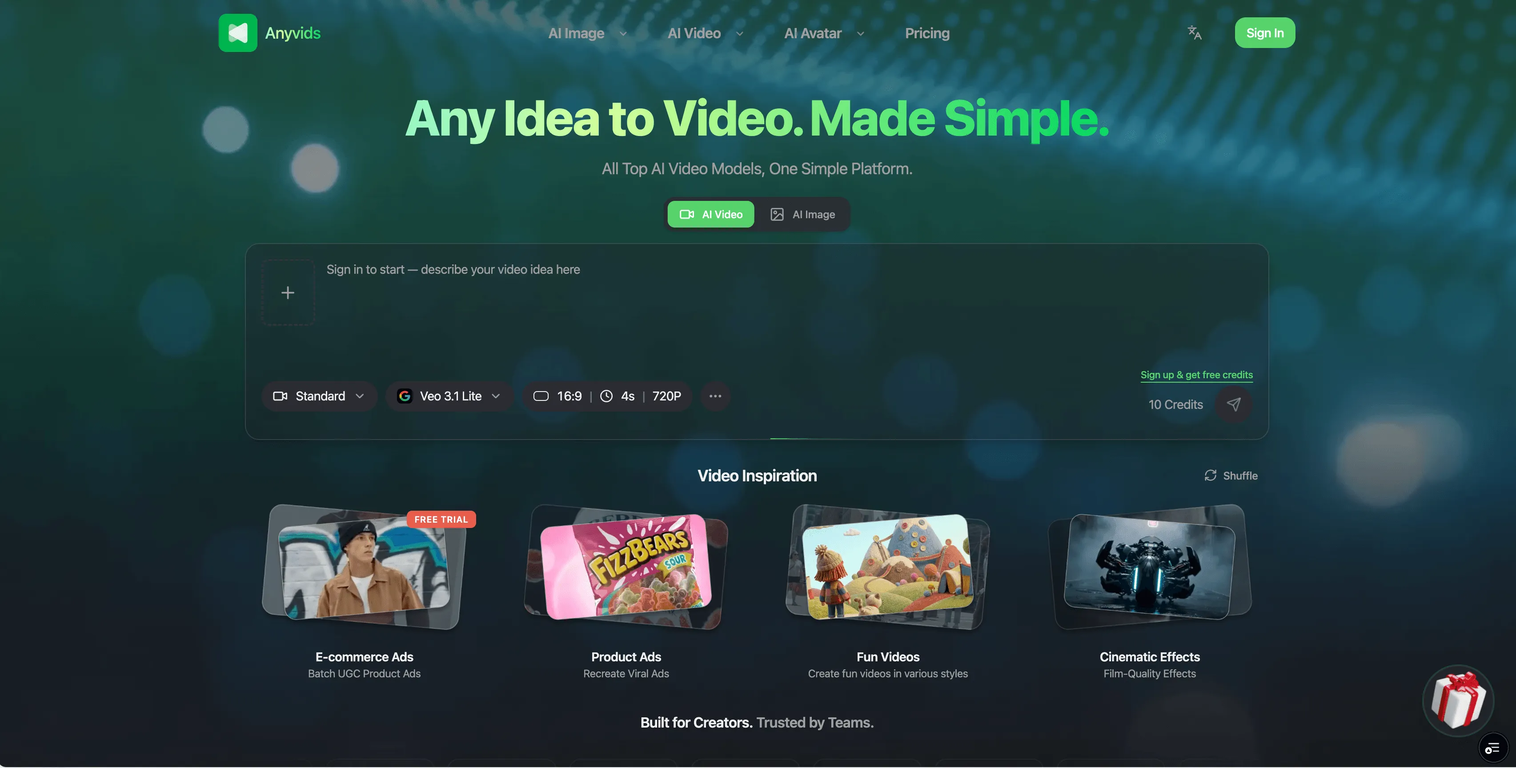
Anyvids.ai is a comprehensive AI platform designed for video and image creation. The platform incorporates an array of top AI models, allowing users to create, edit, and refine videos and images within a unified environment.
It provides tailored AI solutions not only for individual creators, but also for enterprises, catering to requirements of social content, brand campaigns, and cinematic projects.
The creation process on Anyvids.ai is designed to be intuitive and user-friendly, involving four steps - describing or uploading an image for your video, choosing output settings, waiting for the AI to generate the video, and then being able to download and share the final result.
Apart from being a video generator, Anyvids.ai also offers an array of creative tools such as an AI image generator, AI movie maker, an AI character generator they also include Text to image, Image to Image and a text to video feature among others.
AI models available on the platform includes Gpt image 2, Nano banana 2, Flux 2 and others. The platform is intended for a wide audience, from content creators and designers to any individual or business in need of AI-powered video and image creation tools.
Key Features
- Ai Video Generation
- Ai Image Generation
- Ai Avatar
- Ai Video Editing
- Ai Image Editing
- Video Upscaler
- Character Swap
- Motion Control
- Ai Movie Maker
- Ai Ad Video Generation
- Ai Animation Generator
Releases

Anyvids is an all‑in‑one AI video and image platform that brings every top model into one place — a complete creative toolkit for content creators, designers, and everyone in between.
Pricing
Top alternatives
-
 Turn Music & Ideas into Viral Videos In One Click🔥 freebeat V10.2 introduces Photo Karaoke, multiple performance modes, scene presets, and automatic AI lip sync. ----- What’s New - 📸 Photo Karaoke – Turn a single portrait into an AI-powered singing performance with just a photo and a song. - 🎭 Multiple Performance Modes – Create Solo, Duet, or Pet karaoke videos for different performance experiences. - 🎬 Scene Presets – Choose from built-in performance scenes including Studio, Jazz, Bar, Home, Supercar, Fisheye, and more. - 🎤 Expressive AI Lip Sync – Generate natural singing performances synchronized with your song. ----- How It Works 1. Upload a photo or choose one from My Assets. 2. Select a performance mode and scene preset. 3. Add your song and generate your karaoke performance. 4. Download the finished video and share it anywhere. ----- Why It Matters V10.2 expands freebeat’s music video creation experience by bringing AI singing performances to still images. Instead of recording videos or animating portraits manually, creators can now transform a single photo into an expressive karaoke performance in just a few clicks. 👉 Try it now – www.freebeat.ai
 -
 Create AI-generated videos with easeFranco Arteseros🙏 67 karmaOct 23, 2024@D-IDWE USE D-ID AT THE COLORADO VIRTUAL CREATIVE FACTORY...AND LOVE IT.
 -
 Transform text into captivating videos instantly.You get 300 credits upon signing up, which is enough to test out the app and see its potential. I had a bit of fun with it. It takes a few minutes to generate content, but the results are impressive. There are many styles, modifiers, and customization options available. I would definitely use this for content creation or storytelling.
 -
 Create AI spokesperson videos from text
 -
 AI Video GenerationThey're dreaming if they think I'd give them my credit card info just for a free trial. Most useless thing ever...
 -
 Multi-shot video generation from text and image.






