 Wispr Flow-Now on Android!
 Mini tools
 Jason AI
 Intuo - AI Sales Intelligence Brief
 Cora Intelligence
 Vuepak
 Extruct AI
 Expertise AI (Chatsimple)
 MagicBlocks
 Splutter AI
 Syndie.io
 Strama
 GodmodeHQ
 Dealism
 NoForm
 MagicForm
 Solda AI
 GoAgentic
 Demodesk
 Sellestial
 Pod
Pod
 Ungrind
 Younet
 FirstSign AI
 Bika.ai
 CleeAI
 Avataar's GenAI Creator
 Activepieces
 Kong.ai
 BigTeam
 Olivya
 Sreda.ai
 Neferdata
 AI Agents
 Abstra
 DoubleO
 Pipefy
 Quixl
Quixl
 Cubeo
Cubeo
 Sema4.ai
 Ridvay
 Calk AI
Close.com
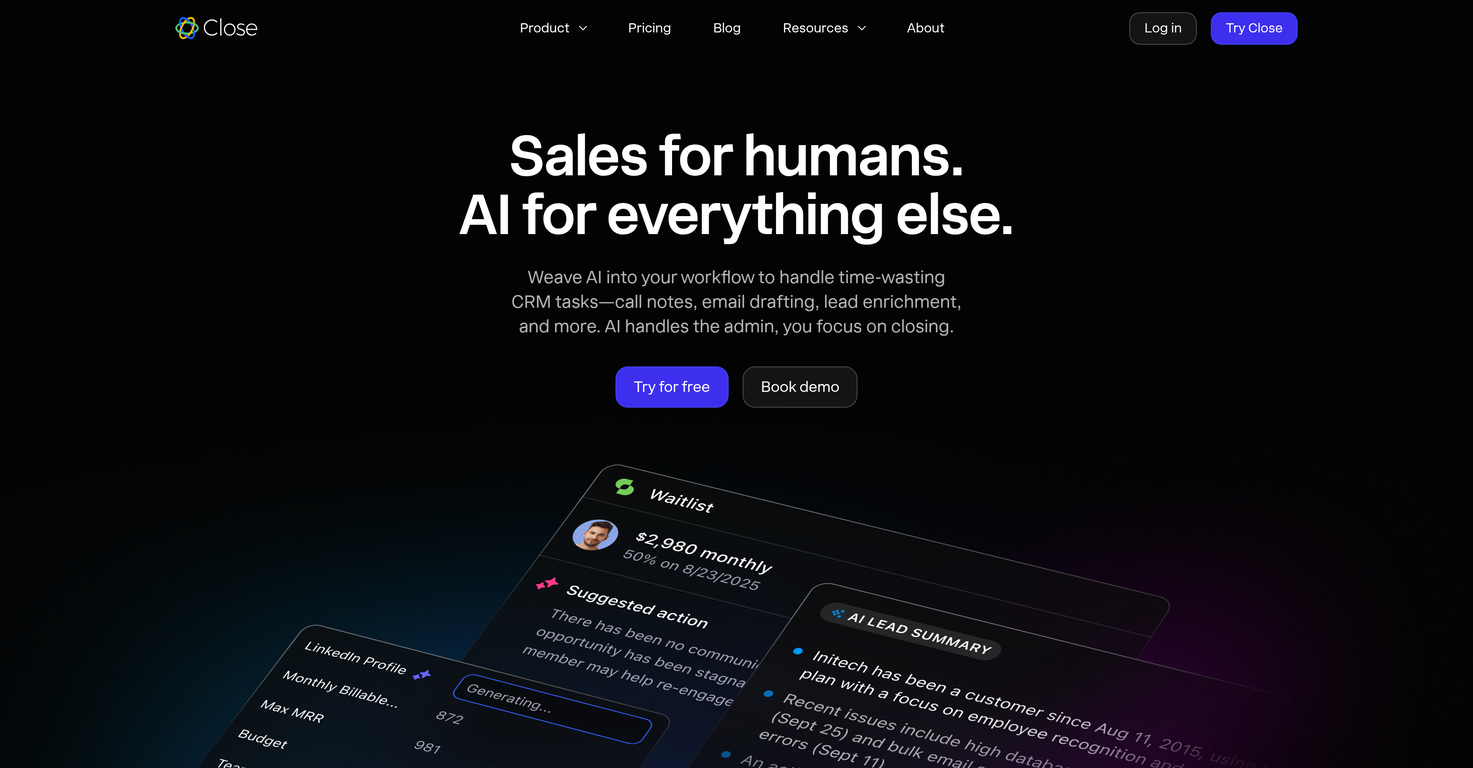




Overview
This CRM tool integrates artificial intelligence to enhance sales productivity by automating administrative tasks such as note-taking, email drafting, and lead enrichment.
The built-in AI functions prioritizing real sales workflows and offers actionable insights. Key features include the Notetaker AI and Call Assistant, which join Zoom calls to transcribe conversations and generate smart summaries directly in your CRM.
The AI Enrich component searches for up-to-date lead data from the web, eliminating the need for third-party data enrichment tools. Meanwhile, the MCP Server introduces AI-driven research, analysis, and action into the CRM, allowing users to find answers and draw insights without switching platforms.
AI Drafts automatically suggests personalized follow-up emails and messages post-calls or meetings, ensuring timely and consistent communication. AI Summaries provides concise, useful summary of past lead activity, enabling sales reps to gain instant context and jump into meaningful conversations.
The AI features are typically native to the CRM, requiring no additional extensions or complex setup. The software is designed to boost sales productivity and optimize workflows by cutting down on manual, time-consuming tasks.
Releases
Top alternatives
-
 piw🙏 60 karmaOct 8, 2025@Jason AIthat's such a great AI
 -
 Your AI-powered daily brief that tells you what matters and whyOpen
 -
It’s an very interesting project, it helps me a lot to speed up my process.
-
 AI-powered outreach and multimedia delivery to help sales and marketing teams close.Open
 -
I was searching for such a tool literally two days ago, and today I found it on theresanaiforthat. That's funny and awesome. It seems to work well.
-
has been an absolute game changer. Easy to use and offers the flexibility of enterprise level integrations at a fraction of the cost of some other tools. Training models are easy.





 0
0





