How can I use Domer's image tools for generating mockups or concept art?
Domer's image tools for generating mockups or concept art enables users to take a text description or an existing image and create visually appealing content. Users can experiment with these tools to create visually striking static content in addition to dynamic videos.
How many free credits does Domer provide initially and do they ever expire?
Domer provides users with an initial 10 free credits, which never expire. This allows users to test the platform's features without any constraint or need for a subscription.
Can Domer generate videos from just text or photos?
Yes, Domer can generate videos from either text or photos. Users can input textual descriptions or upload images, and Domer will generate a video based on these inputs.
What performance comparison can you give between Google Veo, Kling, and Wan video models?
Google Veo, Kling, and Wan models on Domer each serve very specific purposes. Veo is used for creating high-quality videos, Kling offers a quick turnaround, while Wan enables the generation of longer video clips.
Is Domer suitable for commercial use or client work?
Yes, Domer is suitable for both commercial use and client work. It allows for the generation of videos without watermarks, making the created content freely usable in a wide range of commercial projects across multiple social media platforms.
What does it mean that Domer allows 'creative flexibility'?
'Creative flexibility' refers to Domer's robust functionality and the multiple options it offers for video creation. This includes options for setting camera angles, lighting, motion speed, and the ability to create videos from either text descriptions or uploaded images.
Can I use Domer for creating content for TikTok, Instagram Reels and YouTube?
Yes, Domer is an ideal tool for creating content for social media platforms such as TikTok, Instagram Reels, and YouTube. Its features are designed to be versatile and suitable for diverse content creation needs across multiple platforms.
How do free credits work on Domer?
On Domer, users start with 10 free credits. These credits are used to avail of Domer's video generation features. Importantly, they never expire, giving users the freedom to explore and test the platform at their convenience.
Can Domer be used without a subscription?
Yes, Domer can be used without committing to a subscription. It offers an initial 10 free credits for new users. These credits do not expire and allow users to explore and test the platform's features without any monetary investment.
Does Domer support text-to-video and image-to-video functionalities?
Yes, Domer supports both text-to-video and image-to-video functionalities. This dual functionality allows users to input textual descriptions or upload images to generate a video based on their needs.
What video types can Domer create?
Domer can create a range of video types depending on the user's specific needs. This includes high-quality videos using the Veo model, faster results using the Kling model, and longer clips when using the Wan model.
Can Domer generate videos without watermarks?
Yes, Domer generates videos without adding any watermarks. This feature allows users to display and distribute their videos freely for commercial projects, client work, and across social media platforms.
What are the main differences between Google Veo, Kling, and Wan models on Domer?
Google Veo, Kling, and Wan models on Domer each have unique advantages. Veo is designed for creating high-quality videos, Kling focuses on speed for quicker results, and Wan focuses on producing longer video clips.
Can you generate videos in various resolution formats using Domer?
Though the specific resolution formats Domer supports aren't explicitly stated on their website, Domer does support Google Veo, Kling, and Wan models which can typically generate video in various resolution formats. Domer ensures the produced videos are of high quality, suitable for diverse content needs.
What is Domer?
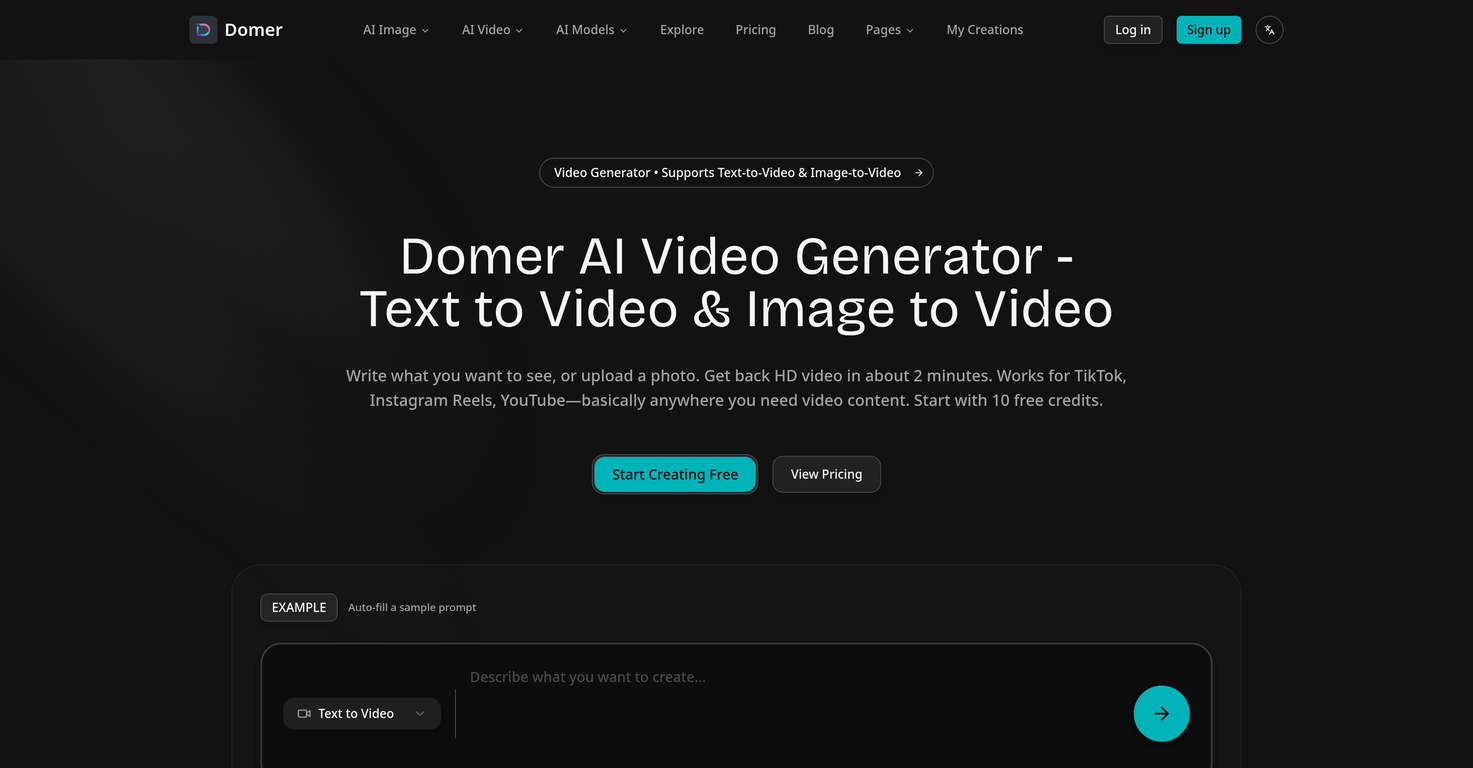
Domer is a free AI video generator with support for text-to-video and image-to-video functionalities. The tool generates HD videos using users' inputted textual descriptions or uploaded images, supporting multiple video models such as Google Veo, Kling, and Wan to cater to varying needs of quality, speed and length of the video. Domer enables its users with the flexibility to customize camera angles, lighting, and motion speeds among others. The platform also features image tools for generating mockups or concept art.
How does Domer convert text to video?
In Domer, the text-to-video conversion begins when the user writes a scene description. Based on the description, the AI then generates an HD video that matches the stated description. The user can specifically influence factors such as camera angles, lighting, and motion speed to control the video output.
How does Domer convert images to video?
For image-to-video conversions, Domer requires users to upload a photo and describe its desired movement. The AI then takes the photo and the description, and generates a video where the photo moves according to the description provided.
Can Domer be used for creating social media content?
Absolutely, Domer is a great tool for creating social media content. It supports the creation of content fitting for TikTok, Instagram Reels, YouTube and other platforms. It also provides the capability to create advertisements, product demonstrations and even allows for the testing of concepts before filming.
What video models does Domer support?
Domer supports three types of video models. These are Google Veo, Kling, and Wan. Each model caters to different needs, with Google Veo being used for higher quality videos, Kling for quicker results and Wan for generating longer clips.
What are the differences among Google Veo, Kling, and Wan models in Domer?
The differences among Google Veo, Kling, and Wan models in Domer lie in their purpose and result. Google Veo is focused on providing superior video quality, Kling is designed for rapid generation, and Wan serves when extended length clips are required.
What customization options are available in Domer?
In Domer, users can customize camera angles, lighting, and motion speed for their generated videos. This allows for a personal touch and gives the user the ultimate creative flexibility.
Can videos created with Domer be used for commercial projects?
Yes, videos created with Domer can be used for commercial projects. The platform offers comprehensive rights for usage of the generated content, which includes commercial usage.
Does Domer allow non-watermarked video generation?
Yes, Domer allows the creation of videos without any watermark. This feature enables the user to use generated content without any restrictions or credit necessary.
Does Domer offer free credits for first-time users?
Yes, Domer offers 10 free initial credits for first-time users as a trial of the system, without need for any subscription requirement.
Do credits in Domer expire?
No, credits in Domer never expire, giving users the freedom to use them as needed.
How long does it take to generate a video with Domer?
On average, it takes about 2 minutes to generate a video with Domer. However, time may vary depending on chosen video model such as Veo and Kling, which take approximately 90 and 60 seconds respectively.
Can Domer be used to create video mockups?
Yes, Domer can be used to generate video mockups. Users can leverage text-to-video or image-to-video capabilities to create a visual rendition of their ideas quickly and easily.
How does the credit system work in Domer?
In Domer, credits function as currency to generate videos. The use of different video models cost different amounts of credits, and the cost is displayed to the user before video generation. The platform starts with an initial offer of 10 free credits and additional credits can be obtained through purchasing plans offered on the website.
What type of content can be created using Domer?
With Domer, users can create a variety of content including product demos, ad concepts, social media material, and concept art. It enables both text-to-video and image-to-video transformations.
What are the input formats accepted by Domer for image-to-video conversion?
Domer accepts images in PNG, JPG, and WebP formats for the image-to-video conversion.
Can multiple Domer models be used for a single project?
Yes, with Domer, users can choose the appropriate model for their project. This means that they can pick a different model for each project without being restricted to a single one throughout their usage.
Is there an option in Domer to test ideas before committing?
Yes, Domer allows users to test out their concepts and ideas without committing to actual filming. The tool's fast generation time and customization options make it easy to experiment and refine ideas.
What image tools does Domer provide?
Domer offers image tools that enable quick mockup or concept art creation. This includes tools for generating still images from descriptions (Text-to-Image) and altering the style or elements of an uploaded image (Image-to-Image).
How can content ownership be assured while using Domer?
Content created using Domer entirely belongs to the user. Domer does not impose any watermarks or claim any rights to the generated content, ensuring users have unrestricted ownership and control over their output.