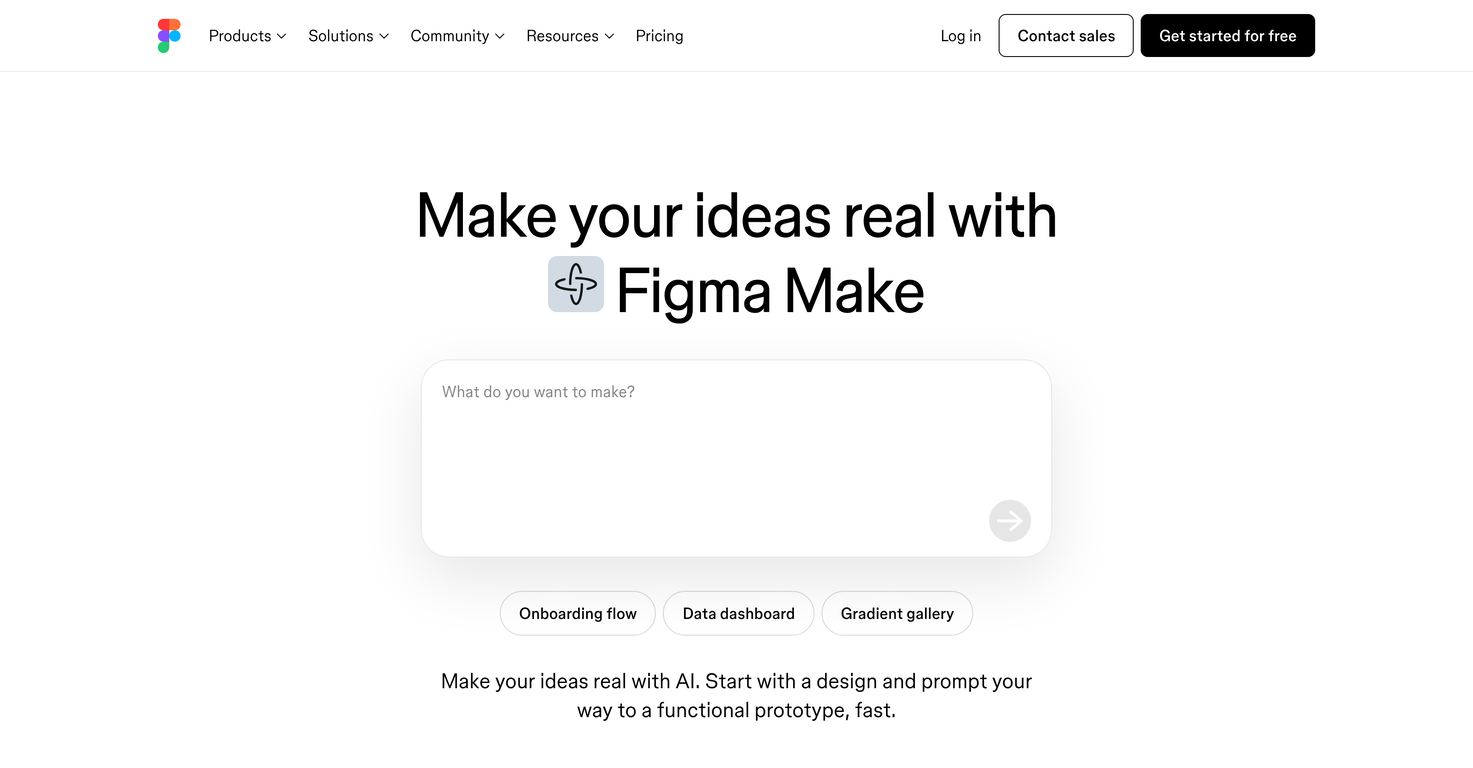
What is Figma Make?
Figma Make is an AI-powered design tool that allows its users to transform their ideas into reality. It offers a unified creative space where users can draft, iterate, generate, and build their designs efficiently and quickly. It is primarily intended for tasks such as design systems, prototyping, UX design, web design, and wireframing. Figma Make also has a prompt to code feature that facilitates the creation of anything you can imagine.
How does AI power Figma Make?
AI powers Figma Make by offering intelligent suggestions and automating certain parts of the design process. The AI in Figma Make allows users, even those without specific design or coding experience, to refine a design based on its suggestions. It also assists in modifying its outputs to fit the user's needs, such as adjusting the text, swapping images, or fine-tuning the spacing.
What features does Figma Make offer for the design process?
Figma Make offers a multitude of features that facilitate the entire design process. It helps users draft out their ideas, and then rapidly iterate and build those ideas within a single creative space. It has a feature that refines designs based on AI suggestions, even if the user lacks specific design or coding skills. The platform also allows the users to collaborate with the AI and modify its outputs directly like adjusting text, substituting images, or fine-tuning the space. Figma Make can connect to external tools like Supabase to convert design concepts into functional web apps.
How does Figma Make facilitate collaboration with its AI?
Figma Make facilitates AI collaboration by allowing users to directly modify the AI's outputs to better meet their needs. This includes the flexibility to rewrite text, replace images or adjust spacing. Even without specific design or coding skills, users can refine their designs with AI suggestions. It offers an intuitive interface for users to interact and collaborate with the AI-generated designs.
What is the Supabase integration in Figma Make?
The Supabase integration in Figma Make allows users to connect their design concepts to Supabase, a realtime and RESTful API and Postgres database. This enables the transformation of design concepts into working web applications.
What are the benefits of Supabase integration in Figma Make?
The benefits of Supabase integration in Figma Make include the capability to turn design concepts into functional web applications without requiring coding skills. Supabase provides additional functionalities like user authentication, data storage, connecting to private APIs, and more. In essence, the Supabase integration simplifies the process of building web applications from design concepts.
How does Figma Make integrate with other Figma products?
Figma Make integrates with other Figma products to provide a seamless design experience. You can incorporate the power of Figma Make into Figma Sites to easily customize your website, test interactions, and publish. Selected frames in Figma Sites can be brought to life with Figma Make.
Is Figma Make suited for UX design and prototyping?
Yes, Figma Make is ideally suited for UX design and prototyping. The platform is designed to support and streamline these pivotal aspects of the design process. It allows users to rapidly generate, iterate, and build their design ideas, all within one unified creative space.
What kinds of designs can I create using Figma Make?
With Figma Make, you can create a wide variety of designs. This includes, but is not limited to, design systems, prototypes, UX designs, web designs, and wireframes. Figma Make is equipped with features that enable the creation and iteration of any design idea you can imagine.
Does Figma Make require programming skills?
No, Figma Make does not require programming skills. One of its greatest advantages is its user-friendly and intuitive design interface that allows anyone to create and refine designs based on AI suggestions. Its capability to transform a design concept into a functional web app with tools like Supabase also doesn't require coding knowledge.
How does Figma Make turn design concepts into functional web apps?
Figma Make turns design concepts into functional web apps by connecting to tools like Supabase. With this integration, users can transform their ideas into web apps ready to go live, without requiring any coding skills. This process includes options to add user authentication, store user data, and even connect private APIs.
What type of designs can I publish with Figma Make?
You can publish designs of all types with Figma Make. Owing to its extensive feature set and seamless integration with other Figma products, Figma Make allows you to enhance, test, and publish designs, whether it is for design systems, UX designs, web designs, or wireframes.
Can Figma Make assist me in drafting ideas?
Yes, Figma Make can assist you in drafting ideas. It provides an all-in-one creative space that facilitates the initial conceptualization and drafting phase of your design process. Through AI suggestions, even those without specific design or coding experience can refine their initial concepts.
How does Figma Make assist in iterative design?
Figma Make supports iterative design by allowing users to rapidly generate, refine, and reconstruct their designs directly on the platform. It has a feature that refines designs based on AI suggestions, thus helping in the iterative process. Also, its capability to directly edit AI outputs aids in fast and efficient iterations.
Can Figma Make generate high-fidelity prototypes?
Yes, Figma Make can generate high-fidelity prototypes. It offers design tools—powered by AI—that facilitate the development of high-fidelity prototypes. With Figma Make, users can explore every big, wild, wacky, and tiny idea and create high-fidelity prototypes to help everyone see their vision.
What interactive design features does Figma Make offer?
Figma Make offers the ability to interactively design in a virtual space. Users can collaborate with the AI, directly edit its outputs, and further iterate on designs within Figma Design. This enhances both the design and prototyping experience, making it more interactive and user-friendly.
How can Figma Make help me with wireframing tasks?
Figma Make can assist you with wireframing tasks by facilitating the rapid generation of detailed wireframes. The AI-powered design tools allow users to create and refine wireframes based on AI suggestions. You can visually map out the design structure and interface of your projects, making wireframes easier and more efficient to create.
How would you rate Figma Make?
Help other people by letting them know if this AI was useful.