Mini tools
 Turn text and images into production-ready 3D models with AI in seconds.



 So You Want To Be A Writer?
 Minka
Minka
 Ancient AI powered spirits
 Jvb ai
 somacguffin
 Cuty
Cuty
 Superfly Stoner



Meshyv6Version updatev6Apr 20, 2026New Feature: Auto Split
Auto Split is now available in Meshy.
Generating a 3D model and printing it are two different problems. Most models are not print-ready as generated — they exceed build plate dimensions, require color separation across multiple filaments, or contain open mesh surfaces that slicers cannot process. Until now, fixing these issues required manual work across Blender, Meshmixer, and a slicer, with no guarantee the parts would fit back together.
Auto Split handles that preparation inside Meshy. Any model you generate or upload can be split into parts, auto-capped, and auto-arranged on the build plate in one step.
How it works:
— Fast Preview. The split result is available in approximately 40 seconds. Splitting is iterative — cuts can be reviewed and re-run before anything is sent to the slicer.
— Smart Cuts. Cuts follow the model's natural structure — color zones, structural seams, component edges — rather than arbitrary planes across the mesh. Each cut is sized to fit the target build plate.
— Built to Assemble. Every cut surface is auto-capped watertight. Parts are auto-arranged on the build plate with plate usage displayed. One click exports the prepared 3MF directly to Bambu Studio, OrcaSlicer, or ElegooSlicer.








Overview





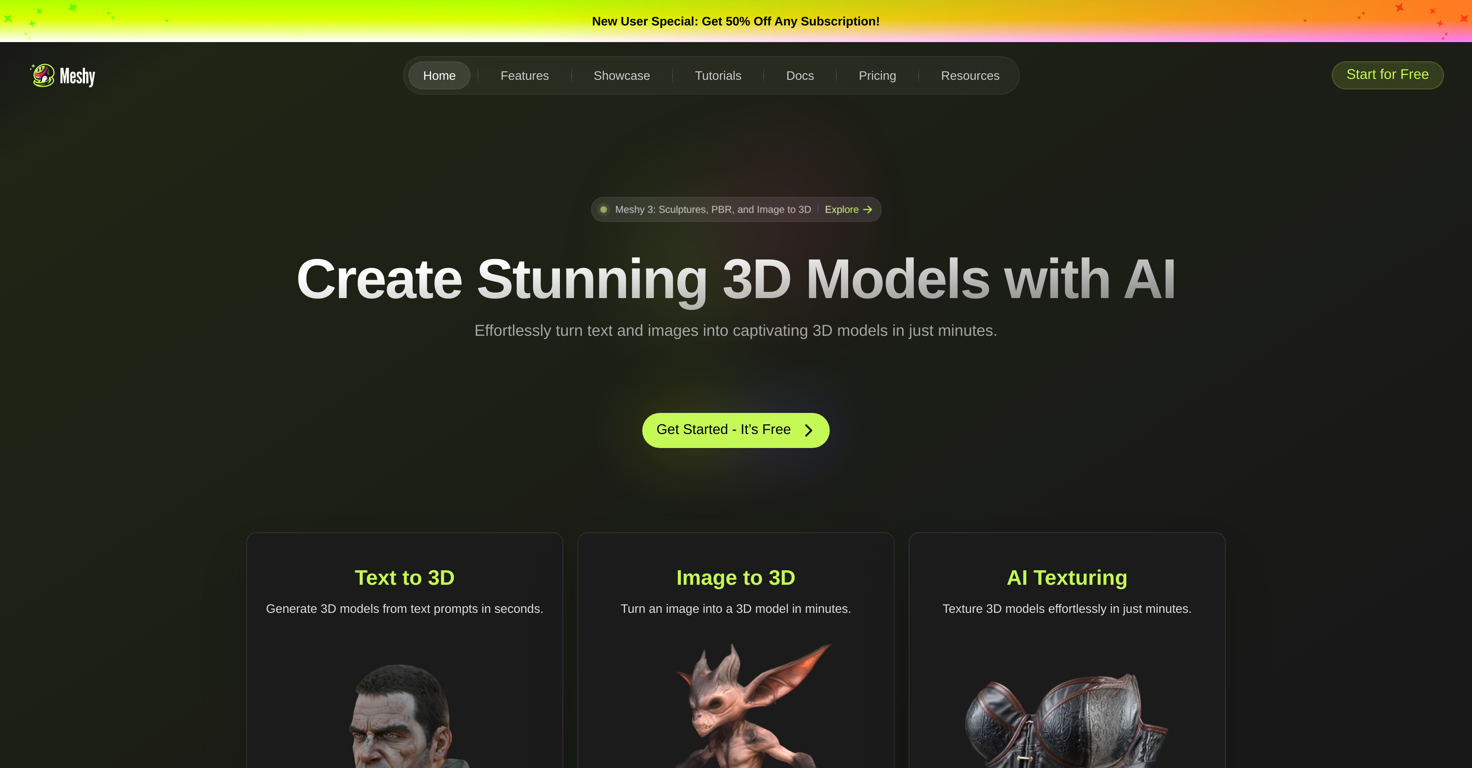
Text to 3D generates high-poly meshes from a text description across multiple art styles — realistic, cartoon, and sculpture. Image to 3D converts reference photos or concept art into 3D models while preserving the proportions of the source image. AI Texturing applies PBR-compatible surface textures to any uploaded or generated mesh using a text prompt. Auto Rigging adds a joint skeleton to character and creature models automatically, compatible with Blender, Maya, Unity, and Unreal Engine.
3D Agent is a chat-based 3D creation workflow. Users start with a photo, sketch, description, or creative direction and work through brainstorming, batch visual concept generation, and model output in a single conversation. Unlike single-prompt text-to-3D tools, 3D Agent supports a multi-step process — users can explore directions, compare concepts, ask questions about geometry or printing, and refine results before generating a final 3D model. Available to all users on meshy.ai.
Auto Split prepares any 3D model for FDM printing. It splits the model by structure and color zone, caps every cut surface watertight, arranges parts on the build plate, and exports directly to Bambu Studio, OrcaSlicer, or ElegooSlicer in one step. The split result is available in approximately 40 seconds. Currently available for untextured models.
Meshy supports multiple languages and offers an API for pipeline integration. Models can be previewed in-browser before export. Export formats include FBX, OBJ, GLB, STL, BLEND, USDZ, and 3MF. Recognized in the 2026 G2 Best Software Awards for Best Design Software and Highest Customer Satisfaction.
Supported features
Releases
New Feature: Auto Split
Auto Split is now available in Meshy.
Generating a 3D model and printing it are two different problems. Most models are not print-ready as generated — they exceed build plate dimensions, require color separation across multiple filaments, or contain open mesh surfaces that slicers cannot process. Until now, fixing these issues required manual work across Blender, Meshmixer, and a slicer, with no guarantee the parts would fit back together.
Auto Split handles that preparation inside Meshy. Any model you generate or upload can be split into parts, auto-capped, and auto-arranged on the build plate in one step.
How it works:
— Fast Preview. The split result is available in approximately 40 seconds. Splitting is iterative — cuts can be reviewed and re-run before anything is sent to the slicer.
— Smart Cuts. Cuts follow the model's natural structure — color zones, structural seams, component edges — rather than arbitrary planes across the mesh. Each cut is sized to fit the target build plate.
— Built to Assemble. Every cut surface is auto-capped watertight. Parts are auto-arranged on the build plate with plate usage displayed. One click exports the prepared 3MF directly to Bambu Studio, OrcaSlicer, or ElegooSlicer.


Pricing
Top alternatives
-
 Generate game-ready 3D models from images with AIMax Gontar🙏 2 karmaAug 24, 2023@KaedimNo easy way to test the service for free...
 -
 Bring any 2D image to life.
 -
 AI-powered image to 3D conversion in seconds
 -
 Convert images and videos into immersive 3D experiences.
 -
 Turn any image into professional 3D assets.
 -
 Give it volume