 Base44 Superagents-AI agent that does it all
 Mini tools
 freebeat AI
 D-ID
D-ID
 MagicLight
 HeyGen
 Kaiber
 Sora
Sora
 Seedance
 AI Video Generator by RenderFlow AI
 Kling
Kling
 BeatViz AI Music Video Generator
 neural frames
 ViGi
ViGi
 Videnly
 Viddo AI - AI Video Generator
 Chraft AI
 D-ID Creative Reality Studio
 VideoGen
 AI Studios
 CreatorFrames
 Aura AI - AI Video Generator
 So You Want To Be A Writer?
 Ancient AI powered spirits
 Minka
Minka
 Jvb ai
 somacguffin
 Cuty
Cuty
 Superfly Stoner
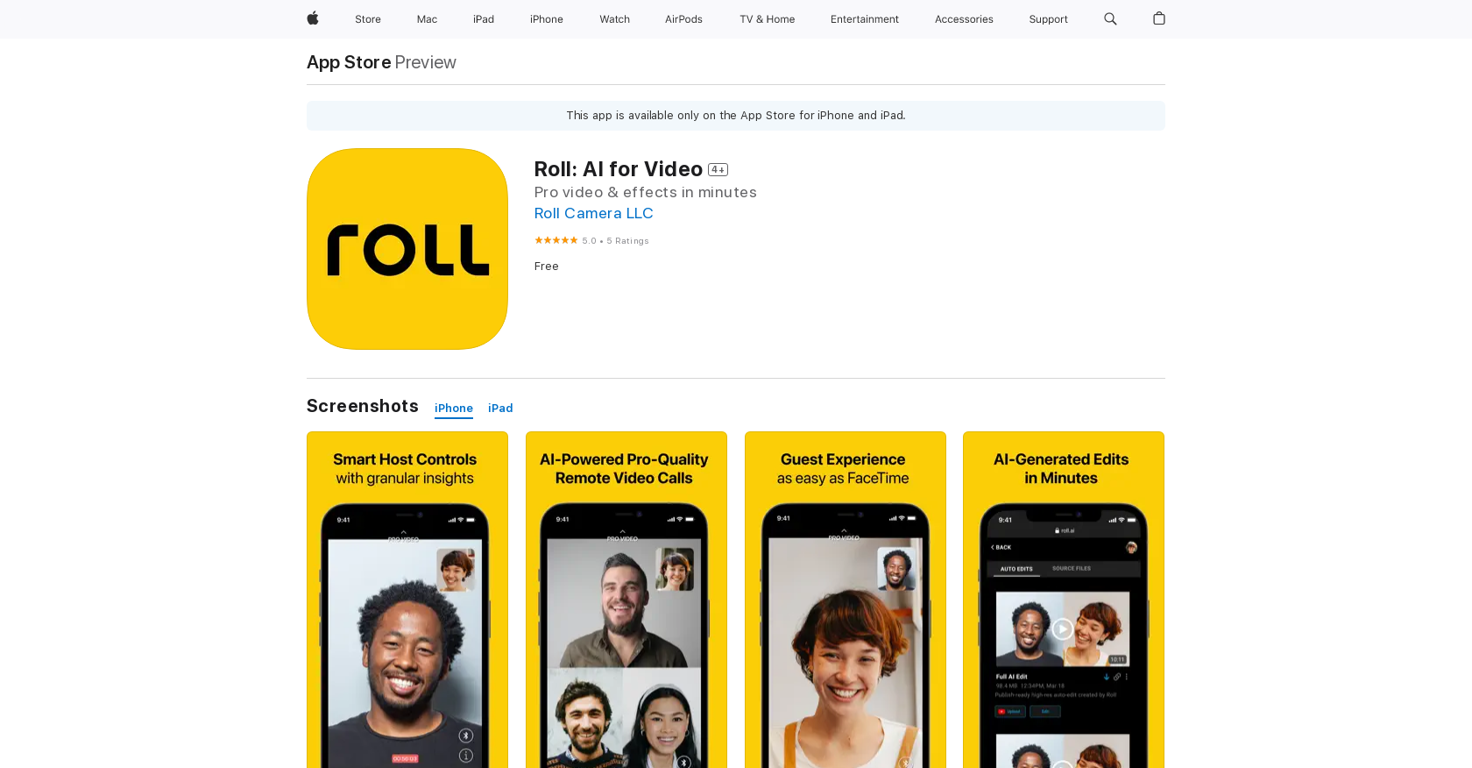







Overview
Roll: AI for Video is a mobile application available on the App Store for iPhone, iPad, and iPod touch. The app specializes in enhancing video content using artificial intelligence (AI) technology.
Users have the ability to edit and modify their videos using AI-powered features to enhance the overall quality and aesthetics of their content.With Roll: AI for Video, users can access various features such as video stabilization, noise reduction, color correction, and automatic editing.
These features leverage AI algorithms to analyze and improve the video quality by reducing shakiness, removing background noise, and enhancing colors, resulting in professional-looking videos.Additionally, the app offers an intuitive and user-friendly interface that allows users to easily navigate through the editing tools and apply enhancements to their videos.
Users have the ability to preview the changes in real-time, enabling them to make informed decisions on the adjustments they want to apply.Roll: AI for Video is designed to cater to both casual users looking to enhance their personal videos and content creators seeking to improve the quality of their professional videos.
The app provides an accessible and efficient solution for enhancing videos without the need for complex and time-consuming manual editing processes.Overall, Roll: AI for Video is a valuable tool for individuals who want to elevate the quality of their videos through the use of AI-powered enhancements, resulting in visually appealing and engaging content.
Releases
Top alternatives
-
 kanawati🙏 1,140 karmaMar 26, 2025@freebeat AIThe concept is great.
 -
WE USE D-ID AT THE COLORADO VIRTUAL CREATIVE FACTORY...AND LOVE IT.
-
You get 300 credits upon signing up, which is enough to test out the app and see its potential. I had a bit of fun with it. It takes a few minutes to generate content, but the results are impressive. There are many styles, modifiers, and customization options available. I would definitely use this for content creation or storytelling.
-
-
They're dreaming if they think I'd give them my credit card info just for a free trial. Most useless thing ever...
-


Related topics













 1
1





