What elements in ShareSpeak interface can I alter?
In the ShareSpeak interface, you can alter elements like text appearance, speed, color, font size, and transparency.
Does ShareSpeak support keyboard shortcuts?
Yes, ShareSpeak does support keyboard shortcuts. These can be used to make changes or control the tool more seamlessly.
What are the payment model for using ShareSpeak?
ShareSpeak operates on a one-time payment model, eliminating any recurring subscriptions or hidden fees.
Do I receive lifetime updates with my one-time payment?
Yes, with your one-time payment, ShareSpeak offers lifetime access and lifetime updates for the tool.
Will there be a mobile version of ShareSpeak?
Yes, a mobile version of ShareSpeak is planned for future rollouts.
How can I contact the ShareSpeak support team?
To contact the ShareSpeak support team, users can likely use a contact form provided on their website. The specifics of this process have not been outlined explicitly in the provided information.
Does ShareSpeak facilitate speaker aids or guidance?
Yes, ShareSpeak does facilitate speaker aids or guidance. It acts as an invisible AI teleprompter, providing seamless, unobtrusive support for screencasters, presenters and content creators.
What platforms is ShareSpeak compatible with?
ShareSpeak is compatible with Mac and Windows platforms.
Can ShareSpeak detect and follow my language automatically?
Yes, ShareSpeak can detect and follow your language automatically. It adapts to shifts between different languages to ensure global usability.
Does ShareSpeak allow for global usability?
Yes, ShareSpeak does allow for global usability. Its linguistic adaptability and AI-powered nature make it usable around the world, and not just in environments where English is spoken.
Is ShareSpeak's user interface considered user-friendly?
ShareSpeak's user interface is considered user-friendly. This feature, along with its high customizability, facilitates a seamless user experience.
Is ShareSpeak designed specifically for screencasters, content creators, and presenters?
Yes, ShareSpeak is designed specifically for screencasters, content creators, and presenters. It aims to aid them in creating flawless, professional screen recordings by offering invisible guidance.
How do voice-overs work in ShareSpeak?
Voice-overs in ShareSpeak likely involve the AI's ability to follow the user's voice for scrolling control. The specifics of creating voice-overs as a distinct feature have not been explicitly outlined in the provided information.
Can I alter the speed of the scroll in ShareSpeak?
Yes, in ShareSpeak, you can alter the speed of the scroll. This can be done either manually or through voice commands.
What is ShareSpeak?
ShareSpeak is an AI-powered teleprompter tool designed for content creators, screencasters, and presenters. It is designed to be highly invisible during screen sharing and recording, providing a seamless presentation experience. It's compatible with Mac and Windows.
What are the key features in ShareSpeak?
Key features of ShareSpeak include its invisibility during screen sharing or recording, voice scrolling functionality, automatic language detection and switch, interface customization, text appearance and behavior customization, and compatibility with both Mac and Windows. It also supports keyboard shortcuts and operates on a single payment model giving lifetime access and updates.
How does the voice scrolling feature in ShareSpeak work?
The voice scrolling feature in ShareSpeak allows the user to dictate the speed of the scrolling either manually or through voice commands. As a result, the content creator has complete control over the speed at which the text scrolls.
Is ShareSpeak detectable in screen sharing or recording?
No, ShareSpeak is designed to be invisible during screen sharing or recording. It does not interfere with the presenter's screen, thus ensuring the presentation or the recording appears clean and professional.
Can ShareSpeak automatically detect language settings?
Yes, ShareSpeak can automatically detect and follow the user's language. It allows seamless transition between different languages, improving the user experience and functionality of the tool.
How are the customization options in ShareSpeak?
ShareSpeak offers extensive customization options. Users can easily alter elements related to text appearance and behavior, such as speed, color, and font size. Additionally, the user can modify software behavior like changing the transparency level, color, and using keyboard shortcuts for improved efficiency.
Is ShareSpeak compatible with both Mac and Windows?
Yes, ShareSpeak is compatible with both Mac and Windows operating systems.
How is the payment model structured for ShareSpeak?
ShareSpeak operates on a single payment model. Customers are required to pay once and are granted lifetime access for the tool, with no recurring subscriptions or hidden charges. The cost varies based on the user purchase order.
Is a mobile version of ShareSpeak being planned?
Yes, a mobile version of ShareSpeak is in the plans. It is expected to be rolled out by Q4 2025.
What type of support is available with ShareSpeak?
User support is readily available with ShareSpeak. The team encourages feedback and handles user queries diligently to improve tool experience.
How does the text customization feature work in ShareSpeak?
The text customization feature in ShareSpeak permits users to modify various aspects of the text appearance, such as font size, text color, and speed. This flexibility allows the user to tailor their presentation to their preference.
Does ShareSpeak support keyboard shortcuts?
Yes, ShareSpeak does support keyboard shortcuts. This is a part of its customizable software behavior and aims to enhance user efficiency and convenience.
Can you control the speed of scrolling in ShareSpeak?
Yes, in ShareSpeak, users have complete control over the scrolling speed. They may adjust this manually or use voice commands to control the pace of text scrolling.
Is the ShareSpeak interface user-friendly?
Yes, the ShareSpeak interface is designed to be user-friendly, allowing the user to easily navigate and customize various aspects of the tool, ranging from text appearance to software behavior.
Are there any hidden fees in ShareSpeak?
No, ShareSpeak operates on a single payment model. This means there are no recurring subscriptions or hidden fees. Users pay once and receive lifetime access to the tool.
How does ShareSpeak work with multiple languages?
ShareSpeak supports multiple languages by automatically detecting the text language. It can also easily switch between different languages, providing a truly global user experience.
Is ShareSpeak invisible during screen recordings?
Yes, ShareSpeak is invisible during all screen recordings. This means it does not show up in screen shares or recordings, enabling a clean and professional recording.
How does the Lifetime access of ShareSpeak work?
The lifetime access of ShareSpeak works through a single payment model. For a one-time payment, users gain access to all ShareSpeak features for life, including future updates.
What future updates are planned for ShareSpeak?
One of the future updates planned for ShareSpeak is the rollout of a mobile version, which is expected to be available by Q4 2025.
How transparent is the ShareSpeak interface?
The interface of ShareSpeak is extremely transparent. Users can set the transparency levels, change colors, and utilize keyboard shortcuts to enhance the visibility and navigation within the interface.
 Rocket - Think it. Type it. Launch it.
 Mini tools
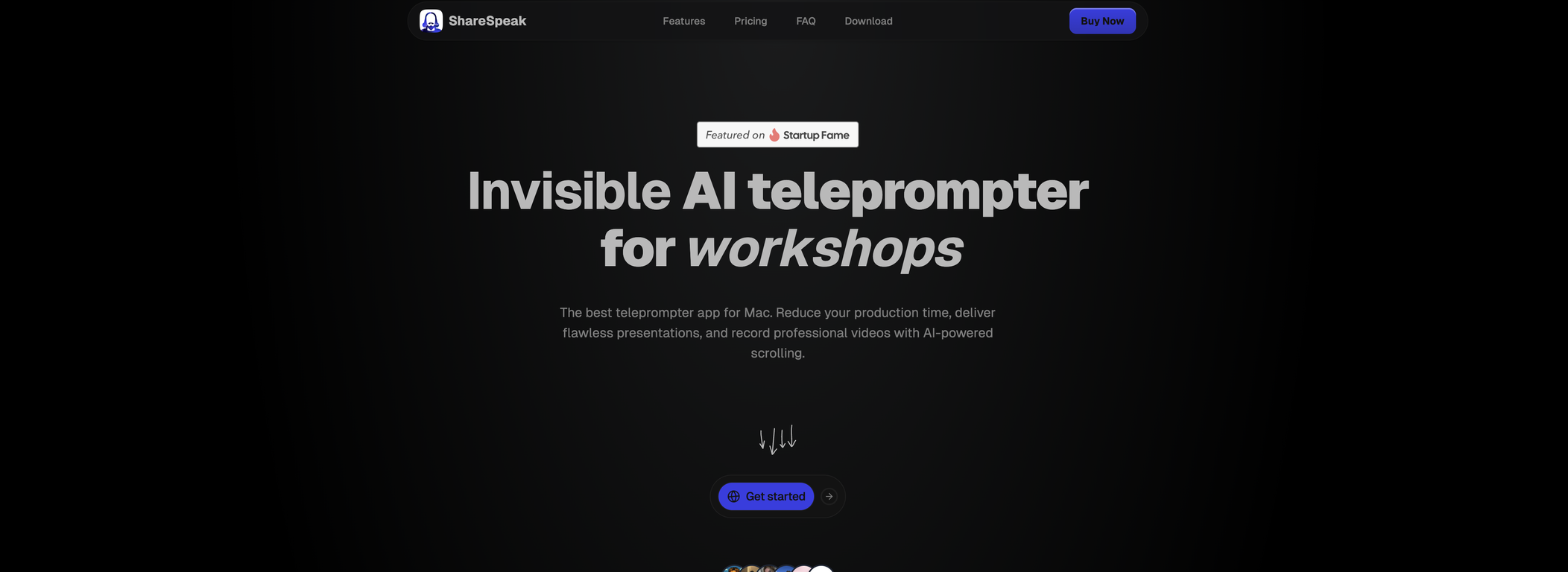
 Invisible AI teleprompter for flawless screen recordings.







 So You Want To Be A Writer?
 Minka
Minka
 Ancient AI powered spirits
 somacguffin
 Jvb ai
 Cuty
Cuty
 Superfly Stoner



 FineVoice
 VibrantSnap
 ShotRio



 Fineshare🛠️ 9 tools 🙏 386 karmaJan 7, 2025@FineVoiceFineVoice Video to Audio feature is now live. Generate high-quality sound effects and music that perfectly matches the visuals, actions, and environment in your videos.


 1
1




