
TAAFT Tutorial
Generate image
Tasks
Generate text
Free mode
Trending
Leaderboard
Characters
 Mini tools
New
Featured
Lists
Agents
Requests
Jobs
Map
Newsletter
Starter pack
Free tools
Speech to text
Text translator
Remove background
Settings
Edit profile
My tools
Gallery
Dashboard
Inbox
Get featured
Contact TAAFT
For you
Popular
Job impact index
Most saved
Affiliate program
Submit AI tool
Notification preferences
Glossary
Home
Timeline
My profile
Create tool
Deals
Companies
Models
Robots
Papers
Fundraises
Repositories
Devices
Organizations
Events
Prompt Pack
Merchendise
APIs
Features
Tools
Countries
Collections
Videos
Mini tools
New
Featured
Lists
Agents
Requests
Jobs
Map
Newsletter
Starter pack
Free tools
Speech to text
Text translator
Remove background
Settings
Edit profile
My tools
Gallery
Dashboard
Inbox
Get featured
Contact TAAFT
For you
Popular
Job impact index
Most saved
Affiliate program
Submit AI tool
Notification preferences
Glossary
Home
Timeline
My profile
Create tool
Deals
Companies
Models
Robots
Papers
Fundraises
Repositories
Devices
Organizations
Events
Prompt Pack
Merchendise
APIs
Features
Tools
Countries
Collections
Videos
Mini tools
New
Featured
Lists
Agents
Requests
Jobs
Map
Newsletter
Starter pack
Free tools
Speech to text
Text translator
Remove background
Settings
Edit profile
My tools
Gallery
Dashboard
Inbox
Get featured
Contact TAAFT
For you
Popular
Job impact index
Most saved
Affiliate program
Submit AI tool
Notification preferences
Glossary
Home
Timeline
My profile
Create tool
Deals
Companies
Models
Robots
Papers
Fundraises
Repositories
Devices
Organizations
Events
Prompt Pack
Merchendise
APIs
Features
Tools
Countries
Collections
Videos

▼ Top rated
Ppt
Free mode
100% free
Freemium
Free Trial
Featured matches
-

-
 First General AI Agency. Designed for long-horizon tasks.Open
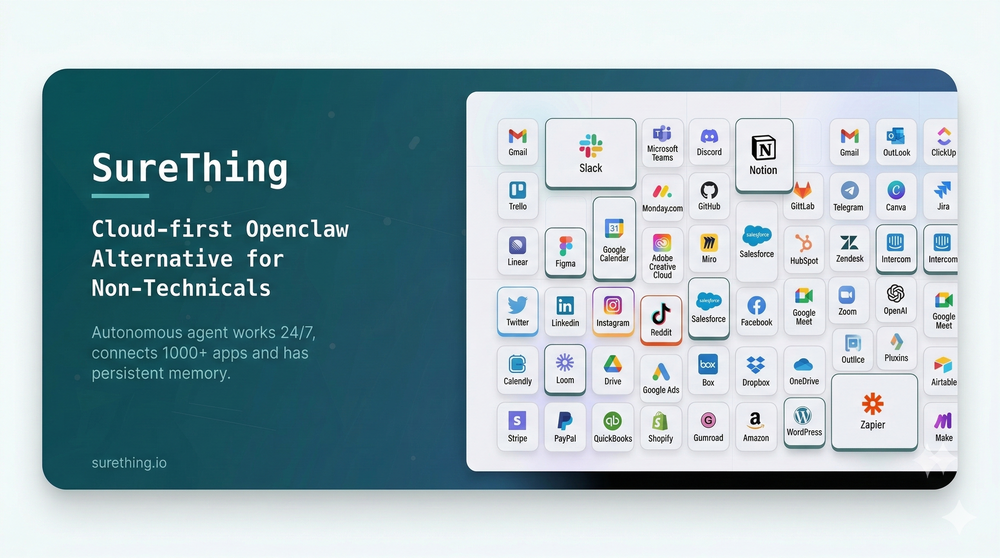 Bonnie🙏 26 karmaMar 5, 2026@SureThing.io - "OpenClaw" for BeginnersI've put about 30-40 hours into SureThing, and it's seriously been a game-changer, basically acting like a virtual COO for my business!
 -

-

-
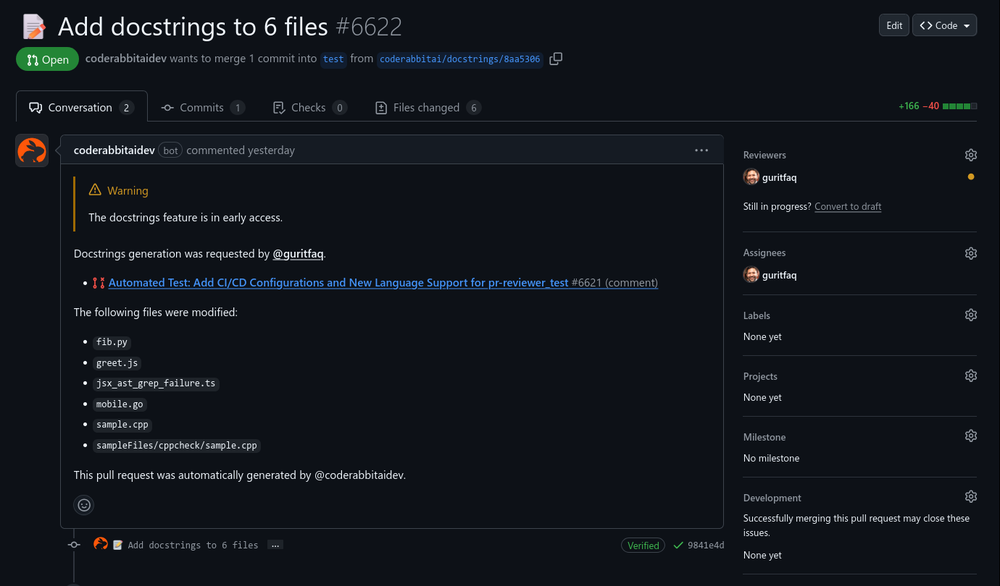 Reducing manual efforts in first-pass during code-review process helps speed up the "final check" before merging PRs
 -
 Open
Open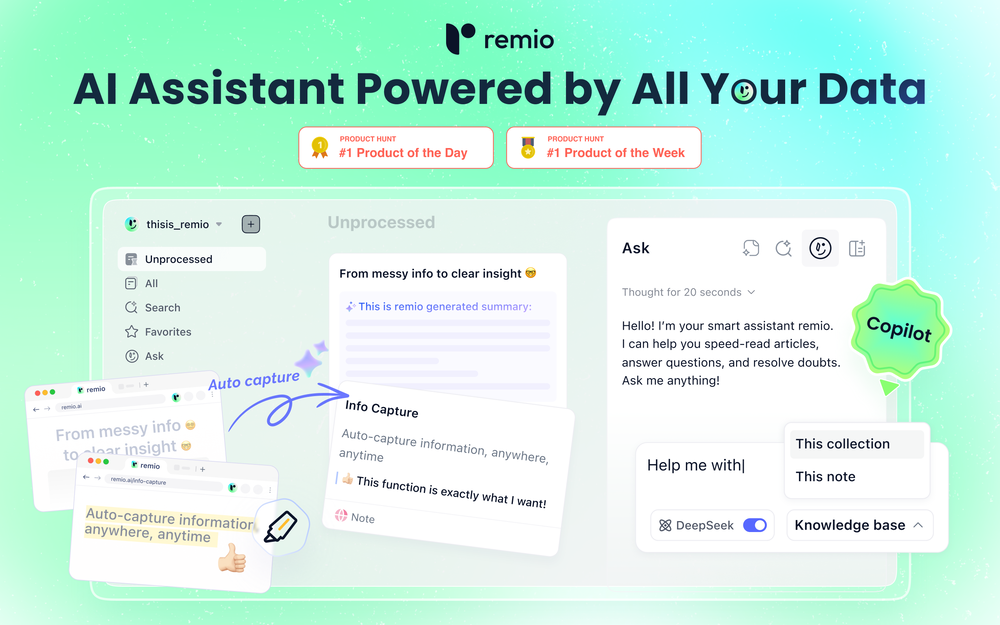 Most AI tools start from zero. You paste in context, re-explain your work, and hope the output is relevant. Every. Single. Time. remio is different. It automatically captures everything you work on — web pages you browse, documents you read, meetings you record, emails you send — and turns it all into a living, private knowledge base. No manual tagging. No copy-pasting. No setup. Then, when you need to get something done, remio already knows your context. Write a doc, draft an email, generate a report, create slides — just tell it what you need. It pulls from your actual work history to produce output that's genuinely relevant to you. What makes remio different: 🧠 Passive, automatic context capture — works silently in the background 🔒 Local-first & privacy-focused — your data stays on your device ⚡ BYOK support — bring your own API key from OpenAI, Google, DeepSeek and more 🖥️ Local model support via Ollama 📎 Connects to Gmail, Google Docs, local files, YouTube, and more 🛠️ Build reusable aApp workflows powered by your own knowledge This is not another note-taking app. This is your personal agent — one that already knows your world. From knowledge to getting things done. 👉 Try remio today.
 -
 Hey! I'm Kwan, the solo founder behind Oddsmyth. I built this because I play in 2 Yahoo H2H fantasy baseball leagues and was spending 30+ minutes every morning researching lineups, scanning the waiver wire, and evaluating trades. The tools I tried (FantasyPros, Yahoo's built-in recs) all had the same problem: they don't know my league. They give generic advice based on generic rankings. Oddsmyth connects to your Yahoo Fantasy league and actually knows your roster, your opponents, your scoring settings, and who's available on your waiver wire. You can ask it anything in plain English ("who should I start today?", "is this trade worth it?", "who should I grab off waivers?") and it gives you a specific answer with reasoning based on your situation. It's not meant to replace doing your own research. It's a second opinion you can bounce decisions off of when you're torn on a close call or managing multiple leagues and don't have time to dig into every decision. The AI is powered by Claude and uses live data from the MLB Stats API, FanGraphs Steamer projections, and your Yahoo league data. You get 5 free credits to try it. Quick questions (game times, scores, injury checks) are always free. I'd love feedback from anyone who plays Yahoo fantasy baseball. What's working, what's not, what would make it more useful. I'm building this in public and actively improving it based on what real users tell me.
 -

-

-













Other tools
- Sponsor
 Tripo AI 3D Generator
 -
I was one of the first users of Zocra. The platform has been instrumental in helping me prepare for meetings, generate follow ups, and ensure that no customer action items are ever missed. I use it continuously to provide feedback and feature requests to the product team, as well as to develop real-world use cases for our marketing efforts.
-
-
 One-click OpenClaw setup with AI inference included, no token capOpenAwesome idea to have a unlimited token plan tied directly to a managed opnclaw instance. A little bit tricky to get setup without CLi access. but seems to work well once you get past that!
 -
-
Impressive work from the team at Tented.ai, their approach to AI-driven automation is genuinely next-level.
-
-
 Rename, organize, and search files by content with local AIOpen
 - Didn't find the AI you were looking for?
-
 OpenRecruitment in AutoPilot. Customisable hiring rounds as per Job Roles Adaptive Voice AI Interview
 -
 Real-time AI-powered Scripture display and note taker that responds to voice.Open
 -
 Open
Open -
Very good tool to create hyper realistic UGC ads and on-brand static ads
-
if u care about privacy just get it. its a few dollars to not have cops or rando's tracking u
-
Had an incredibly insightful meeting with the team. It’s definitely worth your attention if you’re planning to automate your property management.
-
 Your AI-powered file organizer that respects privacy for macosOpenGood Replacement for the sparkle. Keep it up
 -
-
-
 Open
Open















Ask the community

fire power
Jan 24, 2025
Here’s an updated and more detailed prompt for a PowerPoint presentation with **specific image suggestions** for each slide. The goal is to create an engaging, visually appealing, and informative presentation on the topic.
---
### **Detailed Prompt for AI-Generated PPT with Images**
Create a PowerPoint presentation covering the following topics: *"Slow In and Slow Out, Constant Force and Acceleration, and Forces Exerted by Characters."* Include detailed content and visuals. Use a modern and clean design with minimal text on each slide and visually represent key ideas through images, animations, and icons.
---
### **Slide Breakdown with Image Suggestions**
#### **Slide 1: Title Slide**
- **Title:** *"Principles of Motion in Animation"*
- **Subtitle:** *"Slow In and Slow Out, Constant Force, and Character-Driven Forces"*
- **Images/Visuals:**
- An animated image of a character walking or jumping.
- A visually dynamic background, such as motion trails, physics-inspired graphics, or gradient shapes symbolizing energy.
---
#### **Slide 2: Introduction**
- **Content:**
- Why understanding motion is critical for animators: *"Realistic animation enhances storytelling and audience immersion."*
- **Images/Visuals:**
- A comparison image of a natural-looking animated walk vs. a robotic walk.
- Icons representing physics principles (force, motion, acceleration).
---
### **Section 1: Slow In and Slow Out**
#### **Slide 3: Definition and Explanation**
- **Content:**
- Define the principle: *"Slow In and Slow Out adds realistic easing to motion by gradually accelerating and decelerating."*
- **Images/Visuals:**
- A pendulum animation showing it slowing down at the peak and speeding up at the bottom.
- A graph showing a smooth curve of motion ease (Bezier curve).
#### **Slide 4: Why It Matters in Animation**
- **Content:**
- Benefits: *"Makes motion fluid, reduces abruptness, and mirrors real-world physics."*
- **Images/Visuals:**
- A visual comparison:
- A ball rolling with abrupt stops (linear) vs. smooth stops (eased).
- Annotated diagram of a motion curve (highlighting slow start and stop).
#### **Slide 5: Applications in Animation**
- **Content:**
- Use cases for Slow In and Slow Out:
- Character movement, object interactions, and camera transitions.
- **Images/Visuals:**
- A side-by-side animation: A car accelerating abruptly vs. gradually.
- Diagram of a character starting to run and coming to a stop with speed curves.
---
### **Section 2: Constant Force and Acceleration**
#### **Slide 6: Definition and Physics Concept**
- **Content:**
- Define constant force: *"A continuous push or pull that causes uniform acceleration."*
- Formula: **F = ma (Force = Mass × Acceleration)**
- **Images/Visuals:**
- Diagram showing a box being pushed with arrows representing force.
- A ball rolling downhill with a force vector (constant acceleration).
#### **Slide 7: Importance in Animation**
- **Content:**
- Use of constant force to mimic real-world physics (e.g., falling, collisions).
- **Images/Visuals:**
- Animated object falling under gravity (freefall).
- Projectile motion diagram: A ball being thrown with force and trajectory.
#### **Slide 8: Examples in Animation**
- **Content:**
- Examples of objects experiencing constant force and acceleration:
- Falling objects, rockets lifting off, and characters jumping.
- **Images/Visuals:**
- An animated rocket launching with force vectors.
- Visual representation of a jumping character showing the upward force and gravity pulling them down.
---
### **Section 3: Forces Exerted by Characters**
#### **Slide 9: Introduction to Character Forces**
- **Content:**
- Define character forces: *"Forces applied by characters to interact with their environment (e.g., pushing, pulling, throwing)."*
- **Images/Visuals:**
- A character pushing a heavy object with visible effort (body posture, facial expression).
- Arrows showing the direction and magnitude of forces applied.
#### **Slide 10: Key Examples of Character Forces**
- **Content:**
- Highlight actions:
- Pushing: Moving a heavy box.
- Pulling: A character tugging a rope.
- Jumping: Exerting force to leap into the air.
- **Images/Visuals:**
- A sequence of a character pulling a rope with increasing tension.
- Diagram of a character crouching before a jump and landing with force indicators.
#### **Slide 11: Visualizing Force in Animation**
- **Content:**
- Techniques animators use:
- Exaggeration (e.g., squash and stretch).
- Anticipation (e.g., preparing to throw).
- **Images/Visuals:**
- Before-and-after comparison: Subtle vs. exaggerated force.
- Motion paths of a thrown object (showing trajectory, force vectors, and anticipation).
---
### **Slide 12: Integrating Principles in a Scene**
- **Content:**
- Explain how the three principles combine to create realistic animation.
- **Images/Visuals:**
- A single animated scene showing a character lifting an object, walking with it, and setting it down.
- Visual overlays showing easing (Slow In/Out), constant force, and exerted forces in the sequence.
---
### **Slide 13: Conclusion**
- **Content:**
- Recap the key takeaways:
- *"Slow In/Out creates smooth transitions, Constant Force ensures realism, and Character Forces bring interactivity to life."*
- **Images/Visuals:**
- A collage of all the concepts: a pendulum swing, a falling object, and a character interacting with their environment.
---
### **Slide 14: Q





