TAAFT Tutorial
Generate image
Tasks
Generate text
Free mode
Trending
Leaderboard
Characters
 Mini tools
New
Featured
Lists
Agents
Requests
Jobs
Map
Newsletter
Starter pack
Free tools
Speech to text
Text translator
Remove background
Settings
Edit profile
My tools
Gallery
Dashboard
Inbox
Get featured
Contact TAAFT
For you
Popular
Job impact index
Most saved
Affiliate program
Submit AI tool
Notification preferences
Glossary
Home
Timeline
My profile
Create tool
Deals
Companies
Models
Robots
Papers
Fundraises
Repositories
Devices
Organizations
Events
Prompt Pack
Merchendise
APIs
Features
Tools
Countries
Collections
Videos
Mini tools
New
Featured
Lists
Agents
Requests
Jobs
Map
Newsletter
Starter pack
Free tools
Speech to text
Text translator
Remove background
Settings
Edit profile
My tools
Gallery
Dashboard
Inbox
Get featured
Contact TAAFT
For you
Popular
Job impact index
Most saved
Affiliate program
Submit AI tool
Notification preferences
Glossary
Home
Timeline
My profile
Create tool
Deals
Companies
Models
Robots
Papers
Fundraises
Repositories
Devices
Organizations
Events
Prompt Pack
Merchendise
APIs
Features
Tools
Countries
Collections
Videos
Mini tools
New
Featured
Lists
Agents
Requests
Jobs
Map
Newsletter
Starter pack
Free tools
Speech to text
Text translator
Remove background
Settings
Edit profile
My tools
Gallery
Dashboard
Inbox
Get featured
Contact TAAFT
For you
Popular
Job impact index
Most saved
Affiliate program
Submit AI tool
Notification preferences
Glossary
Home
Timeline
My profile
Create tool
Deals
Companies
Models
Robots
Papers
Fundraises
Repositories
Devices
Organizations
Events
Prompt Pack
Merchendise
APIs
Features
Tools
Countries
Collections
Videos

▼ Most saved
Identity generation
Free mode
100% free
Freemium
Free Trial
Other tools
-
 Samuel Barlet🛠️ 1 tool 🙏 96 karmaSep 30, 2025@Top-Name Logo GeneratorTo be honest it's insane how accurate the logos are, it really listens to your prompt. Good first sketch.
 -
 AI-powered logo generator creates professional business logos instantly.Open
 -
Here are ten creative WiFi name suggestions, each with a unique theme or inspiration: Llama Drama A playful name that combines the popular internet meme "llama" with a nod to over-the-top situations, perfect for a network that wants to stand out as fun and quirky. ByteBandits GalacticGateway TheFridge FluxCapacitor WebWonderland CtrlAltWin Pixelfection MindTheGap CyberSquadGoals Each of these names aims to provide a distinct personality or vibe, suitable for various audiences and settings.
-
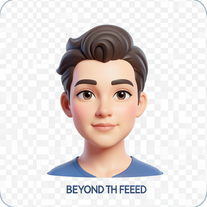
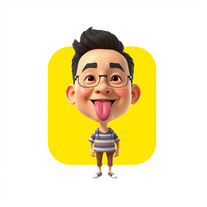 Transform photos into stunning 3D bobblehead caricatures.OpenSimply upload your photo; you don't need to type anything in the prompt field. Just click "generate" and watch the magic happen.
 - Sponsor
 Tripo AI 3D Generator
 -
 OpenVideo editing is the process of selecting, trimming, and arranging footage to create a cohesive story or visual narrative. Here are some fundamental concepts and techniques: Types of Video Editing Linear editing: A straightforward, sequential approach to editing, where clips are arranged in a linear timeline. Non-linear editing: A more flexible approach, where clips can be arranged and rearranged freely in a timeline. Key Video Editing Techniques Cutting: A transition between two clips, where one clip ends and another begins. Cutting on action: Cutting between two clips while an action is in progress, to create a seamless transition. J-cut: Cutting from one clip to another while audio from the second clip starts playing before the video cuts to it. L-cut: Cutting from one clip to another while audio from the first clip continues to play. Video Editing Software Popular video editing software includes: Adobe Premiere Pro: A professional-level editing software with advanced features and integration with other Adobe tools. Final Cut Pro: A professional-level editing software for Mac users, known for its user-friendly interface and advanced features. DaVinci Resolve: A free and paid editing software that offers advanced color grading and audio editing tools. Best Practices for Video Editing Plan your edit: Develop a clear vision and storyboard before starting to edit. Organize your footage: Label and categorize your clips to make them easily accessible. Keep it simple: Avoid overusing transitions and effects; focus on telling a clear story. Advanced Video Editing Techniques Color grading: Adjusting the color and brightness of footage to create a specific mood or atmosphere. Audio ducking: Automatically reducing the volume of background audio when dialogue is present. Motion graphics: Adding animated text, logos, or other graphics to enhance the visual narrative. Video editing involves selecting, trimming, and arranging footage to create a cohesive story. Linear and non-linear editing are two fundamental approaches. Key techniques include cutting, cutting on action, J-cuts, and L-cuts. Popular software includes Adobe Premiere Pro, Final Cut Pro, and DaVinci Resolve. Best practices involve planning, organizing footage, and keeping it simple. Advanced techniques include color grading, audio ducking, and motion graphics. Capcat pro Capcat pro Download image-to-image-generator generated imagetransparent pixel Image to Image Generator Image to Image Generator Download image-to-image-generator generated imagetransparent pixel Image to Image Generator Image to Image Generator Download image-to-image-generator generated imagetransparent pixel Image to Image Generator Image to Image Generator Download image-to-image-generator generated imagetransparent pixel Image to Image Generator Image to Image Generator Download image-to-image-generator generated imagetransparent pixel Image to Image Generator Image to Image Generator Download image-to-image-generator generated imagetransparent pixel Image to Image Generator Image to Image Generator Download image-generator generated imagetransparent pixel Image Generator Image Generator Copy Video Editing Basics Video editing is the process of selecting, trimming, and arranging footage to create a cohesive story or visual narrative. Here are some fundamental concepts and techniques: Types of Video Editing Linear editing: A straightforward, sequential approach to editing, where clips are arranged in a linear timeline. Non-linear editing: A more flexible approach, where clips can be arranged and rearranged freely in a timeline. Key Video Editing Techniques Cutting: A transition between two clips, where one clip ends and another begins. Cutting on action: Cutting between two clips while an action is in progress, to create a seamless transition. J-cut: Cutting from one clip to another while audio from the second clip starts playing before the video cuts to it. L-cut: Cutting from one clip to another while audio from the first clip continues to play. Video Editing Software Popular video editing software includes: Adobe Premiere Pro: A professional-level editing software with advanced features and integration with other Adobe tools. Final Cut Pro: A professional-level editing software for Mac users, known for its user-friendly interface and advanced features. DaVinci Resolve: A free and paid editing software that offers advanced color grading and audio editing tools. Best Practices for Video Editing Plan your edit: Develop a clear vision and storyboard before starting to edit. Organize your footage: Label and categorize your clips to make them easily accessible. Keep it simple: Avoid overusing transitions and effects; focus on telling a clear story. Advanced Video Editing Techniques Color grading: Adjusting the color and brightness of footage to create a specific mood or atmosphere. Audio ducking: Automatically reducing the volume of background audio when dialogue is present. Motion graphics: Adding animated text, logos, or other graphics to enhance the visual narrative. Video editing involves selecting, trimming, and arranging footage to create a cohesive story. Linear and non-linear editing are two fundamental approaches. Key techniques include cutting, cutting on action, J-cuts, and L-cuts. Popular software includes Adobe Premiere Pro, Final Cut Pro, and DaVinci Resolve. Best practices involve planning, organizing footage, and keeping it simple. Advanced techniques include color grading,
 -
 Spark your brand's identity with AI-generated business names.Open
 -
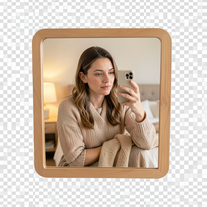 Creates ultra-realistic 4K mirror selfies with warm, cozy lifestyle aesthetics.Open
 -
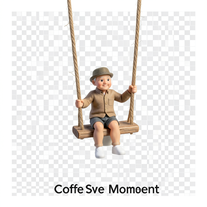 Transform photos into whimsical 8K miniature art.Open
 -
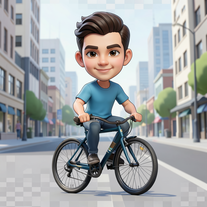 Open
Open - Didn't find the AI you were looking for?
-
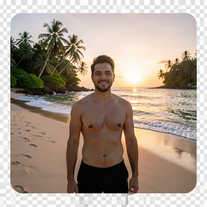 Transform photos into ultra-realistic 8K cinematic scenes.Open
 -
 Create ultra-realistic 8K photos of real people.OpenSimply upload your photo; you don't need to type anything in the prompt field. Just click "generate" and watch the magic happen.
 -
 Transform photos into Hollywood-style action movie posters.OpenSimply upload your photo; you don't need to type anything in the prompt field. Just click "generate" and watch the magic happen.
 -
 Transform any portrait into 12 stunning artistic styles.OpenSimply upload your photo; you don't need to type anything in the prompt field. Just click "generate" and watch the magic happen.
 -
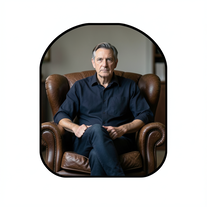 Create film-noir portraits through a keyhole perspective.Open
 -
 Transform your photo into a cinematic masterpiece.Open
 -
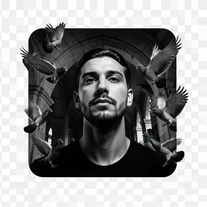 Transform any reference into cinematic 8K portraits.Open
 -
 Open
Open -
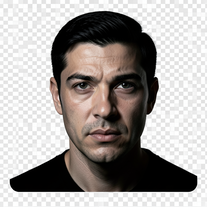 Turn portraits into cinematic masterpieces with dramatic lighting.Open
 -
Simply upload your photo; you don't need to type anything in the prompt field. Just click "generate" and watch the magic happen.
-
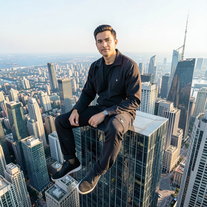 IMAX-grade cinematic portraits from your reference photo.Open
 -
Simply upload your photo; you don't need to type anything in the prompt field. Just click "generate" and watch the magic happen.
-
 AI photo restoration that preserves original identity.Open
 -
 Transforms verbose text into razor-sharp, high-impact language.Open
 -
 Open
Open -
 Open
Open -
 Transform photos into whimsical handcrafted felt dolls.Open
 -
 Transform subjects into cinematic 8K smartphone scenes.Open
 -
 Generate hyper-realistic portraits while preserving 100% facial identity.OpenSimply upload your photo; you don't need to type anything in the prompt field. Just click "generate" and watch the magic happen.
 -
 Transform cultural identity into captivating art.Open
 -
 Open
Open -
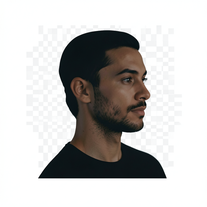
 Creates stunningly realistic AI-generated human portraits indistinguishable from real photographs.Open
 -
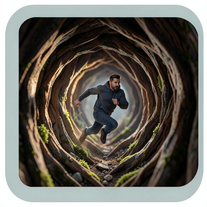 Generate ultra-real 8K cinematic macro scenes with your subject.Open
 -
 Generate memorable YouTube channel names with matching handles.Open
 -
 AI creates photoreal portraits and matching desk miniatures.Open
 -
 Transform photos into Barbie-inspired digital art portraits.Open
 -
 Open
Open -
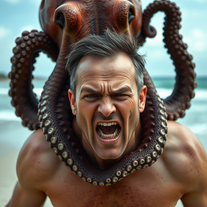 Transform photos into cinematic 8K masterpieces instantly.OpenSimply upload your photo; you don't need to type anything in the prompt field. Just click "generate" and watch the magic happen.
 -
 Generate catchy Instagram usernames from your personality and interests.Open
 -
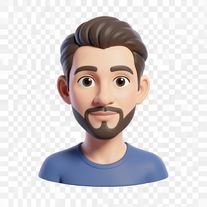 Transform photos into bold 3D caricature portraits.OpenAlways generate a portrait with earrings, even when it's a man?
 -
 Create bespoke couple avatars that celebrate love and diversity.Open
 -
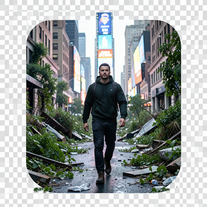 Open
Open -
 Open
Open -
 Transform any photo into a giant parade balloon.Open
 -
 Open
Open -
 Transform photos into ultra-realistic studio portraits.Open
 -
 AI-powered studio portraits that preserve your exact identity.Open
 -
 Transform photos into cinematic 64K basketball art.OpenSimply upload your photo; you don't need to type anything in the prompt field. Just click "generate" and watch the magic happen.
 -
Simply upload your photo; you don't need to type anything in the prompt field. Just click "generate" and watch the magic happen.
-
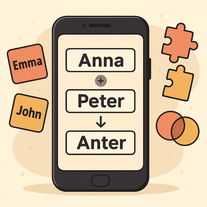 Cleverly merges multiple names into unique, pronounceable combinations.Open
 -
 Hyper-realistic portraits with cinematic lighting perfection.Open
 -
 Transform yourself into cinematic miniature adventures.Open
 -
 Create cinematic AI photographs of yourself anywhere.Open
 -
 Create photorealistic images in surreal food worlds.Open
 -
 Identity-locked cinematic portraits in windswept sage fields.Open
 -
 AI-generated intimate watercolor couple portraits with perfect identity matching.Open
 -
 Transform photos into hyper-realistic wooden twig portraits.Open
 -
 Create cinematic action scenes while preserving human identity.Open
 -
 Transform portraits into cinematic 8K masterpieces.Open
 -
 Open
Open -
 Transform photos into ultra-realistic 1/6-scale collectible action figures.Open
 -
 Creates unique, memorable names for businesses, projects, or products.Open
 -
 Open
Open -
 Ultra-realistic AI image generator with perfect identity preservation.OpenJust put your photo, dont put prompt text ok
 -
 Turn one photo into studio-grade Disney character selfies.Open
 -
 Open
Open -
 Wrestle giant food in hyper-realistic cinematic photos.Open
 -
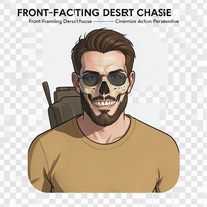 Generate hyper-realistic 8K cinematic motorcycle chase scenes.Open
 -
 Transform ideas into stunning social media banners instantly.Open
 -
 Open
Open -
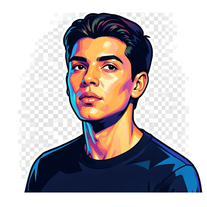 Transform photos into vibrant streetart portraits with perfect identity preservation.Open
 -
 Transform selfies into ultra-realistic jet ski adventures.OpenSimply upload your photo; you don't need to type anything in the prompt field. Just click "generate" and watch the magic happen.
 -
 Open
Open -
 Transform photos into split-screen editorial posters instantly.Open
 -
 Generate ultra-realistic 8K freefall photographs with perfect identity accuracy.Open
 -
 Transform ordinary photos into ultra-realistic cinematic scenes.Open
 -
 Open
Open -
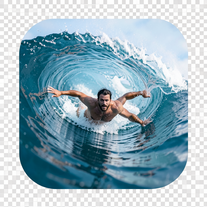 Transform portraits into hyper-realistic barrel wave shots.Open
 -
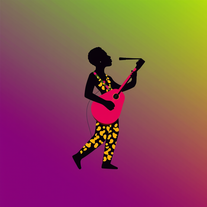 AI-powered graphic designer for vibrant Afrobeat album covers.Open
 -
 Create cinematic 8K scenes with perfect identity accuracy.Open
 -
 Open
Open -
 Generate hyperreal portraits that preserve your exact identity.Open
 -
 Transform photos into Y2K street fashion editorials.Open
 -
 Transform photos into handcrafted bead embroidery portraits.Open
 -
 Transform photos into cinematic cloud scenes with perfect identity preservation.Open
 -
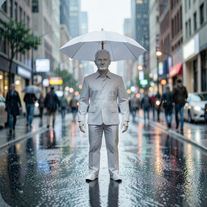
 Create hyper-real, top-down cinematic portraits of colossal subjects in gridded cities.Open
 -
yoooo this is dope!!! some legendary names out there, my fav was Golden God, got me feelin iconic
-
 Transform photos into cinematic Christmas portraits.Open
 -
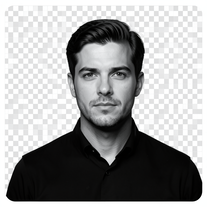 Generate identity-locked monochrome portraits with cinematic lighting.Open
 -
 Open
Open -
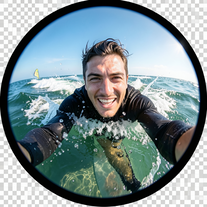
 Generate hyper-real GoPro-style self-portraits from your reference photo.Open
 -
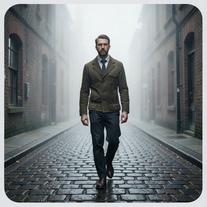 Transform photos into cinematic Victorian street scenes.Open
 -
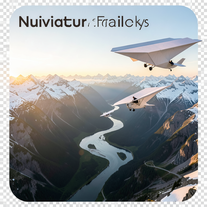 Create ultra-realistic 8K cinematic photographs with whimsical concepts.Open
 -
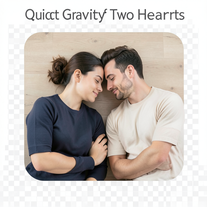 Open
Open -
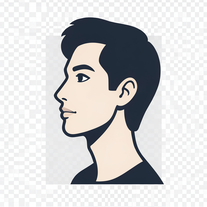 Transform photos into stunning 8K architectural blueprint portraits.Open
 -
 Star in paparazzi photos with celebrities.Open
 -
 Generate surreal cinematic scenes with perfect facial identity.Open
 -
 Transform your photo into a cinematic New Year celebration.Open
 -
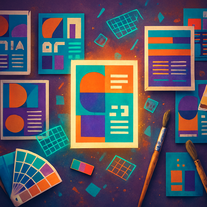 Transform text prompts into polished, design-ready visuals.Open
 -
 Open
Open -
 Open
Open -
 Turn portraits into watercolor coloring books.Open
 -
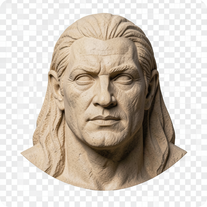
 Transform any portrait into a hyper-realistic volcanic stone masterpiece.Open
 -
 AI portraitist that preserves your exact face in surreal scenes.Open
 -
 Transform headshots into GTA-style vector portraits.Open
 -
 Open
Open -
 Transform your photo into cinematic 8K nature sculptures.Open
 -
-
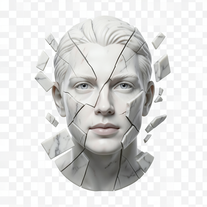 Transform portraits into fractured sculptural masterpieces.Open
 -
 Transform your photo into a stunning hand-painted street mural.Open
 -
 Open
Open -
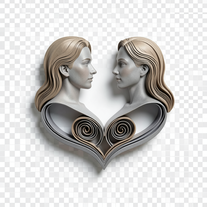 Transform photos into hyper-realistic 3D papercraft portraits.Open
 -
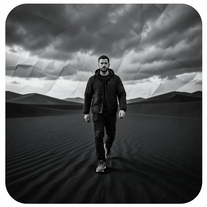 Cinematic image engine for ultra-detailed monochrome surrealism.Open
 -
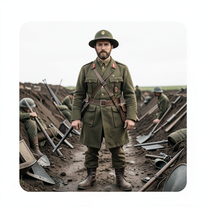 Transform subjects into hyper-realistic 8K war scenes.Open
 -
 Transform photos into dramatic neo-noir assassin portraits.Open
 -
 Open
Open -
 Open
Open -
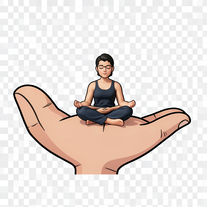
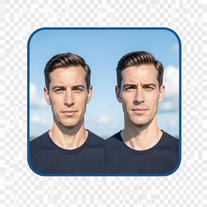 Create cinematic photos with giant and miniature versions of yourself.Open
 -
 Become the subject of your own cinematic masterpiece.Open
 -
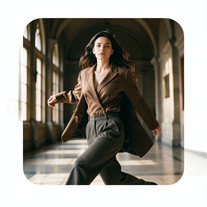 Hyper-real cinematic fashion portraits from single reference photos.Open
 -
 Transform photos into cinematic selfies with gorilla companions.Open
 -
 Transform photos into cinematic scenes with perfect precision.Open
 -
 Turn your photo into cinematic 8K poster magic.Open
 -
 One photo. Campaign-worthy portraits in golden-hour realism.Open
 -
 Open
Open -
 Generate hyper-real, 8K editorial portraits from one reference image.Open
 -
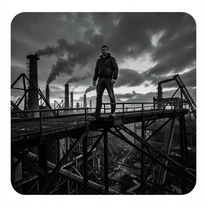 Forge ultra-real 8K industrial portraits from reference images.Open
 -
 Transform photos into Parisian fashion editorials instantly.Open
 -
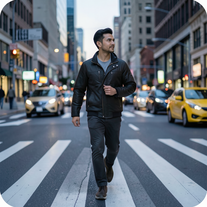 Open
Open -
 AI-powered cinematic photography for ultra-realistic social portraits.Open
 -
Sweet for cinematic grounded realism
-
 Open
Open -
 Creates ultra-realistic cinematic portraits from your photos.Open
 -
 Creates ultra-realistic 8K fashion portraits with perfect identity duplication.Open
 -
 Your professional identity, perfectly framedOpen
 -
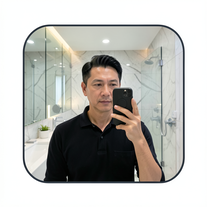 Mirror selfies so real, they look stolen from a celebrity's phone.Open
 -
 Transform photos into cinematic synthwave masterpieces.Open
 -
 Transform photos into hyper-realistic 8K cinematic masterpieces.Open