Go to section
Spotlight SureThing.io - "OpenClaw" for BeginnersTask automation
The front page of AI.Used by 90M+ humans.

TAAFT Tutorial
Generate image
Tasks
Generate text
Free mode
Trending
Leaderboard
Characters
 Mini tools
New
Featured
Lists
Agents
Requests
Jobs
Map
Newsletter
Starter pack
Free tools
Speech to text
Text translator
Remove background
Settings
Edit profile
My tools
Gallery
Dashboard
Inbox
Get featured
Contact TAAFT
For you
Popular
Job impact index
Most saved
Affiliate program
Submit AI tool
Notification preferences
Glossary
Home
Timeline
My profile
Create tool
Deals
Companies
Models
Robots
Papers
Fundraises
Repositories
Devices
Organizations
Events
Prompt Pack
Merchendise
APIs
Features
Tools
Countries
Collections
Videos
Mini tools
New
Featured
Lists
Agents
Requests
Jobs
Map
Newsletter
Starter pack
Free tools
Speech to text
Text translator
Remove background
Settings
Edit profile
My tools
Gallery
Dashboard
Inbox
Get featured
Contact TAAFT
For you
Popular
Job impact index
Most saved
Affiliate program
Submit AI tool
Notification preferences
Glossary
Home
Timeline
My profile
Create tool
Deals
Companies
Models
Robots
Papers
Fundraises
Repositories
Devices
Organizations
Events
Prompt Pack
Merchendise
APIs
Features
Tools
Countries
Collections
Videos
Mini tools
New
Featured
Lists
Agents
Requests
Jobs
Map
Newsletter
Starter pack
Free tools
Speech to text
Text translator
Remove background
Settings
Edit profile
My tools
Gallery
Dashboard
Inbox
Get featured
Contact TAAFT
For you
Popular
Job impact index
Most saved
Affiliate program
Submit AI tool
Notification preferences
Glossary
Home
Timeline
My profile
Create tool
Deals
Companies
Models
Robots
Papers
Fundraises
Repositories
Devices
Organizations
Events
Prompt Pack
Merchendise
APIs
Features
Tools
Countries
Collections
Videos

▼ Popular
Identity generation
Free mode
100% free
Freemium
Free Trial
Other tools
-
Apurbo apurboj🙏 1 karmaApr 17, 2026@WiFi Name GeneratorHere are ten creative WiFi name suggestions, each with a unique theme or inspiration: Llama Drama A playful name that combines the popular internet meme "llama" with a nod to over-the-top situations, perfect for a network that wants to stand out as fun and quirky. ByteBandits GalacticGateway TheFridge FluxCapacitor WebWonderland CtrlAltWin Pixelfection MindTheGap CyberSquadGoals Each of these names aims to provide a distinct personality or vibe, suitable for various audiences and settings.
-
To be honest it's insane how accurate the logos are, it really listens to your prompt. Good first sketch.
-
 AI-powered logo generator creates professional business logos instantly.Open
 -
 OpenVideo editing is the process of selecting, trimming, and arranging footage to create a cohesive story or visual narrative. Here are some fundamental concepts and techniques: Types of Video Editing Linear editing: A straightforward, sequential approach to editing, where clips are arranged in a linear timeline. Non-linear editing: A more flexible approach, where clips can be arranged and rearranged freely in a timeline. Key Video Editing Techniques Cutting: A transition between two clips, where one clip ends and another begins. Cutting on action: Cutting between two clips while an action is in progress, to create a seamless transition. J-cut: Cutting from one clip to another while audio from the second clip starts playing before the video cuts to it. L-cut: Cutting from one clip to another while audio from the first clip continues to play. Video Editing Software Popular video editing software includes: Adobe Premiere Pro: A professional-level editing software with advanced features and integration with other Adobe tools. Final Cut Pro: A professional-level editing software for Mac users, known for its user-friendly interface and advanced features. DaVinci Resolve: A free and paid editing software that offers advanced color grading and audio editing tools. Best Practices for Video Editing Plan your edit: Develop a clear vision and storyboard before starting to edit. Organize your footage: Label and categorize your clips to make them easily accessible. Keep it simple: Avoid overusing transitions and effects; focus on telling a clear story. Advanced Video Editing Techniques Color grading: Adjusting the color and brightness of footage to create a specific mood or atmosphere. Audio ducking: Automatically reducing the volume of background audio when dialogue is present. Motion graphics: Adding animated text, logos, or other graphics to enhance the visual narrative. Video editing involves selecting, trimming, and arranging footage to create a cohesive story. Linear and non-linear editing are two fundamental approaches. Key techniques include cutting, cutting on action, J-cuts, and L-cuts. Popular software includes Adobe Premiere Pro, Final Cut Pro, and DaVinci Resolve. Best practices involve planning, organizing footage, and keeping it simple. Advanced techniques include color grading, audio ducking, and motion graphics. Capcat pro Capcat pro Download image-to-image-generator generated imagetransparent pixel Image to Image Generator Image to Image Generator Download image-to-image-generator generated imagetransparent pixel Image to Image Generator Image to Image Generator Download image-to-image-generator generated imagetransparent pixel Image to Image Generator Image to Image Generator Download image-to-image-generator generated imagetransparent pixel Image to Image Generator Image to Image Generator Download image-to-image-generator generated imagetransparent pixel Image to Image Generator Image to Image Generator Download image-to-image-generator generated imagetransparent pixel Image to Image Generator Image to Image Generator Download image-generator generated imagetransparent pixel Image Generator Image Generator Copy Video Editing Basics Video editing is the process of selecting, trimming, and arranging footage to create a cohesive story or visual narrative. Here are some fundamental concepts and techniques: Types of Video Editing Linear editing: A straightforward, sequential approach to editing, where clips are arranged in a linear timeline. Non-linear editing: A more flexible approach, where clips can be arranged and rearranged freely in a timeline. Key Video Editing Techniques Cutting: A transition between two clips, where one clip ends and another begins. Cutting on action: Cutting between two clips while an action is in progress, to create a seamless transition. J-cut: Cutting from one clip to another while audio from the second clip starts playing before the video cuts to it. L-cut: Cutting from one clip to another while audio from the first clip continues to play. Video Editing Software Popular video editing software includes: Adobe Premiere Pro: A professional-level editing software with advanced features and integration with other Adobe tools. Final Cut Pro: A professional-level editing software for Mac users, known for its user-friendly interface and advanced features. DaVinci Resolve: A free and paid editing software that offers advanced color grading and audio editing tools. Best Practices for Video Editing Plan your edit: Develop a clear vision and storyboard before starting to edit. Organize your footage: Label and categorize your clips to make them easily accessible. Keep it simple: Avoid overusing transitions and effects; focus on telling a clear story. Advanced Video Editing Techniques Color grading: Adjusting the color and brightness of footage to create a specific mood or atmosphere. Audio ducking: Automatically reducing the volume of background audio when dialogue is present. Motion graphics: Adding animated text, logos, or other graphics to enhance the visual narrative. Video editing involves selecting, trimming, and arranging footage to create a cohesive story. Linear and non-linear editing are two fundamental approaches. Key techniques include cutting, cutting on action, J-cuts, and L-cuts. Popular software includes Adobe Premiere Pro, Final Cut Pro, and DaVinci Resolve. Best practices involve planning, organizing footage, and keeping it simple. Advanced techniques include color grading,
 - SpotlightSureThing.io - "OpenClaw" for BeginnersTask automation
-
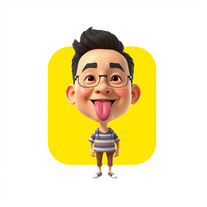 Transform photos into stunning 3D bobblehead caricatures.OpenSimply upload your photo; you don't need to type anything in the prompt field. Just click "generate" and watch the magic happen.
 -
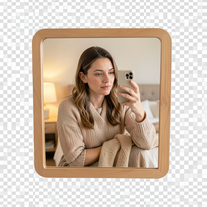 Creates ultra-realistic 4K mirror selfies with warm, cozy lifestyle aesthetics.Open
 -
 Transform photos into whimsical 8K miniature art.Open
 -
 Spark your brand's identity with AI-generated business names.Open
 - Didn't find the AI you were looking for?
-
 Transform photos into ultra-realistic 8K cinematic scenes.Open
 -
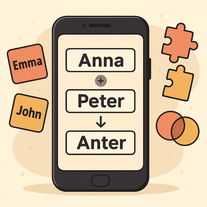 Cleverly merges multiple names into unique, pronounceable combinations.Open
 -
 Open
Open -
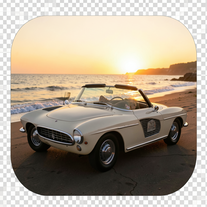 Transform your photo into a cinematic masterpiece.Open
 -
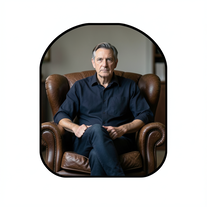 Create film-noir portraits through a keyhole perspective.Open
 -
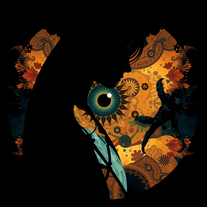 Transform cultural identity into captivating art.Open
 -
 Transform photos into whimsical handcrafted felt dolls.Open
 -
 Create ultra-realistic 8K photos of real people.OpenSimply upload your photo; you don't need to type anything in the prompt field. Just click "generate" and watch the magic happen.
 -
Simply upload your photo; you don't need to type anything in the prompt field. Just click "generate" and watch the magic happen.
-
 Transform photos into Hollywood-style action movie posters.OpenSimply upload your photo; you don't need to type anything in the prompt field. Just click "generate" and watch the magic happen.
 -
 Transform any portrait into 12 stunning artistic styles.OpenSimply upload your photo; you don't need to type anything in the prompt field. Just click "generate" and watch the magic happen.
 -
 Transforms verbose text into razor-sharp, high-impact language.Open
 -
 Open
Open -
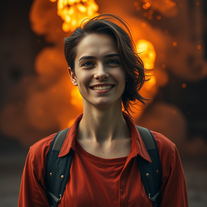 Open
Open -
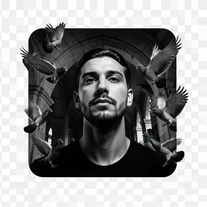 Transform any reference into cinematic 8K portraits.Open
 -
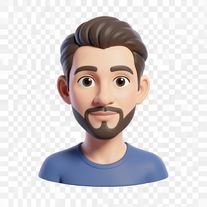 Transform photos into bold 3D caricature portraits.OpenAlways generate a portrait with earrings, even when it's a man?
 -
 Open
Open -
Simply upload your photo; you don't need to type anything in the prompt field. Just click "generate" and watch the magic happen.
-
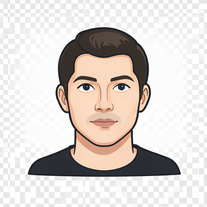 AI photo restoration that preserves original identity.Open
 -
 Creates stunningly realistic AI-generated human portraits indistinguishable from real photographs.Open
 -
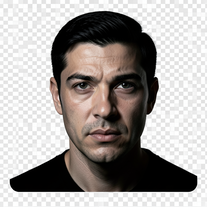 Turn portraits into cinematic masterpieces with dramatic lighting.Open
 -
 Generate catchy Instagram usernames from your personality and interests.Open
 -
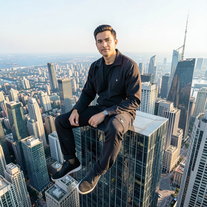 IMAX-grade cinematic portraits from your reference photo.Open
 -
 Generate hyper-realistic portraits while preserving 100% facial identity.OpenSimply upload your photo; you don't need to type anything in the prompt field. Just click "generate" and watch the magic happen.
 -
 Transform any photo into a giant parade balloon.Open
 -
 AI creates photoreal portraits and matching desk miniatures.Open
 -
 Open
Open -
 Open
Open -
 Transform photos into cinematic 8K masterpieces instantly.OpenSimply upload your photo; you don't need to type anything in the prompt field. Just click "generate" and watch the magic happen.
 -
 Transform photos into Barbie-inspired digital art portraits.Open
 -
 Transform subjects into cinematic 8K smartphone scenes.Open
 -
 Open
Open -
 Generate memorable YouTube channel names with matching handles.Open
 -
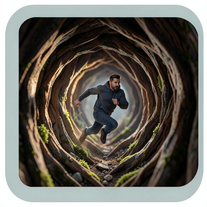 Generate ultra-real 8K cinematic macro scenes with your subject.Open
 -
 Open
Open -
 Create bespoke couple avatars that celebrate love and diversity.Open
 -
yoooo this is dope!!! some legendary names out there, my fav was Golden God, got me feelin iconic
-
-
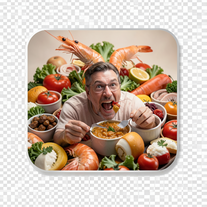 Create photorealistic images in surreal food worlds.Open
 -
 Transform photos into cinematic 64K basketball art.OpenSimply upload your photo; you don't need to type anything in the prompt field. Just click "generate" and watch the magic happen.
 -
 Hyper-realistic portraits with cinematic lighting perfection.Open
 -
 Open
Open -
 Open
Open -
 AI-powered graphic designer for vibrant Afrobeat album covers.Open
 -
 Creates unique, memorable names for businesses, projects, or products.Open
 -
 AI-powered studio portraits that preserve your exact identity.Open
 -
 Turn one photo into studio-grade Disney character selfies.Open
 -
Simply upload your photo; you don't need to type anything in the prompt field. Just click "generate" and watch the magic happen.
-
 Create cinematic AI photographs of yourself anywhere.Open
 -
 Transform photos into ultra-realistic studio portraits.Open
 -
 Transform yourself into cinematic miniature adventures.Open
 -
 Ultra-realistic AI image generator with perfect identity preservation.OpenJust put your photo, dont put prompt text ok
 -
 Transform ideas into stunning social media banners instantly.Open
 -
 Identity-locked cinematic portraits in windswept sage fields.Open
 -
 Transform photos into ultra-realistic 1/6-scale collectible action figures.Open
 -
 Open
Open -
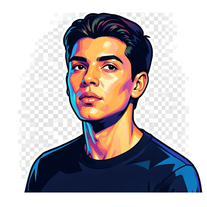 Transform photos into vibrant streetart portraits with perfect identity preservation.Open
 -
 Transform selfies into ultra-realistic jet ski adventures.OpenSimply upload your photo; you don't need to type anything in the prompt field. Just click "generate" and watch the magic happen.
 -
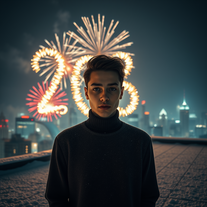
 Transform your photo into a cinematic New Year celebration.Open
 -
 Create cinematic action scenes while preserving human identity.Open
 -
 Generate hyperreal portraits that preserve your exact identity.Open
 -
 Transform photos into split-screen editorial posters instantly.Open
 -
 Transform photos into dramatic neo-noir assassin portraits.Open
 -
 Transform portraits into cinematic 8K masterpieces.Open
 -
 AI-generated intimate watercolor couple portraits with perfect identity matching.Open
 -
 Transform photos into cinematic cloud scenes with perfect identity preservation.Open
 -
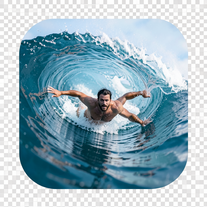 Transform portraits into hyper-realistic barrel wave shots.Open
 -
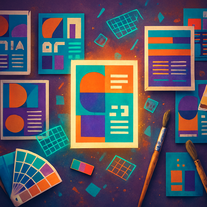 Transform text prompts into polished, design-ready visuals.Open
 -
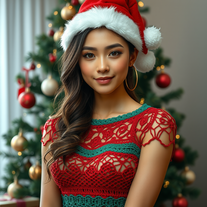 Transform photos into cinematic Christmas portraits.Open
 -
 Create cinematic 8K scenes with perfect identity accuracy.Open
 -
 Open
Open -
 Transform photos into hyper-realistic wooden twig portraits.Open
 -
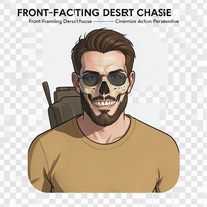 Generate hyper-realistic 8K cinematic motorcycle chase scenes.Open
 -
 Open
Open -
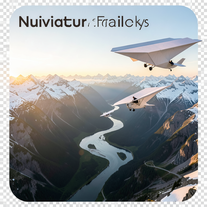 Create ultra-realistic 8K cinematic photographs with whimsical concepts.Open
 -
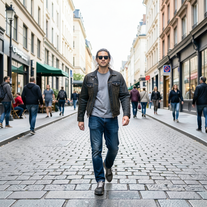 Transform photos into Y2K street fashion editorials.Open
 -
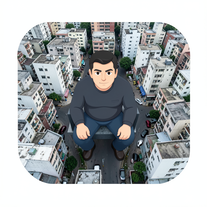 Create hyper-real, top-down cinematic portraits of colossal subjects in gridded cities.Open
 -
 Open
Open -
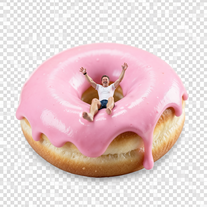
 Wrestle giant food in hyper-realistic cinematic photos.Open
 -
 Transform your photo into cinematic 8K nature sculptures.Open
 -
 Open
Open -
 Star in paparazzi photos with celebrities.Open
 -
 Generate ultra-realistic 8K freefall photographs with perfect identity accuracy.Open
 -
 Transform ordinary photos into ultra-realistic cinematic scenes.Open
 -
 Open
Open -
 Open
Open -
 Open
Open -
 Transform photos into stunning 8K architectural blueprint portraits.Open
 -
 Open
Open -
 Transform photos into cinematic selfies with gorilla companions.Open
 -
 Turn portraits into watercolor coloring books.Open
 -
 Generate identity-locked monochrome portraits with cinematic lighting.Open
 -
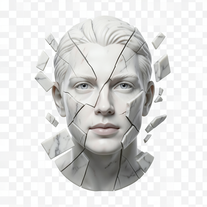 Transform portraits into fractured sculptural masterpieces.Open
 -
 Open
Open -
 Transform your photo into a stunning hand-painted street mural.Open
 -
 AI-powered cinematic photography for ultra-realistic social portraits.Open
 -
 Generate surreal cinematic scenes with perfect facial identity.Open
 -
 Open
Open -
 Open
Open -
 Creates ultra-realistic cinematic portraits from your photos.Open
 -
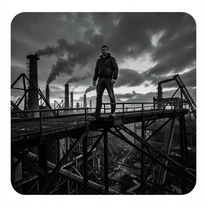 Forge ultra-real 8K industrial portraits from reference images.Open
 -
 Open
Open -
 Cinematic image engine for ultra-detailed monochrome surrealism.Open
 -
 Transform photos into handcrafted bead embroidery portraits.Open
 -
 AI portraitist that preserves your exact face in surreal scenes.Open
 -
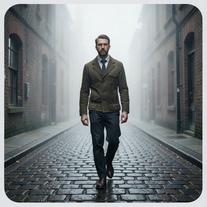 Transform photos into cinematic Victorian street scenes.Open
 -
 Transform photos into Parisian fashion editorials instantly.Open
 -
 Transform photos into cinematic scenes with perfect precision.Open
 -
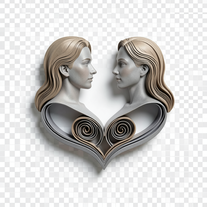 Transform photos into hyper-realistic 3D papercraft portraits.Open
 -
 Transform headshots into GTA-style vector portraits.Open
 -
 Transform photos into cinematic synthwave masterpieces.Open
 -
 Transform any portrait into a hyper-realistic volcanic stone masterpiece.Open
 -
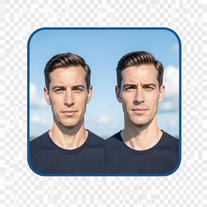 Create cinematic photos with giant and miniature versions of yourself.Open
 -
 Turn your photo into cinematic 8K poster magic.Open
 -
 Generate hyper-real GoPro-style self-portraits from your reference photo.Open
 -
 Open
Open -
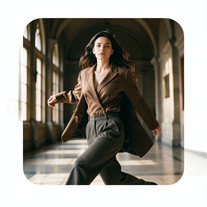 Hyper-real cinematic fashion portraits from single reference photos.Open
 -
 Open
Open -
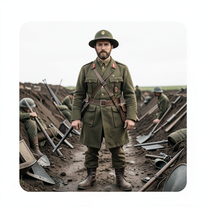 Transform subjects into hyper-realistic 8K war scenes.Open
 -
 Your professional identity, perfectly framedOpen
 -
 Open
Open -
 Generate hyper-real, 8K editorial portraits from one reference image.Open
 -
Sweet for cinematic grounded realism
-
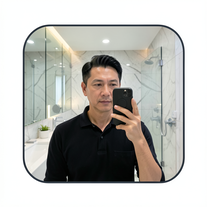 Mirror selfies so real, they look stolen from a celebrity's phone.Open
 -
 Transform photos into hyper-realistic 8K cinematic masterpieces.Open
 -
 Become the subject of your own cinematic masterpiece.Open
 -
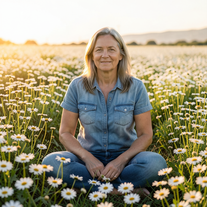 One photo. Campaign-worthy portraits in golden-hour realism.Open
 -
 Open
Open -
 Creates ultra-realistic 8K fashion portraits with perfect identity duplication.Open