 Tendem
 Mini tools
▼ Top rated
Ai editing
Free mode
100% free
Freemium
Free Trial
Featured matches
-
-
-

-
-
-
-
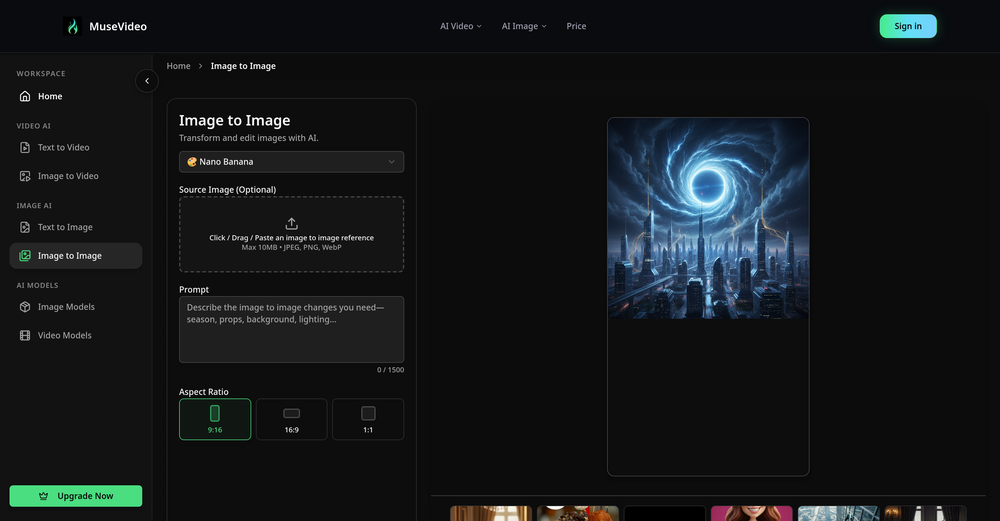
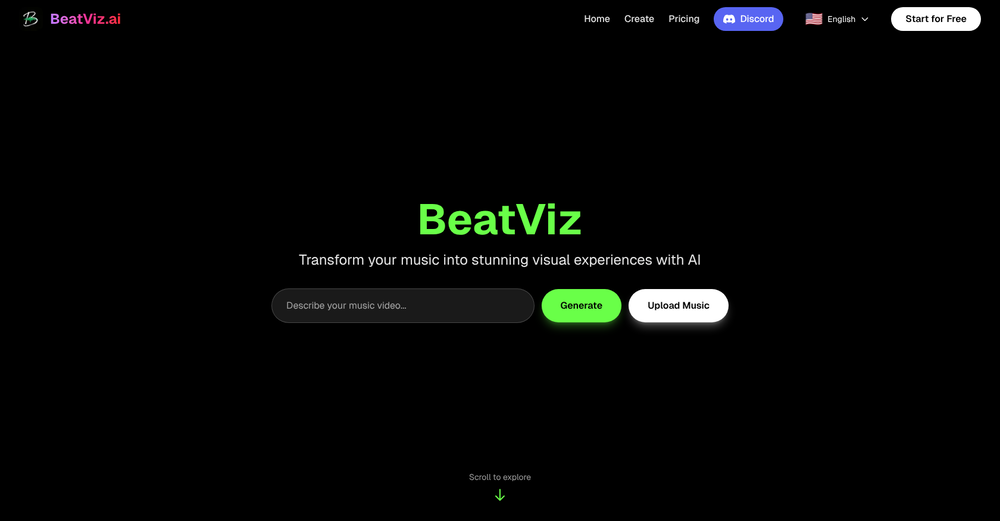 1.Revolutionary Dual-Panel Workflow Instantly generate AI visuals on the left while editing them seamlessly on the right. No more switching between tools! 2.Perfect Audio-Visual Synchronization Our new editor allows you to map generated visuals directly onto music nodes for beat-perfect, frame-accurate music video timing.Advanced Lip-Sync Control 3.Advanced Lip-Sync Control Bring your singers to life with realistic, dedicated lip-sync generation, ensuring natural movement and vocal alignment for your digital performers.
 -
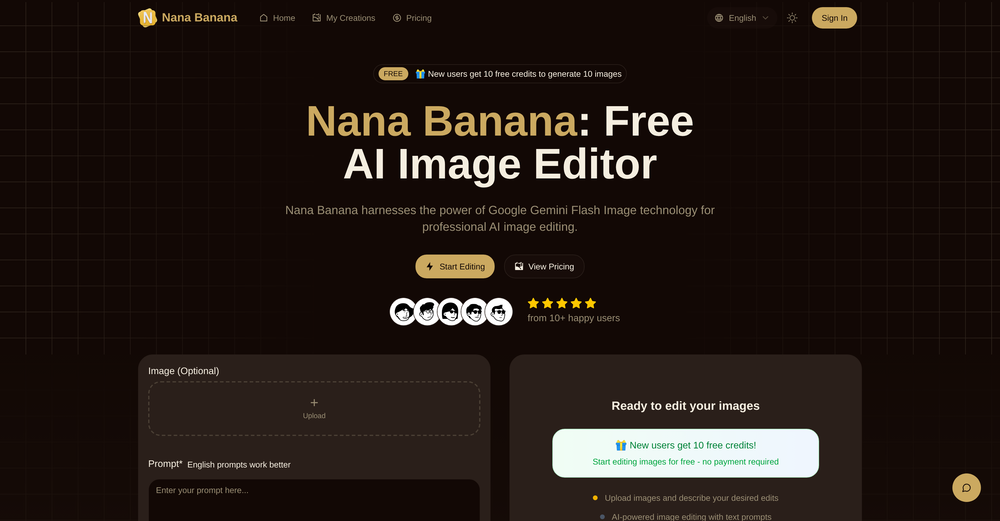
 jack🙏 6 karmaNov 11, 2025@NovaFlickThe AI-powered makeover feature has completely transformed my social media photos! Everyday commutes can be instantly transformed into a cyberpunk style, with outfits, backgrounds, and makeup all upgraded simultaneously. Even the smallest details, like the hair, are exquisitely rendered. My friends thought I'd had a professional photoshoot! No makeup or changing clothes required—get a trendy photoshoot in just 5 minutes! Perfect for fashionistas who love to save time and effort!
 -

-









Other tools
-
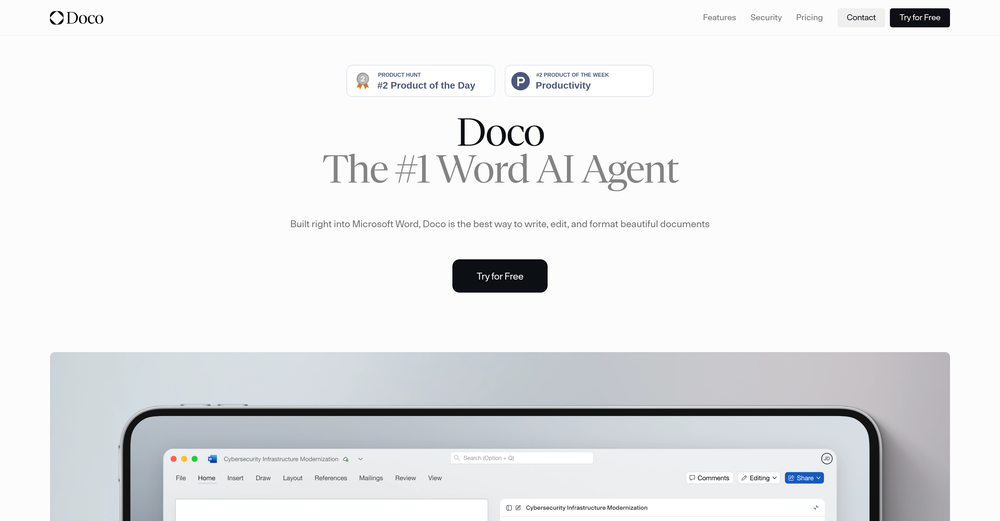
 AI writing assistant that detects your intent and creates tailored content.Open
 - Spotlight: Tendem (Task automation)
-
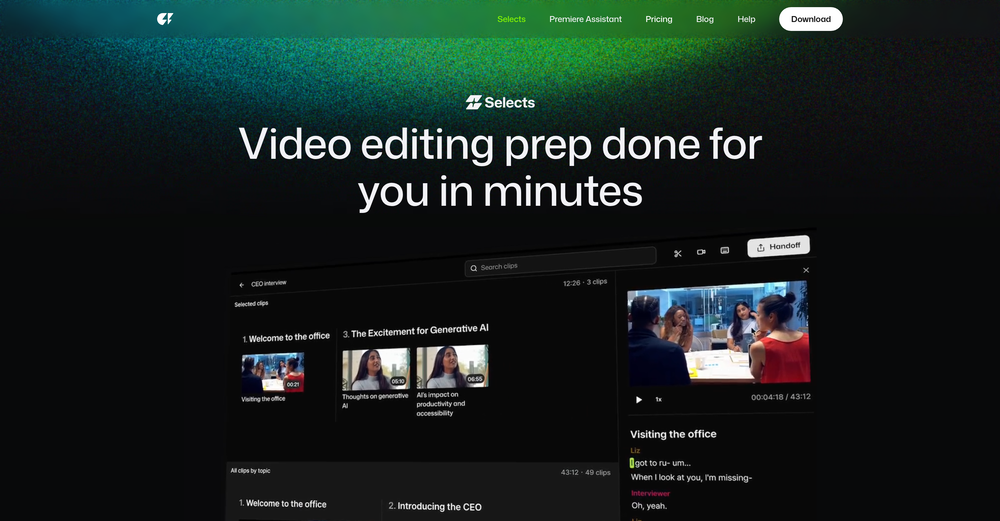
 Edit smarter, faster and easier with Filmora’s powerful AI video tools.OpenNew Features, Enhancements & Improvements: - AI Extend Effortlessly extend video and audio clips directly on the timeline. Generates seamless, natural-looking continuations for smoother storytelling. - Pen Tool Draw custom paths and shapes with full stroke controls. Bind paths to clips to create dynamic motion tracking and advanced visual effects. - Animated Charts Create animated data visuals with one-click data import. Includes adjustable styles, presets, and motion options for presentations and info-driven videos. - Source & Timeline Preview Editing Dual-preview workflow with a Source Monitor for reviewing raw footage and a Timeline Monitor for project playback. Enables faster, more accurate editing decisions. - Dual-Timeline Editing Work with multiple timelines through tabs, making it easier to manage compound clips, navigate edits, and organize complex projects. - Import Subprojects Import multiple Filmora project files as compound clips to support multi-project workflows and cross-project material reuse. Optimized Performance: - AI Object Remover Upgrade Introduces the new Magic Box engine with significantly improved removal results. Removes watermarks, subtitles, people, and distractions while maintaining natural clarity. - Smart Cutout Upgrade Improved edge detection and smudging interaction for cleaner extractions and fewer repetitive adjustments. - Dynamic Captions Enhanced subtitle editing with batch text processing and new, exclusive animation presets. - 32-Bit Audio Pipeline New high-fidelity audio processing engine with greater dynamic range. Projects needing V14 compatibility can be saved as Legacy Projects. System & Compatibility Improvements: - Improved overall system stability, faster rendering performance, enhanced GPU utilization, and better compatibility across supported devices for a smoother editing experience.
 -
 Open
Open -
This is surprisingly powerful. I can go from a vague idea to a polished track just by talking to Tunesona. The level of genre control and the instant adjustments make the whole process incredibly efficient.
-
- Didn't find the AI you were looking for?
-
 Remove watermarks from Sora videos instantly.Open
 -
 OpenIf you care about control over your data, this tool is for you! Looking forward to your questions and feedback. Thank you ❤️
 -
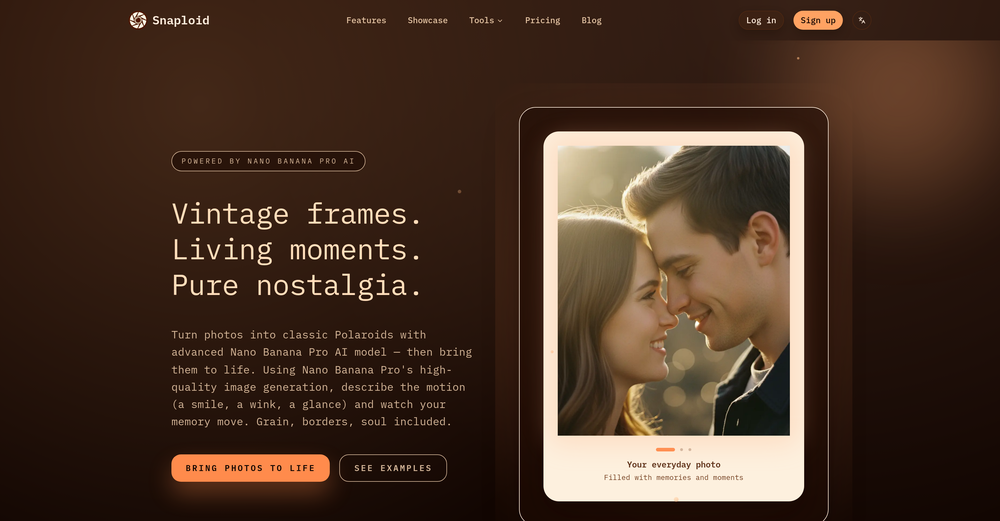
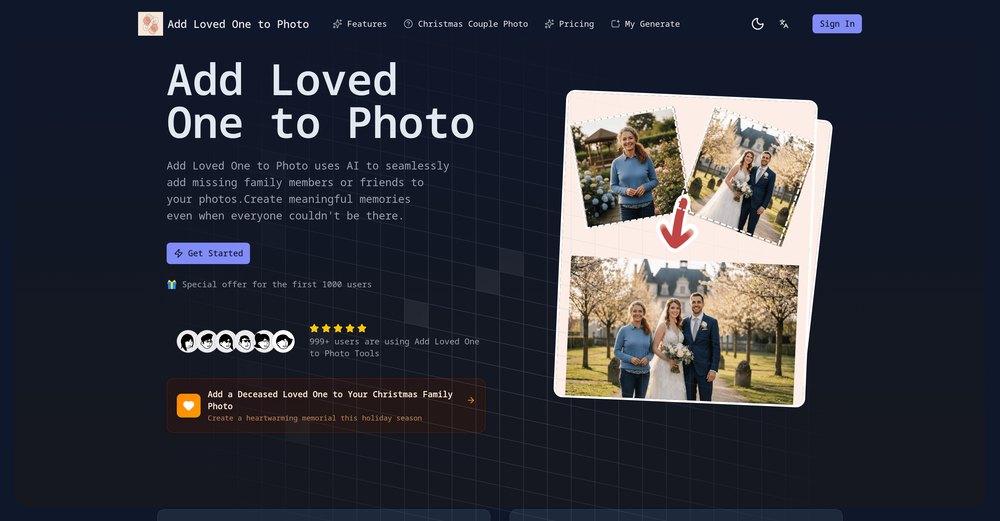
Realistic couple photo merge and creative generation!















Post





