Go to section
Sponsor
 Flow - 4x faster than typing
🎤 Dictation
Flow - 4x faster than typing
🎤 Dictation
The front page of AI.Used by 90M+ humans.

TAAFT Tutorial
Generate image
Tasks
Generate text
Free mode
Trending
Leaderboard
Characters
 Mini tools
New
Featured
Lists
Agents
Requests
Jobs
Map
Newsletter
Starter pack
Free tools
Speech to text
Text translator
Remove background
Settings
Edit profile
My tools
Gallery
Dashboard
Inbox
Get featured
Contact TAAFT
For you
Popular
Job impact index
Most saved
Affiliate program
Submit AI tool
Notification preferences
Glossary
Home
Timeline
My profile
Create tool
Deals
Companies
Models
Robots
Papers
Fundraises
Repositories
Devices
Organizations
Events
Prompt Pack
Merchendise
APIs
Features
Tools
Countries
Collections
Videos
Mini tools
New
Featured
Lists
Agents
Requests
Jobs
Map
Newsletter
Starter pack
Free tools
Speech to text
Text translator
Remove background
Settings
Edit profile
My tools
Gallery
Dashboard
Inbox
Get featured
Contact TAAFT
For you
Popular
Job impact index
Most saved
Affiliate program
Submit AI tool
Notification preferences
Glossary
Home
Timeline
My profile
Create tool
Deals
Companies
Models
Robots
Papers
Fundraises
Repositories
Devices
Organizations
Events
Prompt Pack
Merchendise
APIs
Features
Tools
Countries
Collections
Videos
Mini tools
New
Featured
Lists
Agents
Requests
Jobs
Map
Newsletter
Starter pack
Free tools
Speech to text
Text translator
Remove background
Settings
Edit profile
My tools
Gallery
Dashboard
Inbox
Get featured
Contact TAAFT
For you
Popular
Job impact index
Most saved
Affiliate program
Submit AI tool
Notification preferences
Glossary
Home
Timeline
My profile
Create tool
Deals
Companies
Models
Robots
Papers
Fundraises
Repositories
Devices
Organizations
Events
Prompt Pack
Merchendise
APIs
Features
Tools
Countries
Collections
Videos

▼ Popular
Article visualisation
Free mode
100% free
Freemium
Free Trial
Featured matches
-
 Turn notes into perfect infographics from 500+ designs.Open
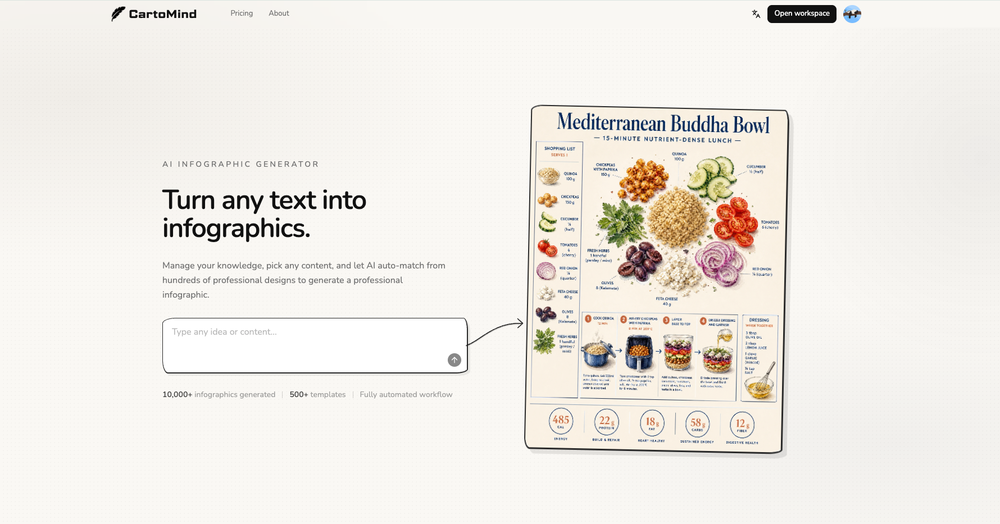 Henry🛠️ 2 tools 🙏 9 karmaMay 11, 2026@AI Infographic Generator - CartoMindHi TAAFT! I'm Henry, the founder of CartoMind. CartoMind offers a fully automated AI workflow to help you quickly organize text content and generate the perfect infographics to match. 【Why did I build this?】 When creating infographics with AI today, users are often forced to choose between two extremes. You either use generic AI image SaaS tools that trap you in complex prompt engineering and steep design learning curves with zero knowledge management, or you use products like NotebookLM. While they are fantastic for knowledge management, their infographic generation is just an afterthought, lacking design freedom and rich templates. 【Here is where CartoMind stands out:】 1. Lightweight knowledge & note management: We support uploading multiple file formats and automatically parsing text, allowing you to freely select the exact knowledge snippets you want to visualize. 2. Fully automated workflow: Based on your selected content, our AI automatically distills the key text elements and instantly matches you with the ideal infographic design from over 500 professional combinations. 3. Massive template library: A rich selection of infographic templates offering a true what-you-see-is-what-you-get experience. 【Who is using it?】 Marketers, educators, social media creators... In fact, anyone who needs to make their domain knowledge "visible" and loves to share it will find it incredibly useful. 【I can't wait for you all to try it out!】
 -
-
-
-
-

-
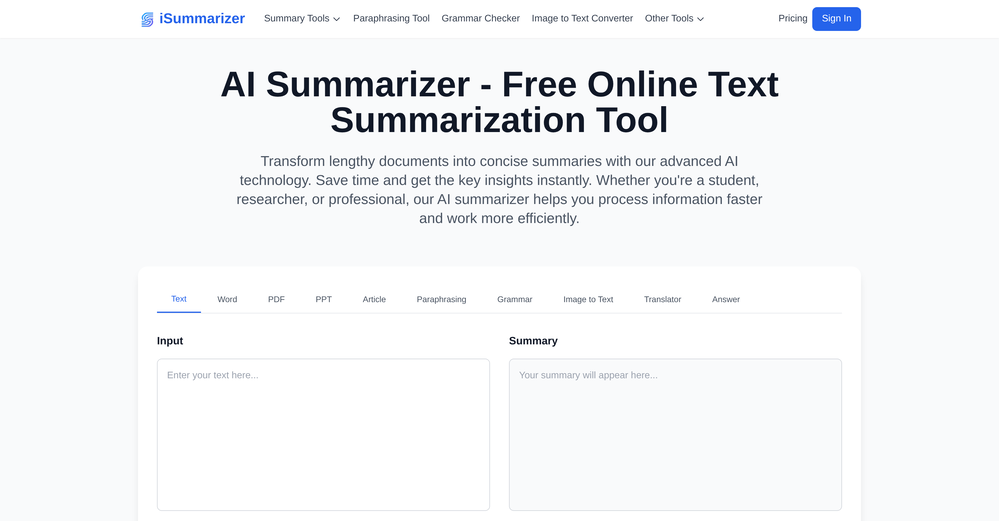
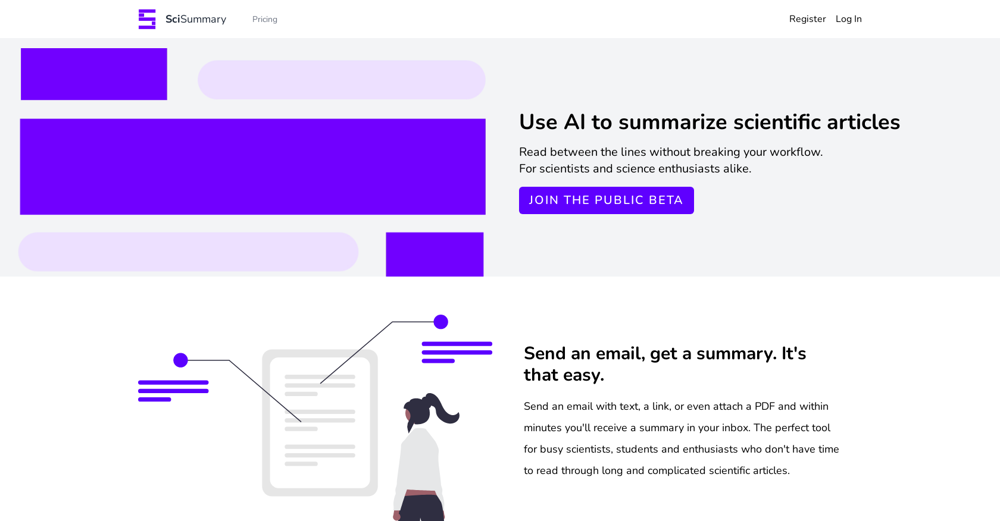 I'm still testing the tool yet it looks very promising. I tested it with a 5.5k words Academic text that I had previously red. I tested the Key points feature, it does work!








Other tools
-
- SponsorFlow - 4x faster than typing🎤 Dictation
-
-
The infographic maker lets you use it once for free without signing in. This infographic maker is simple and easy to use, even more so than Canva or Venngage. However, the available styles and templates are still limited. I hope they add more design options and customization in future updates. Overall, a good choice for quickly creating infographics.
-
-
Says "free during testing," but keeps telling me I have insufficient credits. I also can't seem to find a way to delete my account.
- Didn't find the AI you were looking for?
-
I did not like it. Seems very generic and did not adapt or recognized the topic to change the figures and the templates. Simply put my text to templates not related to the topic.