
 Mini tools
▼ Latest
Code summarizer
Free mode
100% free
Freemium
Free Trial
Featured matches
-
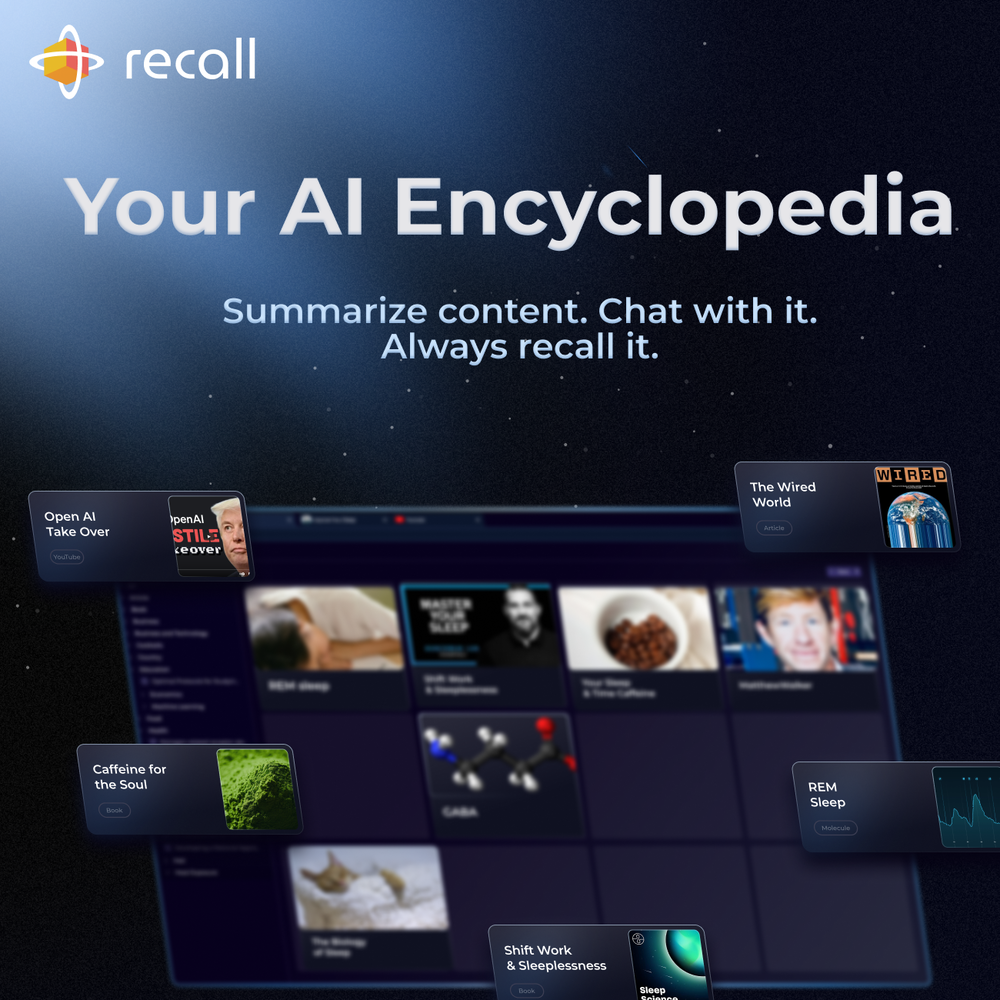
 amix ffx🙏 38 karmaJun 22, 2023@RecallReally like how it finds connection in the content that I save. I don't think any other tool can do that.
 -
 Open
Open TubeYakker matches how I already use YouTube. Saving things for later and processing them bit by bit. The UI is pretty minimal, which I like, though it took me a minute to understand the intended workflow. Keep it up ;-)
 -
 I'm still testing the tool yet it looks very promising. I tested it with a 5.5k words Academic text that I had previously red. I tested the Key points feature, it does work!


Verified tools
-
 OpenHi all, I am the founder of Futurwise, and we build this tool to help people keep up-to-date on fast-changing topics as the world is changing so incredibly fast. Our objective is to build a next gen media platform and help anyone cut through the noise of information overload and find your next insight faster. At the moment, we do that with an MVP focused on super fast summaries of many types of content but from trusted sources, available with one click, in your style and language. Ready in under 5 seconds, regardless of content type. Securely stored in your private library. Distraction free, no ads, forever. As we collapse hours into seconds and keep professionals aligned on what matters across 25 languages and trusted sources, we envision helping individuals, enterprises and global societies increase awareness on fast changing topics, such as emerging technologies, climate change or healthcare, that will affect humanity in the long run. I hope you enjoy our app!
 -
10 MB Limit does limit usability best if .pdf contains NO images.
-
This AI PDF Summarizer worked really well
- Sponsor
 Wispr Flow-Now on Android!🎤 Dictation
 -







Other tools
-
Free version is limited to 5 pages for PDFs. I could not find a file short enough to even test this product. I give up.
-
 Transform lengthy content into concise, purpose-driven summaries.Open
 -
It seems to be working fine right now. Maybe try again and double check if you’re using the book’s original or most recognized title. That might make a difference.
- Didn't find the AI you were looking for?
-
 Summarize content with AI-powered precision and efficiency.Open
 -
Handles long texts really well. Super useful if you’re into detailed content but want the quick version without losing key info.
-
-
-
very useful AI tool for those who need to work with pdf docs. Thnak you very to the team for offering it free












Post





