Go to section
Sponsor
 Flow - 4x faster than typing
🎤 Dictation
Flow - 4x faster than typing
🎤 Dictation
The front page of AI.Used by 90M+ humans.

Generate image
Tasks
Generate text
Free mode
Trending
Leaderboard
Characters
 Mini tools
New
Featured
Lists
Agents
Requests
Jobs
Map
Newsletter
Starter pack
Free tools
Speech to text
Text translator
Remove background
Settings
Edit profile
My tools
Gallery
Dashboard
Inbox
Get featured
Contact TAAFT
For you
Popular
Job impact index
Most saved
Affiliate program
Submit AI tool
Notification preferences
Glossary
Home
Timeline
My profile
Create tool
Deals
Companies
Models
Robots
Papers
Fundraises
Repositories
Devices
Organizations
Events
Prompt Pack
Merchendise
APIs
Features
Tools
Countries
Collections
Videos
Mini tools
New
Featured
Lists
Agents
Requests
Jobs
Map
Newsletter
Starter pack
Free tools
Speech to text
Text translator
Remove background
Settings
Edit profile
My tools
Gallery
Dashboard
Inbox
Get featured
Contact TAAFT
For you
Popular
Job impact index
Most saved
Affiliate program
Submit AI tool
Notification preferences
Glossary
Home
Timeline
My profile
Create tool
Deals
Companies
Models
Robots
Papers
Fundraises
Repositories
Devices
Organizations
Events
Prompt Pack
Merchendise
APIs
Features
Tools
Countries
Collections
Videos
Mini tools
New
Featured
Lists
Agents
Requests
Jobs
Map
Newsletter
Starter pack
Free tools
Speech to text
Text translator
Remove background
Settings
Edit profile
My tools
Gallery
Dashboard
Inbox
Get featured
Contact TAAFT
For you
Popular
Job impact index
Most saved
Affiliate program
Submit AI tool
Notification preferences
Glossary
Home
Timeline
My profile
Create tool
Deals
Companies
Models
Robots
Papers
Fundraises
Repositories
Devices
Organizations
Events
Prompt Pack
Merchendise
APIs
Features
Tools
Countries
Collections
Videos

▼ Latest
Phone speed
Free mode
100% free
Freemium
Free Trial
Featured matches
-
-
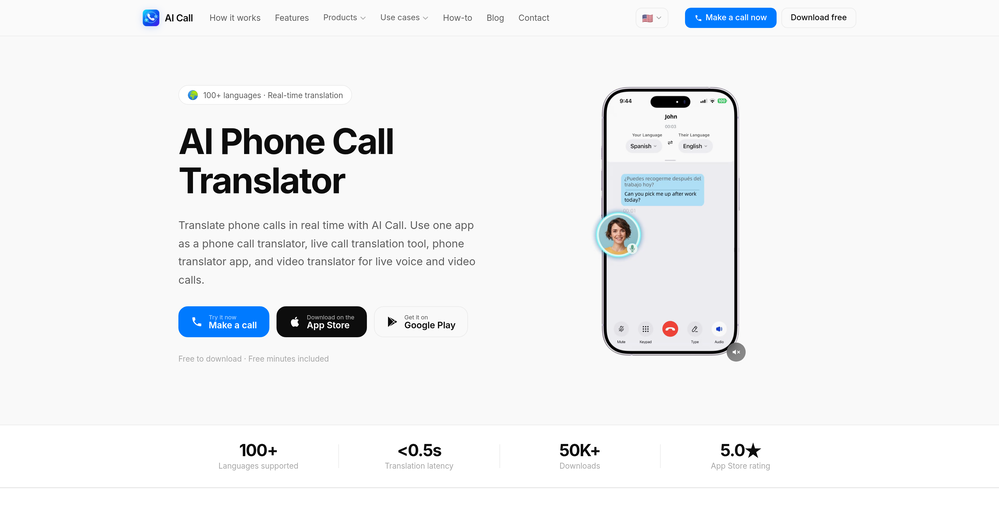
 berry🛠️ 1 toolJun 24, 2026@AI CallAI Call is one of the few tools that can translate both phone calls and video calls in real time. I've used it for international travel, hotel bookings, and customer service calls. The live subtitles are accurate and the call quality is surprisingly smooth. It saves a lot of time compared to switching between multiple translation apps.
 -
-
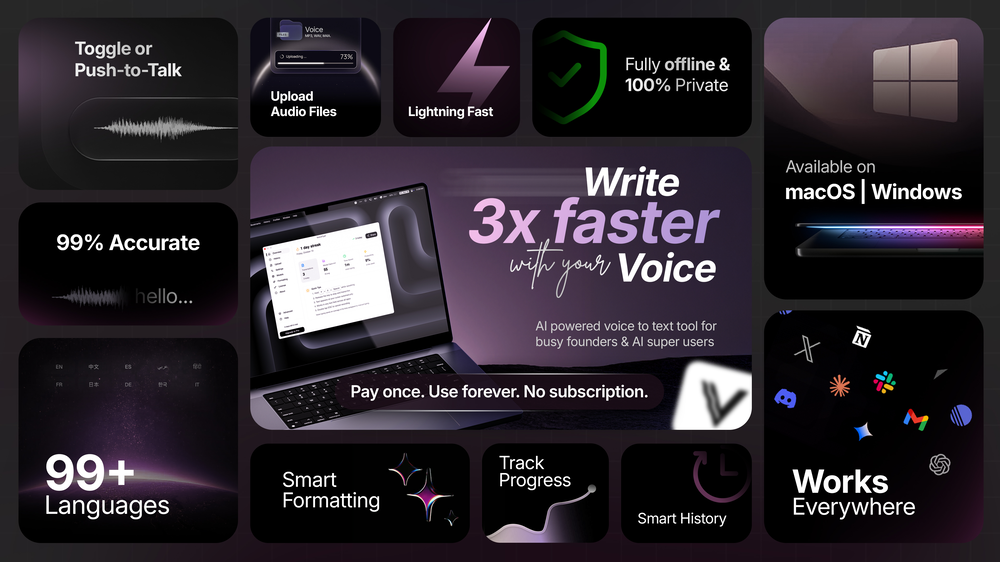
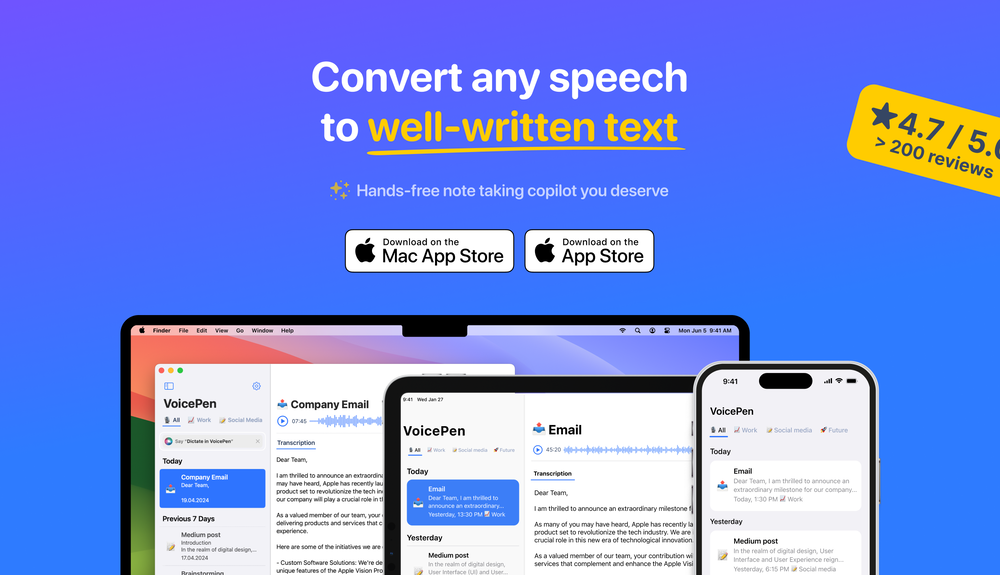
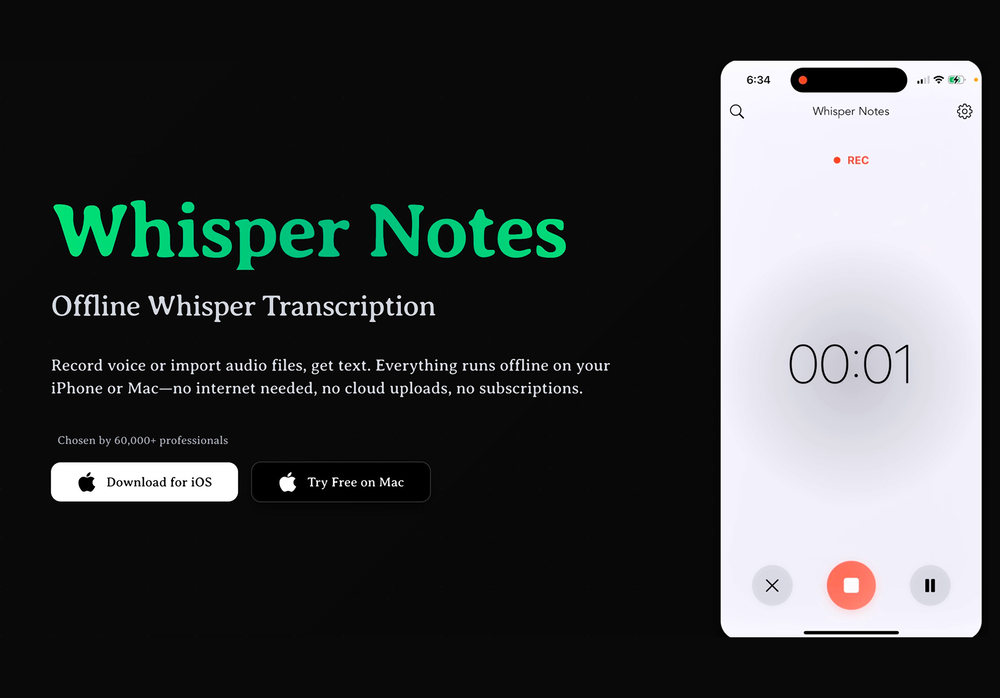 This app now supports both iOS & macOS: https://whispernotes.app
 -
-
-

-








Verified tools
-
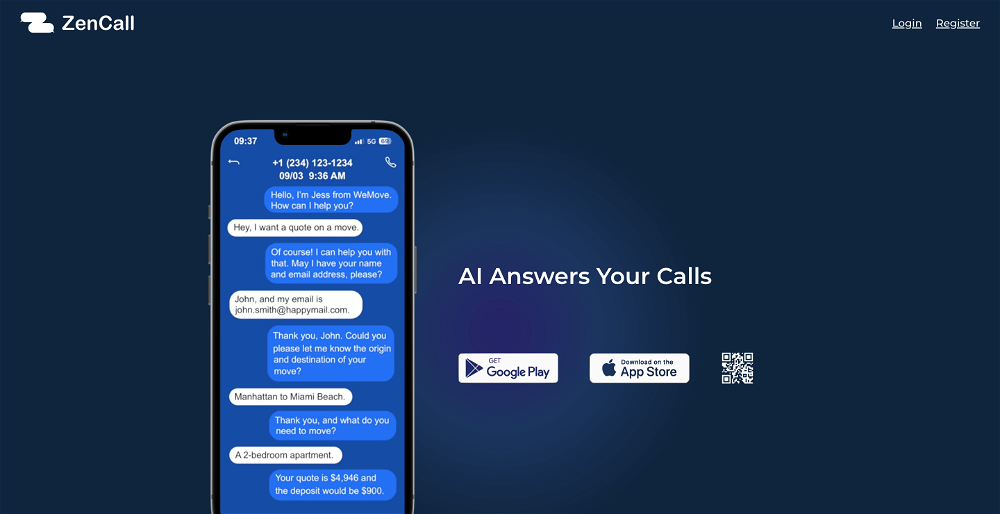
The AI Phone helped me a lot during my last short trip. I can use it to make international calls easily without getting a sim card. When making reservations at restaurants and asking for information about scenic spots, the functions of live call captioning, highlighting information and prompting terms make me, a non-native speaker, no longer afraid of conversation. Even after hanging up the phone, I can review the information without having to grab a pen to write it down. Imagine that after you make a phone call, all the key information, such as the location of the restaurant and the phone number of the contact, are saved and highlighted in the record. What a worry-free and magical experience it is!
-
wow, I just tried this and I'm actually shocked as to how good this is... Half the price of using GPT/Claude to help me with my notetaking and it's honestly 10x faster. This is a gamechanger for me, thank you!!
- SponsorFlow - 4x faster than typing🎤 Dictation
-
Great for automating podcast mastering. Voicecrush takes care of removing "em, eh, äh, um" etc. Also: my recording setup has some subtle background noise / hum, which cause I never was able to identify, nor able to get rid of with typical audio software. I don't know how Voice Crush accomplishes it, but I guess its AI features are doing an awesome job of filtering out these noises and distortions from hour-long recordings flawlessly.
-
Loved the tool, easy to use and understands any language, I used it in my spanish slang and also in english with no issues. Highly recommend it!
-
 OpenEasily saves me an hour every day - I no longer have to type long winded “professional” sounding email replies to my colleagues, I just speak roughly with minimal effort 👏
 -












Other tools
-
 Amplify sales and productivity with advanced contact center solutions.Open
 -
-
It allowed me to specify the name and number to call from but the call was received from unknown caller and a number I don't recognize. The female voice also has a pretty whacky personality..
-