
 Mini tools
▼ Top rated
Quick image generator
Free mode
100% free
Freemium
Free Trial
Featured matches
-
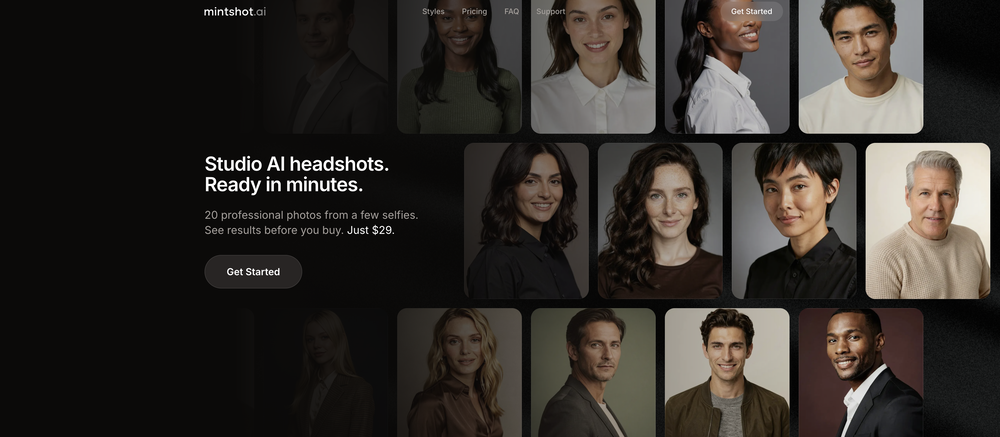
 Transform casual selfies into studio-quality business headshots instantly.Open
-
-
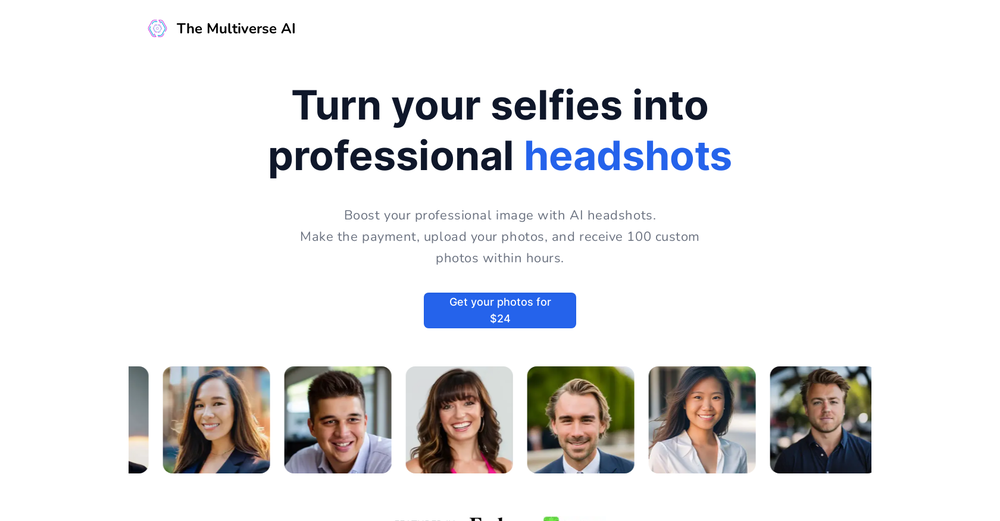 Onuoha JoeOct 13, 2025@Multiverse AII tried TheMultiverse.ai and was genuinely impressed — the headshots it generated look sharp, professional, and true to me. The editing options gave me just enough control without feeling overwhelming. I think it is more affordable than other ai headshot options out there.
 -
 Open
Open
-
-
-






Other tools
-
-
Excellent to restore old interlaced video, and to add FPS in order to make the motion smooth. The best part is that is accessible in browser, from any device, no equipment request.
-
 Millions of free AI stock images. Download, edit, or generate variations instantly.OpenWe just shipped two new creation tools in StockCake: ✅ AI SVG Creator (from prompts) — generate vector SVG assets from text (great for icons, logos, and game assets). ✅ AI 3D Creator (from images) — turn an image into a 3D GLB model in seconds. Both are available as standalone tools and inside the StockCake editor. Includes a free 7-day trial (cancel anytime). Try it now.
 - Sponsor
 Base44 Superagents-AI agent that does it all
 -
 Open
Open -
I was able to generate great quality of photos. Photo quality is just amazing.
-
Fast & straightforward with acceptable quality
- Didn't find the AI you were looking for?
-
I tried iMini AI’s Deep Research and was impressed by how fast it is. The output quality is excellent, saving me hours of tedious paperwork. Highly recommend!
-
This was impressive. From just one picture and a few details, it made a really good, professional video. Amazing quality!
-
Great value for the price with powerful features. I especially love the video generation function - it has taken my content creation to the next level.
-
-
A very clean website — simple, clear, and fast to generate results.
-
 AI-powered insights to optimize your LinkedIn presence.OpenGreat to hear, glad it was helpful for you.
 -
I run a small online store and used to rely on stock photos for product mockups and promotional images. The problem was that they never quite fit what I needed. Either the lighting was off, the setting felt too generic, or I’d see the same image pop up on a dozen other websites. Editing them to match my brand took more time than it was worth. I started using Aux Machina a few weeks ago, and it’s completely changed my workflow. Instead of searching endlessly for something that’s *close enough*, I can just describe what I want—like a product sitting on a clean, minimalist desk with soft natural lighting, and get an image that actually fits. What’s even better is that I can refine the results instead of starting over from scratch. It’s been especially useful for seasonal promotions. For example, I needed holiday-themed images with a specific color palette to match my brand, and instead of settling for whatever stock sites had available, I generated exactly what I had in mind. The images look high-quality and professional, and I don’t have to worry about my competitors using the same ones. It’s saved me a ton of time, and the results feel a lot more unique and custom. I still use some stock images here and there, but for anything that needs to stand out, this has been a much better solution.























Post





