Generate image
Tasks
Generate text
Free mode
Trending
Leaderboard
Characters
 Mini tools
New
Featured
Lists
Agents
Requests
Jobs
Map
Newsletter
Starter pack
Free tools
Speech to text
Text translator
Remove background
Settings
Edit profile
My tools
Gallery
Dashboard
Inbox
Get featured
Contact TAAFT
For you
Popular
Job impact index
Most saved
Affiliate program
Submit AI tool
Notification preferences
Glossary
Home
Timeline
My profile
Create tool
Deals
Companies
Models
Robots
Papers
Fundraises
Devices
Organizations
Events
Prompt Pack
Merchendise
APIs
Features
Tools
Countries
Collections
Videos
News
Investors
Repositories
Modalities
Mini tools
New
Featured
Lists
Agents
Requests
Jobs
Map
Newsletter
Starter pack
Free tools
Speech to text
Text translator
Remove background
Settings
Edit profile
My tools
Gallery
Dashboard
Inbox
Get featured
Contact TAAFT
For you
Popular
Job impact index
Most saved
Affiliate program
Submit AI tool
Notification preferences
Glossary
Home
Timeline
My profile
Create tool
Deals
Companies
Models
Robots
Papers
Fundraises
Devices
Organizations
Events
Prompt Pack
Merchendise
APIs
Features
Tools
Countries
Collections
Videos
News
Investors
Repositories
Modalities
Mini tools
New
Featured
Lists
Agents
Requests
Jobs
Map
Newsletter
Starter pack
Free tools
Speech to text
Text translator
Remove background
Settings
Edit profile
My tools
Gallery
Dashboard
Inbox
Get featured
Contact TAAFT
For you
Popular
Job impact index
Most saved
Affiliate program
Submit AI tool
Notification preferences
Glossary
Home
Timeline
My profile
Create tool
Deals
Companies
Models
Robots
Papers
Fundraises
Devices
Organizations
Events
Prompt Pack
Merchendise
APIs
Features
Tools
Countries
Collections
Videos
News
Investors
Repositories
Modalities

▼ Top rated
Real-time data processing
Free mode
100% free
Freemium
Free Trial
Featured matches
-

-
-
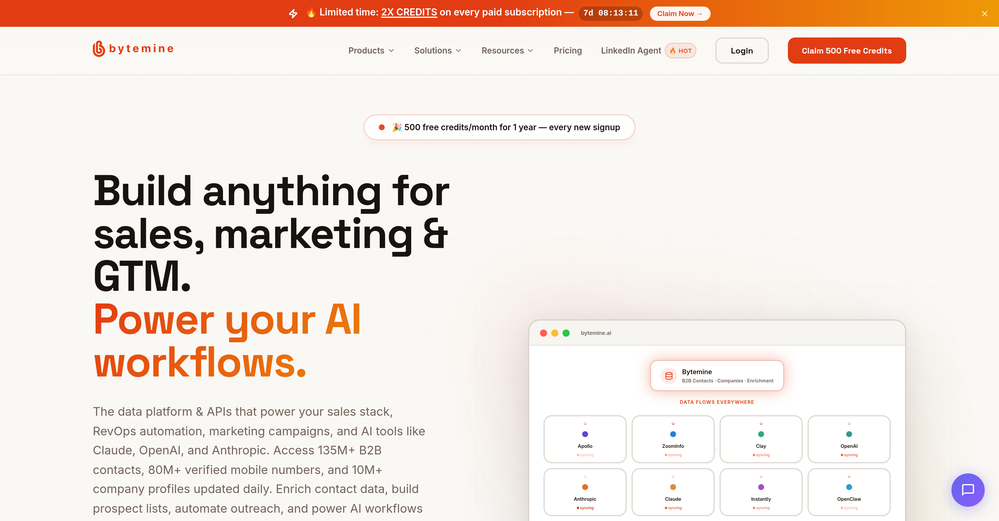 Ross MartinJul 7, 2026@BytemineHappy to leave a review for Bytemine, which I have been using daily for several weeks. As someone who has been trying to incorporate AI for a couple years, hoping to become more efficient overall, I found muyself clumsily trying to use standard LLMs across the sales-cycle, but not really gaining any noticable efficiency. Bytemine makes it easy to leverage AI in a productive and more efficient way and I believe I've only scratched the surface of what it can do. Maybe most importantly it was super easy to setup and the one time I had a question the response from support was quick and thorough.
 -
-
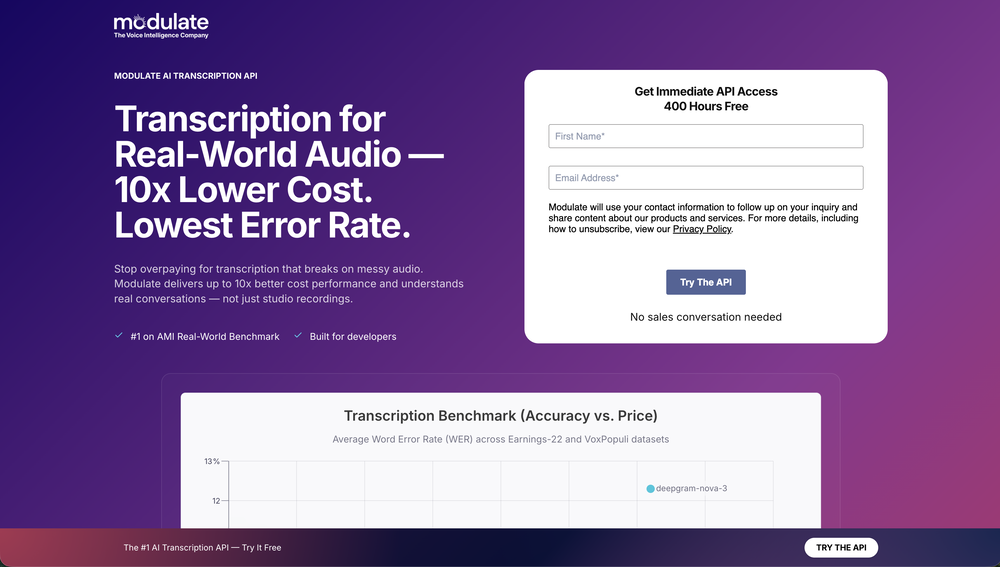
 Quick thought after seeing Convo. Meeting notes tools are a crowded $10 SaaS category. But a tool that helps sales reps answer questions and handle objections live sits in a completely different value tier. That shift alone can change pricing and conversion dynamics significantly.
 -
-
 Real-time voice translation for meetings, calls, and videosOpen
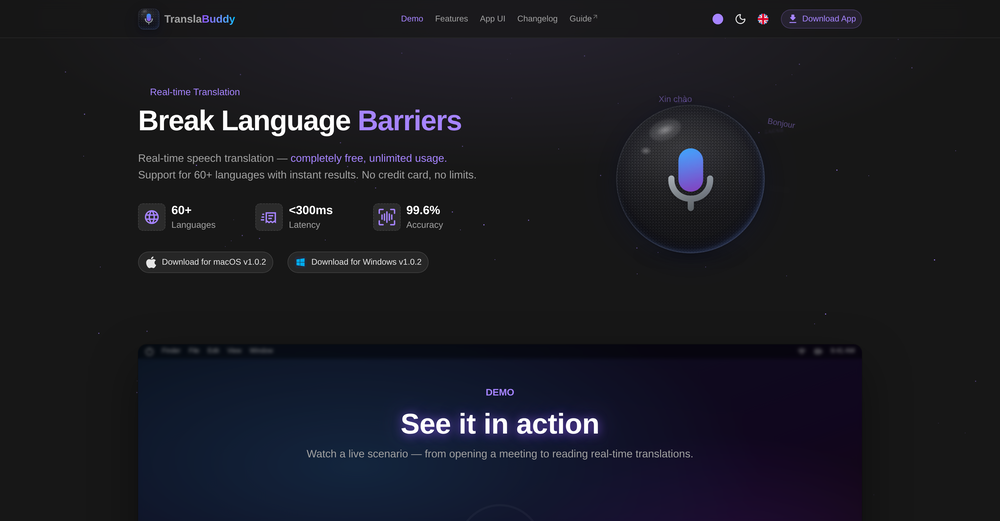 its a great initiative . i appreciate your each piece of effort. make it more versatile for meeting as note taking also . auto summarise and notes down mom of meeting. if should have transcipt interface as two people are chatting instead of just line by line text. not easy understandable who is spaeking. which line.
 -
-

-
Waitlist










Other tools
-
Process Street has increased my efficiency in ways I didn't even know was possible especially with the AI-powered workflow builder and the insanely large template library!
-
the founder is cool, definitely a recommendation if you have personal requests and grow the app along with you.
-
This is so cool! Look loved, i made my GF t-pose haha. Keep it going man, really fun!
- Spotlight
 BellboyHotel recommendations
 -
We added Build Chatbot to our website for FAQs and support. It impressively gives exact answers from our service files. The ease of getting started is the best. I was up in less than 5 minutes, asking questions to the files.
-
gave Botlor a quick try and the setup was pretty straightforward. It handled the basic use case well, though I’d want a bit more customization before using it for something serious. decently useful.
- Didn't find the AI you were looking for?
-
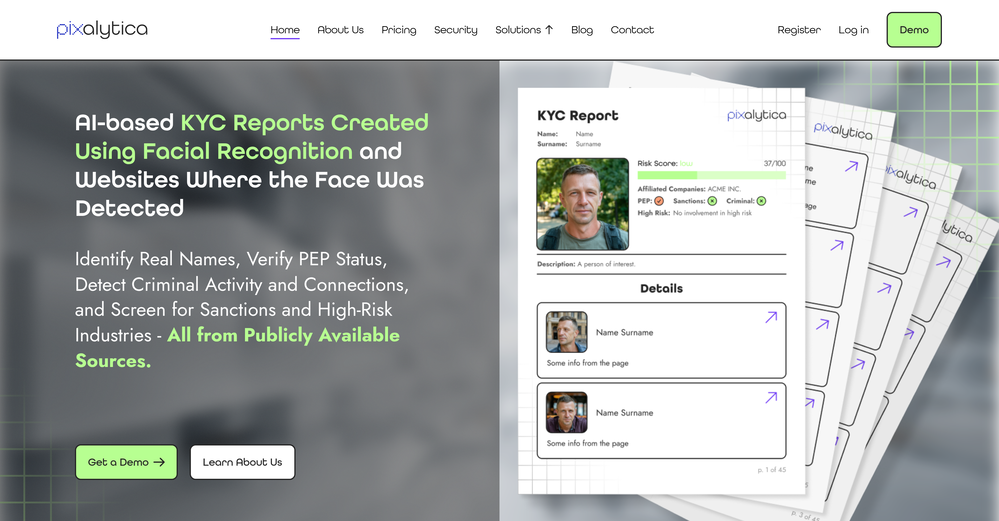
Very accurate.I check videos and audios to detect fakes before sharing viral news
-
Frees up my team time to chase after unpaid invoices that we sent through Stripe and Quickbooks
-
Chat2DB simplifies complex data analysis processes and improving our efficiency.