
 Mini tools
▼ Top rated
Video content creation
Free mode
100% free
Freemium
Free Trial
Featured matches
-
 Hari Krishnan R U🙏 1 karmaMar 29, 2026@GistrGistr has been a game changer for processing long YouTube videos and PDFs - saves hours and actually helps you retain what you consume.
 -
 Open
Open
-

-
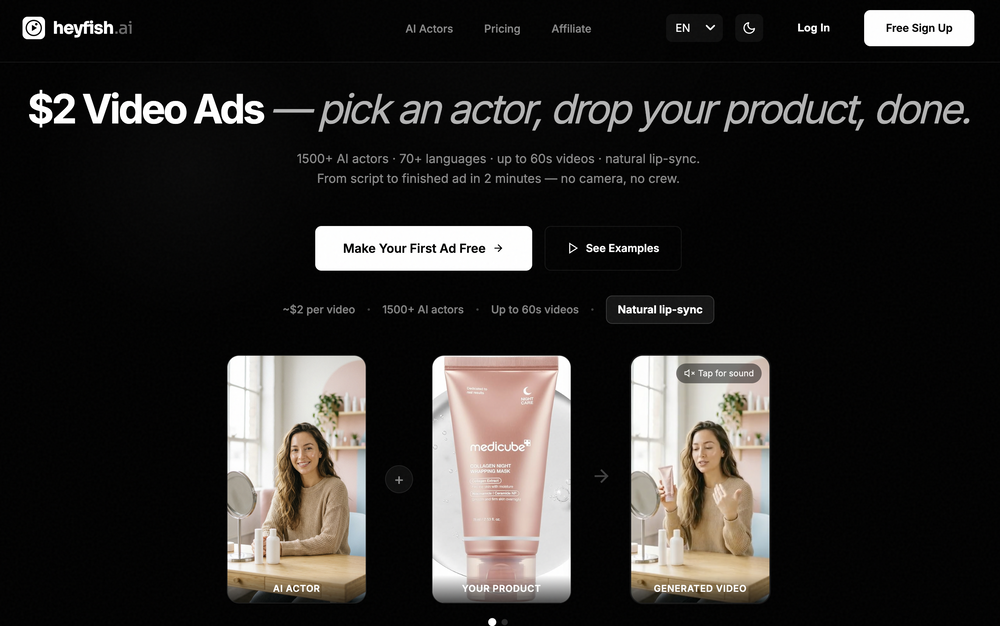
-
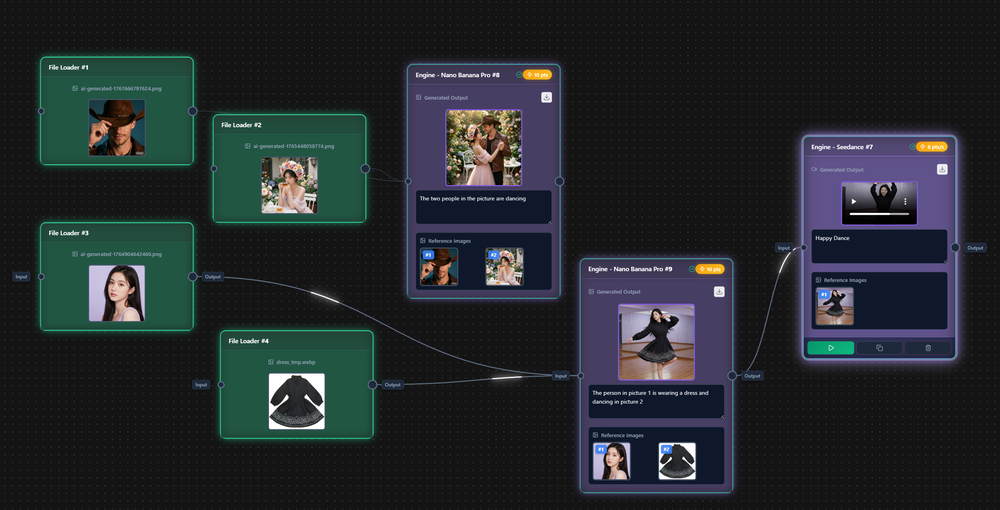 I handle a large number of tasks simultaneously through VoooAI to complete my creative work, thereby accomplishing the workload equivalent to one month in one day
 -
 Open
Open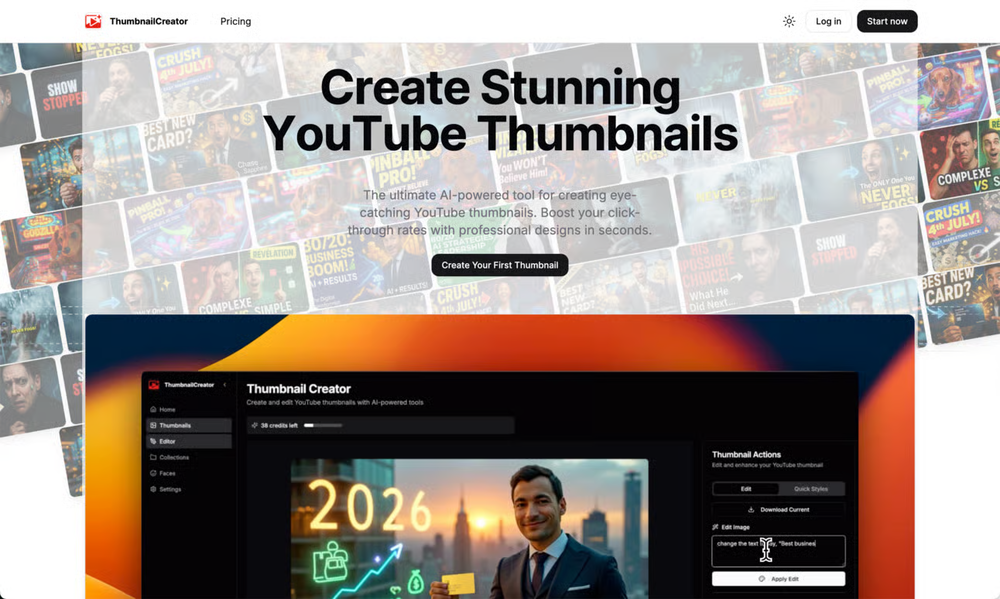 ThumbnailCreator lets you generate YouTube Thumbnails using AI! 🚀
 -
 Transform photos into cinematic videos with AI.Open
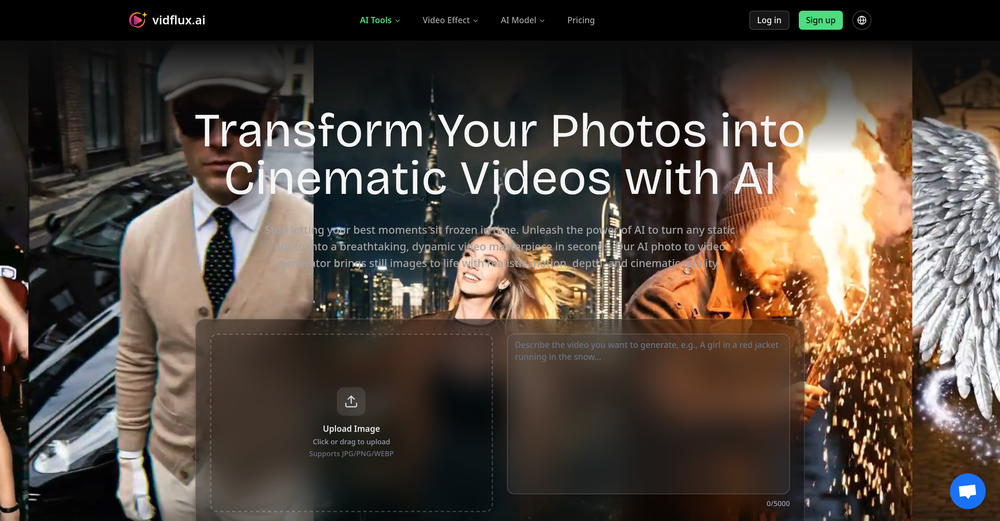 ✨ New: AI Prompt Generation Instantly create optimized prompts for better results across Veo, Kling,Grok imagine , Wan, and Seedance.
 -

-

-



Other tools
-
 Open
Open -
 Instantly create professional screen recordings in perfect English.OpenHi folks - I'm Charles, the founder of Wizardly. I built this app to help marketing, product, and sales teams instantly create polished product videos without requiring expensive professional video editing. Try it out to see how to turn a quick screen recording into professional, customer-ready video today. We have lot's of cool features in the pipe but feel free to share feedback and suggestions once you give the app a spin! 🙏🏻
 - Sponsor
 KiloClaw - Managed 🦀 OpenClaw hosting
 -
 Edit smarter, faster and easier with Filmora’s powerful AI video tools.Open
 -
- Didn't find the AI you were looking for?
-
-
 OpenI played around with PodScribe.IO for just 5 minutes, and it helped me save at least 35 minutes when transcribing my first podcast (for free - have not subscribed to the paid version yet). That's pretty sweet! The way it presents and separates podcast data into different formats is really well done. It makes it super easy to find what you're looking for.
 -
 From idea to launch: professional AI-generated content in one place.OpenHi everyone! I am Adnan, the author of MakerSuite.AI. I am a content creator as well as a software engineer (16+ years of experience). MakerSuite has been created firstly for my own needs with a goal to help me organize content creation workflow (from YouTube scripts to blog and social media posts). The application covers a lifecycle from idea generation to complete script, thumbnail, description, and all the necessary things to prepare you for video recording or to provide you with a script that you can use on your blog or social media platforms. MakerSuite is a result of continuous work from more than 6 months of active day-night and weekend hard work on it. In the end I decided to share it with the world so other people could benefit from it, and also in return I can pay off the hard work and support the platform's future development and maintenance costs. As the models and infrastructure cost a lot. I am open to any form of suggestions or comments; even negative ones are always welcome. The platform has a lot of planned future developments that have to be added to make it even better. Please share your thoughts and feedback in the comments section, as it will help me improve it more! Thanks, everyone! Best, Adnan
 -
Solid hub for socials. Schedules to a lot of platforms in one place with ai post ideas and short-form tools, plus a free tier to try things out. I like the planner and analytics, ui feels busy at first but once you learn the flow it moves fast.
-
Fantastic product - it helped me increase my conversions on my website quite a bit. The support was really helpful too.
-
-













Post





