 Tendem
 Mini tools
▼ Top rated
Video generation
Free mode
100% free
Freemium
Free Trial
Featured matches
-
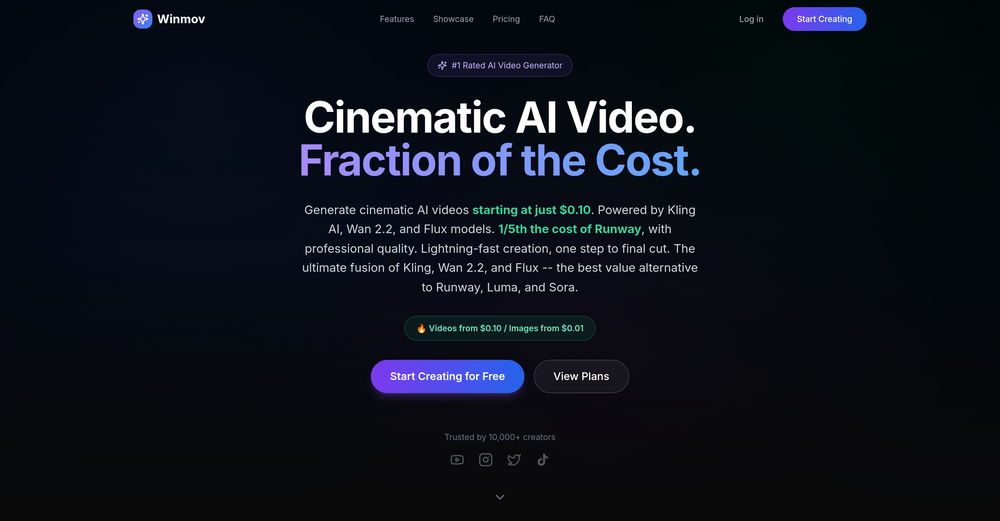
-
 Thanks for all the feedback on our last release — the one where we introduced one-click product import, story-driven videos, automated templates, brand vault, and smarter AI characters. This week’s update focuses on making those features smoother, more reliable, and more polished across all product types. Latest Updates - Translated pages now work more smoothly. - Spokesperson videos now come with matching B-rolls. - Digital products now use a new benefits-focused style. - Physical products now require a product image for better video quality. - Other bug fixes and improvements
 -

-
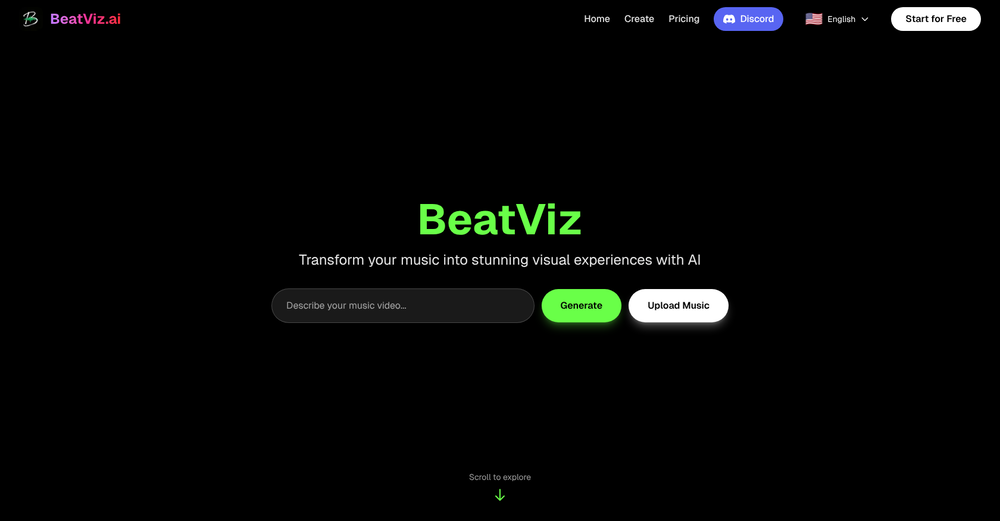 1.Revolutionary Dual-Panel Workflow Instantly generate AI visuals on the left while editing them seamlessly on the right. No more switching between tools! 2.Perfect Audio-Visual Synchronization Our new editor allows you to map generated visuals directly onto music nodes for beat-perfect, frame-accurate music video timing.Advanced Lip-Sync Control 3.Advanced Lip-Sync Control Bring your singers to life with realistic, dedicated lip-sync generation, ensuring natural movement and vocal alignment for your digital performers.
 -

-
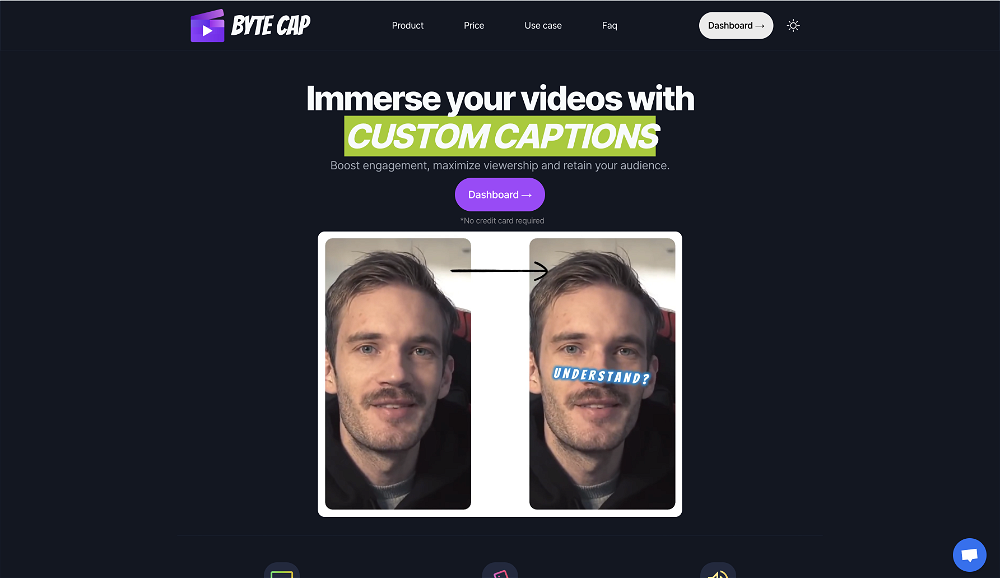 bob miller🙏 70 karmaMay 22, 2024@ByteCapGenerating captions was super fast like seconds. Wish they had Anton font though
 -
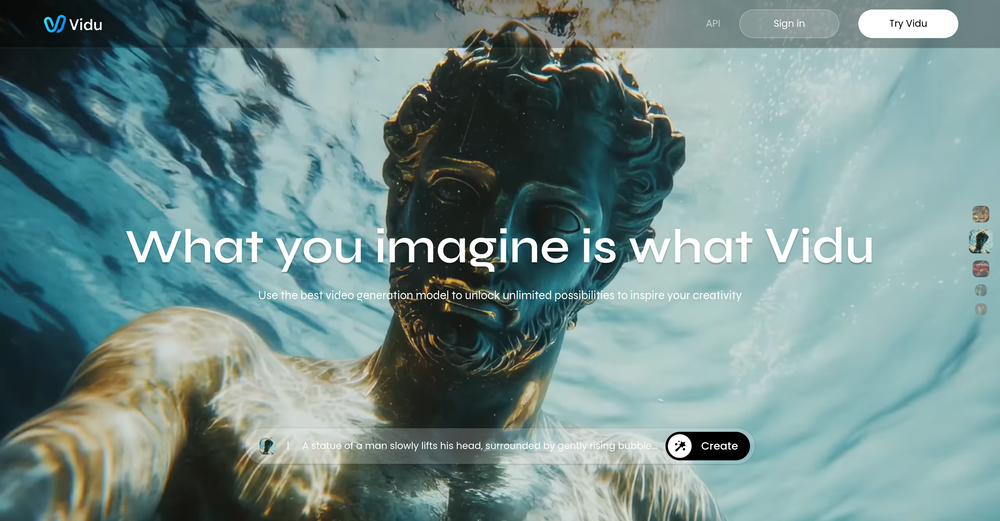 Speed is amazing ! I will definitely utilize the tool in the future for film generation
 -
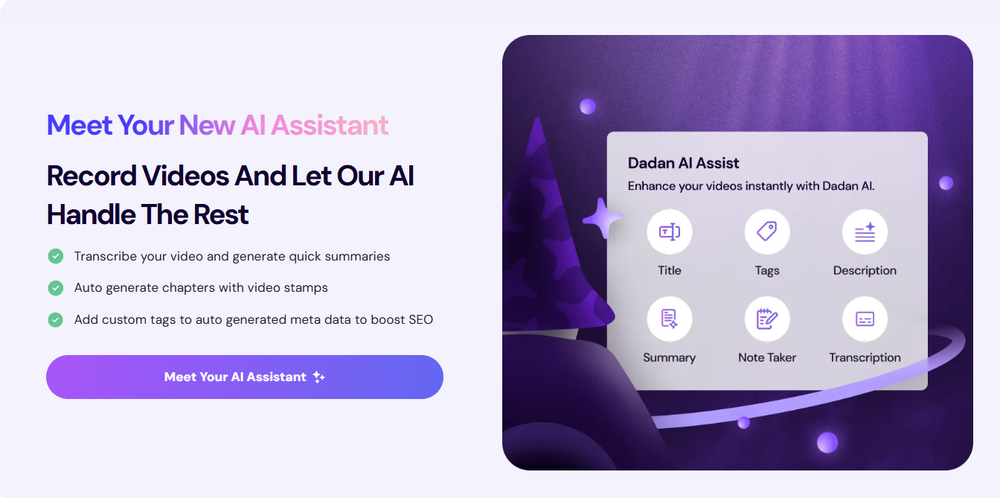 Love Dadan's new AI features. I used to hate searching through videos to find specific points and actions. Now I just get AI Assist to transcribe them and use one of the meeting templates to find what I need in a few seconds.
 -
 Rapidly generate AI training videos without equipment or editing.Open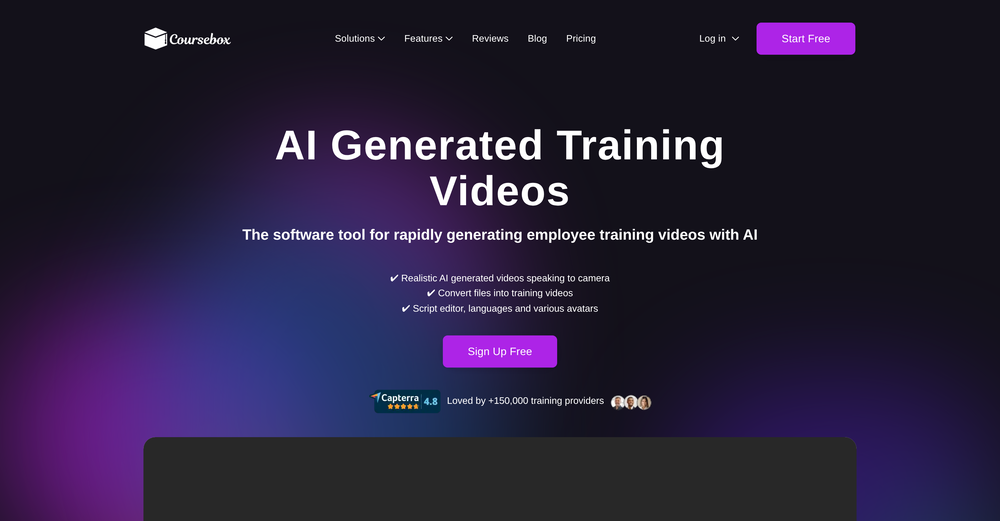
-
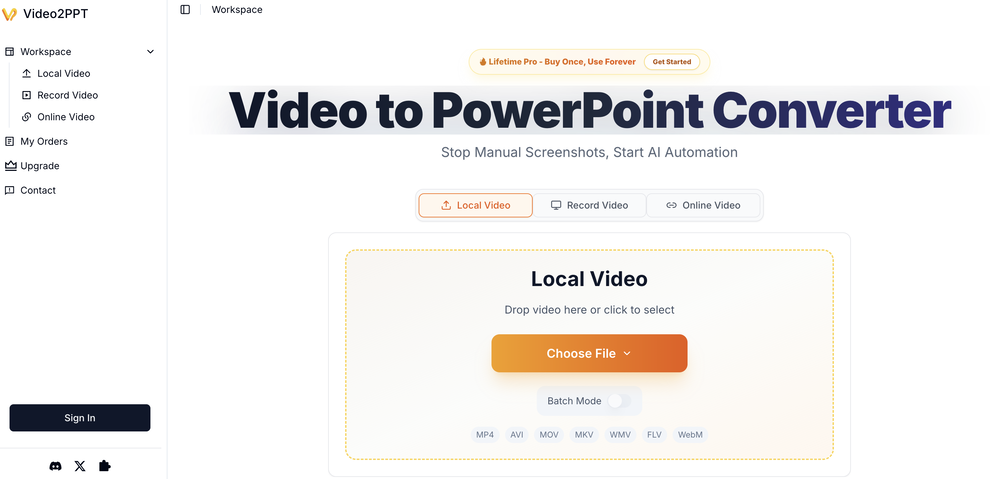









Other tools
- Spotlight: Tendem (Task automation)
-
 Edit smarter, faster and easier with Filmora’s powerful AI video tools.OpenNew Features, Enhancements & Improvements: - AI Extend Effortlessly extend video and audio clips directly on the timeline. Generates seamless, natural-looking continuations for smoother storytelling. - Pen Tool Draw custom paths and shapes with full stroke controls. Bind paths to clips to create dynamic motion tracking and advanced visual effects. - Animated Charts Create animated data visuals with one-click data import. Includes adjustable styles, presets, and motion options for presentations and info-driven videos. - Source & Timeline Preview Editing Dual-preview workflow with a Source Monitor for reviewing raw footage and a Timeline Monitor for project playback. Enables faster, more accurate editing decisions. - Dual-Timeline Editing Work with multiple timelines through tabs, making it easier to manage compound clips, navigate edits, and organize complex projects. - Import Subprojects Import multiple Filmora project files as compound clips to support multi-project workflows and cross-project material reuse. Optimized Performance: - AI Object Remover Upgrade Introduces the new Magic Box engine with significantly improved removal results. Removes watermarks, subtitles, people, and distractions while maintaining natural clarity. - Smart Cutout Upgrade Improved edge detection and smudging interaction for cleaner extractions and fewer repetitive adjustments. - Dynamic Captions Enhanced subtitle editing with batch text processing and new, exclusive animation presets. - 32-Bit Audio Pipeline New high-fidelity audio processing engine with greater dynamic range. Projects needing V14 compatibility can be saved as Legacy Projects. System & Compatibility Improvements: - Improved overall system stability, faster rendering performance, enhanced GPU utilization, and better compatibility across supported devices for a smoother editing experience.
 -
Absolutely HUGE. This gonna be the top AI for YouTube creators!
-
threw it at our dusty help center and it cooked. pulled context from tickets and updates and wrote clean articles and faqs. inbox got quieter fast. solid tool.
- Didn't find the AI you were looking for?
-
 Turn scripts into creator-style videos instantly.OpenI built this because I had a spare RTX 5090 sitting idle and friends in e-commerce kept telling me UGC videos were too expensive. Most AI UGC tools cost 80 to 110 dollars a month, about 10 dollars per video. My prototype can already create 3-minute videos, but it takes almost an hour on one GPU, so I limited the public version to 30 seconds while I scale to 4 GPUs. Would love feedback on the best pricing model and go-to-market.
 -
I have been using this since 2 months, and have been able to reach out to French audience for my course. Thank you.
-
Solid hub for socials. Schedules to a lot of platforms in one place with ai post ideas and short-form tools, plus a free tier to try things out. I like the planner and analytics, ui feels busy at first but once you learn the flow it moves fast.
-
# Semantic Search - use multi-modal semantic search across your entire video library to find key moments, objects in scenes, # Teams - Create organizations to share videos and analyses # Improved Analyses - Automated analysis of all uploaded videos, better AI models for bulk analysis, faster response times # Improved user experience - the UI is more polished and easier to use
-
 Generate custom copyright-free music that fits to your video automaticallyOpenWe built Vidsembly’s Video Music-Score tool to make adding background music simple and fast. Upload your MP4 video, choose a music style, and get a copyright-free soundtrack that is automatically fit to your video and ready for export. No editing skills needed. You can try it free with 15 credits.
 -



















Lists
-
Tools for creating demo videos for your AI toolSubscribe1717





-
Best ai tools for videoSubscribe139





-
Tools for Editing Wedding Videos and PhotosSubscribe3413







-
Best Video AI ToolsSubscribe98





-
VideoBotsSubscribe8510







-
Video GenerationSubscribe797




-
VideoSubscribe16




-
Text to video toolsSubscribe274



-
IMAGE TO VIDEOSubscribe224


Post





