Mini tools
 freebeat AI
 ClipMode
 Magik Face
 D-ID
D-ID
 MagicLight
 HeyGen
 Kaiber Superstudio
 Seedance
 Kling
Kling
 AI Video Generator by RenderFlow AI
 neural frames
 Funy AI: AI Dance, AI Bikini, AI Kiss
 Chraft AI
 Vidu AI Video Generator
 ViGi
ViGi
 Videnly
 Viddo AI - AI Video Generator
 VidGen AI Video Generator
 Wan Video
 AIReel
 So You Want To Be A Writer?
 Minka
Minka
 Ancient AI powered spirits
 Jvb ai
 somacguffin
 Cuty
Cuty
 Superfly Stoner

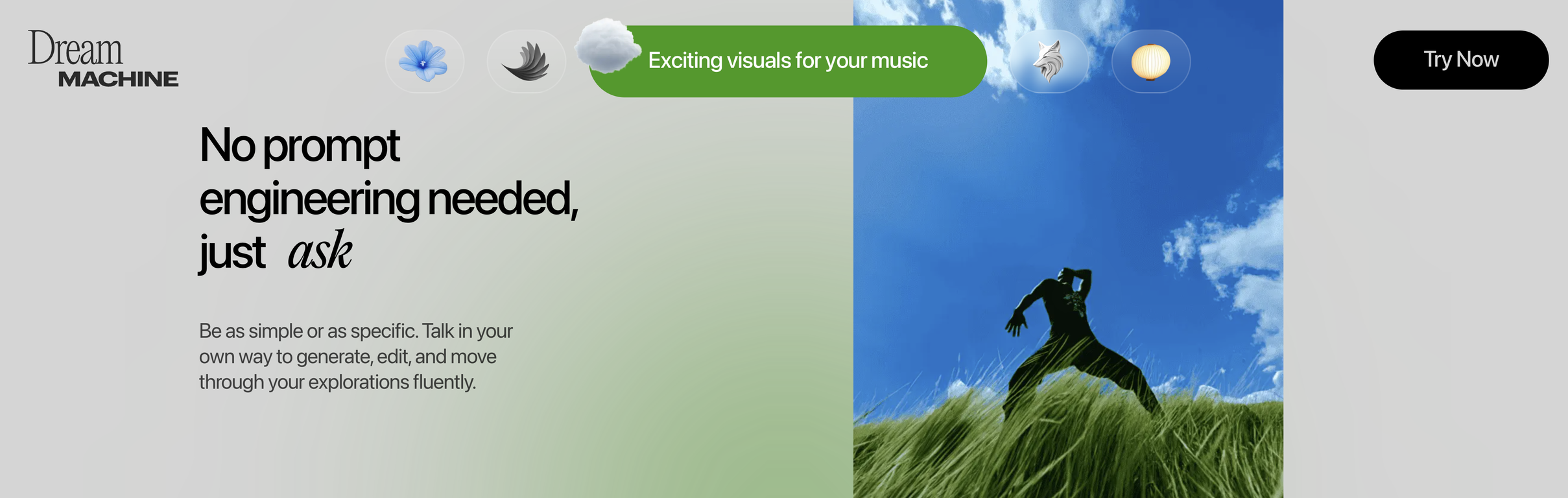
Luma Dream Machine








Overview
Luma Dream Machine is a comprehensive AI-powered tool designed to foster creativity by assisting in the creation of original and captivating images and videos.
It employs advanced artificial intelligence models to foster ideation, generate visuals, and transform those concepts into interactive media. The tool is available on iOS devices and across the web platform.
Utilizing Dream Machine, users can quickly conference with the AI and navigate through their ideas fluently. The tool encourages engagement and re-imagination of static objects in multiple settings, achieved through user-provided visual references.
Users can efficiently brainstorm and generate endless ideas with the Creative Query feature. The AI also supports creating unique characters from single images and directing video shots based on start and end frames.
The tool encourages sharing and remixing creations, enhancing the creative journey. Two main AI models, Photon and Ray3, power Luma Dream Machine. Photon, an advanced image model, is optimized for visual thinking and fast iteration, whereas Ray3 is an intelligent video model designed to tell stories, operating especially well with High Dynamic Range color videos.
These models work in tandem to provide smooth creative experiences, offering high-detail output and natural language understanding.
Supported features
Releases
Pricing
Other tools by Luma AI
-
Elango NadarApr 18, 2026@Luma Agentsone of the crazy thing i ever used you should be





Top alternatives
-
 Turn Music & Ideas into Viral Videos In One Click🔥 freebeat V10.2 introduces Photo Karaoke, multiple performance modes, scene presets, and automatic AI lip sync. ----- What’s New - 📸 Photo Karaoke – Turn a single portrait into an AI-powered singing performance with just a photo and a song. - 🎭 Multiple Performance Modes – Create Solo, Duet, or Pet karaoke videos for different performance experiences. - 🎬 Scene Presets – Choose from built-in performance scenes including Studio, Jazz, Bar, Home, Supercar, Fisheye, and more. - 🎤 Expressive AI Lip Sync – Generate natural singing performances synchronized with your song. ----- How It Works 1. Upload a photo or choose one from My Assets. 2. Select a performance mode and scene preset. 3. Add your song and generate your karaoke performance. 4. Download the finished video and share it anywhere. ----- Why It Matters V10.2 expands freebeat’s music video creation experience by bringing AI singing performances to still images. Instead of recording videos or animating portraits manually, creators can now transform a single photo into an expressive karaoke performance in just a few clicks. 👉 Try it now – www.freebeat.ai
 -
 Create AI-generated videos with easeWE USE D-ID AT THE COLORADO VIRTUAL CREATIVE FACTORY...AND LOVE IT.
 -
 Transform text into captivating videos instantly.You get 300 credits upon signing up, which is enough to test out the app and see its potential. I had a bit of fun with it. It takes a few minutes to generate content, but the results are impressive. There are many styles, modifiers, and customization options available. I would definitely use this for content creation or storytelling.
 -
 Create AI spokesperson videos from text
 -
 AI Video GenerationThey're dreaming if they think I'd give them my credit card info just for a free trial. Most useless thing ever...
 -
 Multi-shot video generation from text and image.