
 Mini tools
▼ Latest
Api productivity
Free mode
100% free
Freemium
Free Trial
Featured matches
-
 The AI agent users trust to run their business stable and unsupervised.Open
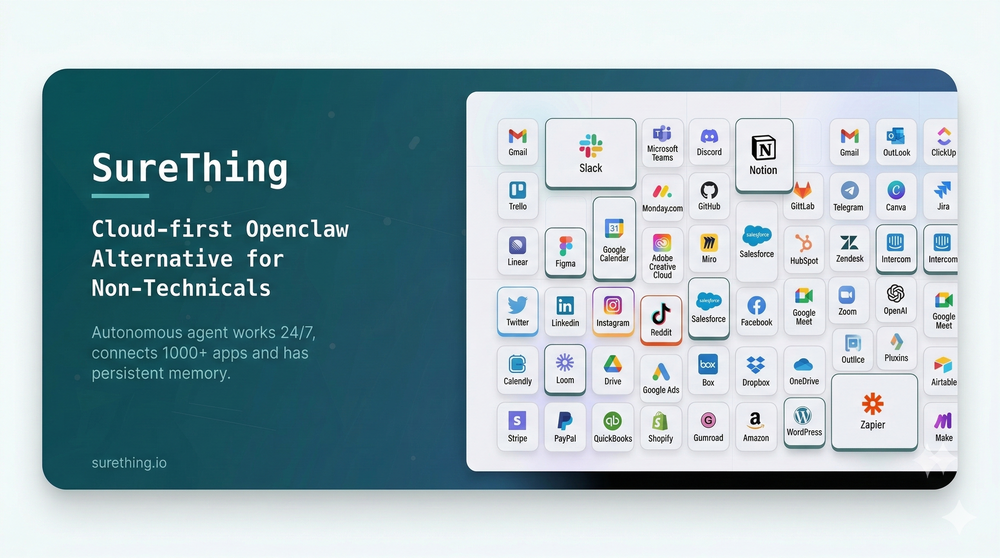 What's new since launch (Feb 17 – Mar 10, 2026): ✨ New - Mobile apps are live on both iOS and Android — SureThing is now fully in your pocket, running your work wherever you are. - Voice input — speak to your agent directly; transcription is fast, accurate. - Dark mode — full dark theme across all screens, consistent and easy on the eyes. 🔧 Improved - Memory got smarter — your agent now searches contacts and memories using AI-powered similarity, so it finds the right context even when you don't use exact words. Memory states are also more visible: you can see when something was saved, updated, or removed. - The execution log is now always visible so you can follow exactly what your agent is doing in real time.
 -
 NextDocs v1.6.6 - Math Equations, Tables, and Code Blocks Released: March 2026 Technical and academic content, built into your slides. NextDocs v1.6.6 adds real LaTeX equations, structured tables, and syntax-highlighted code blocks directly in presentations and documents. If you're a researcher, teacher, student, or engineer, your slides can finally look the way your content demands. Describe what you need. AI generates proper technical content. You get publication-ready results. --- Math Equations Write real math equations in your slides. Inline equations within paragraphs and full block equations on their own line, all rendered with KaTeX. The AI generates proper LaTeX notation that renders beautifully and exports cleanly to PDF, PowerPoint, and HTML. What this means: - Thesis defenses with real formulas instead of screenshots - Lecture slides with equations that render live, not pasted images - Research presentations with statistical models and proofs displayed correctly - Technical reports with inline equations that flow naturally in text Ask AI to create a slide about machine learning and it includes the relevant equations with proper notation. Not pseudocode approximations. --- Tables in Rich Text Real structured tables with rows, columns, and headers. No more arranging rectangles and text boxes to simulate a table layout. Features: - Add and remove rows and columns - Cell background colors - Header row support - Proper export to all formats (PDF, PPTX, Google Slides) AI uses real tables automatically when your content calls for comparisons, data summaries, schedules, or any organized information. --- Code Syntax Highlighting Code blocks render with proper syntax coloring for all major programming languages. Use cases: - Engineering standups with actual code, not IDE screenshots - Teaching with syntax coloring that helps students read code faster - Technical documentation with copy-paste ready API examples - Conference talks with clean, readable code on stage --- Smoother Group Editing Click a group once to select it as a whole. Click again to drill inside and select individual elements. No double-click, no special key combinations. Adjust a single text block or image within a complex slide layout without ungrouping everything first. --- Faster Canvas Rich text blocks on the canvas only mount their full editor when you click to edit. In view mode, they render as lightweight static content. If your slides have many text blocks, you will notice the difference immediately. Faster loading, smoother scrolling. --- Also in v1.6.6 Page Numbers Automatically re-index when you add, delete, or reorder pages. Broken Images Show a "Replace Image" button so you can fix them without opening the side panel. Theme Generation Now produces a balanced set of 2 light and 2 dark themes. Locale Handling Improved for non-English pages with correct lang attribute in HTML. --- Who is this for? Academics and Researchers Real equations in conference talks and thesis defenses. Teachers and Professors Lecture slides with formulas, code examples, and data tables. Students Coursework, lab reports, and thesis presentations. Engineers and Developers Technical content with code snippets and system diagrams. Data Scientists Statistical formulas alongside analysis. --- Try It Go to nextdocs.io. Open a document. Add an equation, a table, or a code block. If you have ever pasted a screenshot of an equation into a slide, v1.6.6 fixes that. - The NextDocs Team
 -
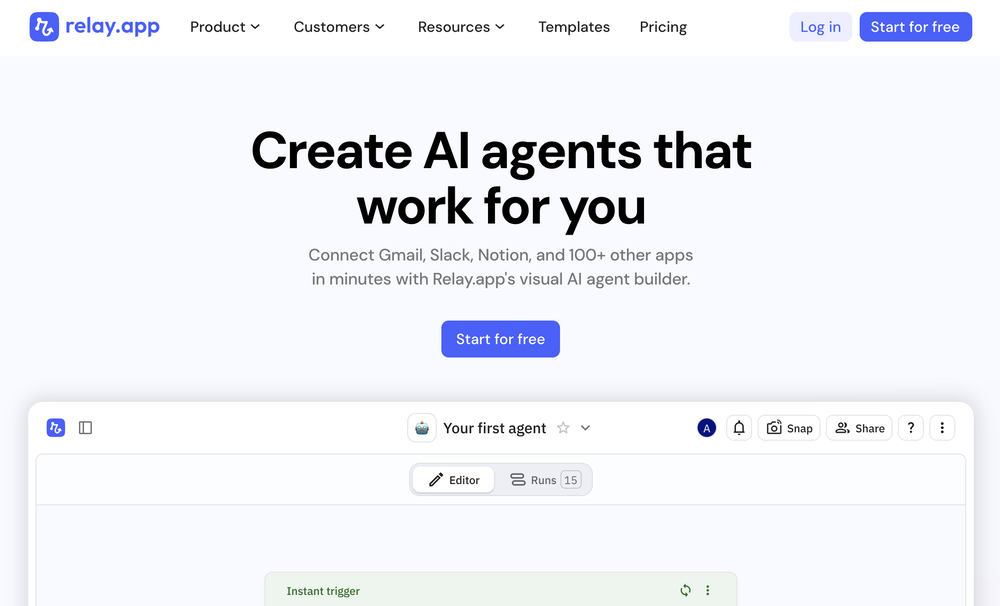 Abe Blackburn🙏 28 karmaJan 3, 2025@Relay.appRelay.app fills the gap between AI and actually using it. It allows you to build your own custom flows and agents, unlocking a level of customisation that was previously only achievable through custom code. It's a game changer, and the free plan is so generous - go try it!
 -
 Jude Knows the Bible Better Than Anyone You've Ever MetOpen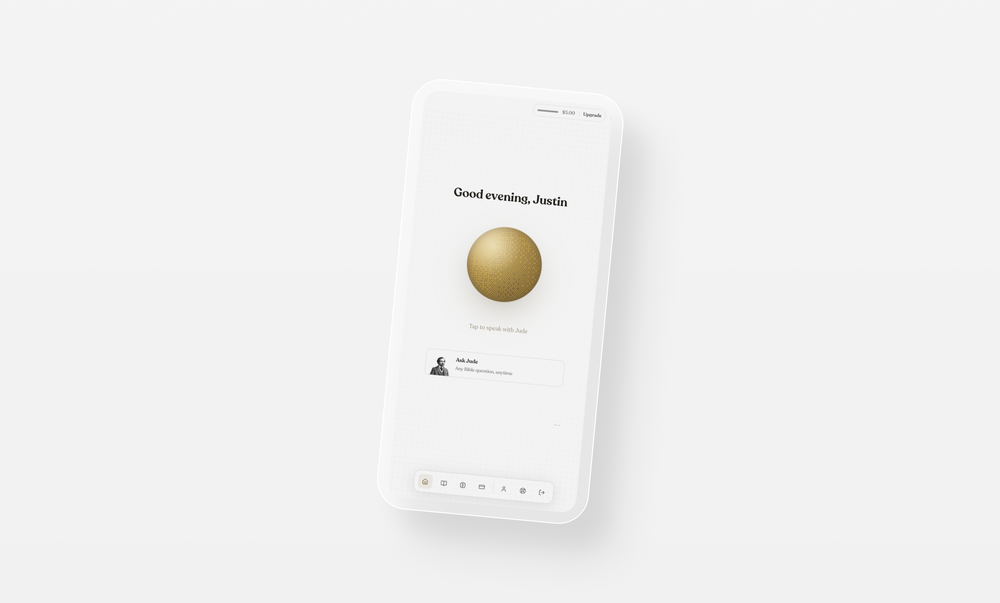
-
 Impressive work from the team at Tented.ai, their approach to AI-driven automation is genuinely next-level.
 -
-
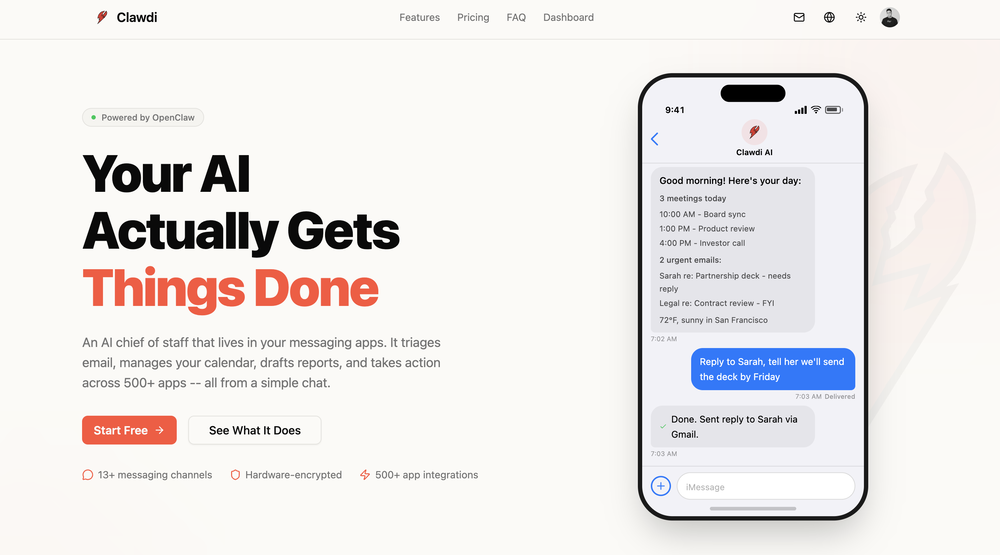
 Yes, finally a slack tool that does it all. I wonder how safe it is?
 -
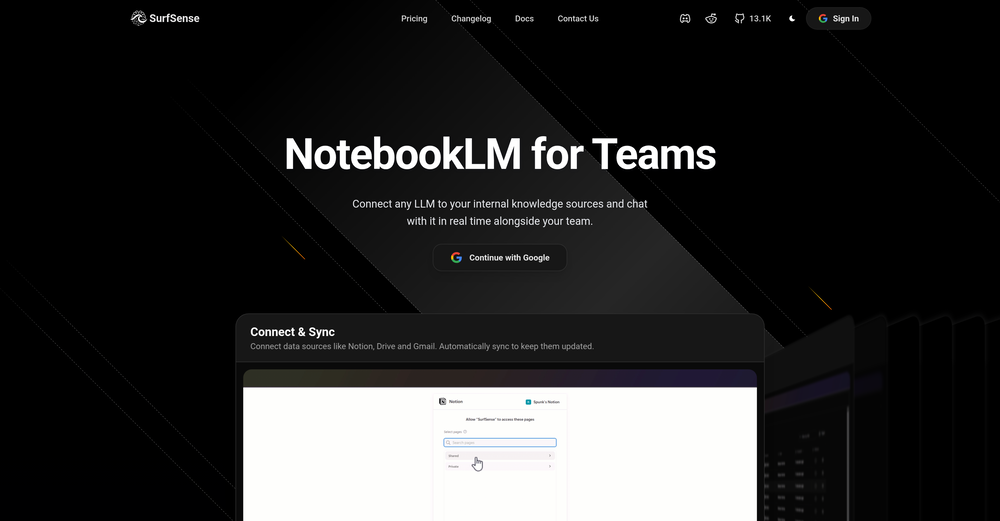 Honestly SurfSense is amazing, I use it almost every morning to get an mp3/podcast of my Gmail, Gcal and urgent Linear tickets so I know exactly what's going on that day. It's also insane for board games because I just throw the rulebooks in and share it with my friends so we can chat with the AI together to figure out how to play. And it is scarily good at untangling and explaining really complex rules when we encounter some weird situation!
 -

-
 Modular & Cross-Platform Vibe Coding Editor and Workflow Automation on Any DeviceOpen
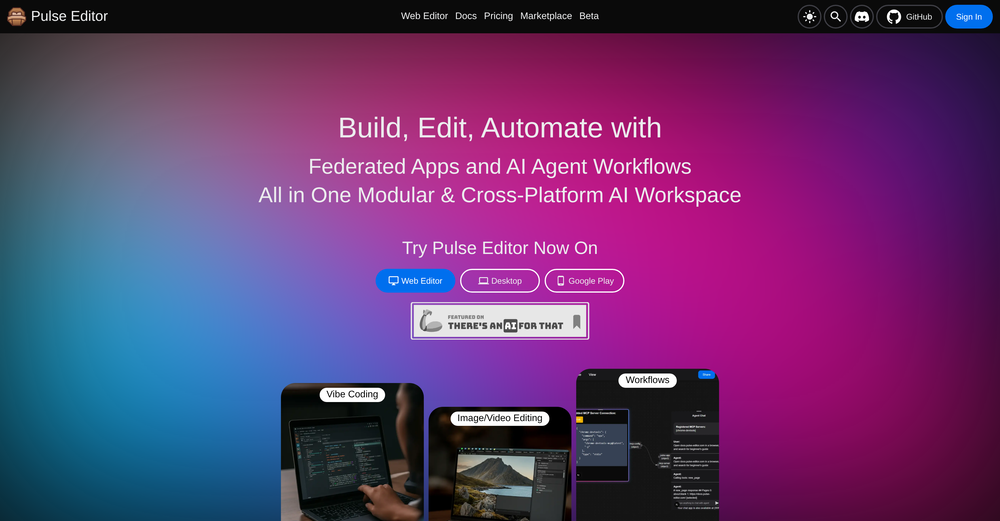 good!A different kind of AI tool that has been very helpful for my work!









Verified tools
- Sponsor
 Rocket - Start building, Now!💻 Vibe coding
 -
-
I’ve added the newest OpenAI models to n8nChat! - gpt-4.1-nano - gpt-4.1-mini - o4-mini - gpt-4.1 - o3 This update is currently live in the Firefox version, however the Chrome version is still pending Google approval for the update.
-
A Game-Changer for Deep Work and Creativity! Flowith has completely transformed my workflow. The infinite canvas is an intuitive and powerful way to interact with AI, moving beyond the limits of traditional linear chats. I can now explore multiple ideas in parallel, compare outputs from different AI models like GPT-4o and Claude 3.5 side-by-side, and visually organize complex projects. The personal knowledge base feature is incredible. By simply uploading my own documents, the AI generates content that is perfectly tailored and context-aware, which has significantly boosted the quality and relevance of its outputs. It's the ultimate tool for long-form content generation, brainstorming, and real-time collaboration. Highly recommended for anyone looking to enhance their productivity and creativity with AI.
-
Used it for PPT generation and performed extremely well, especially the numbers and data part.
-
Excellent chatbot, very functional and easy to teach. It took me a while to vary the prompt, but I ended up getting a great result when I put it through a stress test. I give 4 stars because I think this AI can still improve. In any case I recommend it.
-
CoSupport Customer is a game-changer for businesses looking to improve their customer service. The AI-powered chatbot handles routine inquiries across email, chat, social media, and messaging apps, allowing businesses to provide quick and accurate responses 24/7. It’s amazing how it can handle so many queries automatically, even in multiple languages, and still deliver personalized answers using company data. Plus, it’s easy to integrate with existing systems, and it keeps customer data safe. Overall, it helps reduce costs, improve efficiency, and free up human agents for more complex issues. Highly recommend!
-
 AI assistant that gets your tasks done. Smarter than ChatGPT.OpenAthena has been a useful product for travel and product recommendations. Additionally, it has helped me with my daily tasks.
 -
Whiteboard by Athena AI is a user-friendly, AI-powered tool that makes digital collaboration seamless. supports real-time brainstorming, and integrates easily with other apps—ideal for teams, educators, and remote learners alike.
-
 Turn campaign briefs into launch-ready assets instantly.Open
 -
 Chain AI tasks with no-code into workflows for chatbots, video, documents, andOpenThis tool removes all of the prep work of getting an LLM API endpoint running. I can try out ideas quickly and see within minutes whether an endpoint concept actually works. And when it does, moving it into a production app is about as easy as it gets.
 -
Hoox app is a very easy and simple app to navigate and generate your script video for social media. My experience so far has been top-notch and the customer service in the name of Alan Hoox is always pronto to assist whenever needed. I recommend it for anyone that want to create a faceless youtube Ai without editing, selecting or mixing all you details. All you need is just drop your script and wellah your video is ready .
-
-
-
 'AI-powered Business, Work & Study Assistant' + AI Customer Support Chat WidgetOpen




















Other tools
-
BEST AI CO-PILOT FOR YOUR DAY TODAT WORK ON THE INTERNET IT'S FOR EVERYONE



Post





