 Base44 Superagents-AI agent that does it all
 Mini tools
 Deploy AI agents by chatting with one.
 Agents by Athena AI
 Rumora
 Mixus
Mixus
 ChatNode
 Watermelon
 Surfn AI
 BrainyBear
 GlobalGPT
 echowin
 Skymel ADK (Agent Development Kit)
 Kilo | Cloud Agents
 Origon AI
 NexusGPT
 GPTConsole
 ChatGPT Operator
 Chat Thing
 Potpie
 MyClaw.Host
 Tars
Tars
 AiAgent.app
 Younet
 CleeAI
 Avataar's GenAI Creator
 Activepieces
 BigTeam
 Olivya
 Abstra
 Sreda.ai
 DoubleO
 AI Agents
 Pipefy
 Quixl
Quixl
 Cubeo
Cubeo
 Sema4.ai
 Ridvay
 Cognition by Mindcorp
 Tray.io
 UiPath
 Mr David
 Super Amplify
 Belva
Belva
 Mistral AI Studio
 Elham.ai
 LangWatch
 Superface
 Aicado AI
 BotX
BotX
 Buildship
 Geekflare Connect
 Retool
 Emly Labs
 Api4ai
 Aureo
Aureo
 Kortical
 Hopsworks
 BraintrustData
 iyed
iyed
 Intelligent Internet
 Momo
Momo
 Zues
Zues
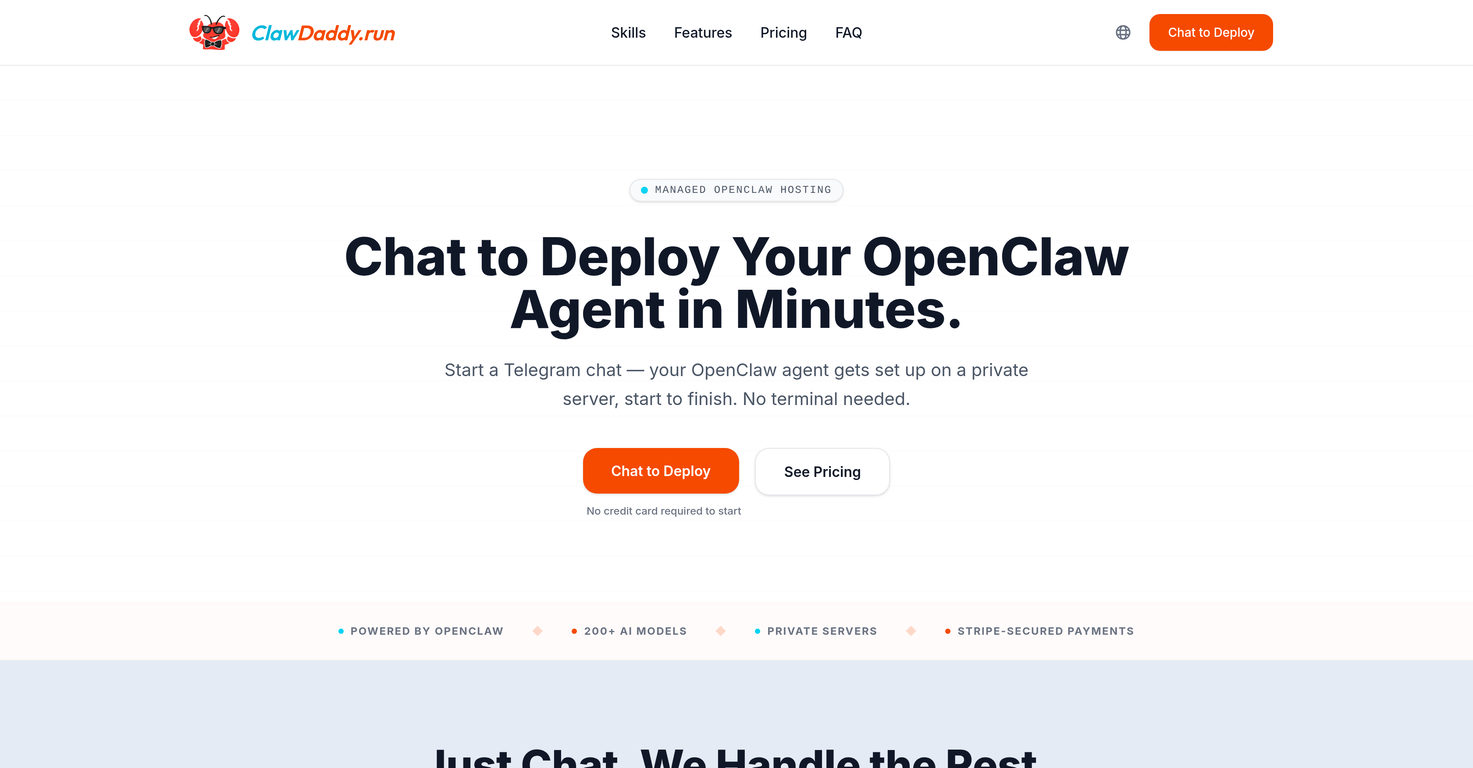
ClawDaddy
 KiloClaw
 Clawly
 TaskFire
 Clico
MyClaw.Host
Tars
Clico
MyClaw.Host
Tars
 Vivgrid
Overview
ClawDaddy is a managed hosting tool for deploying AI agents with OpenClaw via Telegram chat, abating the need for terminal use. Its setup bot lets you name your agent, choose personality, and input Telegram token within a chat interface, removing the need for forms and dashboards.
This AI deployment tool spins up individualized server hosting your agent, which is live and operational 24/7. Managed OpenClaw hosting by ClawDaddy negates the need for skills and knowledge in Docker, security patching, and constant monitoring often required with a self-hosted setup.
It offers a choice of over 200 AI models for your OpenClaw agent, which you can modify at any time through discussion. Every deployment plan includes token credits to help you manage costs.
ClawDaddy also caters to multiple-agent deployments, allowing you to manage all your OpenClaw agents from one account. The tool is designed with concierge-level service, with ClawDaddy itself operating as an OpenClaw agent capable of handling your configuration, usage, and billing needs.
The usage expertise extends across CRM, email, social, and DevOps, providing data that can support your decision-making.
Releases


Pricing
Top alternatives
-
PeersIdea Inc.🙏 62 karmaMar 10, 2025@Agents by Athena AIEasy to start and made a customer support agent for my website in a few minutes!
-
We used Rumora for our SaaS app and went from 512 to 23,956 signed up users in 3 months, here's the case study with screenshots: https://rumora.ai/case-studies/olovka
-
This is a fantastic tool for creating a bespoke chatbot that understands the nuances of your business. It's so easy to set up, works with all the platforms I use, like Slack, Google Drive, Notion, and Zapier, and it's massively helped with customer service queries. Would definitely recommend.
-
Amazing, easy-to-use tool. Would definitely recommend it to anyone who wants to automate in a customer-friendly way!
-
Love the idea of having a business/personal AI page you can share across your online channels. It’s perfect for creators, professionals & businesses of all kinds. the customization and design options are excellent... and it’s super easy to train and make your AI your own. nice work!








Related topics
 1
1





