 Wispr Flow-Now on Android!
 Mini tools
 TheLibrarian.io
 Supernormal App
 Saidar
 Runable
 ComputerX
 Collate
 AiAssistWorks - GPT Gemini Claude AI for Sheets Docs Slides
 ConsoleX AI
 Skymel: Create Your Own Personal Agents
 Ask Steve
 Alfred by Simbli.ai
 Affint
 BrowseWiz
 Sup AI
 Support Flow
 MiroAI
 Octofy
 Criticly
 Mentor: Get things done
 Singularity AI
FigJam



Overview
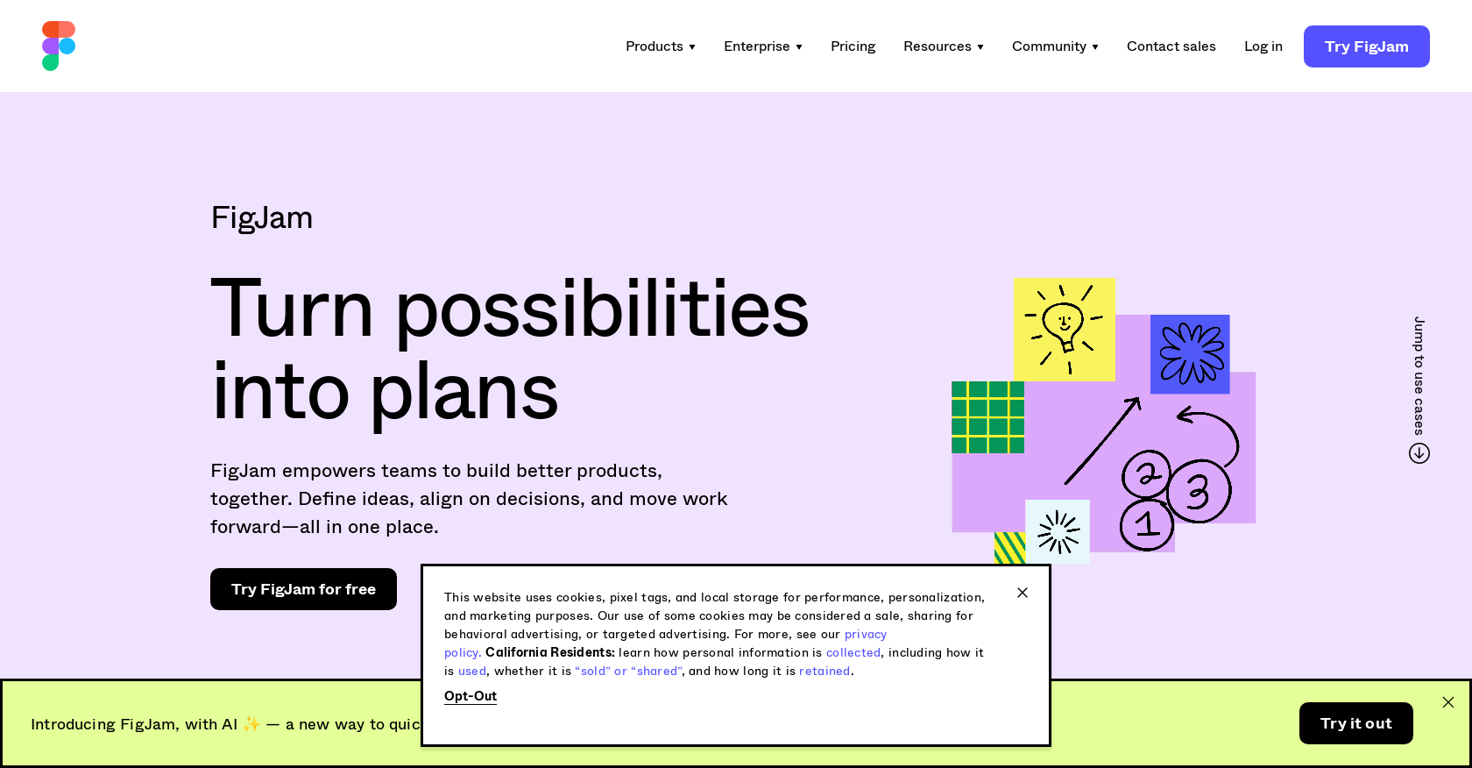
FigJam is an online collaborative whiteboard designed for teams to brainstorm, diagram, and organize ideas together in real time. It offers a visual platform where teams can work together to define ideas, align on decisions, and move work forward.
The tool aims to empower teams to build better products by facilitating collaboration and providing a centralized space for teamwork.FigJam provides various features that support different aspects of team collaboration.
Users can brainstorm and build on ideas in real time, discovering new approaches to solve problems. The tool also offers over 300 ready-made templates to kickstart conversations and projects, covering a range of scenarios such as project kickoffs, flow charts, weekly team meetings, customer journey mapping, stand-ups, retrospectives, and roadmap reviews.
These templates can be customized to suit the team's specific needs or users can create their own templates.With FigJam's real-time collaboration capabilities, teams can work synchronously, improving workflow efficiency and fostering agile workflows.
It enables team members to contribute, add stickers, and brainstorm phrases on sticky notes, facilitating engaging and interactive sessions.FigJam is trusted by notable companies such as Square, Dwell, Stripe, Netflix, and Spotify, and is suitable for a wide range of industries and team sizes.
It aims to provide teams with the right tools to collaborate effectively, from brainstorming and diagramming to meetings and workshops, agile workflows, strategy, and planning.Overall, FigJam offers teams a user-friendly and comprehensive online collaborative whiteboard that emphasizes real-time collaboration, idea visualization, and efficient teamwork.
Releases
Top alternatives
-
Duck Typer🙏 255 karmaFeb 12, 2025@TheLibrarian.ioGreat tool! Was very helpful in content production
-
 Open
Open -
Works well and connects with my apps easily. I’m considering using it for daily reports and posts
-
Used it for PPT generation and performed extremely well, especially the numbers and data part.
-
-
I’ve been using Collate to go through technical PDFs, and it’s been surprisingly handy. Summarizing docs and being able to ask questions directly saves me time, especially when I’m skimming through research or API references. No sign-ups, works offline, and everything stays on my device — which I appreciate.






 1
1





