How does the AI assistant transform notes into tasks?
The AI assistant in MonoDesk is capable of transforming notes into tasks. While the exact method isn't detailed on their website, it can be inferred that the AI understands and processes the contents of the notes and then formulates those into specific tasks that can be added to a to-do list or project plan.
Can the AI assistant in MonoDesk review work?
Yes, the AI assistant included in MonoDesk can review work. The AI assistant provides project-aware feedback that aids in reviewing work and polishing deliverables before they are sent out.
How does the proposal uploading feature work in MonoDesk?
The proposal uploading feature in MonoDesk works by generating a correlated client, project, and task list when you upload a proposal to the platform. This feature automatically creates a project structure and associated tasks based on the details in the uploaded proposal, streamlining the project setup process.
What is the purpose of the Client Relationship Management feature in MonoDesk?
The purpose of the Client Relationship Management feature in MonoDesk is to streamline the process of managing client communications. It simplifies the juggle between different communication channels by integrating all client communications into its platform. This allows a seamless flow of information, enhancing client relationships and project management effectiveness.
How does MonoDesk tailor the workflow to meet the needs of freelance creatives?
MonoDesk tailors the workflow to meet the needs of freelance creatives by reducing the need for context-switching that often hampers momentum. Through integrated project management, client communication, task planning and AI-assisted administrative functions, it creates a workflow that aligns with how freelance creatives work, keeping their creative flow uninterrupted.
How does MonoDesk assist in task planning?
MonoDesk assists in task planning via its AI assistant, which can transform notes into tasks. Additionally, its week planner feature aids in organizing deadlines, important dates, and deliverables, allowing users to visually track what's due, blocked, and of priority each week.
What are the key productivity features of MonoDesk?
The key productivity features of MonoDesk include an integrated environment for project management, client communication, and task planning. It also has a week planner feature for greater visibility of tasks and deadlines for the week. The platform leverages an AI assistant to automate administrative tasks, leaving freelancers with more time to focus on their creative work.
How can I manage my client communications using MonoDesk?
MonoDesk streamlines client communications by integrating all interactions into the platform. This consolidation of client correspondence prevents information from getting lost across different channels and reduces the time spent switching between various communication tools.
What are the benefits of the AI assistant in MonoDesk?
The AI assistant in MonoDesk offers several benefits. It can transform notes into tasks, draft client updates and summarize briefs while also reviewing work with project-aware feedback. This AI-powered support lessens administrative tasks, enabling freelancers to devote more time and energy to the creative aspects of their work.
How does MonoDesk support independent professionals?
MonoDesk supports independent professionals by providing a comprehensive workspace solution tailored to their needs. By integrating project management, client communication, task planning and using AI to automate administrative tasks, MonoDesk allows independent professionals to maintain their creative flow and focus on delivering quality work.
Does MonoDesk support managing heavy deadlines?
Yes, MonoDesk supports managing heavy deadlines. By using a week planner feature, users can add, visualize, and track project deadlines, important dates, and deliverables. This allows freelancers to manage their time more effectively and meet their deadlines.
Can MonoDesk help in reducing administrative burdens?
MonoDesk can significantly reduce administrative burdens by automating numerous administrative functions. Its AI assistant can handle tasks such as transforming notes into tasks, preparing client updates, summarizing briefs, and reviewing work, freeing up more time for freelancers to concentrate on their creative tasks.
How can MonoDesk be used to manage tasks in a week?
MonoDesk can be used to manage weekly tasks with its visibility-enhancing week planner. Users can easily add deadlines, important dates, and deliverables to see what's due, what's blocked, and what matters for the week. This offers a clear and organized perspective of the week's tasks and aids in task management.
What is the work review feature in MonoDesk?
The work review feature in MonoDesk is handled by the AI assistant. The AI assistant provides project-aware feedback, helping to review work and polish deliverables before they are sent to clients. This AI-powered review process enhances the quality of work and reduces the time spent on reviewing tasks manually.
What is MonoDesk designed for?
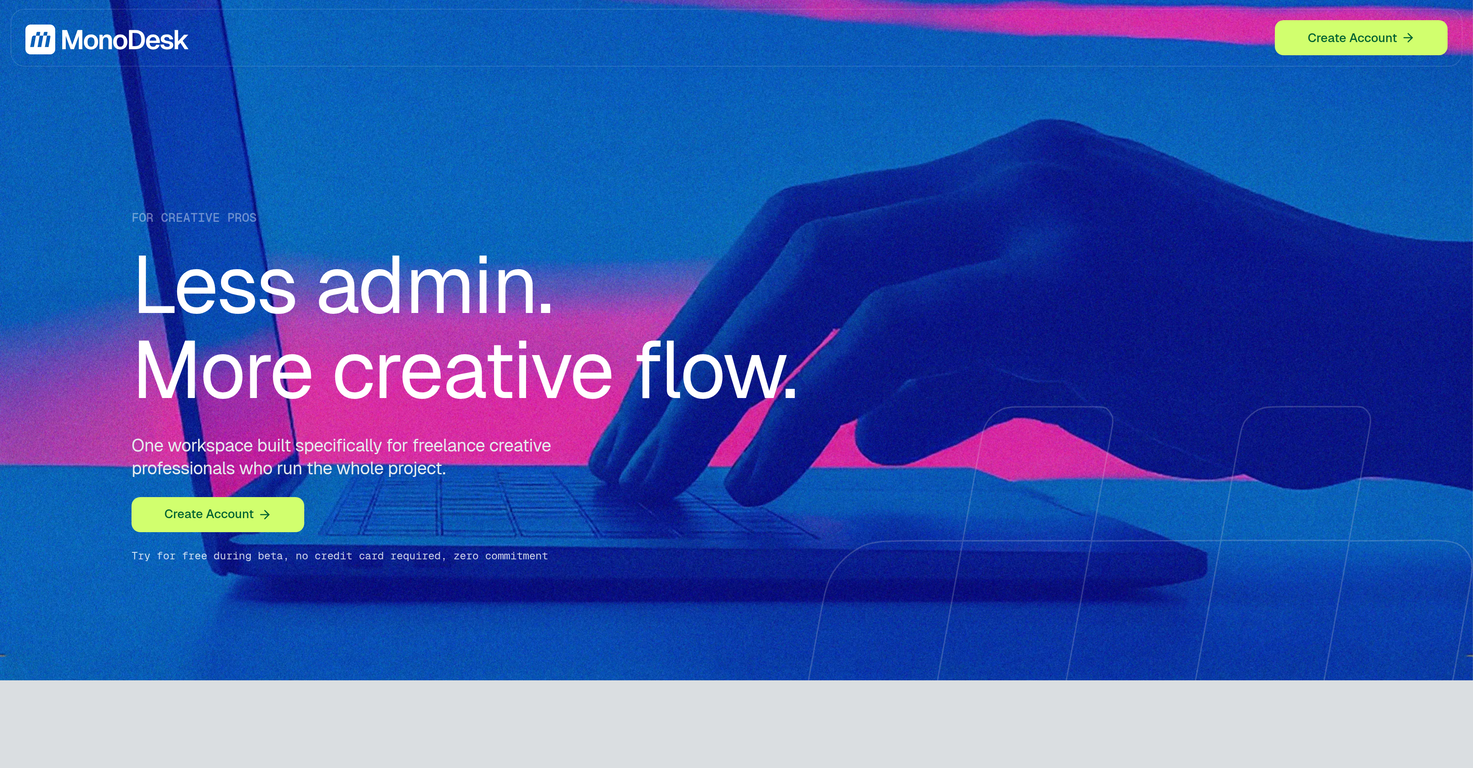
MonoDesk is designed specifically for freelance creative professionals who manage entire projects independently. It seeks to minimize the distraction and inefficiency that comes with switching between different administrative tasks, helping them maintain their creative flow.
Who is the targeted audience for MonoDesk?
MonoDesk's targeted audiences are freelance creative professionals who run the whole project lifecycle, from the brief to delivery.
How does MonoDesk help in project management?
MonoDesk helps in project management by providing an integrated workspace platform, simplifying task lists and Kanban boards, thereby effectively organizing projects, clients, and timelines.
What are the main features of MonoDesk?
The main features of MonoDesk include easy setup, task lists, Kanban boards, a week planner and an AI assistant to automate administrative tasks. It also makes visibility-enhancing week planner, allowing users to add deadlines, important dates, and deliverables.
How can MonoDesk simplify my workflow?
MonoDesk simplifies the workflow by integrating project management, client communication, task planning all under one roof. It also minimises context switching by providing an AI assistant to handle administrative tasks and a planner for a clear view of the work week.
What sets MonoDesk apart from other project management tools?
What sets MonoDesk apart from other project management tools is its design focusing on the exact needs of freelance creative professionals, integrating AI for administrative tasks and paving the workflow specific to how freelance creatives work, not how corporate teams operate.
What is the role of the AI assistant in MonoDesk?
The AI assistant in MonoDesk, also known as the AI Agent, serves as an administrative sidekick for creatives. It automates tasks such as summarizing briefs, drafting client updates, and providing project-aware feedback. It thus helps in reducing administrative burdens and maintaining the creative flow.
How does the week planner in MonoDesk work?
The week planner in MonoDesk enables users to add deadlines, important dates and deliverables to get a clear visibility of what's due, what's in process and what's blocked every week.
How does MonoDesk help in increasing productivity and creative output?
MonoDesk automates administrative tasks and eliminates constant context-switching, enabling users to focus more on their creative work, hence increasing productivity and creative output.
What is the process of setting up MonoDesk?
Setting up MonoDesk is easy and quick. Users just need to upload a proposal and MonoDesk automatically creates the client, project, and task list instantly.
How does MonoDesk help with client and task management?
MonoDesk helps with client and task management by providing a simple setup where a uploaded proposal translates into a client, project and task list instantly. It provides an organized way to manage projects, clients and timelines.
What is the significance of task lists and Kanban boards in MonoDesk?
The task lists in MonoDesk keep users organized while the Kanban boards connect projects, clients, and timelines in an easy to scan format. These tools help freelancers effectively manage their projects.
Can MonoDesk generate task lists automatically from proposals?
Yes, MonoDesk can automatically generate task lists from proposals. Upon uploading a proposal, MonoDesk instantaneously creates a client, project, and task list.
How can the AI agent in MonoDesk assist in administrative tasks?
The AI agent in MonoDesk can turn notes into tasks, draft client updates and review work. It provides immense assistance in administrative tasks by automating them.
How can MonoDesk help minimize the distraction of switching between different tasks?
MonoDesk minimizes the distraction of switching between different tasks by replacing the constant context-switching with one calm workplace. The AI assistant also helps in managing administrative tasks thus reducing the need to switch between different tasks.
How does MonoDesk enhance better facilitation of project completion?
MonoDesk enhances better facilitation of project completion by providing a calming workspace which integrates task planning, client communication, and project management. The AI assistance automates administrative tasks and the integrative design helps maintain creative momentum.
Is there a free trial period for MonoDesk?
Yes, there is a limited time offer to try MonoDesk for free during its beta phase. Early access is completely free with zero commitment.
How can MonoDesk tailor my workflow to match my freelance creative work?
MonoDesk tailors your workflow by being built for how freelance creative professionals actually work, with an AI assistant to handle admin tasks, a visibility-enhancing planner and a setup that can convert proposals into ready-to-go project components.
How does the AI agent in MonoDesk provide project-aware feedback?
The AI Agent in MonoDesk provides project-aware feedback by thoroughly reviewing the user's work with the understanding of the project contexts. This allows creative professionals to refine their deliverables decisively before sending them.
How does MonoDesk contribute in reducing context-switching?
MonoDesk contributes in reducing context-switching by replacing it with one calm workplace. The AI assistant handles administrative functions, which allows the users to focus more on their creative work.
 MongoDB - Build AI That Scales
 Mini tools
 One workspace for freelance creative professionals.

 Resyfy AI
 PruE AI
 MyCareerKarma
 COACH
COACH
 MyCody
 Trailblaze
 Tiered
 PalmAI
 Hunch
Hunch
 FlowCV
 Nexa - Your AI Career Platform
 Audo
Audo
 CareerGo
 Hat Stack
 Path
Path
 WorkSaga
 VMock
VMock
 Hiration
 Career Genie
 sclof
sclof

 U Never Sleep
 Pitch Pilot


 1
1





