Does Paperbook replace the need for a chatbot tool?
Yes, Paperbook does replace the need for a standalone chatbot tool. Its built-in AI search feature acts as a chatbot that understands and checks your existing documentation to deliver precise, instant responses to user queries.
How does Paperbook use AI to suggest improvements for stale content?
Paperbook uses AI to identify content that may be dated or lacking in clarity. It then suggests smart methods to improve the content's clarity, accuracy, and overall quality, ensuring your help center's information stays fresh and relevant to users.
What is the process for syncing internal and external documentation in Paperbook?
Paperbook seamlessly synchronizes internal and external documentation to enhance usability and connectivity. This ensures that all your organization's knowledge is easily accessible, regardless of whether it's housed internally or externally.
Can I customize the visual design of my help center in Paperbook?
Yes, you can customize the visual design of your help center in Paperbook. It offers customizable visual designs that align with your organization's look and feel for consistency and brand alignment.
How does data importing work in Paperbook?
Paperbook allows data importing from various sources such as Zendesk, Notion, Intercom, and others. This ensures that no valuable information is left out and everything you need is contained within the centralized knowledge base.
Does Paperbook offer integration with tools like Zendesk, Notion, and Intercom?
Yes, Paperbook offers integration with productivity tools like Zendesk, Notion, and Intercom, allowing for the seamless import of data from these platforms into your Paperbook knowledge base.
How can I build an AI powered help center quickly using Paperbook?
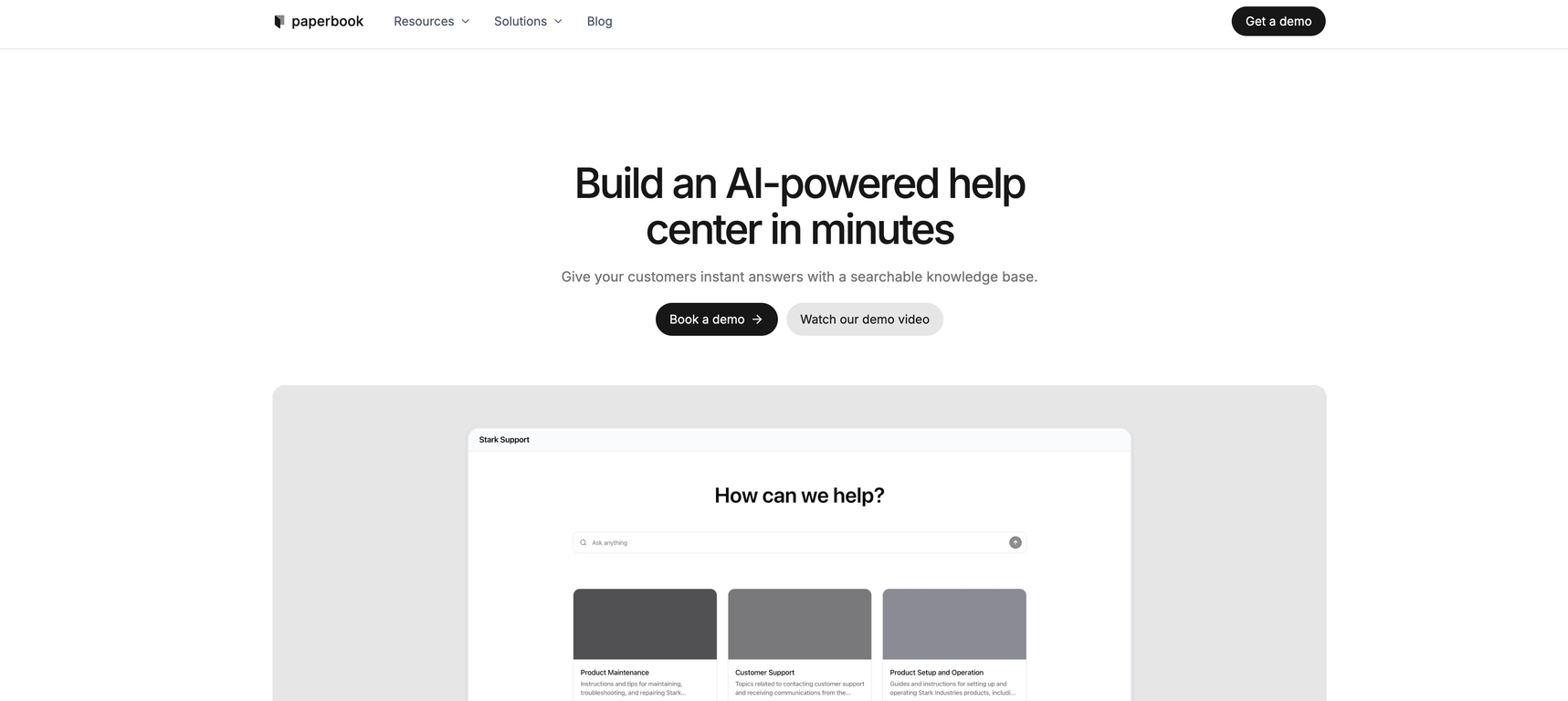
Paperbook enables quick construction of an AI-powered help center by allowing you to centralize your knowledge base and create auto-generated help centers. It also allows you to customize your help center's visual design to suit your organization's aesthetic.
How does Paperbook ensure the accuracy of the documentation?
Paperbook ensures accuracy in documentation by quietly monitoring for outdated content, broken links, and inconsistencies. The AI then provides smart suggestions to improve clarity and accuracy, making sure that documentation remains up-to-date and correct at all times.
How do real customers' queries interact with Paperbook's AI search?
Real customers' queries interact with Paperbook's AI search by asking questions directly. The AI comprehends the queries, then searches the existing documentation to provide instant, precise answers, eliminating the need to dig through articles or use additional chatbot tools.
Can Paperbook autonomously detect and rewrite invalid content?
Yes, Paperbook can autonomously detect and rewrite invalid or outdated content. It constantly scans your knowledge base for any content issues, then takes the required action to update and correct the information automatically.
Does Paperbook address user experience and documentation improvement?
Yes, Paperbook addresses both user experience and the improvement of documentation. It uses AI to identify and improve stale content, provide instant answers to queries, and customize the help center to align with your branding for enhanced user experience.
How can I maintain my help center using Paperbook?
You can maintain your help center using Paperbook by continuously using its AI-powered features such as outdated content detection, link monitoring, auto-generated and automated content update capabilities. Paperbook will take care of updating and rewriting information to ensure it remains current.
What makes Paperbook different from other help center building tools?
What sets Paperbook apart from other help center building tools is its AI-powered feature set which includes an AI search that replaces the need for a separate chatbot tool, the ability to autonomously detect and update outdated or broken content, customizable visual designs, as well as the seamless integration with internal and external documentation.
How can my organization benefit from using Paperbook?
Your organization can benefit from using Paperbook through improved efficiency in managing, updating, and utilizing your help center. By automating processes such as outdated content detection, improvement suggestions and the answering of customer inquiries, Paperbook enables you to deliver better customer service while reducing manual work.
What is Paperbook?
Paperbook is an AI-powered platform designed to construct and support help centers. It incorporates features like autonomous detection of outdated, inaccurate, or broken content, knowledge base centralization, auto-generated help centers, enhanced search using AI, and sync of internal and external documentation.
How does Paperbook build and maintain help centers?
Paperbook constructs and maintains help centers by utilizing its AI capabilities to create automated help centers, centralize knowledge bases, and continuously monitor them for outdated content and broken links. It allows for an autonomous detection and rewrite of outdated content, thus maintaining the relevance and accuracy of the knowledge base.
What is the autonomous detection feature of Paperbook?
The autonomous detection feature of Paperbook works by routinely monitoring your knowledge base for outdated content, broken links, and inconsistencies. If it finds any issues, it auto updates and rewrites the information as required to ensure the accuracy and relevance of your documentation.
How does Paperbook centralize the knowledge base?
Paperbook centrally curates a knowledge base by aggregating resources, data, and documentation from multiple sources into one accessible location. Through this, it eliminates the need for extra chatbot tools as the built-in AI can understand and search within the existing documentation.
What does the auto-generated help center feature in Paperbook do?
The auto-generated help center feature in Paperbook facilitates the creation of a searchable knowledge base that can provide instant answers to customer queries. It cuts down on the need for individual search and aggregation of information from various resources.
What is the broken link detection tool in Paperbook?
The broken link detection tool in Paperbook is an automated system that habitually scans your knowledge base for any broken or invalid links. It actively identifies these faulty links and updates them to ensure the integrity of your documentation.
How does Paperbook's AI search work?
Paperbook's AI search is a built-in feature that reads existing documentation and delivers immediate, accurate responses to customer queries. It understands real questions, connects to existing docs, and delivers precise answers, bypassing the need for manual searching or additional chatbot tools.
How does Paperbook suggest improvements for stale content?
Paperbook proactively suggests improvements for stale content by regularly assessing your knowledge base for outdated material. The AI functionality catches inconsistencies and provides smart suggestions to enhance clarity and accuracy, keeping your database up-to-date and of high quality.
How does Paperbook sync internal and external documentation?
Paperbook synchronizes internal and external documentation by providing a seamless sync feature. This means that it can reflect changes and updates in one set of documents across all other relevant documents, thus maintaining consistency of information between internal and external sources.
Can I customize the visual design in Paperbook?
Yes, Paperbook offers customization options allowing users to customize the visual design to maintain coherence with their organizations' look and feel.
Does Paperbook support data import from sources like Zendesk, Notion, and Intercom?
Yes, Paperbook supports data import from sources such as Zendesk, Notion, and Intercom. It has an integration feature which enables importing of data from these platforms into your Paperbook knowledge base.
What distinguishes Paperbook as a tool?
Paperbook distinguishes itself with its AI-powered functionalities that allow instant autonomous detection and update of outdated or broken content, generation of automated help centers, and centralized knowledge bases. Its ability to maintain accuracy and relevance in documentation over time sets it apart.
How does Paperbook improve the customer service experience?
Paperbook enhances customer service by providing instant, accurate answers to customer queries through its built-in AI search functionality. The seamless customer service interaction is further enriched by its provision of an accessible knowledge base, ensuring customers have all the information they need.
How does Paperbook identify problematic content in a knowledge base?
Paperbook identifies problematic content in a knowledge base by autonomously monitoring the base for outdated content, broken links, and inconsistencies. If it detects obsolete material or faulty links, it proactively updates and rewrites the information to maintain the accuracy and relevancy of your knowledge base.
Can Paperbook be employed for internal knowledge bases?
Yes, Paperbook can indeed be employed for internal knowledge bases. The platform supports both internal and external sync capabilities making it a possible solution for internal knowledge databases.
What customization options does Paperbook offer?
Paperbook offers customization options for users. Features such as customizable visual designs are available, allowing the users to tailor the look and feel of Paperbook as per their organization's aesthetics.
How does the Paperbook integration feature work?
The Paperbook integration feature allows importing of data from various sources like Zendesk, Notion, and Intercom. This feature makes the integration of data into your Paperbook knowledge base seamless regardless of the origin of the data.
How does Paperbook prevent documentation degradation over time?
Paperbook prevents documentation degradation over time with its active monitoring of your knowledge base for outdated content and broken links. Its ability to autonomously detect and rewrite or update the outdated, inaccurate or invalid content safeguards the database from becoming obsolete over time.
How can I tailor the look and feel of Paperbook according to my preferences?
You can tailor the look and feel of Paperbook according to your preferences via its customization option. It includes customizable visual designs that allow users to adapt Paperbook to reflect their organization's aesthetics.
Can Paperbook automatically detect outdated, inaccurate, or broken documentation?
Yes, Paperbook can automatically detect outdated, inaccurate, or broken documentation. Its autonomous detection feature works by consistently scanning your knowledge base, pinpointing any out-of-date, erroneous, or broken content, and subsequently rewriting and updating the information.