What is the primary function of TwinMind?
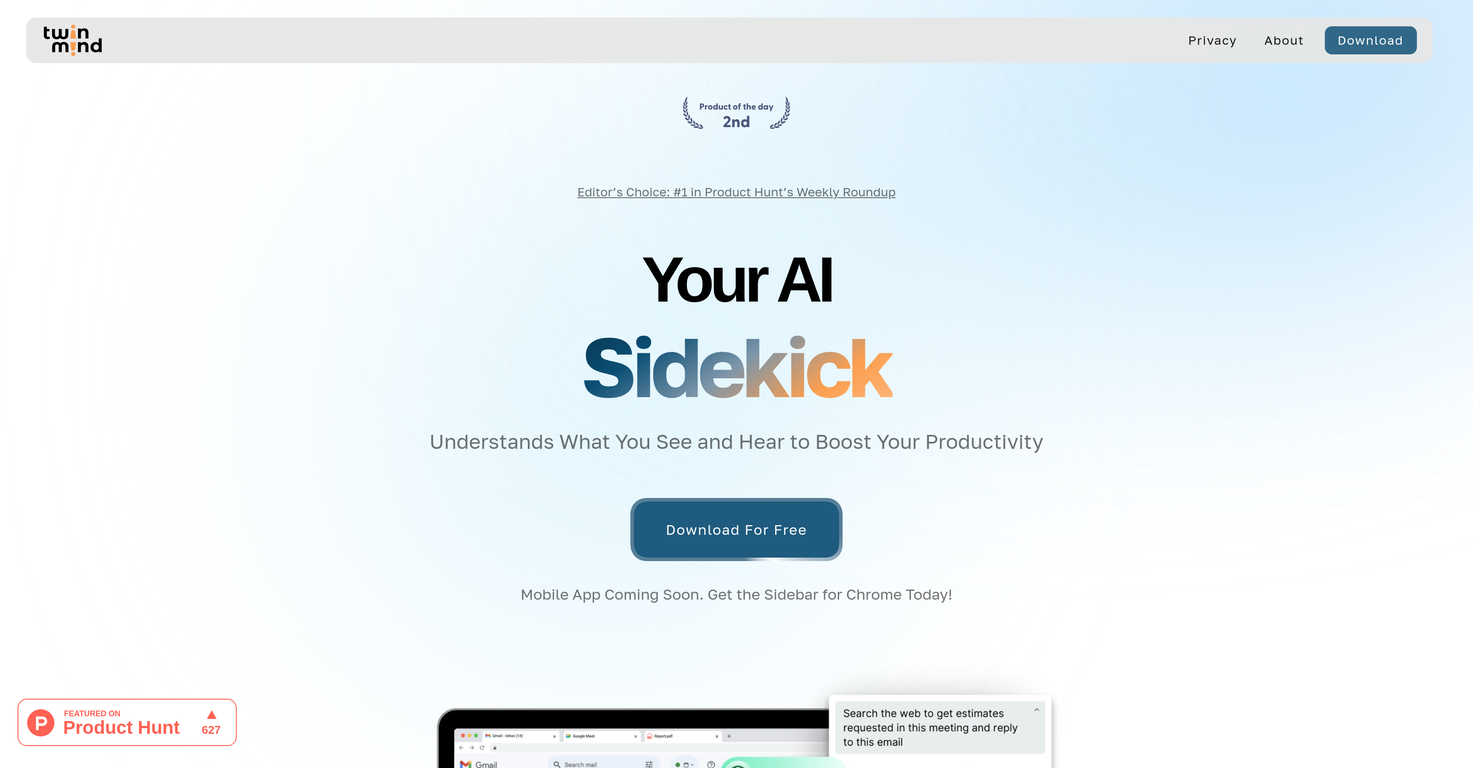
TwinMind's primary function is to serve as an AI-powered sidekick designed to enhance productivity through context-sensitive features. Its capabilities include comprehending the context, content, and conversations across various browser tabs, generating proactive suggestions during real-time discussions, and creating unique textual content based on user input using an AI-powered text generator.
Can TwinMind truly understand and answer questions about data on my active tabs?
Yes, TwinMind can truly understand and provide answers to queries with respect to the data on your active tabs. It achieves this by analyzing and interpreting the content, context, and the conversations held in the active tabs of your browser. This includes all forms of content from websites, PDF files, to YouTube videos.
How does TwinMind's AI-powered text generator work?
TwinMind's AI-powered text generator works by taking the user's input about their ideas, brands, products, or services and creating unique, engaging content in response. Using AI models, it is capable of drafting all sorts of textual content from follow-up emails and messages to reports and more.
Can TwinMind help me with drafting follow-up emails and messages based on context?
Yes, TwinMind can assist with drafting follow-up emails and messages based on context. It achieves this via its AI-powered text generator which uses user input related to ideas, brands, products, or services and then crafts unique responses or drafts that fit the context of the ongoing conversation or the discussed subjects.
How does TwinMind's real-time transcription feature work without needing third-party bots?
TwinMind's real-time transcription feature works by processing audio as it is being spoken, converting the spoken words into written text. This transcription is done locally without the need for any third-party bots to join the meetings, thereby reducing latency and improving accuracy and privacy.
How does TwinMind ensure privacy?
TwinMind ensures privacy by exclusively processing audio data on-the-fly and encrypting all data end-to-end. This means that as soon as the audio data is processed, it is immediately deleted and not stored anywhere. TwinMind also has a strong policy against third-party data sharing, thereby ensuring maximum privacy of user data.
What platforms and websites can I integrate TwinMind with?
TwinMind can be integrated seamlessly into numerous widely-used platforms and websites. These include Google Calendar, Meet, Docs, Gmail, LinkedIn, Slack, Twitter, Github, YouTube, Zoom, Wikipedia, Microsoft Teams, Reddit, and Medium.
What's the difference between the free and premium versions of TwinMind?
TwinMind offers both free and premium services to cater to the varying needs of users. The free version includes features like 20 hours per week of transcription, local speech recognition in English, and real-time proactive suggestions. TwinMind Pro adds unlimited hours of transcription, linguistical support for 100+ languages, premium support within 24 hours, and a larger context of up to 2 million tokens.
What is the process for downloading TwinMind?
TwinMind can be downloaded as an extension for the Chrome browser. A direct link for the download is available on their website. A mobile application for the service is also under development.
Can TwinMind summarize YouTube videos and PDF files?
Yes, TwinMind has the capability to summarize YouTube videos and PDF files. It does so by processing and understanding the context of these forms of content within the user's active browser tabs. Users can then ask questions or request summaries based on this interpreted context.
How does TwinMind's text generation feature work?
TwinMind's text generation feature works by using artificial intelligence to create unique, engaging content. The AI takes in basic information input by the user about their idea, brand, product, or service, and composes a piece of text in response. This makes it a useful tool for quickly drafting various types of written content.
What features does TwinMind Pro offer over the free version?
TwinMind Pro offers several improvements over the free version. These enhancements include unlimited hours of transcription, support for speech recognition in over 100 languages, and premium support response time within 24 hours. Additionally, TwinMind Pro provides a larger context of up to 2 million tokens for more comprehensive analysis.
Is TwinMind's service encrypted end-to-end?
Yes, TwinMind incorporates end-to-end encryption to ensure the privacy and security of data. This means that all data, which includes transcripts, chats, and local data, are protected with state-of-the-art encryption, rendering them untraceable back to the user.
Does TwinMind have a mobile app?
The mobile application of TwinMind is currently under development as mentioned on their website.
Does TwinMind support integration with Slack and Zoom?
Yes, TwinMind supports seamless integration with several different digital platforms, including Slack and Zoom. This allows users to utilize TwinMind's features within these platforms for improved productivity and efficiency.
Can TwinMind help me decide what to say next during meetings?
Yes, in real-time discussions, TwinMind can help users decide what to say next. It achieves this via its 'proactive suggestion' feature which, based on the ongoing discourse and its context, provides possible responses or insights that the user may want to consider bringing up.
Does TwinMind also work with Google Tools such as Google Docs and Gmail?
Yes, TwinMind works neatly with Google tools such as Google Docs, Gmail, along with Google Meet and Google Calendar. Its ability to seamlessly embed into these platforms allows users to make the most of TwinMind's AI capabilities within the Google suite of tools.
How does TwinMind manage privacy during on-the-fly audio processing?
TwinMind manages privacy during on-the-fly audio processing by ensuring that the audio is processed as it is being spoken and the data is immediately disposed of post-processing. This means that at no point is the audio data stored, thus maximizing user privacy and ensuring that the audio cannot be accessed later.