 MongoDB - Build AI That Scales
 Mini tools
 TheLibrarian.io
 Supernormal App
 Saidar
 Runable
 ComputerX
 Collate
 AiAssistWorks - GPT Gemini Claude AI for Sheets Docs Slides
 ConsoleX AI
 Skymel: Create Your Own Personal Agents
 Ask Steve
 Alfred by Simbli.ai
 Affint
 MiroAI
 BrowseWiz
 Sup AI
 Support Flow
 Octofy
 Criticly
 Mentor: Get things done
 Singularity AI
Windows Copilot



Overview
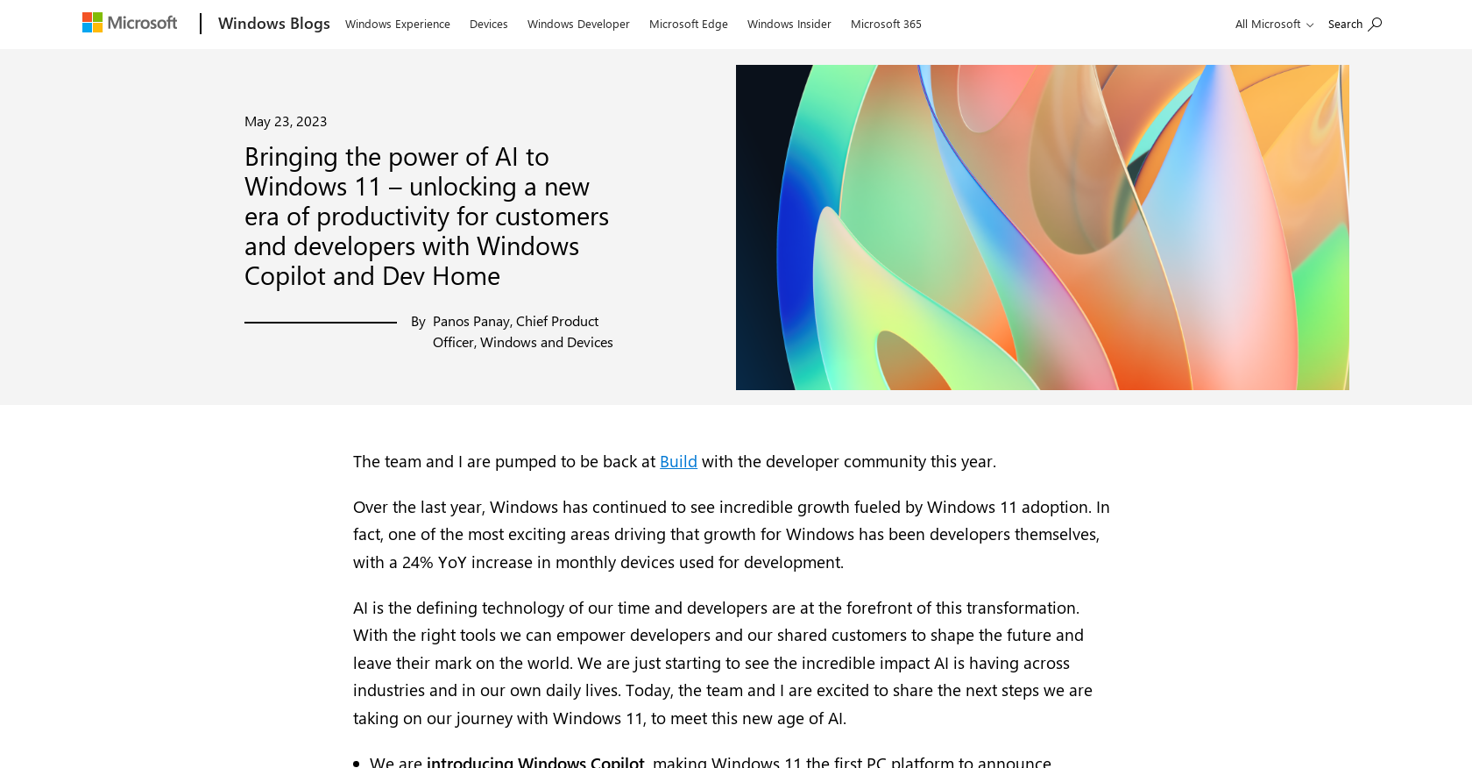
The Windows 11 operating system comes equipped with two AI-powered tools designed to increase productivity for both customers and developers: Windows Copilot and Dev Home.
Windows Copilot enables users to automate common tasks and reduce manual input by using machine learning to predict what users want to do next. It can also provide useful suggestions based on a user's context, such as displaying relevant files or suggesting actions based on previous behavior.
Dev Home, on the other hand, is geared towards developers and is designed to streamline the development process by providing easy access to app templates, project samples, and other developer resources.
By leveraging the power of AI, the tool can also help developers create code more efficiently by auto-generating frequently used patterns and automating repetitive tasks.
This can help save developers time and increase their productivity, ultimately allowing for faster app development. Bringing together Windows Copilot and Dev Home into the Windows 11 operating system marks a new era of enhanced productivity that benefits both customers and developers.
These tools allow for more intelligent and intuitive user experiences, as well as faster app development and more efficient use of development resources.
Releases
Top alternatives
-
Duck Typer🙏 255 karmaFeb 12, 2025@TheLibrarian.ioGreat tool! Was very helpful in content production
-
 Open
Open -
Works well and connects with my apps easily. I’m considering using it for daily reports and posts
-
Used it for PPT generation and performed extremely well, especially the numbers and data part.
-
-
I’ve been using Collate to go through technical PDFs, and it’s been surprisingly handy. Summarizing docs and being able to ask questions directly saves me time, especially when I’m skimming through research or API references. No sign-ups, works offline, and everything stays on my device — which I appreciate.






Related topics
 0
0





