
 Mini tools
▼ Top rated
Advanced image processing
Free mode
100% free
Freemium
Free Trial
Featured matches
-
-
 Open
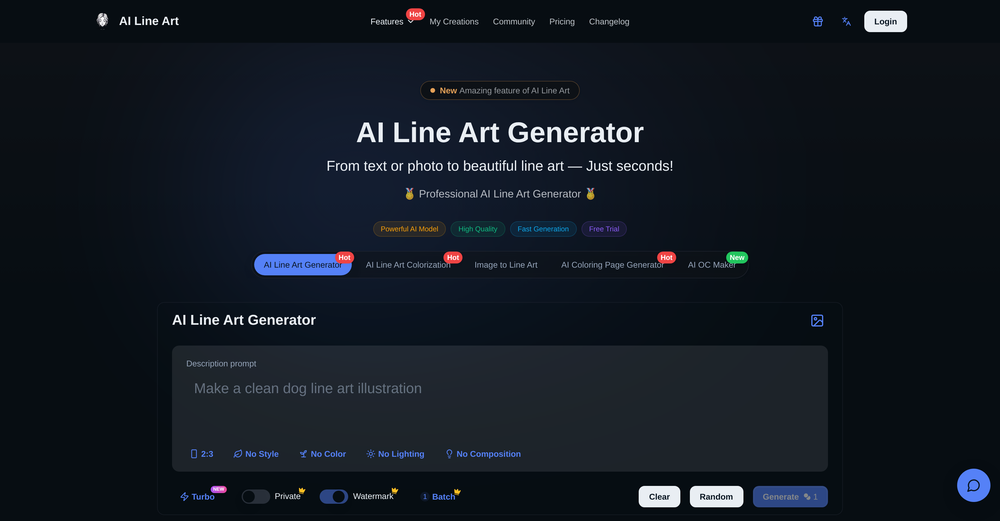
Open Mykhailo Toğjan🙏 5 karmaJan 23, 2026@VidFlux - Photo to Video GeneratorThere are tons of video generation models to choose from, which really helped solve my problem. I also love that I can try it for free before paying. Overall, it’s super useful and works great. 👍
 -
-
 Convert and compress video, audio, and images with AI-optimized compression.Open



Other tools
-
I found that AVCLabs launched many new tools last year, including several very practical AI online tools, such as AVCLabs Online Video Quality Enhancer and AVCLabs Online Image Upscaler. Whether it is improving video quality or enlarging pictures with high quality, professional-level effects can be easily achieved.
-
There are numerous competing products, but this one is the best in my opinion. It is cheaper (only $9.99) for well over 100 pics, and the quality is great. They aren't all perfect, but I found some really great pictures. I think the quality and likeness in this product is better than similar tools I have tried.
-
- Sponsor:
 Base44💻 Vibe coding
 -
 Transform your photo into a cinematic masterpiece.Open
 -
 Transform photos into cinematic dawn portraits.Open
 -
-
The tool is powerful, combining multiple AI modes and features. It can enhance images with just one click, colorize black-and-white photos, and remove watermarks effortlessly.
- Didn't find the AI you were looking for?
-
So cute! It's actually crazy how real the dance moves look. Highly recommend using high-quality photos for the best result.
-
Fast & straightforward with acceptable quality
-
It's great if you want crisp coloring pages. You get a few for free, then you'll hit the credit cap. But the price is fair I'd say.
-
-
We created FreeMangaTranslator.com to make manga translation truly accessible — no logins, no paywalls, no watermarks. Just upload your manga page and get a clean, AI-powered English translation in seconds. Perfect for fans, scanlation teams, or anyone exploring manga across languages. And yes — it's completely free.
-
A very clean website — simple, clear, and fast to generate results.
-
What a innovative idea, this is awesome! What you need is what you get simplify!
-
tried it for quick photo cleanups, solid results. the bg remover is free with HD downloads and does clean cutouts on tricky edges. the full editor gives 5 daily credits, not badd



















Post





