Go to section
Spotlight SureThing.io - "OpenClaw" for BeginnersTask automation
The front page of AI.Used by 90M+ humans.

TAAFT Tutorial
Generate image
Tasks
Generate text
Free mode
Trending
Leaderboard
Characters
 Mini tools
New
Featured
Lists
Agents
Requests
Jobs
Map
Newsletter
Starter pack
Free tools
Speech to text
Text translator
Remove background
Settings
Edit profile
My tools
Gallery
Dashboard
Inbox
Get featured
Contact TAAFT
For you
Popular
Job impact index
Most saved
Affiliate program
Submit AI tool
Notification preferences
Glossary
Home
Timeline
My profile
Create tool
Deals
Companies
Models
Robots
Papers
Fundraises
Repositories
Devices
Organizations
Events
Prompt Pack
Merchendise
APIs
Features
Tools
Countries
Collections
Videos
Mini tools
New
Featured
Lists
Agents
Requests
Jobs
Map
Newsletter
Starter pack
Free tools
Speech to text
Text translator
Remove background
Settings
Edit profile
My tools
Gallery
Dashboard
Inbox
Get featured
Contact TAAFT
For you
Popular
Job impact index
Most saved
Affiliate program
Submit AI tool
Notification preferences
Glossary
Home
Timeline
My profile
Create tool
Deals
Companies
Models
Robots
Papers
Fundraises
Repositories
Devices
Organizations
Events
Prompt Pack
Merchendise
APIs
Features
Tools
Countries
Collections
Videos
Mini tools
New
Featured
Lists
Agents
Requests
Jobs
Map
Newsletter
Starter pack
Free tools
Speech to text
Text translator
Remove background
Settings
Edit profile
My tools
Gallery
Dashboard
Inbox
Get featured
Contact TAAFT
For you
Popular
Job impact index
Most saved
Affiliate program
Submit AI tool
Notification preferences
Glossary
Home
Timeline
My profile
Create tool
Deals
Companies
Models
Robots
Papers
Fundraises
Repositories
Devices
Organizations
Events
Prompt Pack
Merchendise
APIs
Features
Tools
Countries
Collections
Videos

▼ Latest
Automated visuals
Free mode
100% free
Freemium
Free Trial
Featured matches
-
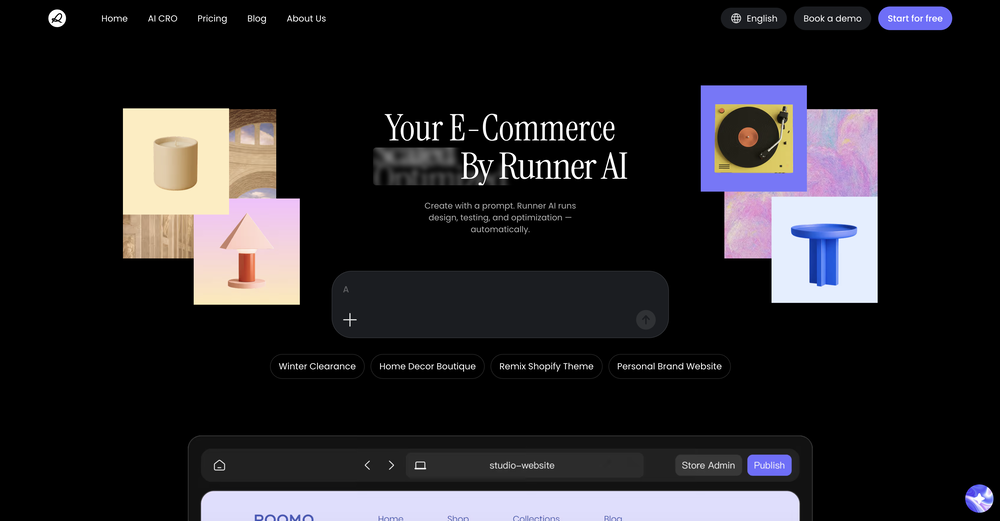 Weizhi LiFeb 12, 2026@Runner AIawesome! asking runner to "clone" a shop is my favorite
 -
-
-
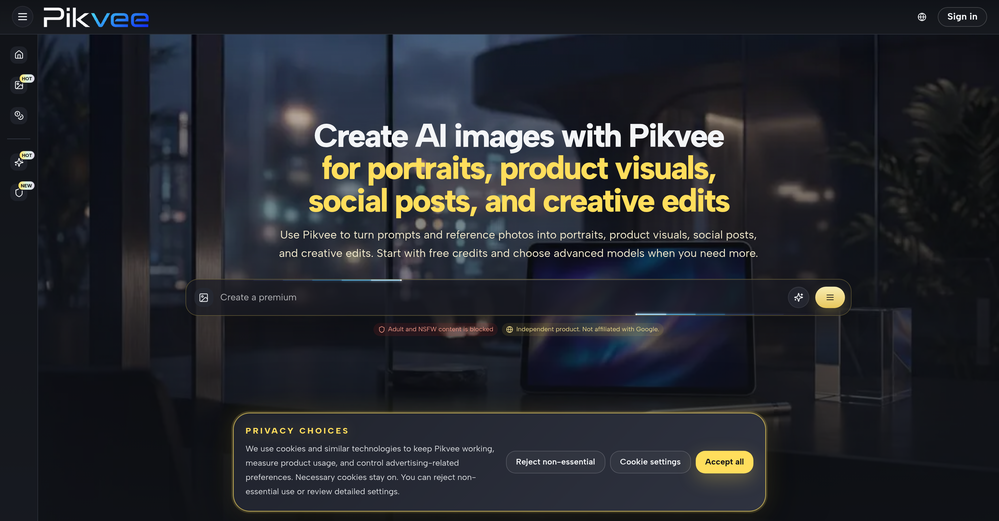
-
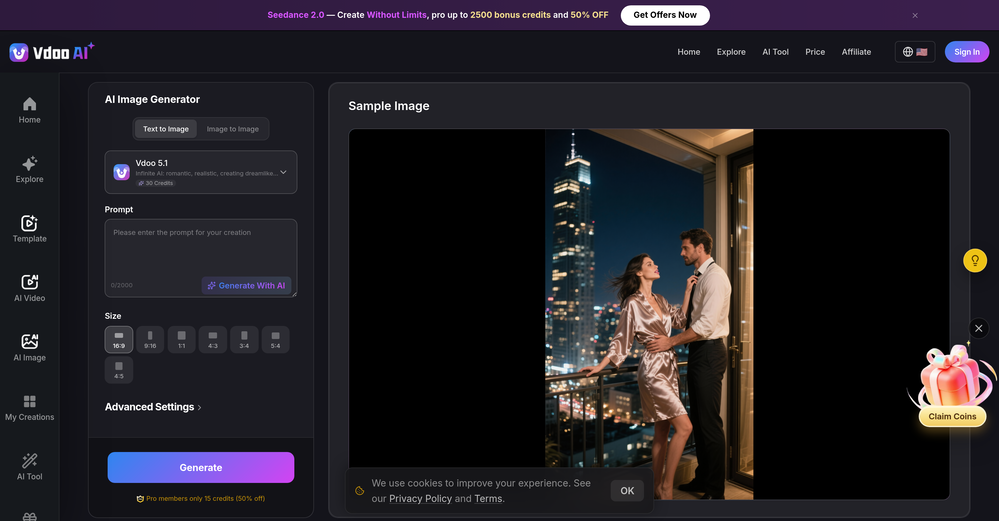
-
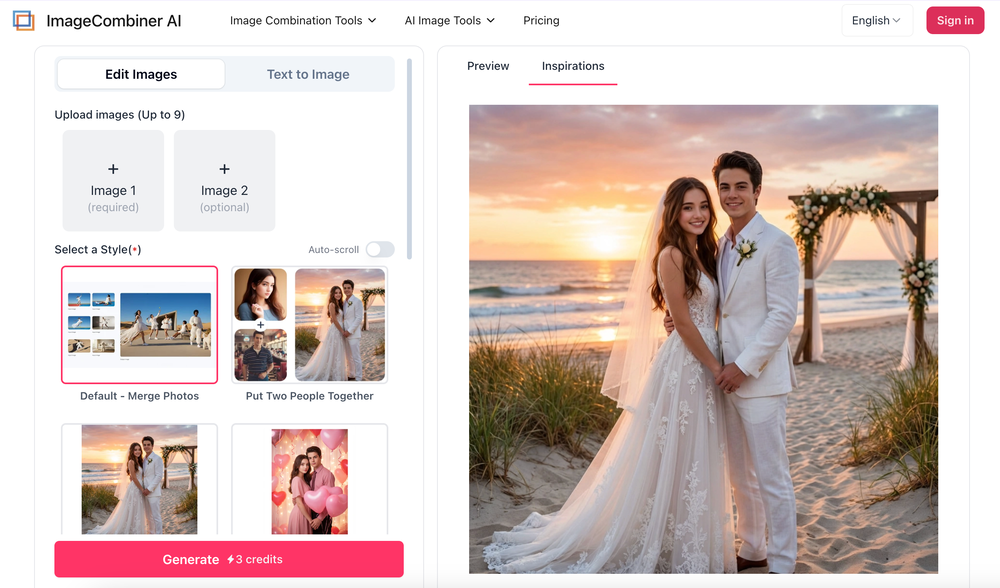
-
 I've tried about 10 different of these article makers, it's nice to see this one finally getting some recognition..this one actually works and i have proof of it working, my traffic from google has increased quite a bit, impressions AND clicks...
 -
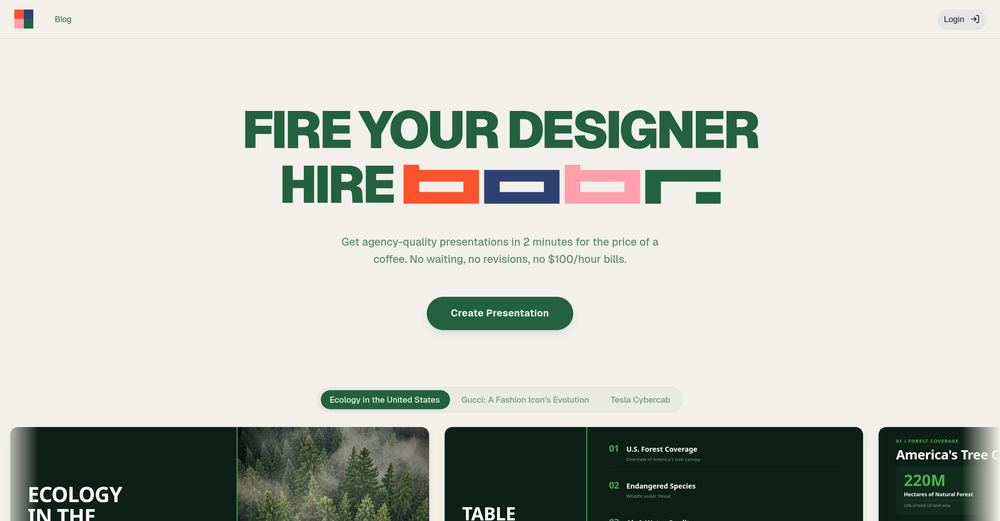 I'm absolutely blown away by the design quality of the presentations they look so vibrant and stylish. I was also pleasantly surprised that the AI asks lots of clarifying questions to make sure the final result is exactly what I wanted, not just something random. Vibes 🔥










Verified tools
-
 OpenHi! I'm the founder of LyricEdits. After 20 years as a bass player and 20 years in software engineering, I finally combined both passions into one. I'd love to hear your comments and suggestions!
 -
 Generate full-length faceless YouTube videos from text and earnOpenNoodle Tomato is an amazing video creation tool. You can create shorts or full length videos on ANY subject. Choose your voice, bullet points about what you want the video to be about. It then creates the script, all of the videos into parts that are editable. After it compiles the video you can download it directly, post it to YouTube and it's that simple. You need 0 knowledge of AI prompting or video editing.
 -
 Transform any image into stunning AI-enhanced visuals.OpenIt can generate any image I want freely, it's amazing!
 - SpotlightSureThing.io - "OpenClaw" for BeginnersTask automation
-
-
Klayn looks really solid — simple to use, clean interface, and genuinely useful. It saves a lot of time on tasks that would normally take way longer. Definitely a tool worth trying!
-
 Turn product photos into marketing videos instantly.Open
 -
The infographic maker lets you use it once for free without signing in. This infographic maker is simple and easy to use, even more so than Canva or Venngage. However, the available styles and templates are still limited. I hope they add more design options and customization in future updates. Overall, a good choice for quickly creating infographics.
-
-
I paid for the subscription and the video generation has failed. I found no way to access support and the site says no refunds allowed. Hoping to find some help on here with this and I revisit my review
-
 AI infographic generator that turns blog posts into link magnetsOpen
 -
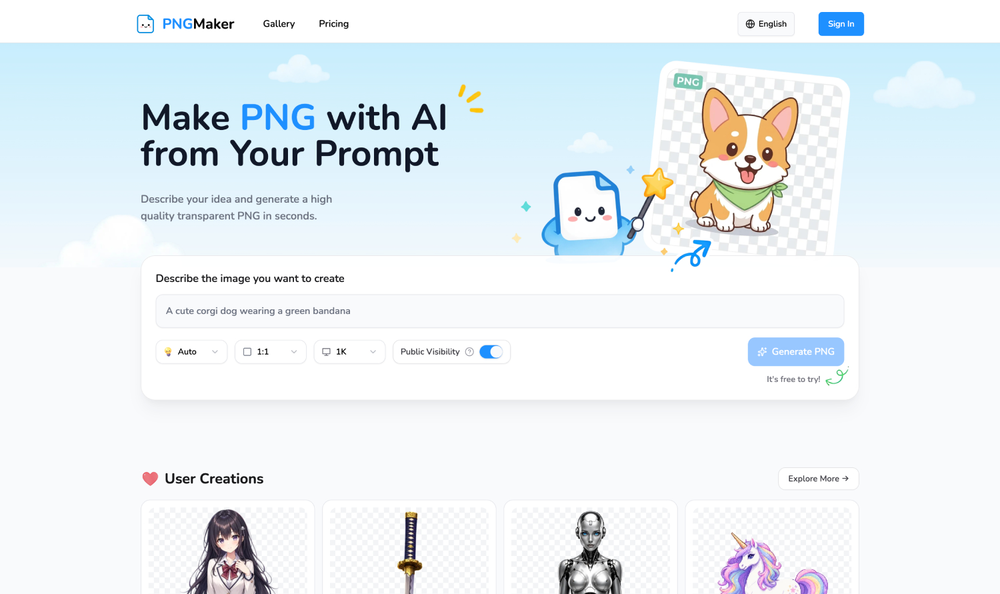
 Remove backgrounds from images with AI in seconds.Open
 -
-
 Open
Open -
-
Just paste content in, layout will automatically be desigend
-
-
I had to tweak a few things to match my brand style, but overall it saved me a ton of time. Definitely handy if you need something fast and professional-looking.
-
I built VDraw out of pure necessity. Like many creators and marketers, I was spending hours reformatting blog posts, YouTube videos, or PDFs into carousels for social media. Most existing tools were either too design-heavy or too generic with their templates. With VDraw, my goal was simple:Let AI handle the hard part—extracting key insights, summarizing content, and applying modern visuals—so you can focus on your message. Just paste your content or upload a file, and within seconds, VDraw turns it into a ready-to-share carousel post tailored to your brand style. I use it daily now, and it’s saved me countless hours. I hope it does the same for you. ➡️ Try it out free at: https://vdraw.ai


























Other tools
- Waitlist
-
-
Affordable subscription for all the renders I can get and has upleveled my design business.
-
I run a small online store and used to rely on stock photos for product mockups and promotional images. The problem was that they never quite fit what I needed. Either the lighting was off, the setting felt too generic, or I’d see the same image pop up on a dozen other websites. Editing them to match my brand took more time than it was worth. I started using Aux Machina a few weeks ago, and it’s completely changed my workflow. Instead of searching endlessly for something that’s *close enough*, I can just describe what I want—like a product sitting on a clean, minimalist desk with soft natural lighting, and get an image that actually fits. What’s even better is that I can refine the results instead of starting over from scratch. It’s been especially useful for seasonal promotions. For example, I needed holiday-themed images with a specific color palette to match my brand, and instead of settling for whatever stock sites had available, I generated exactly what I had in mind. The images look high-quality and professional, and I don’t have to worry about my competitors using the same ones. It’s saved me a ton of time, and the results feel a lot more unique and custom. I still use some stock images here and there, but for anything that needs to stand out, this has been a much better solution.
- Didn't find the AI you were looking for?
-
-
Says "free during testing," but keeps telling me I have insufficient credits. I also can't seem to find a way to delete my account.
-
-
Incredible generation quality, truly impressive!
-
 Open
Open -
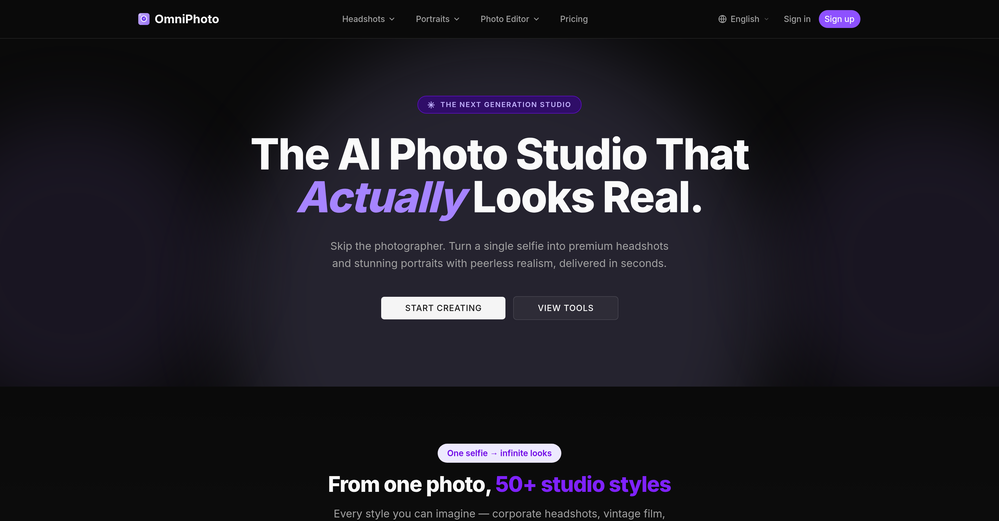
 Transform any subject into sophisticated magazine-worthy portraits.Open
 -
 Transform your vision into stunning, diverse images.OpenI really haven't said enough about this wonderful tool. No words, amazing, I mean, I would say it has revolutionized the field of images. Thank you.
 -
why all of tools doesnt accept our customized prompt again?
-
 Creating black and white illustrations for blog posts.Open