TAAFT Tutorial
Generate image
Tasks
Generate text
Free mode
Trending
Leaderboard
Characters
 Mini tools
New
Featured
Lists
Agents
Requests
Jobs
Map
Newsletter
Starter pack
Free tools
Speech to text
Text translator
Remove background
Settings
Edit profile
My tools
Gallery
Dashboard
Inbox
Get featured
Contact TAAFT
For you
Popular
Job impact index
Most saved
Affiliate program
Submit AI tool
Notification preferences
Glossary
Home
Timeline
My profile
Create tool
Deals
Companies
Models
Robots
Papers
Fundraises
Repositories
Devices
Organizations
Events
Prompt Pack
Merchendise
APIs
Features
Tools
Countries
Collections
Videos
Mini tools
New
Featured
Lists
Agents
Requests
Jobs
Map
Newsletter
Starter pack
Free tools
Speech to text
Text translator
Remove background
Settings
Edit profile
My tools
Gallery
Dashboard
Inbox
Get featured
Contact TAAFT
For you
Popular
Job impact index
Most saved
Affiliate program
Submit AI tool
Notification preferences
Glossary
Home
Timeline
My profile
Create tool
Deals
Companies
Models
Robots
Papers
Fundraises
Repositories
Devices
Organizations
Events
Prompt Pack
Merchendise
APIs
Features
Tools
Countries
Collections
Videos
Mini tools
New
Featured
Lists
Agents
Requests
Jobs
Map
Newsletter
Starter pack
Free tools
Speech to text
Text translator
Remove background
Settings
Edit profile
My tools
Gallery
Dashboard
Inbox
Get featured
Contact TAAFT
For you
Popular
Job impact index
Most saved
Affiliate program
Submit AI tool
Notification preferences
Glossary
Home
Timeline
My profile
Create tool
Deals
Companies
Models
Robots
Papers
Fundraises
Repositories
Devices
Organizations
Events
Prompt Pack
Merchendise
APIs
Features
Tools
Countries
Collections
Videos

▼ Top rated
Chatbot platform
Free mode
100% free
Freemium
Free Trial
Featured matches
-
 Hermes Agent with zero setup, maintenance, or infrastructure management.Open
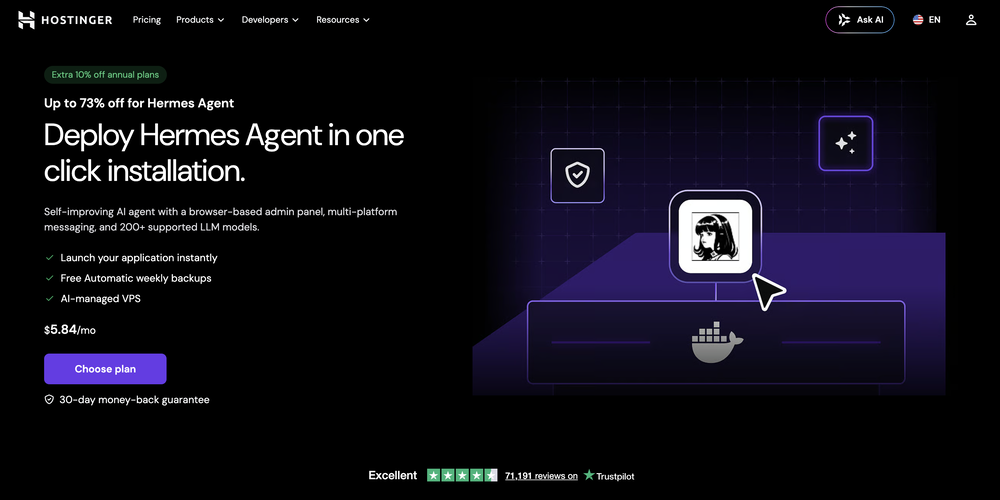 What's new: • Telegram in both dashboard and onboarding. • Model selection in both dashboard and onboarding for ALL providers, not only Nexos.
 -
 Open
Open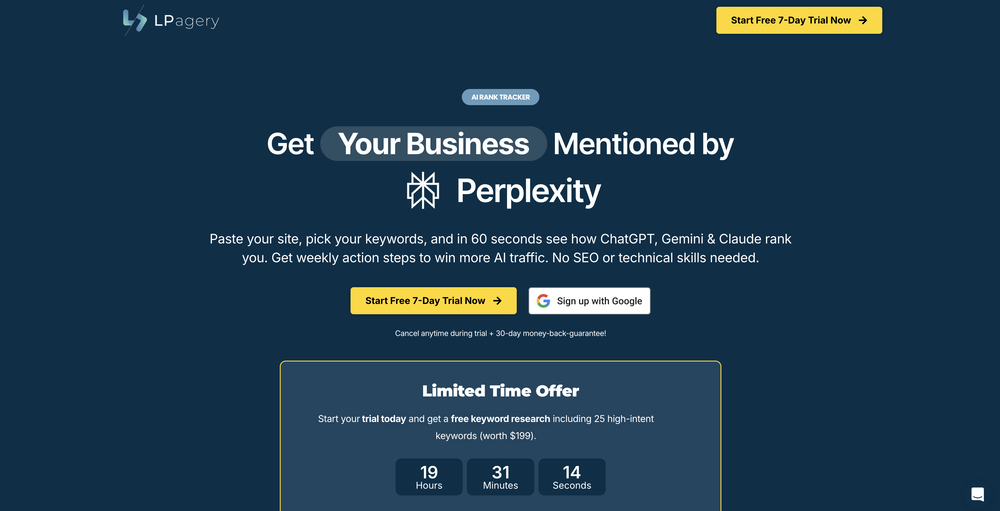
-
 Girish Patankar🙏 10 karmaSep 4, 2025@Angel XThis its best AI bot i have used, its very quick and accurate, nice experience, its like im talking to real human with all emotions
 -
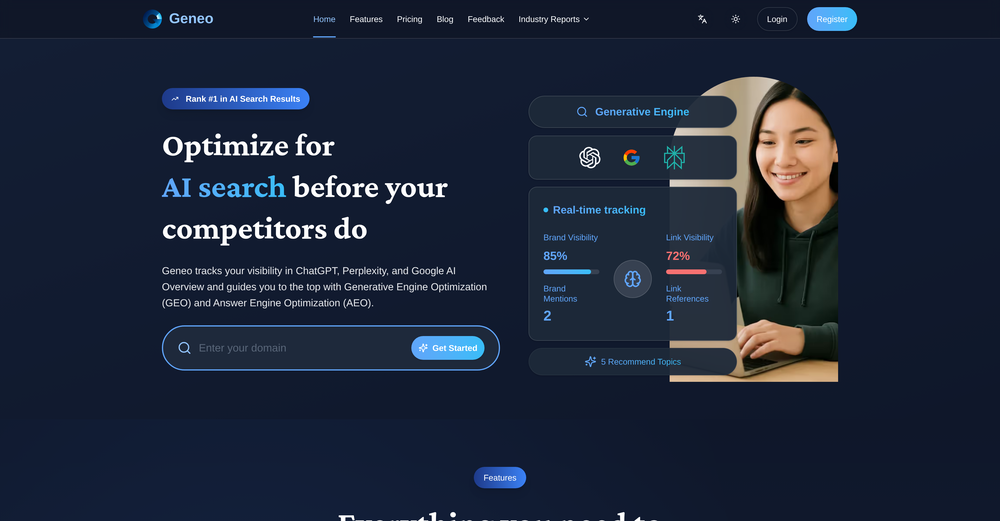
-
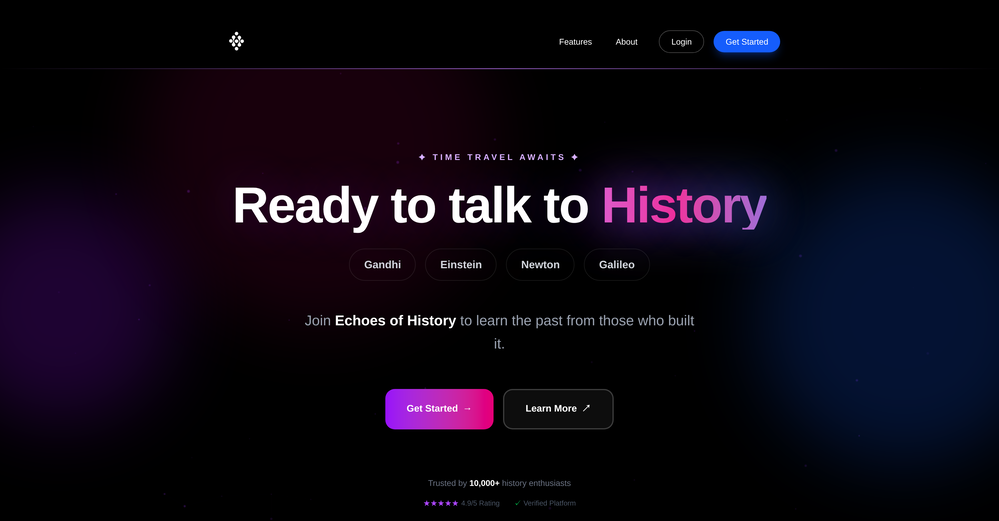
 Have AI-powered conversations with famous historical figures.Open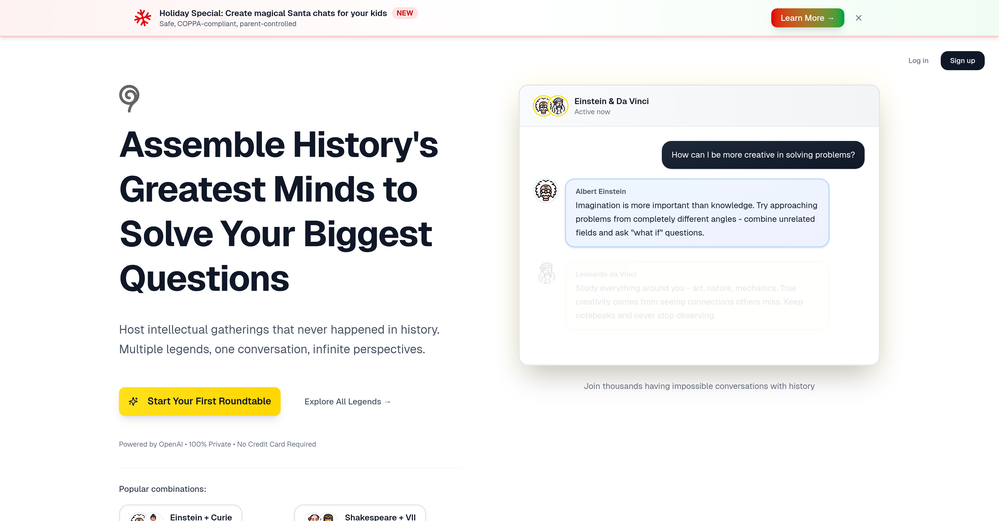
-
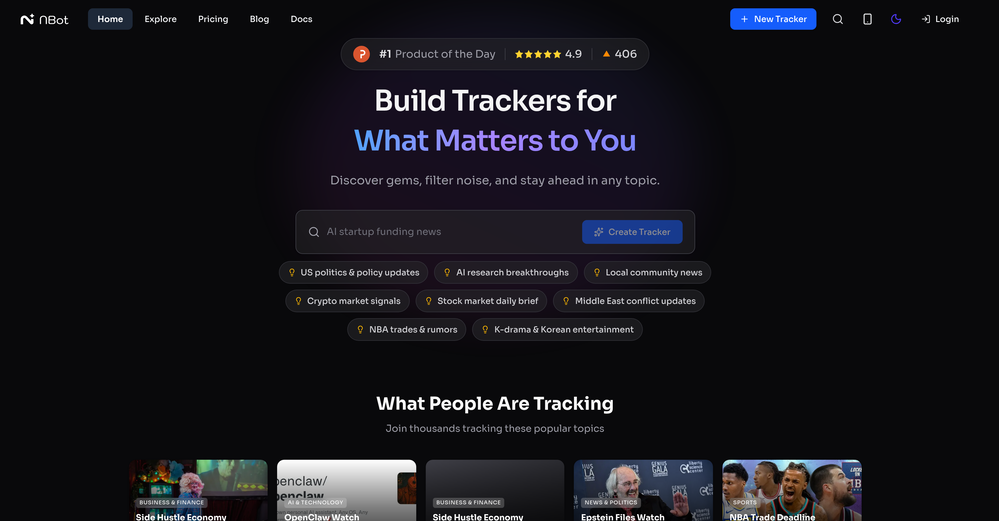 Great tool. It makes it easier to have proactive agents on the web that are providing you with relevant research updates. Here's a video I made on it https://youtu.be/RFxcC_ktOtM
 -
-

-
 Hello! Thor here, creator of Axell. We're the first generative AI application with real-time sync for multiple users, happy to answer any questions.
 -
Waitlist









Other tools
-
Intuitive UI with quick insights backed by actionable suggestions.
-
 Build AI Mobile & Web Apps - No Code, No Api KeysOpenI built my fitness app and published it to both App Store and Google Play in just 3 days. OnSpace AI handled all the mobile development complexity. I'm now earning from in-app subscriptions.
 - Sponsor
 Tripo AI 3D Generator
 -
 AI chat for every YouTube video, with instant summaries and search.Open
 - Didn't find the AI you were looking for?
-
 Creating practical assignment questions and marking criteria rapidly with AI.Open
 -
very helpful for quick answers and everyday questions. simple to use and saves a lot of time.
-
If voice agents break on real conversations, you’re losing leads silently -> ~20% conversion drop. How often do calls actually complete successfully end-to-end?
-
-
 Your AI business agent platform, on any channelOpenHi there, I’m Alix, co-founder of Invent. We’re building the future of Customer Support UX, where humans and AI truly collaborate. Would love to read&hear your thoughts. DM for any questions. We ship fast!