How does nbot.ai curate content?
To curate content, nbot.ai follows a three-step process: describe, discover, and refine. User gives a description of what they're looking for and the AI generates a curator based on these preferences. Afterwards, the curator monitors various platforms like news outlets, newsletters, RSS feeds, blogs, and social media. It delivers key data points and provides a link directly to the original material.
How does nbot.ai understand niche technical terminology?
nbot.ai has the capability to understand niche technical terminology. This ability allows it to better curate suitable content for users, even within specialized fields and high-level professional content.
Can nbot.ai suggest related topics to expand my reading?
Yes, nbot.ai can suggest related coverage expansion topics as part of its functions. It uses your preferences and interprets your specific needs to suggest related topics that may expand your reading horizon.
What kind of content can nbot.ai monitor?
nbot.ai can monitor a wide range of content. The platforms it monitors includes news outlets, newsletters, RSS feeds, niche blogs, and social media discussions.
How does the real-time adjustment feature of nbot.ai work?
The real-time adjustment feature in nbot.ai works as a chatting feature. Users can use this feature to ask questions and adjust their curator in real-time. This makes nbot.ai highly adaptive and user-friendly.
What is the functionality of the chatting feature in nbot.ai?
The chatting feature in nbot.ai helps to refine the AI curator. Users can pose questions, specify their curating needs, and even adjust their curator based on their updated preferences.
How do I refine my curator in nbot.ai?
Refining your curator in nbot.ai is possible through its built-in chat. You can ask questions and provide feedback to adjust your curator in real time. It makes your curator dynamic and personal to your needs.
What is the process of building an AI curator in nbot.ai?
The process of building an AI curator in nbot.ai comprises three steps: Describe, Discover, and Refine. Under Describe, the user specifies their content preferences. Discover covers content monitoring across multiple platforms, content filtering, and summary generation. Under Refine, the user can interact with the AI to refine content curation.
Can nbot.ai provide summaries of key data points?
Yes, nbot.ai can provide summaries of key data points. It's part of the Discover step in its functionality, alongside monitoring platforms and providing direct links to the source material.
Is there a version of nbot.ai available for mobile devices?
Yes, there is a version of nbot.ai available for mobile devices. The app can be downloaded from both App Store and Google Play Store.
What does the 'describe, discover, refine' process of nbot.ai entail?
The 'describe, discover, and refine' process in nbot.ai entails: in 'describe', the user specifies their content preferences. 'Discover' is where nbot.ai generates summaries of key data points related to user's preferences. Finally, 'Refine' is a process where users can adjust their AI curator in real time for improved results.
What types of web content can nbot.ai filter out?
nbot.ai has capability to filter out unnecessary and irrelevant information from the web content. This creates a more focused environment for the user, enabling them to concentrate on their chosen area of interest.
How does nbot.ai enhance focus on my niche of interest?
nbot.ai enhances focus on your niche of interest by filtering out unnecessary information and homing in on the topics and areas you specified. With this, it provides a highly personalised and tailored content viewing experience.
How does nbot.ai handle multilingual processing?
nbot.ai can handle multilingual processing, making it capable of curating content not just in one language but multiple languages, broadening its usability and appeal to a multilingual user base.
Can nbot.ai monitor social media discussions?
Yes, nbot.ai can monitor social media discussions. This is part of its multi-platform content monitoring function, which includes news outlets, newsletters, RSS feeds, blogs, and social media discussions.
Does nbot.ai provide direct links to original source materials?
Yes, nbot.ai provides direct links to original source materials. Users get not just the extracted key data points and summaries, but also the access to the original source if they want to delve deeper into the content.
What is nbot.ai?
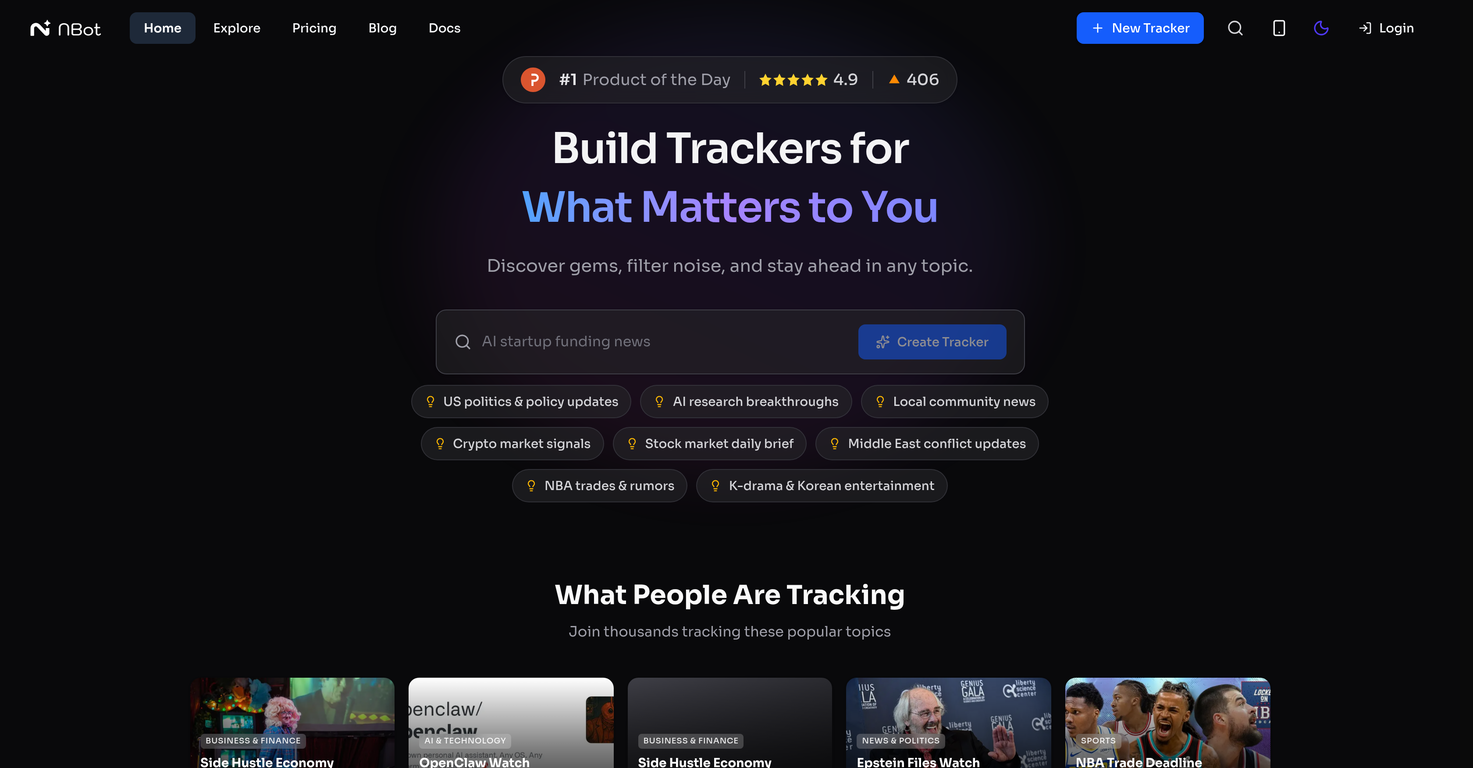
Nbot.ai is a web tool that uses artificial intelligence to customize and curate web content based on individual user preferences. It allows users to create AI curators that continuously scan the web for user-defined, specific content. Nbot.ai helps users filter out the web noise and surface relevant content, thereby enabling them to stay updated in a particular field or niche.
How does the three-step process (Describe, Discover, Refine) of nbot.ai work?
The three-step process of Nbot.ai involves Describe, Discover, and Refine. In the 'Describe' step, users specify their interest terms or topics to Nbot.ai, which then builds a personalized AI curator. During the 'Discover' step, the AI curator searches various sources, including news outlets, social media discussions, industry blogs, newsletters, and RSS feeds, and delivers summarized and direct source links. The 'Refine' step allows users to dynamically control the feed content by interacting with their AI curator in real time via a built-in chat feature.
How do I get started with using nbot.ai?
To start using Nbot.ai, you need to define what you're looking for. This process involves describing your area of interest to the AI, such as the topics or terms you want to track. Based on your inputs, Nbot.ai will generate a curator that monitors the web for the specified content. Next, you review and discover the content surfaced by the AI curator. You can further refine the results by chatting with the AI and making necessary adjustments to the curator in real time.
Does nbot.ai support niche technical terminology?
Yes, Nbot.ai supports niche technical terminology. Its AI technology is designed to understand complex and niche scientific or technical terms provided by users to carefully curate and filter the relevant content from the web.
What are the different platforms that nbot.ai can monitor?
Nbot.ai can monitor several platforms for content, including news outlets, newsletters, RSS feeds, industry blogs, and social media discussions. Its AI curator scans these platforms, filtering out noise and highlighting relevant content.
Can I adjust my curator in real-time on nbot.ai?
Yes. Nbot.ai includes a chatting feature that enables users to interact with their curator and adjust it in real time. It affords users dynamic control over feed content, allowing for topic reprioritization, real-time response adjustment, and auto-adjustment based on user feedback.
What are the main functionalities of nbot.ai?
The main functionalities of Nbot.ai include content curation, web monitoring, real-time interaction, content discovery, dynamic adjustments, user-defined content, topic reprioritization, RSS feed monitoring, news aggregation, a chatbot for real-time adjustments, monitoring of industry blogs, newsletter summarizations, social media monitoring, and feed assistant for auto-adjusting content.
How does the chat feature of nbot.ai work?
The chat feature of Nbot.ai allows users to refine their curator by asking questions and making adjustments in real time. Users can ask their AI curator to summarize arguments, reprioritize what type of content it should focus on, and more. This feature allows users to have a personalized feed that suits their needs and preferences.
Does nbot.ai recommend related coverage expansion topics?
Yes, Nbot.ai does recommend related coverage expansion topics. As the AI curator understands your interest, it naturally suggests related topics to expand your coverage, thereby introducing you to new but related content sources.
What kind of summaries does nbot.ai provide?
Nbot.ai provides context-aware AI summaries that extract core arguments, highlight new data, key data points, and provide direct links for instant verification. These summaries are designed to provide users with an at-a-glance understanding of why a specific content or source might matter.
How can I use nbot.ai for content discovery?
Nbot.ai is utilized for content discovery by describing your areas of interest to the AI curator. The curator then scans various platforms such as news outlets, industry blogs, newsletters, RSS feeds, and social media tools to discover content relevant to your preferences. The found content is presented as summarized, ranking-ordered subject matter with direct source links.
Can I reprioritize topics in my feed using nbot.ai?
Yes, users can reprioritize topics in their feed using Nbot.ai. This feature can be accessed through the built-in chat feature, where users can make real-time adjustments to the AI curator, including topic reprioritization.
In what way does nbot.ai help with personalized recommendation?
Nbot.ai helps with personalized recommendation by creating AI curators that monitor the web for user-defined content. It automatically identifies top content sources and suggests related topics for coverage expansion. Based on the user's feedback, Nbot.ai dynamically adjusts, providing personalized recommendations to better suit the user's needs.
Can I access nbot.ai on both App Store and Google Play Store?
Yes, Nbot.ai can be accessed on both the App Store and the Google Play Store. By downloading and installing the Nbot.ai app, users can have on-the-go access to their personal AI curator and all its features.
How does nbot.ai filter out unnecessary information?
Nbot.ai filters out unnecessary web information by having the user define their topics of interest in the 'Describe' phase. The AI curator then uses this information to scan different platforms, discarding unrelated content and highlighting only the content that aligns with the user-defined interests.
Can I define the content I want on nbot.ai?
Yes, users can define the type of content they want on Nbot.ai. By describing their area of interest to the AI, Nbot.ai generates a tailor-made AI curator that actively monitors and filters the web for the specified content.
How does the AI curator in nbot.ai work?
The AI curator in Nbot.ai is a technology that actively monitors the web for specific content based on user preferences. The user instructs the AI on terms or topics of interest, and the AI creates a tailor-made curator without the need for intricate search strings or RSS feed management. This curator scans various sources providing summarized, ranking-ordered content along with direct source links.
Can nbot.ai monitor social media discussions?
Yes, Nbot.ai can monitor social media discussions. The AI curator scans multiple platforms, including social media discussions, to ensure that users receive information from a broad range of sources.
Can nbot.ai assist in monitoring my RSS Feed?
Yes, Nbot.ai can assist in monitoring your RSS Feed. The AI curator keeps a continuous check on the web, including RSS feeds, and provides users with concise summaries of key data points and direct links to the original source material.
Can nbot.ai help me stay updated on industry blogs and newsletters?
Yes. Nbot.ai's AI curator can actively monitor industry blogs, newsletters, including several other platforms. Users receive summarized and direct link content from these sources that align with their defined area of interest.