Go to section
Sponsor
 Flow - 4x faster than typing
🎤 Dictation
Flow - 4x faster than typing
🎤 Dictation
The front page of AI.Used by 90M+ humans.

Generate image
Tasks
Generate text
Free mode
Trending
Leaderboard
Characters
 Mini tools
New
Featured
Lists
Agents
Requests
Jobs
Map
Newsletter
Starter pack
Free tools
Speech to text
Text translator
Remove background
Settings
Edit profile
My tools
Gallery
Dashboard
Inbox
Get featured
Contact TAAFT
For you
Popular
Job impact index
Most saved
Affiliate program
Submit AI tool
Notification preferences
Glossary
Home
Timeline
My profile
Create tool
Deals
Companies
Models
Robots
Papers
Fundraises
Repositories
Devices
Organizations
Events
Prompt Pack
Merchendise
APIs
Features
Tools
Countries
Collections
Videos
Mini tools
New
Featured
Lists
Agents
Requests
Jobs
Map
Newsletter
Starter pack
Free tools
Speech to text
Text translator
Remove background
Settings
Edit profile
My tools
Gallery
Dashboard
Inbox
Get featured
Contact TAAFT
For you
Popular
Job impact index
Most saved
Affiliate program
Submit AI tool
Notification preferences
Glossary
Home
Timeline
My profile
Create tool
Deals
Companies
Models
Robots
Papers
Fundraises
Repositories
Devices
Organizations
Events
Prompt Pack
Merchendise
APIs
Features
Tools
Countries
Collections
Videos
Mini tools
New
Featured
Lists
Agents
Requests
Jobs
Map
Newsletter
Starter pack
Free tools
Speech to text
Text translator
Remove background
Settings
Edit profile
My tools
Gallery
Dashboard
Inbox
Get featured
Contact TAAFT
For you
Popular
Job impact index
Most saved
Affiliate program
Submit AI tool
Notification preferences
Glossary
Home
Timeline
My profile
Create tool
Deals
Companies
Models
Robots
Papers
Fundraises
Repositories
Devices
Organizations
Events
Prompt Pack
Merchendise
APIs
Features
Tools
Countries
Collections
Videos

▼ Latest
Class summary
Free mode
100% free
Freemium
Free Trial
Featured matches
-
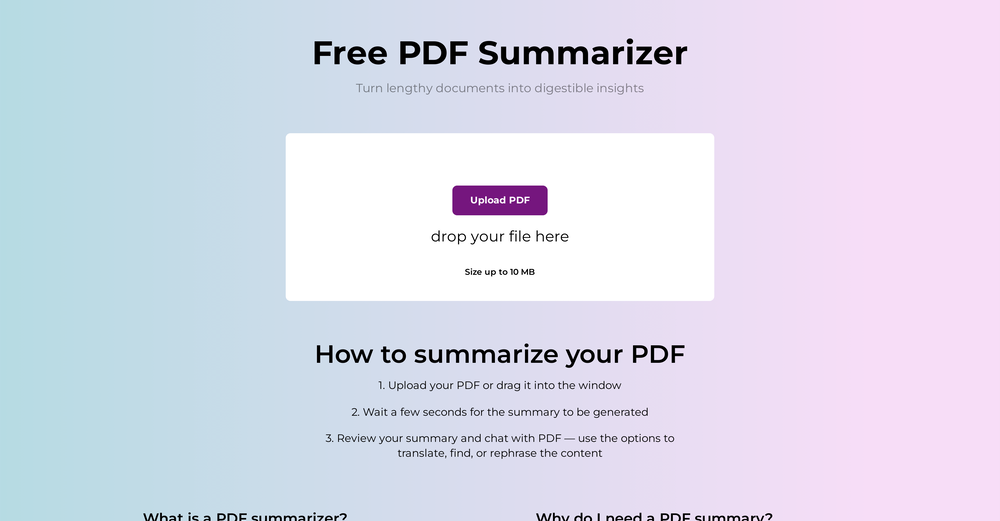 We've shipped a major update that turns our PDF summarizer into a full document summarizer. Now more than just PDFs — 14 formats supported You can now summarize far more than PDFs. In addition to PDF, the tool now handles: - Documents & spreadsheets: Word (DOCX), Excel (XLS, XLSX), PowerPoint (PPTX), TXT, Markdown (MD), HTML Images: JPG, JPEG, PNG, GIF, WEBP E-books: EPUB, FB2, MOBI Upload almost any file and get the same clear, structured summary with key points in seconds. - New languages Added full localizations for Thai, Korean, and Indonesian, so more users can summarize and read results in their own language. - Bigger files Increased the maximum file size from 10 MB to 50 MB — summarize longer reports, books, and spreadsheets without splitting them. As always: 100% free, no registration, and no usage limits.
 -
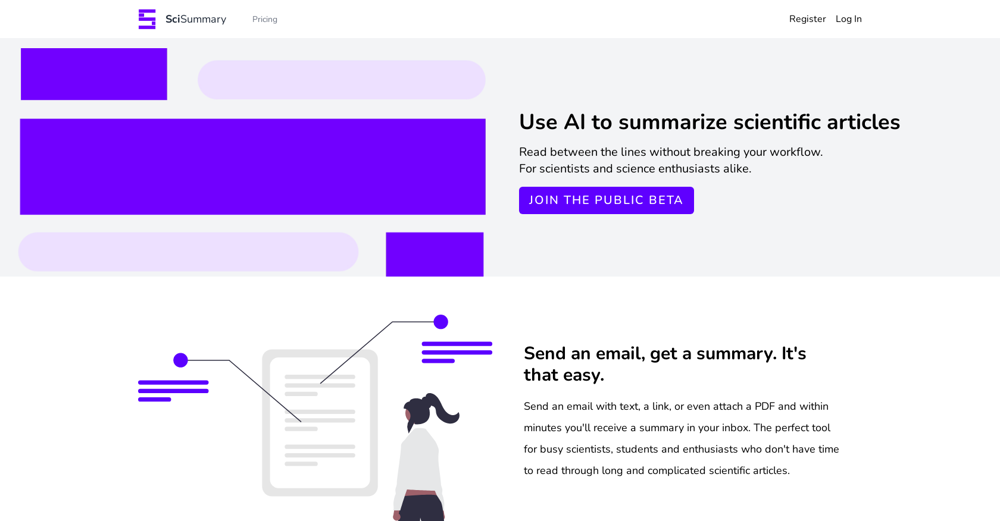 Ivana González🙏 65 karmaAug 24, 2023@ScisummaryI'm still testing the tool yet it looks very promising. I tested it with a 5.5k words Academic text that I had previously red. I tested the Key points feature, it does work!


Verified tools
-
Can’t say the app is that bad. It might take a bit of time to get used to, but based on my experience, it produced some good results. I'd say it's worth giving it another chance. Have fun!
-
Would recommend! Takes ~30 seconds and saves a significant amount of time.




Other tools
-
Undoubtedly the best essay grading tool out there.
-
- SponsorFlow - 4x faster than typing🎤 Dictation
-
easy to pick up and you get a few free file imports. it gives you results pretty fast, unfortunately i can't find a way to get back to these, they're locked behind the paid service.
-
It seems to be working fine right now. Maybe try again and double check if you’re using the book’s original or most recognized title. That might make a difference.
-
Handles long texts really well. Super useful if you’re into detailed content but want the quick version without losing key info.
- Didn't find the AI you were looking for?
-
-
Really simple approach - you select the part of the page you want the summary to be inserted, add a question to the article or it just sticks to the prompt you defined (even the standard prompt is a fun inspiration - never thought about letting the AI read an article from the angle of my professional background or let it build fun analogies for even the darkest articles). I use it to send articles from website directly to my Kindle - so you can basically read AI summarized articles on Kindle. Of course it could be extended but with the basic features it does the job.
-
I've tried several Youtube summarizers and this is...by far...the best.
-
Free version is limited to 5 pages for PDFs. I could not find a file short enough to even test this product. I give up.
-
 Summarizes class sessions with structured details and clarity.Open