Go to section
Spotlight SureThing.io - "OpenClaw" for BeginnersTask automation
The front page of AI.Used by 90M+ humans.

Generate image
Tasks
Generate text
Free mode
Trending
Leaderboard
Characters
 Mini tools
New
Featured
Lists
Agents
Requests
Jobs
Map
Newsletter
Starter pack
Free tools
Speech to text
Text translator
Remove background
Settings
Edit profile
My tools
Gallery
Dashboard
Inbox
Get featured
Contact TAAFT
For you
Popular
Job impact index
Most saved
Affiliate program
Submit AI tool
Notification preferences
Glossary
Home
Timeline
My profile
Create tool
Deals
Companies
Models
Robots
Papers
Fundraises
Repositories
Devices
Organizations
Events
Prompt Pack
Merchendise
APIs
Features
Tools
Countries
Collections
Videos
Mini tools
New
Featured
Lists
Agents
Requests
Jobs
Map
Newsletter
Starter pack
Free tools
Speech to text
Text translator
Remove background
Settings
Edit profile
My tools
Gallery
Dashboard
Inbox
Get featured
Contact TAAFT
For you
Popular
Job impact index
Most saved
Affiliate program
Submit AI tool
Notification preferences
Glossary
Home
Timeline
My profile
Create tool
Deals
Companies
Models
Robots
Papers
Fundraises
Repositories
Devices
Organizations
Events
Prompt Pack
Merchendise
APIs
Features
Tools
Countries
Collections
Videos
Mini tools
New
Featured
Lists
Agents
Requests
Jobs
Map
Newsletter
Starter pack
Free tools
Speech to text
Text translator
Remove background
Settings
Edit profile
My tools
Gallery
Dashboard
Inbox
Get featured
Contact TAAFT
For you
Popular
Job impact index
Most saved
Affiliate program
Submit AI tool
Notification preferences
Glossary
Home
Timeline
My profile
Create tool
Deals
Companies
Models
Robots
Papers
Fundraises
Repositories
Devices
Organizations
Events
Prompt Pack
Merchendise
APIs
Features
Tools
Countries
Collections
Videos

▼ Top rated
Data driven
Free mode
100% free
Freemium
Free Trial
Featured matches
-
 Open
Open
-
-
 Open
Open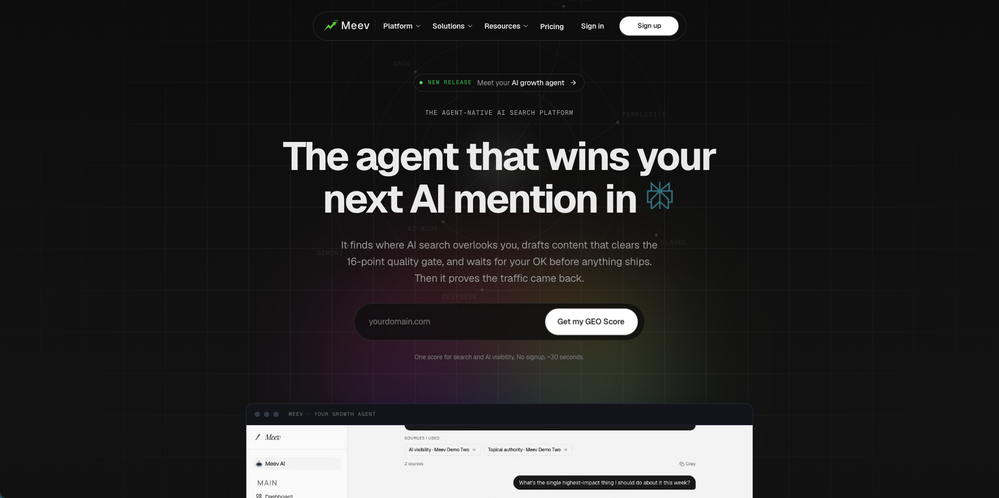 1. Meev is now agent-native The whole product now leads with an AI SEO agent that runs the full loop for you. - The agent tracks your AI visibility, finds the gaps, and publishes the fix, and acts only after your approval. - New Approval Ledger so you see exactly what the agent proposes, with the evidence, before anything ships. - In-product agent demo video, a cleaner agent chat, and a dedicated dashboard tour. - New AI content marketing agent landing page and a repositioned growth-agent page. - The agent now explains why a draft is held for your approval instead of auto-publishing, and is always date-aware. 2. Connect Meev to your own stack (new) Your AI visibility data now goes wherever you work. - MCP server (live): connect Meev to Claude, ChatGPT, and any MCP-compatible assistant and read your visibility, rankings, and content data right inside it. Read-only and secured, with a one-line @meev/mcp connector. - Public REST API (live): pull every metric programmatically, full OpenAPI spec, a /developers docs page, and API-key management in settings. - New /connect hub: one place to set up MCP, terminal installs, and the meev-data skill. - Per-plan connection quotas, with unlimited concurrent connections. 3. Onboarding rebuilt around your GEO Score - Visibility-first setup: get your GEO Score and a real, prioritized action plan before you reach billing. - Redesigned GEO Score reveal with an honest report (real competitors, sample-aware plan) and a smoother reveal animation. - Simpler trial start: no-card trials, in-wizard Google connection, and a finish-setup guide. 4. A fresh look - New Gilded Editorial design across the home page, blog, and marketing site. - Navigation reorganized into Platform / Solutions / Resources menus. - Agent demo video in the hero; blog reading rails that follow you as you scroll. 5. Under the hood - Higher content quality from an upgraded writing and scoring engine. - Faster site audits. - New Google Search Console index-coverage and URL-inspection tools for the agent. - First-party analytics and ad conversion tracking wired up behind the scenes.
 -
 AI-powered intelligence that uncovers what's costing your practice patients.Open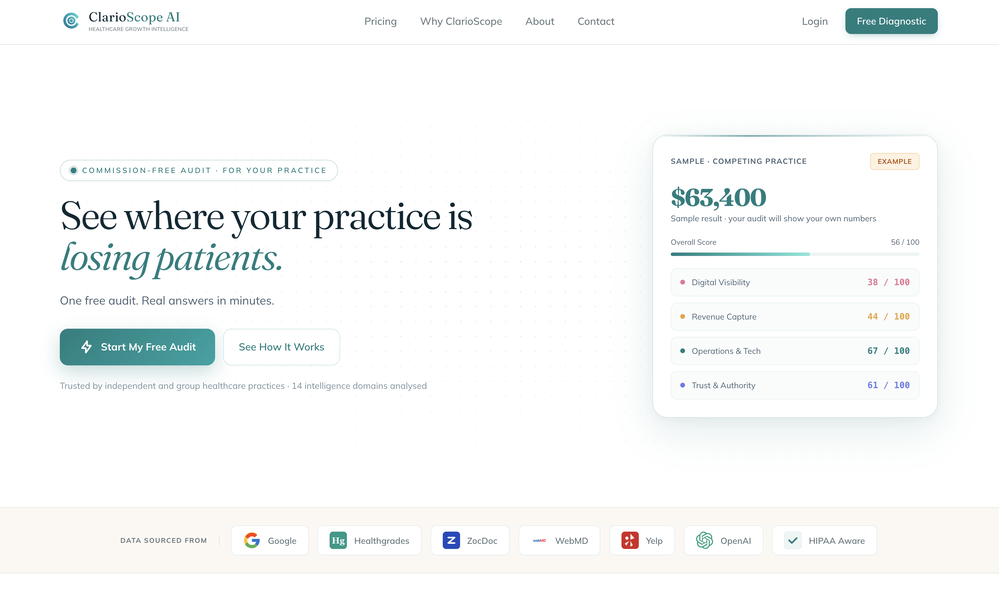
-
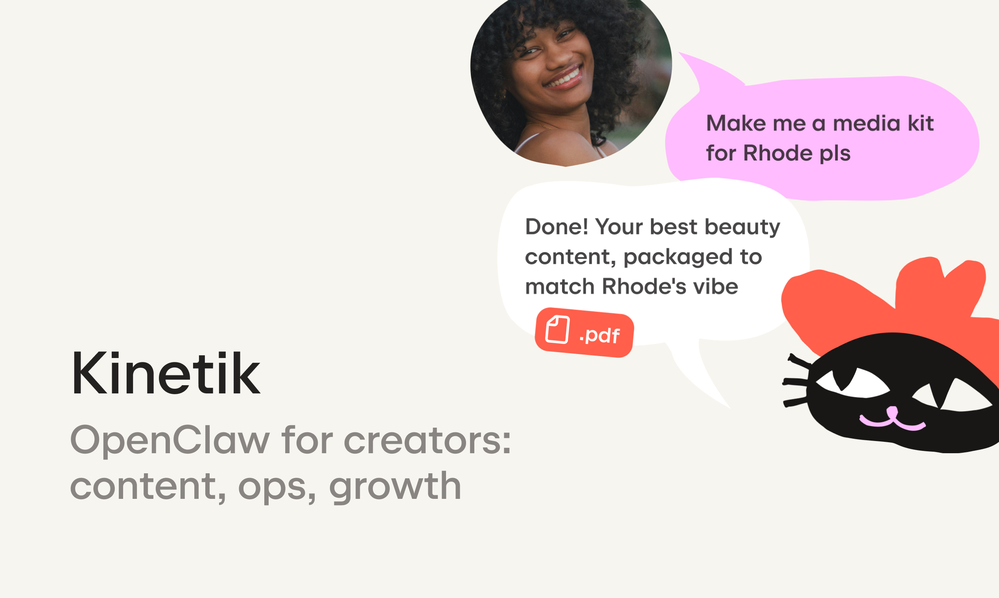 Andrew Zakonov🙏 4 karmaMay 13, 2026@Kinetikbetter than chatgpt
 -
-
 There's nothing here to work withyet.Open
-
 I was one of the first users of Zocra. The platform has been instrumental in helping me prepare for meetings, generate follow ups, and ensure that no customer action items are ever missed. I use it continuously to provide feedback and feature requests to the product team, as well as to develop real-world use cases for our marketing efforts.
 -
 Hello, What's one feature you expected everyone to love but hardly anyone talks about? The reason I asked is because hidden features are often the most interesting. Which one is yours?
 -
 Real-time voice translation for meetings, calls, and videosOpen
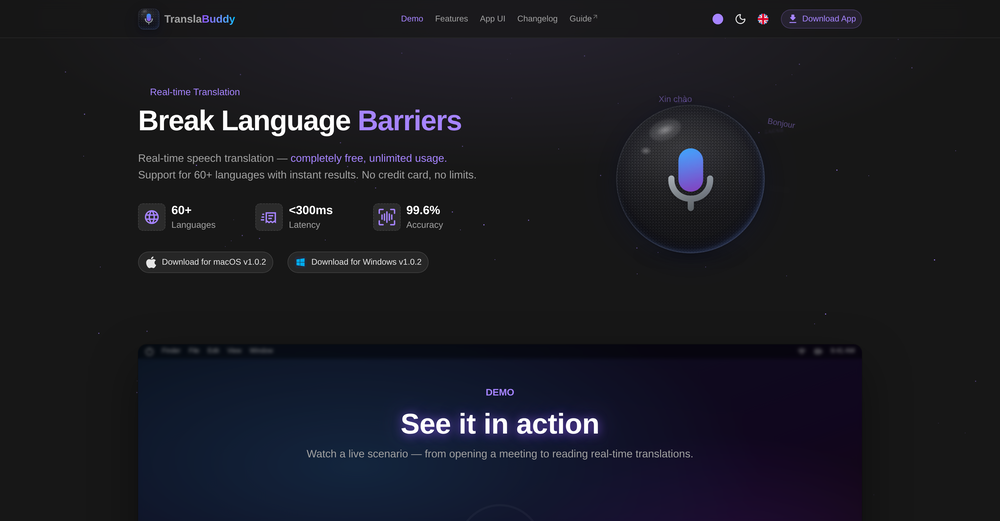 its a great initiative . i appreciate your each piece of effort. make it more versatile for meeting as note taking also . auto summarise and notes down mom of meeting. if should have transcipt interface as two people are chatting instead of just line by line text. not easy understandable who is spaeking. which line.









Other tools
-
Love how simple Notch ai is to use. It’s fast, intuitive and always delivers content that is on-brand.
-
Intuitive UI with quick insights backed by actionable suggestions.
- SpotlightSureThing.io - "OpenClaw" for BeginnersTask automation
-
-
Brilliant! My average to good ideas all had their pros & cons but once I realized I had a hidden gem in my plethora of ideas, the response changed & was in agreement that this was the one! Then it detailed how best to execute it best & now I’m excited to get the ball rolling. If everything goes as planned, I’ll be back to show my appreciation to the developers… For now I thank you!
- Didn't find the AI you were looking for?
-
The best quality prompts of all the tools
-
As an early-stage founder, I found this to be an incredible tool to quickly reach out to potential customers and get their thoughts on my product. Veethi is so easy to run and get your LinkedIn outbound kickstarted!
-
It's frustrating being miscategorized. The CRMopti isn't the main focus of the DealFlow. The idea is to be able to know your customer before you even talk to them. First figure out your ideal client profile, then grab some leads and push them to the salesopti (the most powerful part of the entire program) and get to know them before you even talk to them! Know that you can run any particular part of the system by itself. Also, the check out the free tools if you get a chance.
-
 Open
Open -
 Open
Open -
Hey AI fans, I am Kalo, co-founder of Breezemail. If your inbox is anything like mine, you spend at least 20% of your life opening, answering, and unsubscribing from emails. Arguably, the only thing more tedious than this is fixing your grandma’s Windows XP (arguably). Or you just gave up, and your inbox app has a cute red dot with a truncation ellipsis (…), also known as the symbol of inbox doom. Either way, the whole inbox situation is an absolute disaster. We wanted to solve this challenge using AI. Breezemail will help you enter the holy land of Inbox Zero. It’s an email categorizer tool that keeps important emails in your inbox and categorizes the rest into folders using natural language prompts. How does it work? 1. Breezemail has a default Important category which leaves all your real human emails in your inbox. 2. Everything else is organized into AI folders (or labels). Labels using natural language prompts, for example, “All emails from my family”. 3. We give you a bunch of pre-defined categories to start with, and you can create your own custom categories, the same way you would write a ChatGPT prompt (yes, our tool also uses ChatGPT). We’ve been testing it in-house for both our personal and business emails, and it worked so well that I no longer hate link builders and outreach people because their requests are neatly organized into a couple of folders. For my personal inbox, I can finally see all my receipts in one place, and all stock newsletters are ready for daily review in a different folder. Go try it out now for free. We’d love to hear your feedback, so please don’t be shy and drop me a line back. Currently, the tool is only available for Outlook, but we are working on a Gmail app, too. If you’d like to try it for Gmail, please let us know. Thank you, Kalo