
 Mini tools
▼ Top rated
Data presentation
Free mode
100% free
Freemium
Free Trial
Featured matches
-
 Paolo Cas🙏 10 karmaDec 15, 2025@VIFECool tool. I hope you continue to develop this tool to reach its full potential. Keep it up
 -
 Just type what you need — AI fills Sheets™, Docs™, and Slides™Open
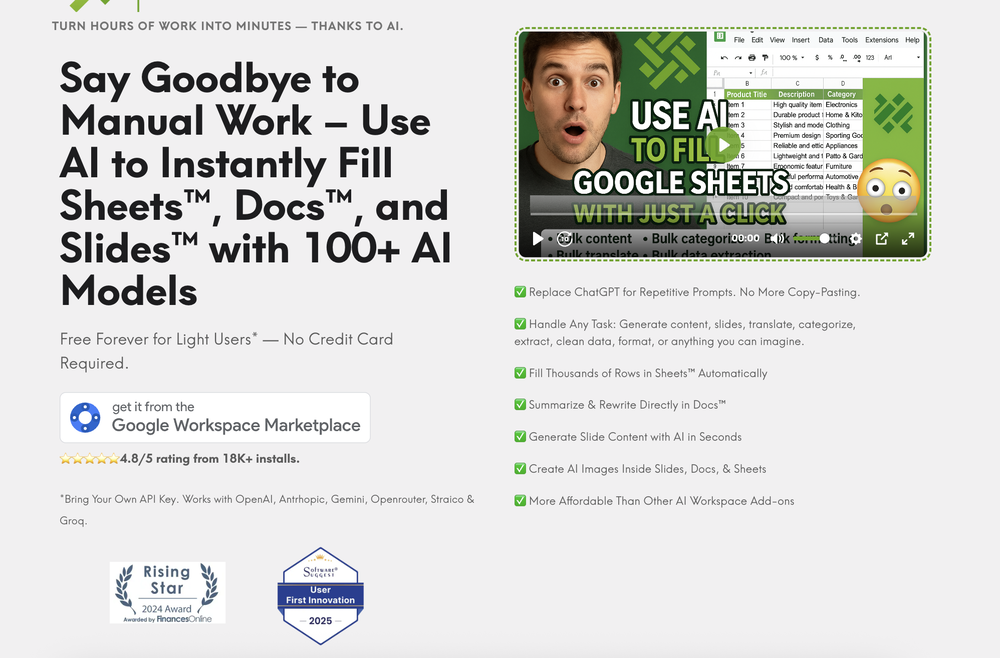 Just type what you need — AI fills Sheets™, Docs™, and Slides™. FREE Forever with your API key for up to 100 execution per month! Zero formula typing, natural language instructions, zero complexity. Fill spreadsheets, create and edit documents, generate slide presentations, create images, and more.
 -
-
 This is truly a wonderful experience that brings joy and delight.
 -






Other tools
-
-
 Open
Open -
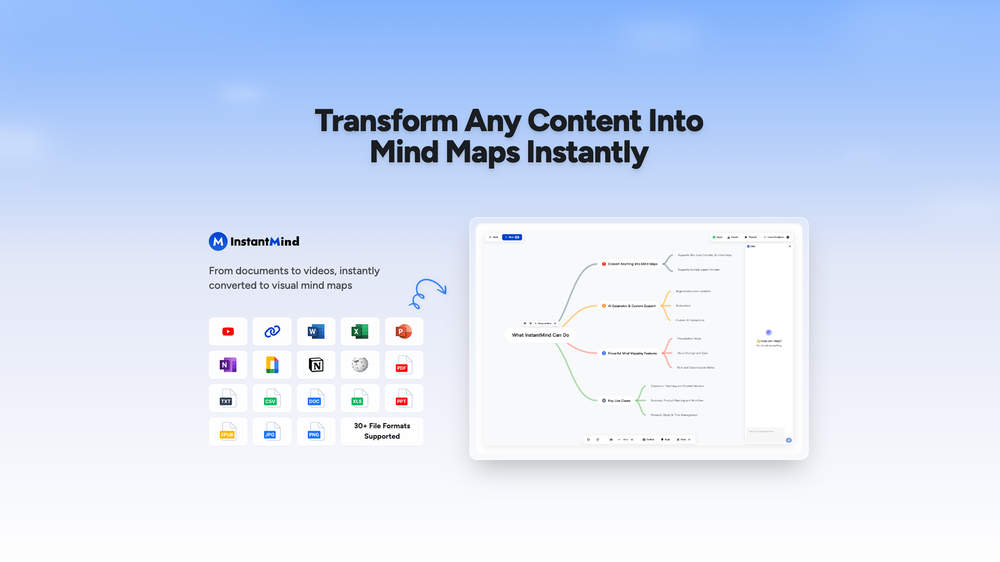
I am able to summarize a complex paper into a one-pager visual. Before this tool: hours of reading and summarizing. After this tool: I grasp something complex in seconds. Thank you!!!
- Spotlight:
 TendemTask automation
 -
Displayr has become an essential tool for survey data analysis. By leveraging advanced AI integration, the platform offers a user-friendly, low-code solution for analyzing survey data. Users can efficiently create presentations while working on data analysis within the same interface, eliminating the hassle of transferring numbers from Excel to PowerPoint.
-
-
impressive :O quite easy to use and great designs overall
- Didn't find the AI you were looking for?
-
I felt there is need of more ready made templates. But, it does what it claims. I chose one question suggested by the AI agent, and it created the infographics in few seconds. It's cool. Saving it for future reference.
-
Great tool, offers a lot of data story suggestion and detailed charts.
-
We're live folks! Do check us out and drop your feedback or requests.
-
-
It is the ease of use for me. DataSquirrel is fast, the UI is super intuitive, and the guided analysis feature is highly convenient. I have officially moved from uploading CSV files from Google sheet to DataSquirrel. Within minutes, I can visualize my data and interpreting it becomes super simple.
-
Just tried yesterday. The first productivity tool which allowed me to create professional slides, reports, and sheets with my data in a few minutes. Was able to connect 20 of my tools in less than 5 minutes.































Post





