 Base44

 Mini tools
▼ Top rated
Data privacy
Free mode
100% free
Freemium
Free Trial
Featured matches
-
 Open
Open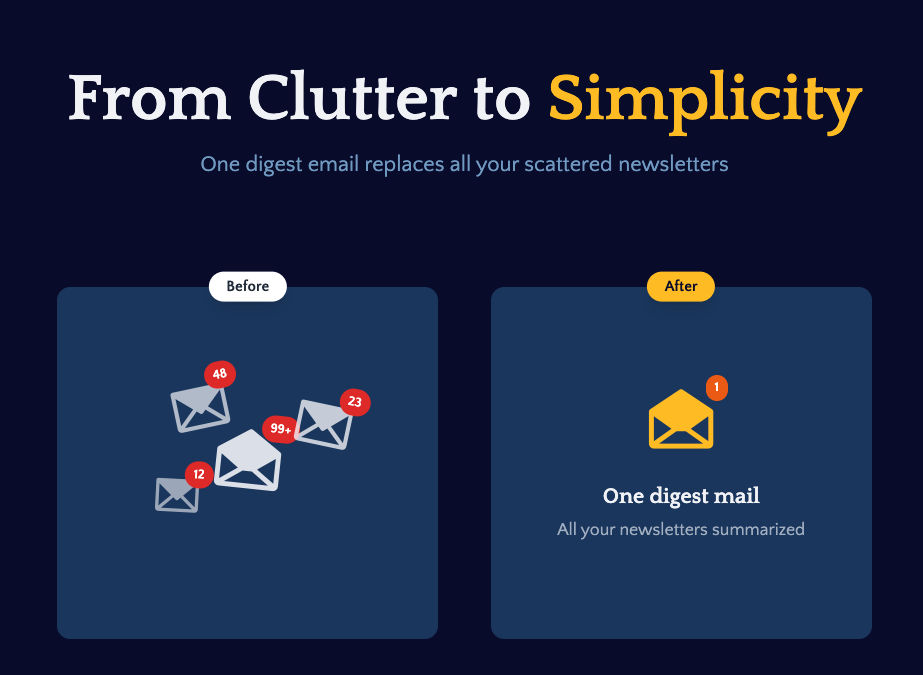 Benedikt Scheungraber🛠️ 1 tool 🙏 37 karmaAug 20, 2025@Remy - Newsletter summarizerI built Remy to solve a problem I face every day: Newsletter overload 📬 Remy is your personal AI assistant that summarizes all your newsletters into a single digest email. Go from a cluttered inbox to a clear, concise briefing in one go.
 -
-
-
-
-
 Great tool! Was very helpful in content production
 -
 Open
Open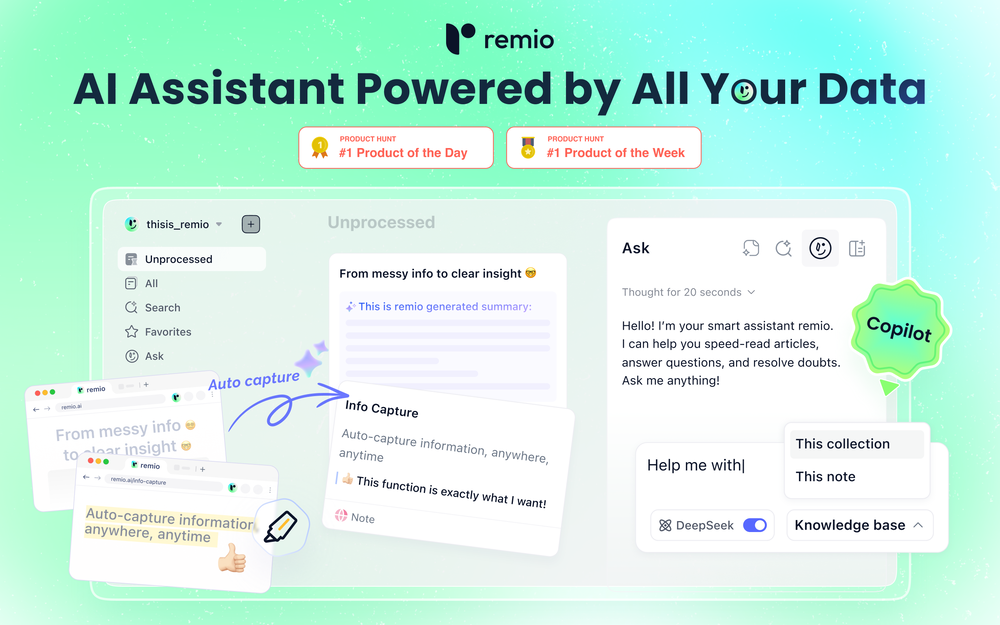 1.🤖Your Personal ChatGPT: No more generic advice,get tailored answers with all your context 2.📁Real-time Local Files integration: No more uploads to ChatGPTs,awaken your documents with just one click 3.📷Browse to Save No more broken bookmarks,effortless memory for every page you visit. 4.🎙️Unlimited Free Meeting Transcription No more replaying,capture every detail without taking a note.
 -
-

-
 AI-powered Terms of Service analyzer - Know what you're agreeing toOpen









Other tools
-
This tool is different. I was impressed with its ability to process different file formats and the quality delivered.
- Sponsor:Base44 - Vibe Coding
-
Hey this is Tan, I'm the creator of NotesBot. I created this tool because I needed it for my own meetings. After using myself and getting great summarization reviews from my peers, I decided to release it to the public. After release, we realized people were also using it for Dungeons and Dragons, I then added a DnD mode. This tool is non-invasive, very easy to set up, and perfect for meetings. I hope you enjoy using it!
-
 AI note taker that fixes broken meetings.OpenTeamsMaestro boosts my productivity by automatically generating clear meeting summaries with key takeaways and action points. It keeps everything organized in one place, making follow-ups easy. Highly recommend!
 -
-
-
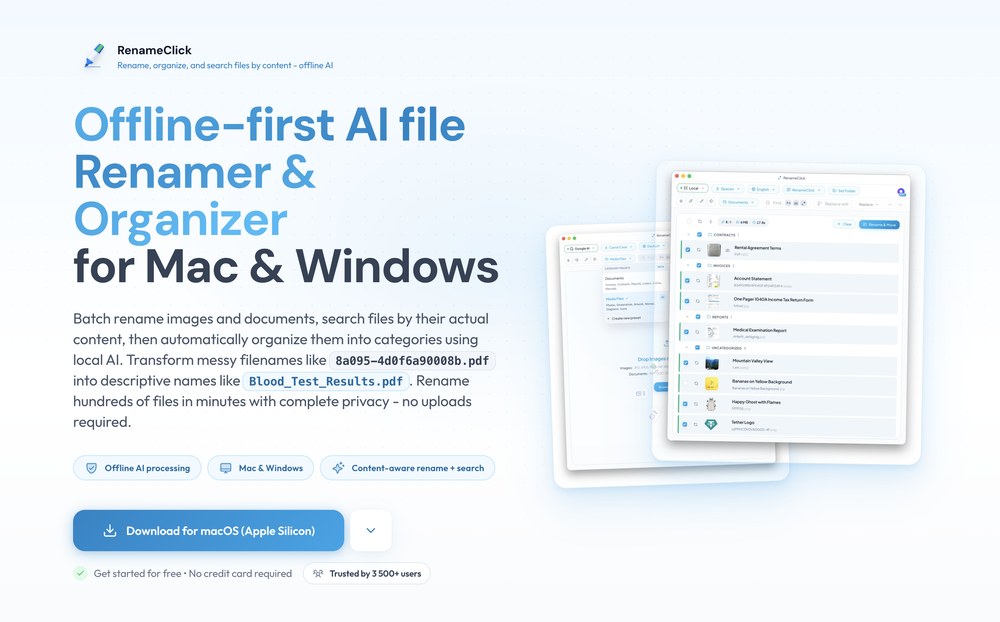
 Your AI-powered file organizer that respects privacy for macosOpenGood Replacement for the sparkle. Keep it up
 - Didn't find the AI you were looking for?
-
Interesting to find a tool that could run different model types : GGUF, MLX and NPU formats in one installer. Would like to use it to prototyping my project.
-
🚀 Supercharge Your AI Workflow with Keymate! AI enthusiasts, researchers, and productivity power-users — meet Keymate, your new favorite AI-powered assistant to collect, manage, search, and chat with your digital knowledge. ✨ Why Keymate? 🔹 Collect any source – PDFs, Google Docs, YouTube videos, emails, web links — all in one private memory space. 🔹 Chat with your content – Ask complex questions and get grounded answers directly from your own documents. 🔹 Add notes and organize collections – Structure your memory the way you think. 🔹 Boost with AI context – Keymate uses a 128K context window and multi-LLM setup to deliver better, focused results. 🔹 Secure
-
 Open
Open -
Cool tool. I hope you continue to develop this tool to reach its full potential. Keep it up
-
Wow, this little widget is a game changer. It saves me a lot of time in writing emails, comments and work notes. Thank you, it's really useful, I was looking for it!
-
Hey AI fans, I am Kalo, co-founder of Breezemail. If your inbox is anything like mine, you spend at least 20% of your life opening, answering, and unsubscribing from emails. Arguably, the only thing more tedious than this is fixing your grandma’s Windows XP (arguably). Or you just gave up, and your inbox app has a cute red dot with a truncation ellipsis (…), also known as the symbol of inbox doom. Either way, the whole inbox situation is an absolute disaster. We wanted to solve this challenge using AI. Breezemail will help you enter the holy land of Inbox Zero. It’s an email categorizer tool that keeps important emails in your inbox and categorizes the rest into folders using natural language prompts. How does it work? 1. Breezemail has a default Important category which leaves all your real human emails in your inbox. 2. Everything else is organized into AI folders (or labels). Labels using natural language prompts, for example, “All emails from my family”. 3. We give you a bunch of pre-defined categories to start with, and you can create your own custom categories, the same way you would write a ChatGPT prompt (yes, our tool also uses ChatGPT). We’ve been testing it in-house for both our personal and business emails, and it worked so well that I no longer hate link builders and outreach people because their requests are neatly organized into a couple of folders. For my personal inbox, I can finally see all my receipts in one place, and all stock newsletters are ready for daily review in a different folder. Go try it out now for free. We’d love to hear your feedback, so please don’t be shy and drop me a line back. Currently, the tool is only available for Outlook, but we are working on a Gmail app, too. If you’d like to try it for Gmail, please let us know. Thank you, Kalo
-
 Retain the power of language models without sacrificing your data privacy with Dot.OpenAll great things are simple to use! Safe and useful app.






















Post





