
 Mini tools
▼ Latest
Document generator.
Free mode
100% free
Freemium
Free Trial
Featured matches
-
 NextDocs v1.6.0 - Brand Kit Released: February 2026 Your brand identity, built into every content. Brand Kit lets you define your brand once and have AI apply it to every document, presentation, and report you create. Colors, fonts, logos, tone of voice. All consistent. All automatic. Describe what you need. AI applies your brand. You get on-brand results. --- Brand Kit Define your brand identity in one place. AI uses it every time you create. A Brand Kit includes: - Theme: your colors, fonts, and visual style - Logos and images: company logos, product photos, hero images - Icons: brand-specific icons and graphics - AI instructions: tone of voice, writing style, terminology Select your Brand Kit before generating. AI handles the rest. --- Asset Usage Modes Control how AI uses your brand assets. Always AI must include this asset in every document. Perfect for your company logo. Maybe AI can use this asset when it fits the content. Good for product screenshots or team photos. Never Asset is stored in your brand but AI will not use it automatically. --- AI Instructions Write custom instructions that guide AI on how to write for your brand: "Use a professional but approachable tone. Avoid jargon. Always refer to our product as Acme Platform. End presentations with our tagline." These instructions apply to every document created with this Brand Kit. --- Use Cases Sales Teams Every proposal and pitch deck uses the same brand. No rogue presentations with the wrong logo. Marketing Teams Campaign decks and reports all follow brand guidelines without manual effort. Agencies Create separate Brand Kits for each client. Switch in one click. Founders Define your brand once. Every investor deck and internal doc is consistent. --- New AI Models Claude Opus 4.6 and Claude Sonnet 4.6 from Anthropic are now available for Pro users. 5 new free models added: - Kimi K2.5 from Moonshot AI - MiniMax M2.1 - GLM 4.7 from Zhipu AI - DeepSeek V3.2 - DeepSeek V3.2 Thinking (reasoning model) All free models available to every user. No upgrade required. --- Also in v1.6 Mobile Editing New floating selection toolbar, multi-select mode, inline text editing, and mobile color picker. 80+ New Themes Professionally designed themes across corporate, dark tech, creative, gradient, serif, and more. Improved Exports More reliable PDF, Google Slides, and PowerPoint exports with better image handling. --- How It Works 1. Go to Brand Kit and create a new brand 2. Pick a theme, upload assets, write AI instructions 3. Select your brand when creating a document 4. AI applies your identity automatically 5. Get an on-brand document every time Same simple workflow. Now with your brand built in. --- Try Brand Kit Go to nextdocs.io. Create a Brand Kit. Generate a document. Set your brand once. Let AI handle the rest. - The NextDocs Team
 -

-
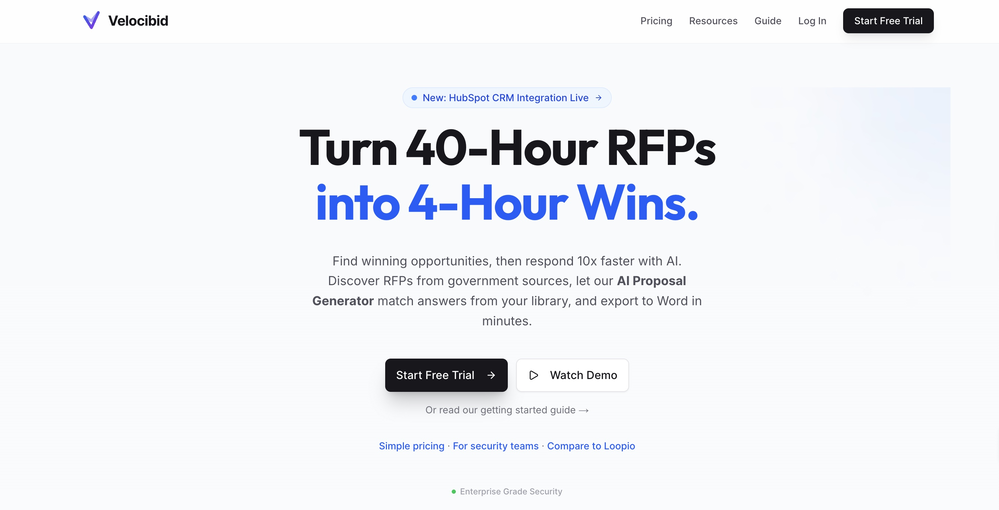
-
 Create flashcards, quizzes, and study materials instantly.Open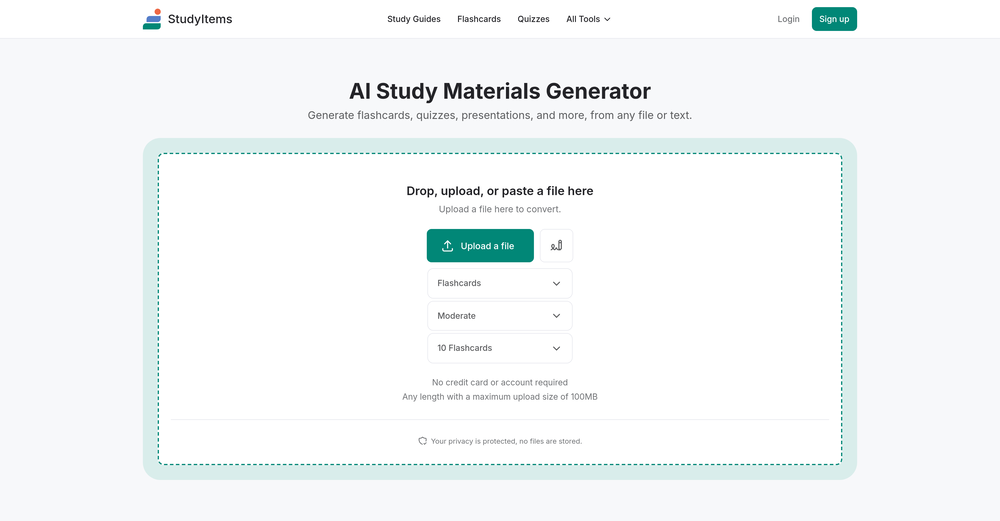
-
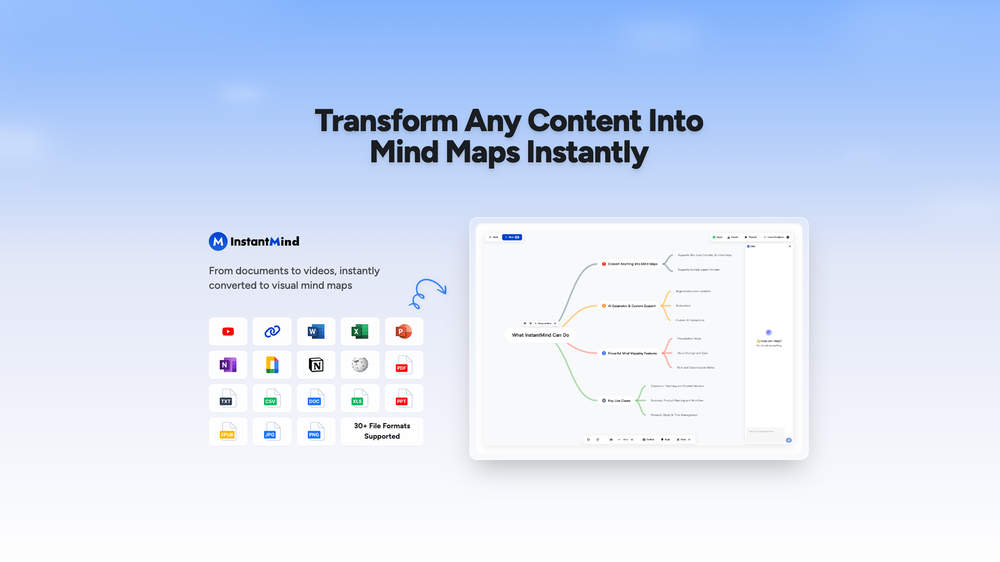 Wasel Alhodar🙏 74 karmaJul 15, 2025@InstantMindThis is truly a wonderful experience that brings joy and delight.





Verified tools
-
 Chain AI tasks with no-code into workflows for chatbots, video, documents, andOpenThis tool removes all of the prep work of getting an LLM API endpoint running. I can try out ideas quickly and see within minutes whether an endpoint concept actually works. And when it does, moving it into a production app is about as easy as it gets.
 -
We're live folks! Do check us out and drop your feedback or requests.
-
ppt.ai has saved me at least 80% of the time spent on making PPTs. I just need to submit rough ideas or drafts to ppt.ai, and it can create a relatively usable PPT. This is simply amazing! Although some revisions and optimizations are still needed afterward, it’s already a huge relief compared to starting from scratch.
-
Cool tool. I hope you continue to develop this tool to reach its full potential. Keep it up
- Sponsor
 Wispr Flow-Now on Android!🎤 Dictation
 -
 Create, Edit, and Apply Professional Signatures with AI in SecondsOpenThis product comes with great preset styles, which helps me avoid designing without direction. However, at the same time, the presets also limit creativity to some extent.
 -
Best PDF to Explainer Videos AI Tool
-
Generate decks in seconds that are indistinguishable from top consulting firms. Using only verified data and credible sources. Xavier specializes exclusively in business and consulting presentations, unlike general AI presentation tools.
-
Love it!!! It still need work, I wish I can add 3 or 4 more voices in my podcast. I trying to make callers call in. That would help.
-
 AI-powered paper writing in 2 minutes: bypass-AI, plagiarism-free, well-researched.OpenThe site is easy to use and has nice features (it suggests titles - it divides the search in a good way, making you choose the number of words you want to write in the search), but the problem is that it writes paragraphs without footnotes and without a list of references.
 -
clean structure, solid content. only downside is the 3 credit limit on the free plan, since each page costs 1. would be nice to get a bit more flexibility for free users, but overall it’s a really good essay helper.
-
10 MB Limit does limit usability best if .pdf contains NO images.
-
 Create high-quality multimodal eLearning in minutes from text prompts or documentsOpenIt's an amazing product that generates eLearning from a document or text prompt. It also has a full editor for tweaking after the generation. We use this exclusively for producing our commercial eLearning. Ready in minutes.
 -
Good. But there should be options to move questions to google form or Microsoft form so that as a teacher I can take exam
-
The tool is posted since 2024-01-04.
























Other tools
-
Great tool. I use it a lot. It's free, you don't have to sign up, and it's quick. I also made a video on it https://youtu.be/wWQHOtY6cYE
-
 Open
Open -
Amazing tool, helped so much in my undergrad. Would definitely recommend
- Didn't find the AI you were looking for?
-
-
 Generate placeholder text for design mockups instantly.Open
 -
-
It easy to use and you can create beautiful presentations but you can't share professionally without a HUGE cost of 50 per month thats billed annual! they try and force you to buy. Will not use as it is NOT easy to share
-
-
Really good - a bit of a hidden gem this tool. Would recommend to others who struggle.
-
 Transform work experiences into polished internship reports.OpenI'd say, it's Greatttt!!!!
 -
 Startup document generator for Florida entrepreneurs.Open
 -
 Generates APUSH exam questions with primary source excerpts and answer keys.Open
 -
 Ace Salesforce Certification with practice tests and study guides.Open
 -
 Open
Open





































Post





