Go to section
Spotlight SureThing.io - "OpenClaw" for BeginnersTask automation
The front page of AI.Used by 90M+ humans.

Generate image
Tasks
Generate text
Free mode
Trending
Leaderboard
Characters
 Mini tools
New
Featured
Lists
Agents
Requests
Jobs
Map
Newsletter
Starter pack
Free tools
Speech to text
Text translator
Remove background
Settings
Edit profile
My tools
Gallery
Dashboard
Inbox
Get featured
Contact TAAFT
For you
Popular
Job impact index
Most saved
Affiliate program
Submit AI tool
Notification preferences
Glossary
Home
Timeline
My profile
Create tool
Deals
Companies
Models
Robots
Papers
Fundraises
Devices
Organizations
Events
Prompt Pack
Merchendise
APIs
Features
Tools
Countries
Collections
Videos
News
Investors
Repositories
Mini tools
New
Featured
Lists
Agents
Requests
Jobs
Map
Newsletter
Starter pack
Free tools
Speech to text
Text translator
Remove background
Settings
Edit profile
My tools
Gallery
Dashboard
Inbox
Get featured
Contact TAAFT
For you
Popular
Job impact index
Most saved
Affiliate program
Submit AI tool
Notification preferences
Glossary
Home
Timeline
My profile
Create tool
Deals
Companies
Models
Robots
Papers
Fundraises
Devices
Organizations
Events
Prompt Pack
Merchendise
APIs
Features
Tools
Countries
Collections
Videos
News
Investors
Repositories
Mini tools
New
Featured
Lists
Agents
Requests
Jobs
Map
Newsletter
Starter pack
Free tools
Speech to text
Text translator
Remove background
Settings
Edit profile
My tools
Gallery
Dashboard
Inbox
Get featured
Contact TAAFT
For you
Popular
Job impact index
Most saved
Affiliate program
Submit AI tool
Notification preferences
Glossary
Home
Timeline
My profile
Create tool
Deals
Companies
Models
Robots
Papers
Fundraises
Devices
Organizations
Events
Prompt Pack
Merchendise
APIs
Features
Tools
Countries
Collections
Videos
News
Investors
Repositories

▼ Top rated
Efficiency tool
Free mode
100% free
Freemium
Free Trial
Featured matches
-
 Marvin🙏 3 karmaMay 5, 2026@VoiceAppearWhy did I not find this earlier
 -
 The fastest way to map and streamline inefficient workflowsOpen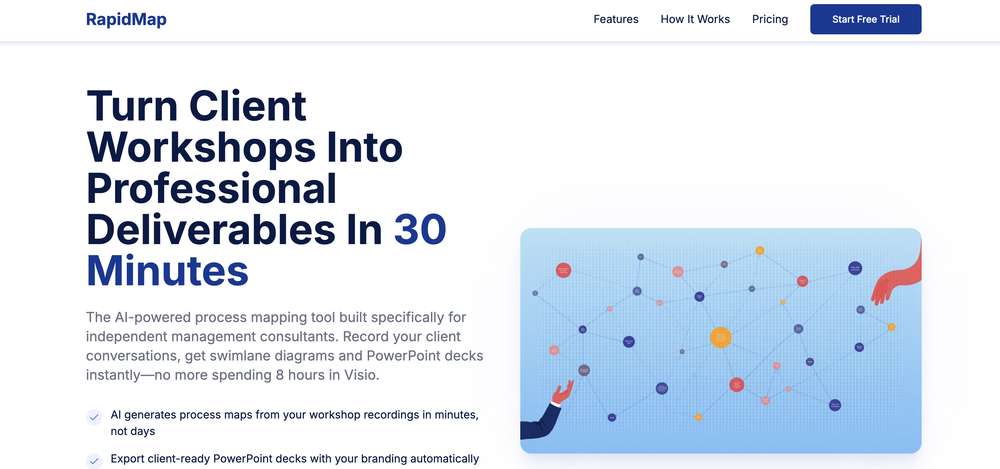
-
-
-
 Open
Open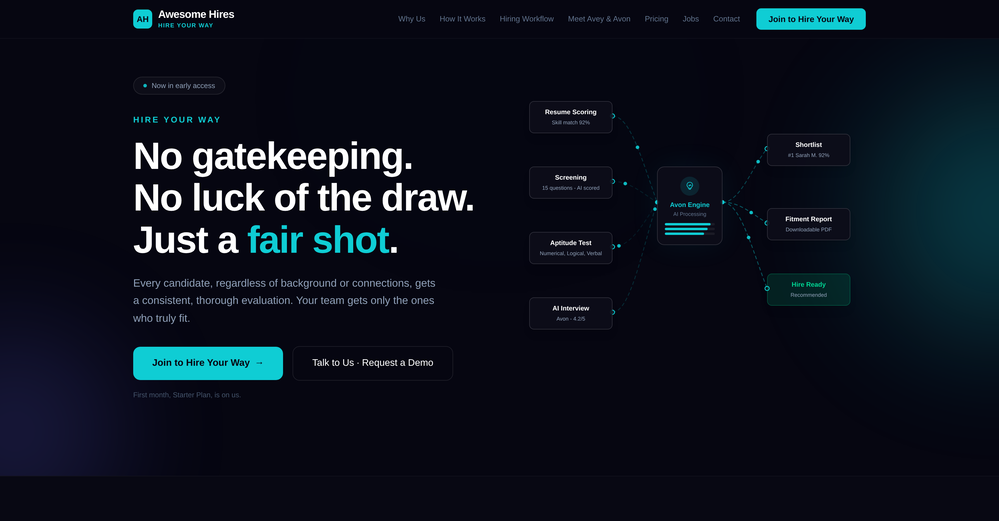 Recruitment in AutoPilot. Customisable hiring rounds as per Job Roles Adaptive Voice AI Interview
 -

-
 Impressive work from the team at Tented.ai, their approach to AI-driven automation is genuinely next-level.
 -
 Thanks for trying out My AI Food Buddy! The goal of this app is to help households waste less food and save more on groceries. Indeed, while many use databases in their professional life, I realised there was no easy way to create and manage a database with your pantry. Please share any feedback (is it useful? easy to use?) as I am exploring whether to invest more on this app Thanks a lot
 -
 Gave it a try, before i used to use Calendly and manually tag them as important. Used some trackers on Appstore but this works just as well if not better, really like it!
 -












Other tools
-
-
Hi TAAFT! I'm the founder of Librida.com, and will be happy to answer any questions! Librida was created with the vision to democratize storytelling, lowering the bar so that anyone can write a book from a simple idea. While the tool evolved, it has proven to be a fun and creative tool, where you can exchange stories between your friends. Or as a parent to write your own bedtime stories with your children as characters. Librida is also a social platform, where readers can create their own version of a book as a community edition, and for example change the ending or swap characters. I'm continously adding features to the platform, so stay tuned for updates!
- SpotlightSureThing.io - "OpenClaw" for BeginnersTask automation
-
 ⚡ Your everyday writing companion: Fix grammar, Reply emails, Paraphrase, and more...Open🧩 TextWisely was born from a personal itch ⚠️ Sending numerous Emails and Slack messages daily, I found myself constantly switching apps and re-entering the same prompts into ChatGPT to refine my writing 💡 This inspired me to create TextWisely to boost writing speed, reduce context switching, and improve quality with instant text actions: → Grammar corrections → Email drafts → Structured writing → Tone changes → Translations ...and more 👉 It's a native macOS desktop app – shortcut-heavy for power users, but also click-friendly for those just starting out 🚀 Give it a try – Share your feedback and experience 👋 Edgar, creator of TextWisely
 -
-
 An AI-powered financial command center that untangles your complex financial lifeOpenI was a dedicated Banktivity user for over a decade. I tried Monarch, Copilot, and YNAB. But none of them could handle my life: dozens of accounts, multiple currencies, and complex cash flow. I spent hours manually untangling internal transfers just to see my real run rate. I built Quaestor Ledger to automate the heavy lifting. If you have complex finances, this is the dashboard you've been waiting for.
 -
Yes, finally a slack tool that does it all. I wonder how safe it is?
-
Geekflare Chat has made my workflow much simpler by bringing multiple AI models into one place. I can quickly compare responses, which is really helpful for content ideas and research. It’s fast, clean, and easy to use, and I haven’t faced any issues so far.
- Didn't find the AI you were looking for?
-
-
 AI-timekeeping enabling lawyers, accountants, and consultants to focus on their work.Open
 -
Protaige really made my life easier in creating Campaign across different platforms in a single click just by providing my Briefs. Thank you! Awesome Time Saving AI Tool. Really loved using it.
-
Worth the $60 monthly if you're a small business especially because it sends email on your behalf - doesn't just draft and keep it in your inbox (that option also exists). Mails composed are accurate, it's as if the tool is thinking on your behalf too. Learns and understands your writing style, job role, etc. and tailors the response.
-
So far so good, best solution to translate your website. Support team on point too. Strange that nobody talked about this.
-
Great experience with Glean providing impressive support while onboarding and building out custom data sources.
-
-
 Open
Open