 Tripo AI 3D Generator

 Mini tools
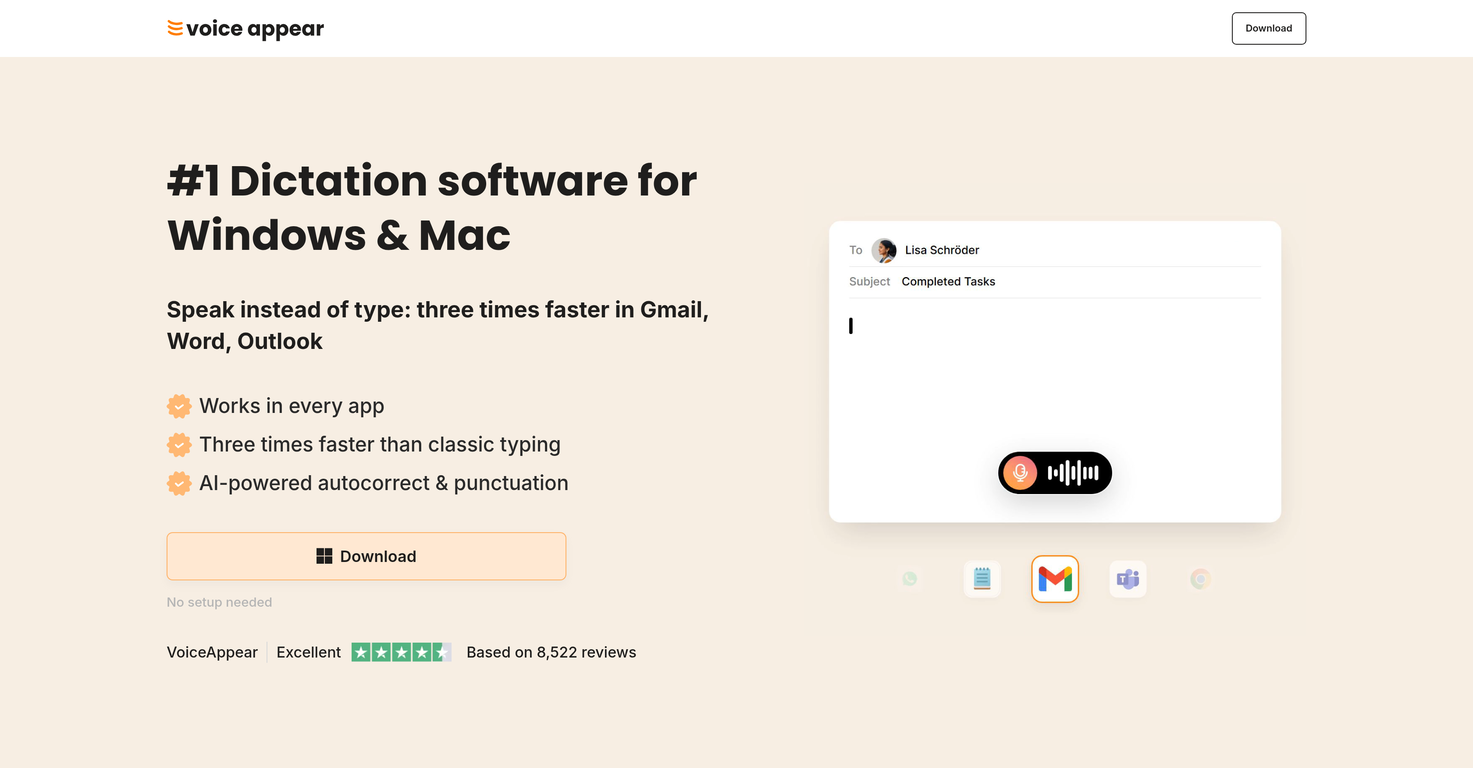
 Speak instead of type: three times faster.






 So You Want To Be A Writer?
 Minka
Minka
 Ancient AI powered spirits
 Jvb ai
 somacguffin
 Cuty
Cuty
 Superfly Stoner
 Voicetype AI
 AssemblyAI
 Transcript LOL
 TurboScribe
 RambleFix
 Paraspeech
 Voicy Speech to Text
 ElevenLabs Scribe
 WriteVoice
 Whisper Notes
 Universal-3 Pro by AssemblyAI
 HappySRT
 VoiceTypr
 AirCaption
 Vocova
 Speechmatics | Python SDK
 TalkToText
 Speech to Text
 Transkriptor
 Skeleton Fingers





Overview
VoiceAppear is an AI-powered dictation software available for both Windows and Mac. The tool allows users to dictate text, dramatically enhancing productivity by reportedly allowing users to compose text three times faster than conventional typing.
The software features AI-based autocorrection and punctuation, further streamlining the dictation process. It integrates with various applications including Gmail, Word, and Outlook.
VoiceAppear aims to reduce misunderstandings and embarrassment caused by typos. Users can utilize VoiceAppear's speech-to-text capabilities to write emails, documents, and messages without worrying about punctuation or phrasing.
The software automatically formats the text, so users do not have to focus on text arrangement. Beyond versatility, VoiceAppear has prioritized privacy.
It maintains a strict 'privacy by design' policy, ensuring that users' voice data is never stored or shared and ensuring GDPR compliance. VoiceAppear's built-in autocorrect handles filler words and automatic changes to help maintain the flow of thought.
The software is designed to work efficiently in a hectic work environment, adapting to the specific app being used, and offers suitable vocabulary options.
With VoiceAppear, users can add personal words and names to the software's vocabulary, making sure they are always dictated correctly. It allows for an effortless transition from typing to dictation, promoting efficient text composition.
Releases

Pricing
Top alternatives
-
 Speak naturally, write perfectly, 4x faster.
 Oliver Boyers🛠️ 1 tool 🙏 17 karmaFeb 13, 2025@Wispr FlowThis is one of those apps that when you use it for the first time, it feels like magic. It is one of the apps that has led to me using it the most every day. It's almost as integral to me now as ChatGPT.
 -
 Type 3x faster with private offline dictation.
 -
 Seamless speech-to-text in every app.Spokenly feels genuinely practical for people who prefer talking through ideas instead of typing everything manually. I also like that offline/local support is included since a lot of dictation tools still depend completely on the cloud.
 -
 Voice-driven text editing for effortless document creation.
 -
 Don't type text anymore, just speakReally solid on Windows. I’ve tried several similar transcription tools before, but this one feels much better integrated into the system. The customizable global shortcuts are a game changer, you can either just do plain transcription or trigger your own custom prompts/actions with Adifferent hotkeys. A lot of competitors do Aroughly the same thing, but EchoWrite stands out because the basic transcription is essentially free (you just need your own OpenAI API key, which costs next to nothing). If you want the custom prompts and translations, it’s a one-time payment instead of yet another subscription. In 2026 that’s actually pretty fair compared to everything else out there. Big thumbs up.
 -
 Write at the speed of your thoughts








