TAAFT Tutorial
Generate image
Tasks
Generate text
Free mode
Trending
Leaderboard
Characters
 Mini tools
New
Featured
Lists
Agents
Requests
Jobs
Map
Newsletter
Starter pack
Free tools
Speech to text
Text translator
Remove background
Settings
Edit profile
My tools
Gallery
Dashboard
Inbox
Get featured
Contact TAAFT
For you
Popular
Job impact index
Most saved
Affiliate program
Submit AI tool
Notification preferences
Glossary
Home
Timeline
My profile
Create tool
Deals
Companies
Models
Robots
Papers
Fundraises
Repositories
Devices
Organizations
Events
Prompt Pack
Merchendise
APIs
Features
Tools
Countries
Collections
Videos
Mini tools
New
Featured
Lists
Agents
Requests
Jobs
Map
Newsletter
Starter pack
Free tools
Speech to text
Text translator
Remove background
Settings
Edit profile
My tools
Gallery
Dashboard
Inbox
Get featured
Contact TAAFT
For you
Popular
Job impact index
Most saved
Affiliate program
Submit AI tool
Notification preferences
Glossary
Home
Timeline
My profile
Create tool
Deals
Companies
Models
Robots
Papers
Fundraises
Repositories
Devices
Organizations
Events
Prompt Pack
Merchendise
APIs
Features
Tools
Countries
Collections
Videos
Mini tools
New
Featured
Lists
Agents
Requests
Jobs
Map
Newsletter
Starter pack
Free tools
Speech to text
Text translator
Remove background
Settings
Edit profile
My tools
Gallery
Dashboard
Inbox
Get featured
Contact TAAFT
For you
Popular
Job impact index
Most saved
Affiliate program
Submit AI tool
Notification preferences
Glossary
Home
Timeline
My profile
Create tool
Deals
Companies
Models
Robots
Papers
Fundraises
Repositories
Devices
Organizations
Events
Prompt Pack
Merchendise
APIs
Features
Tools
Countries
Collections
Videos

▼ Top rated
Internet
Free mode
100% free
Freemium
Free Trial
Featured matches
-

 Tanay Lakhani🙏 32 karmaJul 15, 2025@StacksIt's a powerful AI-powered personal knowledge system that brings together links, files, notes, and documents in one unified workspace. It's like Notion meets Raindrop meets Google Drive, but with an AI layer that helps you resurface forgotten content, cluster related topics, and even draft documents based on your saved materials.
 -

-
-
-
-
 Hello 👋, I'm Luc, surfmind creator. I built this tool to solve my own problem of getting instant AI assistance on tab without switching tabs and disrupting my flows. I hope you find it just as helpful!
 -
-
-
-












Other tools
-
Hello Everyone, My name is Mohamed, the Co-Founder of linesNcircles.com. At linesNcircles our mission is to revolutionize AI & Humen Interaction. Our first product TheBar is an AI agent which can build websites for you, edit them, saves files locally, browses the internet and provide you with answers to your questions all in very simple interface. TheBar runs on your computer without signup. Your website files are saved locally with the option to publish them under our website with one click. All your files are under your creations folders. We built TheBar to be simple to use, super fast in building things for you and we are working tirelessly, to bring in more features for you like writing pdf documents and making presentations which are coming soon. Check TheBar out it is available for free now on our website https://www.linesncircles.com. We would love to hear your feedback and comments
-
No way to seemingly download it, though. Accepts your email address, doesn't provide a confirmation, doesn't indicate that access is coming. Just hand over your email address for a promise. Also, seemingly relies heavily on other services API, open AI, Anthropic, etc. This stuff should be clear from the outset.
- Sponsor
 Tripo AI 3D Generator
 -
 Retain the power of language models without sacrificing your data privacy with Dot.OpenAll great things are simple to use! Safe and useful app.
 -
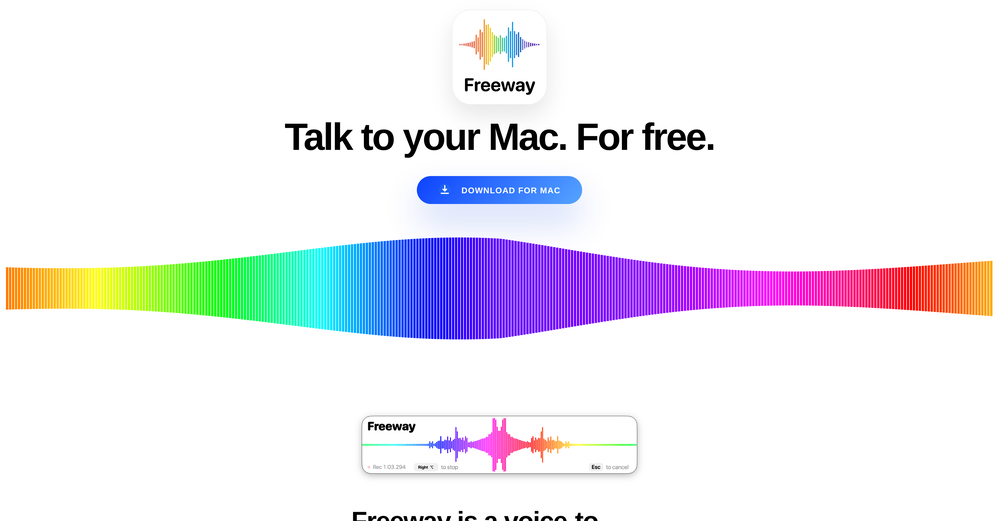
I have been using this app for a month on a laptop with just 4GB of VRAM, and it has been performing exceptionally well. Surprisingly, it's the only available option for local voice recognition that operates without an internet connection. The developer is actively making continuous improvements, enhancing the program's functionalities progressively. I strongly recommend it.
-
TermSniper.com is a powerful tool for businesses looking to enhance their online strategy by understanding the intent behind user searches. By analyzing search queries, TermSniper identifies the specific intentions that drive users to perform searches, allowing businesses to tailor their content more effectively. This deeper insight into user behavior helps create content that resonates better with the target audience, leading to improved engagement and potentially better SEO results. While the impact on SEO varies depending on factors like content quality and competition, TermSniper serves as a key resource for aligning content with search intent.
-
 Unearth hidden gems of the internet with AI-powered curation.Open
 - Didn't find the AI you were looking for?
-
 AI transcribes patient-doctor conversations into medical notes.Open
 -
Really simple approach - you select the part of the page you want the summary to be inserted, add a question to the article or it just sticks to the prompt you defined (even the standard prompt is a fun inspiration - never thought about letting the AI read an article from the angle of my professional background or let it build fun analogies for even the darkest articles). I use it to send articles from website directly to my Kindle - so you can basically read AI summarized articles on Kindle. Of course it could be extended but with the basic features it does the job.
-
The grouping feature is excellent. Bring the Arc browser's Space functionality to Chrome, a fantastic idea!
-
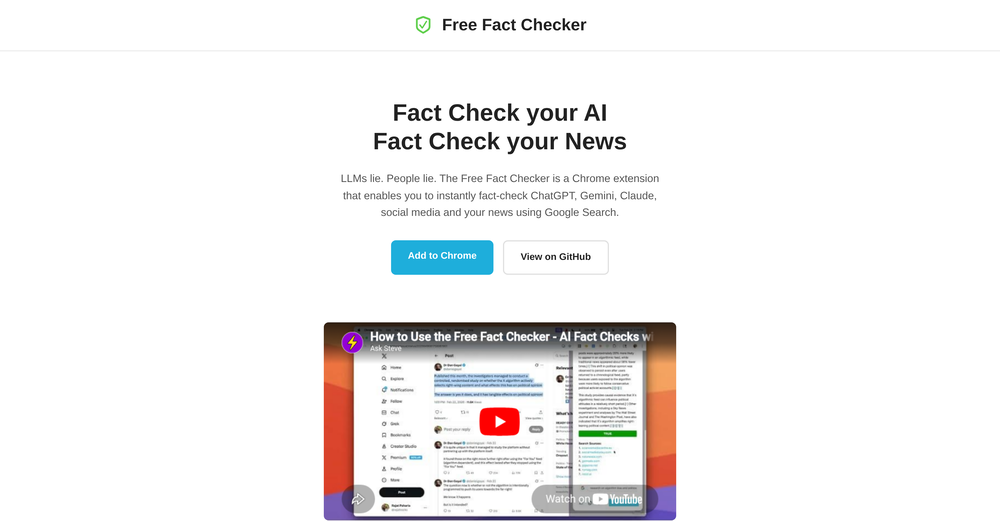
Great accuracy and easy to crosscheck with the provided hyperlinks to the sources.
-
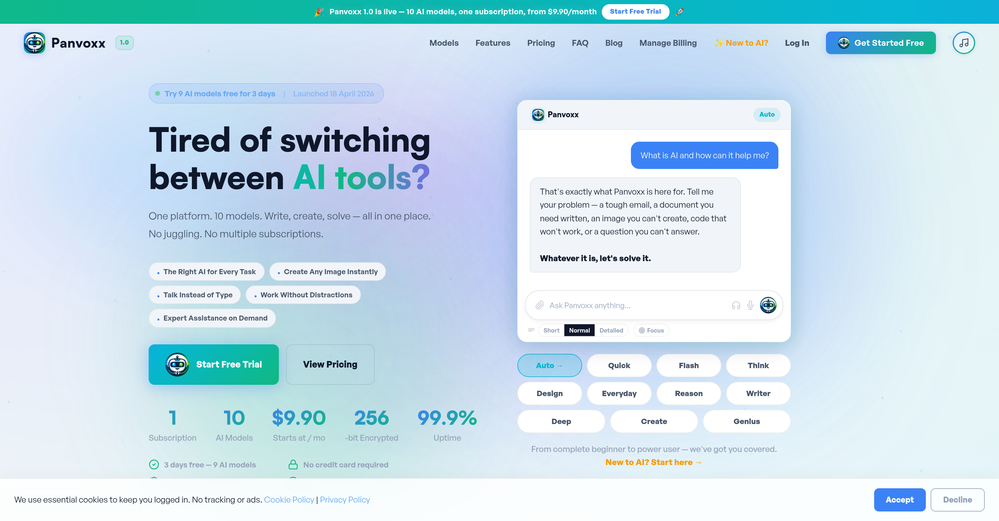
I've been using the free trial to use different chatbot models in the same conversation and it's way more efficient than having 3 or 4 different browser tabs open at the same time. It was really cool to see that when changing a model in the middle of a chat, it keeps the context! Can't wait to start using the image and speech features!
-
Super interesting tool! I’ve been using FindTube to learn data analysis, and it solved a problem I always had with YouTube—I could easily collect too many tutorials, but I was always lost about where to start, and everything felt unstructured.
-
I have been using it for a few months and the tool is evolving well. In direct contact with the founders it is practical to have new features that we need.