Go to section
Sponsor
 Wispr Flow - Don’t type, just speak
🎤 Dictation
Wispr Flow - Don’t type, just speak
🎤 Dictation
The front page of AI.Used by 90M+ humans.

TAAFT Tutorial
Generate image
Tasks
Generate text
Free mode
Trending
Leaderboard
Characters
 Mini tools
New
Featured
Lists
Agents
Requests
Jobs
Map
Newsletter
Starter pack
Free tools
Speech to text
Text translator
Remove background
Settings
Edit profile
My tools
Gallery
Dashboard
Inbox
Get featured
Contact TAAFT
For you
Popular
Job impact index
Most saved
Affiliate program
Submit AI tool
Notification preferences
Glossary
Home
Timeline
My profile
Create tool
Deals
Companies
Models
Robots
Papers
Fundraises
Repositories
Devices
Organizations
Events
Prompt Pack
Merchendise
Credits
APIs
Features
Tools
Countries
Collections
Mini tools
New
Featured
Lists
Agents
Requests
Jobs
Map
Newsletter
Starter pack
Free tools
Speech to text
Text translator
Remove background
Settings
Edit profile
My tools
Gallery
Dashboard
Inbox
Get featured
Contact TAAFT
For you
Popular
Job impact index
Most saved
Affiliate program
Submit AI tool
Notification preferences
Glossary
Home
Timeline
My profile
Create tool
Deals
Companies
Models
Robots
Papers
Fundraises
Repositories
Devices
Organizations
Events
Prompt Pack
Merchendise
Credits
APIs
Features
Tools
Countries
Collections
Mini tools
New
Featured
Lists
Agents
Requests
Jobs
Map
Newsletter
Starter pack
Free tools
Speech to text
Text translator
Remove background
Settings
Edit profile
My tools
Gallery
Dashboard
Inbox
Get featured
Contact TAAFT
For you
Popular
Job impact index
Most saved
Affiliate program
Submit AI tool
Notification preferences
Glossary
Home
Timeline
My profile
Create tool
Deals
Companies
Models
Robots
Papers
Fundraises
Repositories
Devices
Organizations
Events
Prompt Pack
Merchendise
Credits
APIs
Features
Tools
Countries
Collections

▼ Top rated
Language processing ai
Free mode
100% free
Freemium
Free Trial
Featured matches
-
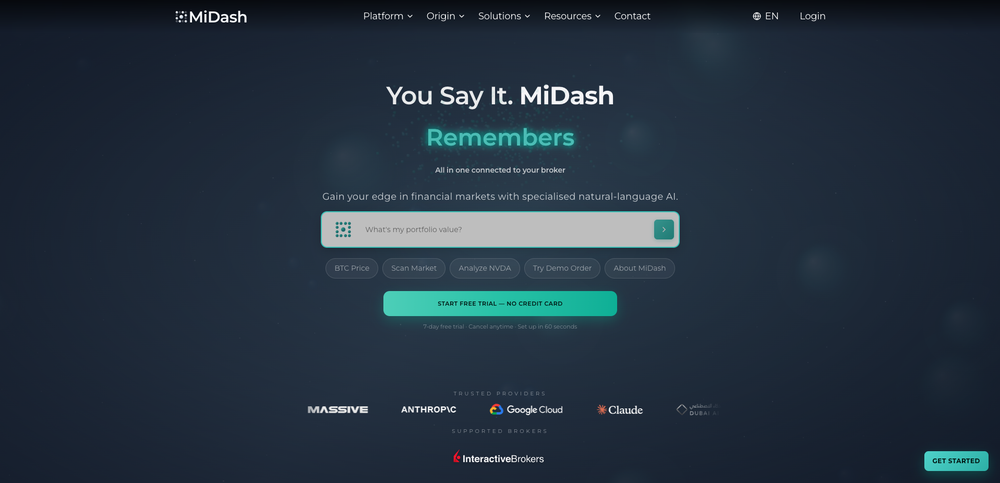 Alex Huber🙏 31 karmaFeb 27, 2026@MiDash AII am planning to automate my trading system and customise an agent , I chatted with the support right from the dashboard they answered in 15 mins
 -
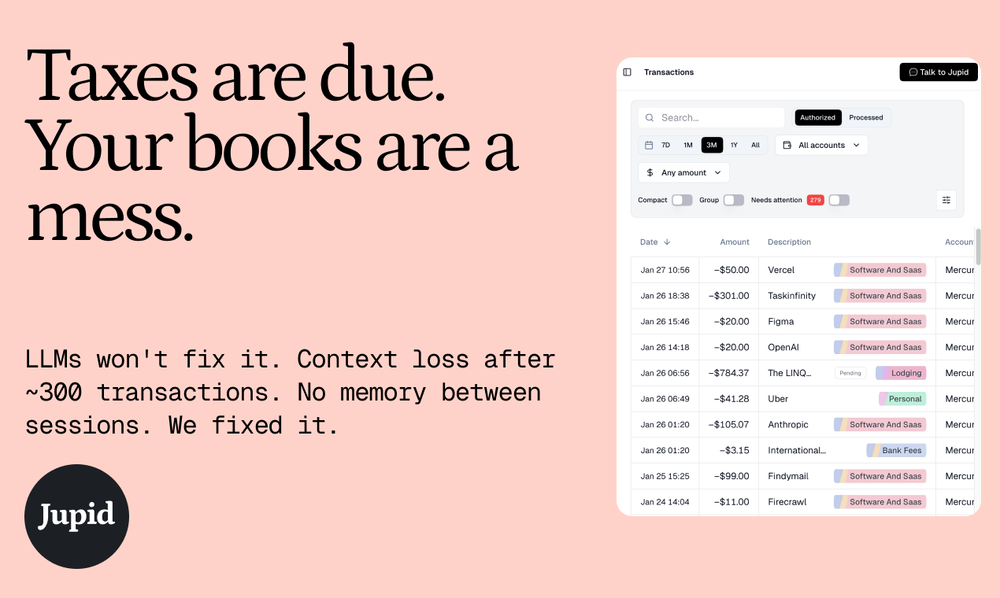 Very happy with this tool. It has everything to make my work loads faster
 -

-
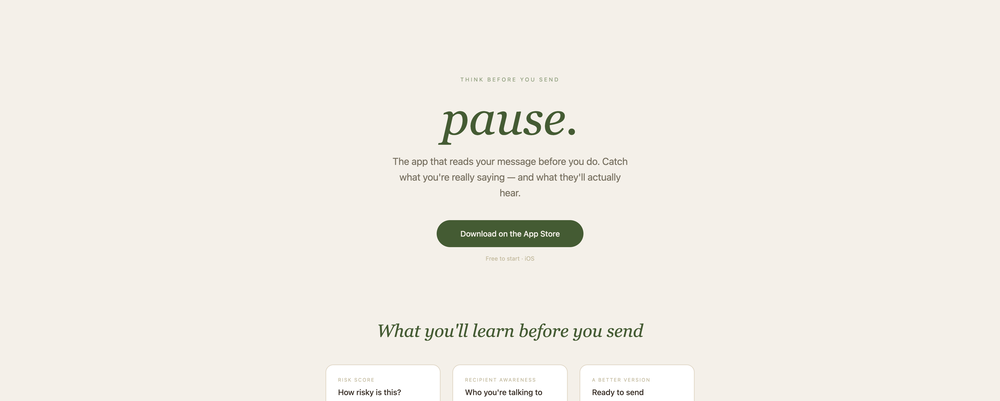
-
 Very cool app! Build was fast as, and with a few tweaks I fully launched my website in 1 hour!
 -
 Impressive work from the team at Tented.ai, their approach to AI-driven automation is genuinely next-level.
 -
 With AI, generating content has scaled far faster than our capacity to verify it. For the work that really matters, we've unwittingly shifted from authors to fact-checkers, searching for an unknown number of hard-to-find errors. Unfortunately, we can’t trust AI to QA AI – see my recent posts about why (worth a look if you missed them). Rosey is different. It indexes your trusted sources of truth into a relational fact database, then verifies your draft with our own independent Math & Logic Engine that deterministically reconstructs every number, date, and calculation. Because this isn’t a black box, Rosey shows its work and gives you direct access to the specific passages and numbers from your source material used to verify each claim. It works where you work — directly in your chat, tightly integrated into MS Word, or embedded in your agentic workflows. * Full MS Word integration available in the MS AppSource Add-in marketplace. * MCP integration for chats and agentic workflows * Accurate file viewer that takes you right to your citations * Fact-checking and expert persona review to pressure test your document from the angles that matter
 -
 I just published a children's drawing book on Amazon in 2-3 hours of fiddleing with this tool. Really really good!
 -
 Real-time voice translation for meetings, calls, and videosOpen
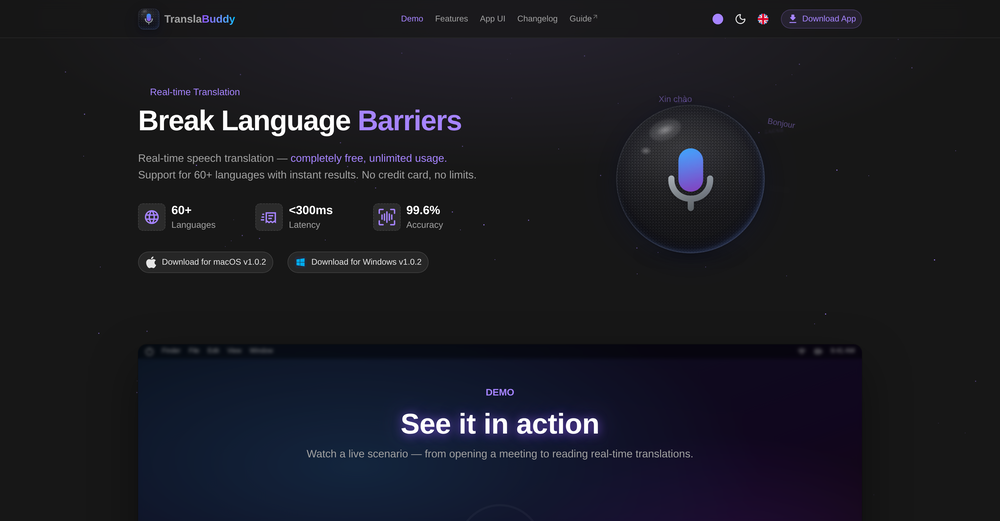 its a great initiative . i appreciate your each piece of effort. make it more versatile for meeting as note taking also . auto summarise and notes down mom of meeting. if should have transcipt interface as two people are chatting instead of just line by line text. not easy understandable who is spaeking. which line.
 -












Other tools
-
PDF Digest is a helpful AI tool that makes working with PDF files easier and saves time.
- SponsorWispr Flow - Don’t type, just speak🎤 Dictation
-
Hello Everyone, My name is Mohamed, the Co-Founder of linesNcircles.com. At linesNcircles our mission is to revolutionize AI & Humen Interaction. Our first product TheBar is an AI agent which can build websites for you, edit them, saves files locally, browses the internet and provide you with answers to your questions all in very simple interface. TheBar runs on your computer without signup. Your website files are saved locally with the option to publish them under our website with one click. All your files are under your creations folders. We built TheBar to be simple to use, super fast in building things for you and we are working tirelessly, to bring in more features for you like writing pdf documents and making presentations which are coming soon. Check TheBar out it is available for free now on our website https://www.linesncircles.com. We would love to hear your feedback and comments
-
Really solid on Windows. I’ve tried several similar transcription tools before, but this one feels much better integrated into the system. The customizable global shortcuts are a game changer, you can either just do plain transcription or trigger your own custom prompts/actions with Adifferent hotkeys. A lot of competitors do Aroughly the same thing, but EchoWrite stands out because the basic transcription is essentially free (you just need your own OpenAI API key, which costs next to nothing). If you want the custom prompts and translations, it’s a one-time payment instead of yet another subscription. In 2026 that’s actually pretty fair compared to everything else out there. Big thumbs up.
-
 Turn ideas into full-stack apps instantly with GDPR-compliant builder.OpenI tried their Form Builder template to see how it converts descriptions into a user interface. And it produced a functional form almost exactly as I expected. Good for me 👍
 -
Use it every day! Best AI support for work
- Didn't find the AI you were looking for?
-
-
- Waitlist
-
Very impressed with the results! The illustrations are wonderful and really high quality
-
Hey AI fans, I am Kalo, co-founder of Breezemail. If your inbox is anything like mine, you spend at least 20% of your life opening, answering, and unsubscribing from emails. Arguably, the only thing more tedious than this is fixing your grandma’s Windows XP (arguably). Or you just gave up, and your inbox app has a cute red dot with a truncation ellipsis (…), also known as the symbol of inbox doom. Either way, the whole inbox situation is an absolute disaster. We wanted to solve this challenge using AI. Breezemail will help you enter the holy land of Inbox Zero. It’s an email categorizer tool that keeps important emails in your inbox and categorizes the rest into folders using natural language prompts. How does it work? 1. Breezemail has a default Important category which leaves all your real human emails in your inbox. 2. Everything else is organized into AI folders (or labels). Labels using natural language prompts, for example, “All emails from my family”. 3. We give you a bunch of pre-defined categories to start with, and you can create your own custom categories, the same way you would write a ChatGPT prompt (yes, our tool also uses ChatGPT). We’ve been testing it in-house for both our personal and business emails, and it worked so well that I no longer hate link builders and outreach people because their requests are neatly organized into a couple of folders. For my personal inbox, I can finally see all my receipts in one place, and all stock newsletters are ready for daily review in a different folder. Go try it out now for free. We’d love to hear your feedback, so please don’t be shy and drop me a line back. Currently, the tool is only available for Outlook, but we are working on a Gmail app, too. If you’d like to try it for Gmail, please let us know. Thank you, Kalo