

 Mini tools
 Local search engine built for AI agents.
 remio: Your Personal ChatGPT
 Recall
 Sensay
 Knowbase
 Saner.ai
 Nouswise
 Pragma
 Siedisk
 Dewstack
 Slite
Slite
 Document360
 Docsie
 GetRecall
 Helpjuice
 SurfSense
 MemoryBase
 Oi
Oi
 Lore
Lore
 HelpCrunch
 TheLibrarian.io
 Supernormal App
 Saidar
 MiroAI
 Collate
 Runable
 ComputerX
 Slashspace (Formerly RabbitHoles AI)
 AiAssistWorks - GPT Gemini Claude AI for Sheets Docs Slides
 ConsoleX AI
 Ask Steve
 Kolva
Kolva
 Alfred by Simbli.ai
 Affint
 Octofy
 Sup AI
 BrowseWiz
 ZeroTwo
 Support Flow
 Hyperis
 Constella
 Cerebro
 Keymate.AI
 everfind | AI workspace
 MyMemo
 ArcaNotes
 Keepi
Keepi
 Aethera
 Quench.ai
 Cortex | BodhiGPT
 Guru
Guru
 curioAI
 Histre
 Ask by Slite
 Perfect Wiki
 Grokipedia
 Paperbook
 IKI AI
 Ariglad
 Tettra

Linkly AI




Overview


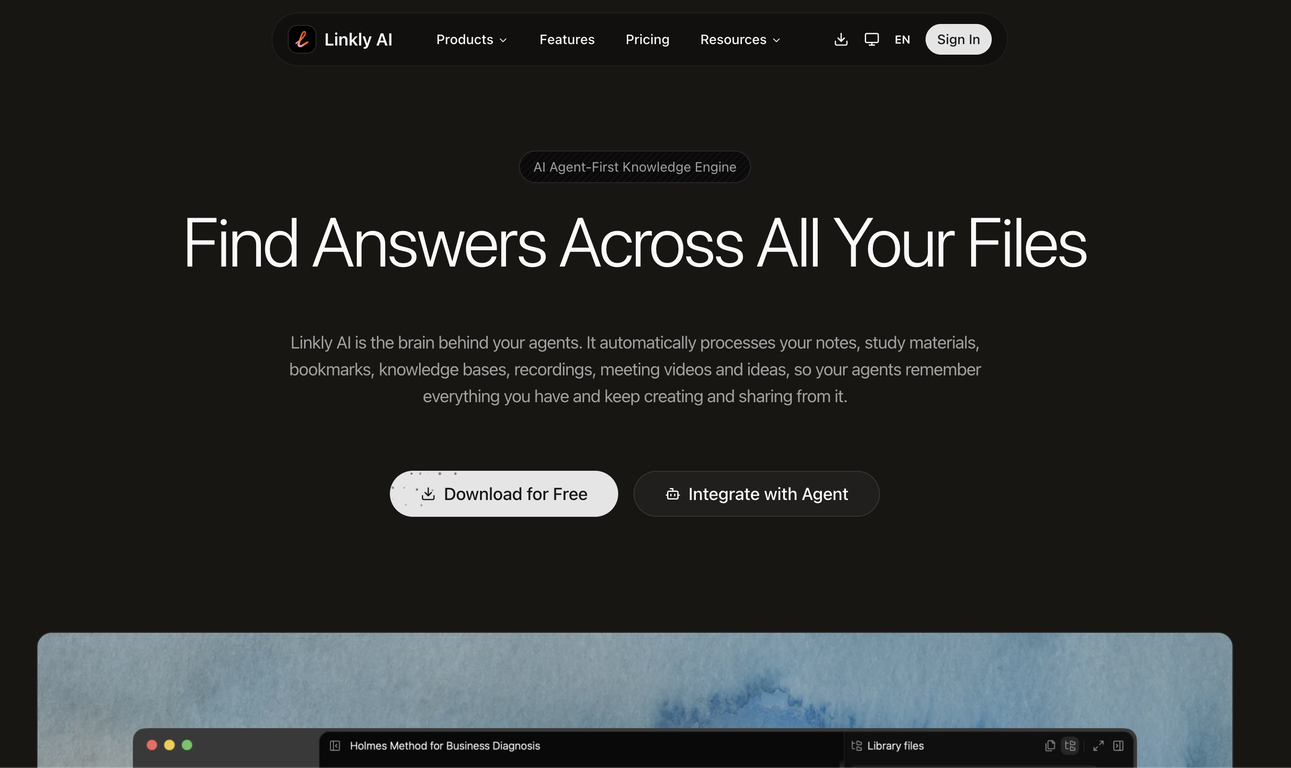
Linkly AI is a local document search engine designed to integrate with AI tools, transforming the documents on your computer into an AI-ready knowledge base.
This tool enables efficient document retrieval, filtering, and large-scale research and supports a wide range of file formats including PDF, DOCX, HTML, and Markdown.
Users can perform a semantic search across their documents using keywords or descriptive sentences, with matching capability across more than 100 languages.
Linkly AI is also designed to progressively reveal relevant document sections to AI, enabling purposeful reading instead of blind processing. Other features of Linkly AI include light-weight design for optimized resource usage, a clean and user-friendly interface, local execution for ensured privacy as the documents never leave your computer, and fast indexing and query response best suited for real-time AI workflows.
Integration of Linkly AI with any AI agent can be done through Command Line Interface (CLI) or Message Communication Protocol (MCP) methods. Moreover, it boasts a cross-language search feature enabled by a local multilingual model.
Furthermore, Linkly AI is known for its minimalist design with full keyboard support. The tool facilitates efficient management of local documents including the building of knowledge bases, enabling users to leverage AI capabilities effectively.
Supported features
Key Features
- Openclaw Friendly
- Bash & Cli Friendly
- Lightweight & Small
- Full-text Search Launcher
- Supports Win/mac/linux.
Releases



Pricing
Built With AI





Top alternatives
-
 Get Tailored Answer with Your Personal ChatGPTMost AI tools start from zero. You paste in context, re-explain your work, and hope the output is relevant. Every. Single. Time. remio is different. It automatically captures everything you work on — web pages you browse, documents you read, meetings you record, emails you send — and turns it all into a living, private knowledge base. No manual tagging. No copy-pasting. No setup. Then, when you need to get something done, remio already knows your context. Write a doc, draft an email, generate a report, create slides — just tell it what you need. It pulls from your actual work history to produce output that's genuinely relevant to you. What makes remio different: 🧠 Passive, automatic context capture — works silently in the background 🔒 Local-first & privacy-focused — your data stays on your device ⚡ BYOK support — bring your own API key from OpenAI, Google, DeepSeek and more 🖥️ Local model support via Ollama 📎 Connects to Gmail, Google Docs, local files, YouTube, and more 🛠️ Build reusable aApp workflows powered by your own knowledge This is not another note-taking app. This is your personal agent — one that already knows your world. From knowledge to getting things done. 👉 Try remio today.
 -
 Summarize Anything, Forget Nothing!
 amix ffx🙏 40 karmaJun 22, 2023@RecallReally like how it finds connection in the content that I save. I don't think any other tool can do that.
 -
 AI Offboarding that keeps knowledge inside your company.
 -
 Organized access to conversational knowledge base.
 -
 Organized knowledge for business and info management.
 -
 Your personal search engine for trusted information.I like the way I can read, search, write, take note and organize in one seamless place.







