Go to section
Spotlight SureThing.io - "OpenClaw" for BeginnersTask automation
The front page of AI.Used by 90M+ humans.

TAAFT Tutorial
Generate image
Tasks
Generate text
Free mode
Trending
Leaderboard
Characters
 Mini tools
New
Featured
Lists
Agents
Requests
Jobs
Map
Newsletter
Starter pack
Free tools
Speech to text
Text translator
Remove background
Settings
Edit profile
My tools
Gallery
Dashboard
Inbox
Get featured
Contact TAAFT
For you
Popular
Job impact index
Most saved
Affiliate program
Submit AI tool
Notification preferences
Glossary
Home
Timeline
My profile
Create tool
Deals
Companies
Models
Robots
Papers
Fundraises
Repositories
Devices
Organizations
Events
Prompt Pack
Merchendise
APIs
Features
Tools
Countries
Collections
Videos
Mini tools
New
Featured
Lists
Agents
Requests
Jobs
Map
Newsletter
Starter pack
Free tools
Speech to text
Text translator
Remove background
Settings
Edit profile
My tools
Gallery
Dashboard
Inbox
Get featured
Contact TAAFT
For you
Popular
Job impact index
Most saved
Affiliate program
Submit AI tool
Notification preferences
Glossary
Home
Timeline
My profile
Create tool
Deals
Companies
Models
Robots
Papers
Fundraises
Repositories
Devices
Organizations
Events
Prompt Pack
Merchendise
APIs
Features
Tools
Countries
Collections
Videos
Mini tools
New
Featured
Lists
Agents
Requests
Jobs
Map
Newsletter
Starter pack
Free tools
Speech to text
Text translator
Remove background
Settings
Edit profile
My tools
Gallery
Dashboard
Inbox
Get featured
Contact TAAFT
For you
Popular
Job impact index
Most saved
Affiliate program
Submit AI tool
Notification preferences
Glossary
Home
Timeline
My profile
Create tool
Deals
Companies
Models
Robots
Papers
Fundraises
Repositories
Devices
Organizations
Events
Prompt Pack
Merchendise
APIs
Features
Tools
Countries
Collections
Videos

▼ Top rated
Mac os
Free mode
100% free
Freemium
Free Trial
Featured matches
-
 Zeeshan🛠️ 1 toolMay 9, 2026@HyprcoreAwesome to use, the dictation really helps out while doing dev work
 -
-
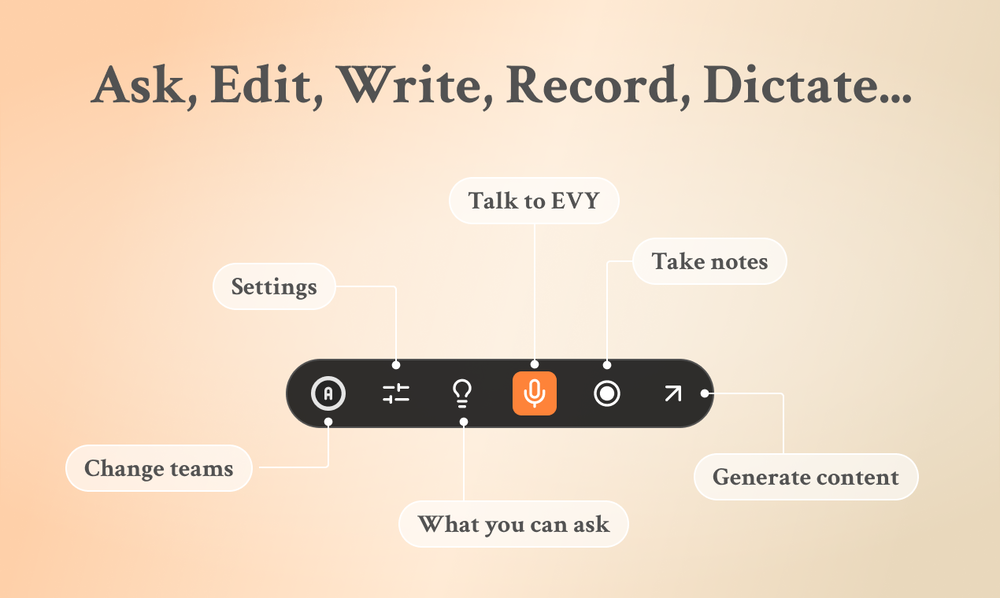 Use it every day! Best AI support for work
 -
-
-
-
-
-
-











Other tools
-
- Automatic dictionary correction learning: Paraspeech can now learn from words you fix after dictation - More reliable recording start, stop, finalization, clipboard insertion, and saved recordings - Clearer local-vs-cloud routing for transcription and rewrites, including privacy-mode handling - Better local model state while models are downloading, activating, or unavailable - Improved file-drop transcription behavior with clearer local/cloud availability - More predictable cleanup and rewrite finalization for emails, selected text, and general dictated text - Reworked onboarding for account setup, privacy, model setup, permissions, shortcut testing, and first dictation - More reliable checkout, purchase, trial, subscription, lifetime, and account-link recovery - Cleaner status overlay states for recording, loading, completion, and setup recovery - Stronger diagnostics privacy scrubbing and quieter crash/hang reporting - Release reliability improvements across Mac testing, DMG validation, Sparkle automation, and update tracing
-
- SpotlightSureThing.io - "OpenClaw" for BeginnersTask automation
-
Well, I use Statuz myself, so maybe I'm biased. The only way to find out is to try it yourself. Let us know here.
-
 Your AI-powered file organizer that respects privacy for macosOpenGood Replacement for the sparkle. Keep it up
 -
 Ultimate macOS AI tool for performing tasks on anything on your screen.OpenTried it several times and it really did make entries for me. Not quite fast, as i use Claude in browser. But when i use all of my Claude tokens i use it.
 - Didn't find the AI you were looking for?
-
Nice done, it is pretty convenient to talk to AI with screenshot
-
A spotlight-ish and unique design styled app for Mac with support for local LLMs and the major flagship LLM models via API key like OpenAi, Anthropic, xAi, Groq, Google, perplexity and last but not least Deepseek. The UI blends perfectly with the MacOS UI. Has support for keyboard shortcuts. It has Some design decisions adding a touch of uniqueness. You can contextually talk with it, like, with files, audio, and document texts. So far so good.
-
 Approve/reject Claude code permission requests from anywhere on MacOpen
 -
 OpenIf you care about control over your data, this tool is for you! Looking forward to your questions and feedback. Thank you ❤️