
 Mini tools
▼ Latest
Microsoft designer
Free mode
100% free
Freemium
Free Trial
-
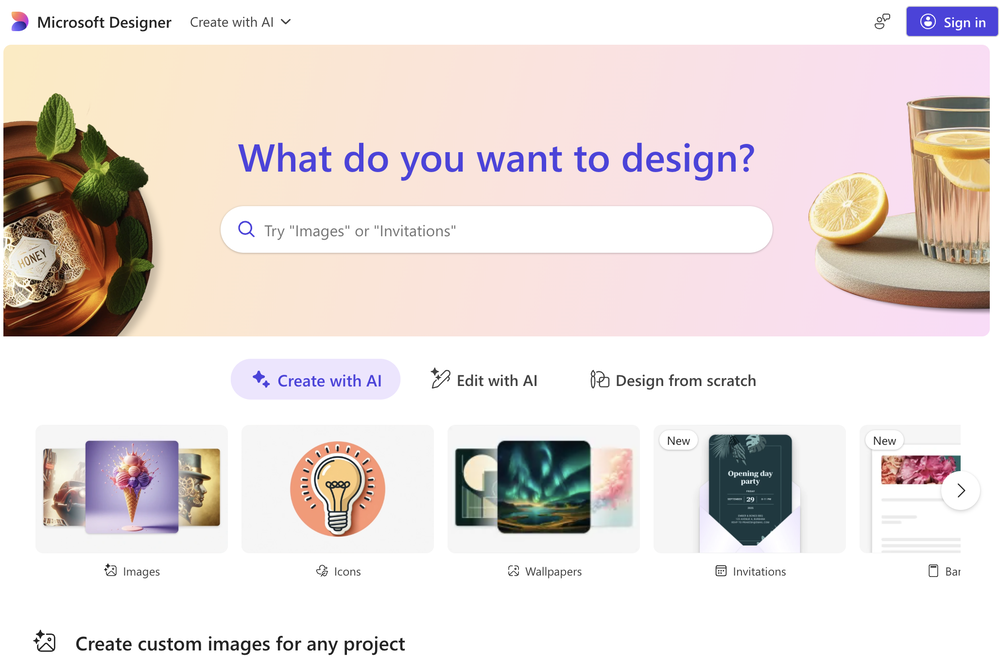
 Oleg John🛠️ 2 tools 🙏 54 karmaAug 19, 2025@Microsoft Designerquick to pick up, slick results. turned my prompts into clean logo drafts n poster layouts fast; pixel-art style worked after a couple tweaks. wish it had true vector export and tighter font control, but for fast art ideas it’s great. 5/5

Featured matches
-
 Thank you everyone for trying 1UI! If you haven't yet, give it a spin and use code ‘TAAFT’ to get $5 credits to try 1UI.


Verified tools
-
I am glad to rate it as one of the best tool for website creation maybe developer recognise me and reply me. I really want to thank the developers personally
-
Looks promising but found it very slow to load and create templates and previews
- Sponsor
 MongoDB - Build AI That Scales🗄️ Database
 -
 Open
Open






Other tools
-
Its actually good. I was able to make 3 screens using the promo code and they were better than the other UI tools.
-
I thought I could upload an existing logo and brand info and generate content based on that, but alas, not possible and more time wasted.
-
Uizard is so great for spinning out ideas and iterating. You can generate designs from text prompts as well as individual screens and themes. Also has a ton of other cool AI features like turning screenshots into editable designs and attention heatmaps. I suck at design so this is a game changer for me.
-
nice, overall this tool turns lazy ideas into polished design briefs and mockups without leaving your conversation. if you live in ChatGPT this is a good workflow booster right here.
-
-
basic image generation like any prompt on chatgpt. no value added here.
-
 Create scalable vector graphics with precision and AI-powered speed.Open
 - Didn't find the AI you were looking for?
-
The application arbitrarily adds doors and windows, making the final design unusable. It also changes the view from the window. In the final you are looking at a completely different room than the one you are interested in redesigning.
-
 Open
Open -
You have the option to waitlist or you can login with your email/pass or google account. I chose google. Once inside you have a suite of tools but im sure when you go to publish you have to sign up for a paid plan. So if your looking for a free option it will be branded. Use at your own risk. Thanks
-
-
Love this AI logo platform! Super easy to use—no design skills needed. The logos it spits out are clean, sharp, and totally on point for my brand. Saved me tons of time fussing with tools. Straight-up great. Recommend!














Post





