Go to section
Spotlight SureThing.io - "OpenClaw" for BeginnersTask automation
The front page of AI.Used by 90M+ humans.

TAAFT Tutorial
Generate image
Tasks
Generate text
Free mode
Trending
Leaderboard
Characters
 Mini tools
New
Featured
Lists
Agents
Requests
Jobs
Map
Newsletter
Starter pack
Free tools
Speech to text
Text translator
Remove background
Settings
Edit profile
My tools
Gallery
Dashboard
Inbox
Get featured
Contact TAAFT
For you
Popular
Job impact index
Most saved
Affiliate program
Submit AI tool
Notification preferences
Glossary
Home
Timeline
My profile
Create tool
Deals
Companies
Models
Robots
Papers
Fundraises
Repositories
Devices
Organizations
Events
Prompt Pack
Merchendise
APIs
Features
Tools
Countries
Collections
Videos
Mini tools
New
Featured
Lists
Agents
Requests
Jobs
Map
Newsletter
Starter pack
Free tools
Speech to text
Text translator
Remove background
Settings
Edit profile
My tools
Gallery
Dashboard
Inbox
Get featured
Contact TAAFT
For you
Popular
Job impact index
Most saved
Affiliate program
Submit AI tool
Notification preferences
Glossary
Home
Timeline
My profile
Create tool
Deals
Companies
Models
Robots
Papers
Fundraises
Repositories
Devices
Organizations
Events
Prompt Pack
Merchendise
APIs
Features
Tools
Countries
Collections
Videos
Mini tools
New
Featured
Lists
Agents
Requests
Jobs
Map
Newsletter
Starter pack
Free tools
Speech to text
Text translator
Remove background
Settings
Edit profile
My tools
Gallery
Dashboard
Inbox
Get featured
Contact TAAFT
For you
Popular
Job impact index
Most saved
Affiliate program
Submit AI tool
Notification preferences
Glossary
Home
Timeline
My profile
Create tool
Deals
Companies
Models
Robots
Papers
Fundraises
Repositories
Devices
Organizations
Events
Prompt Pack
Merchendise
APIs
Features
Tools
Countries
Collections
Videos

▼ Top rated
Organization tool
Free mode
100% free
Freemium
Free Trial
Featured matches
-
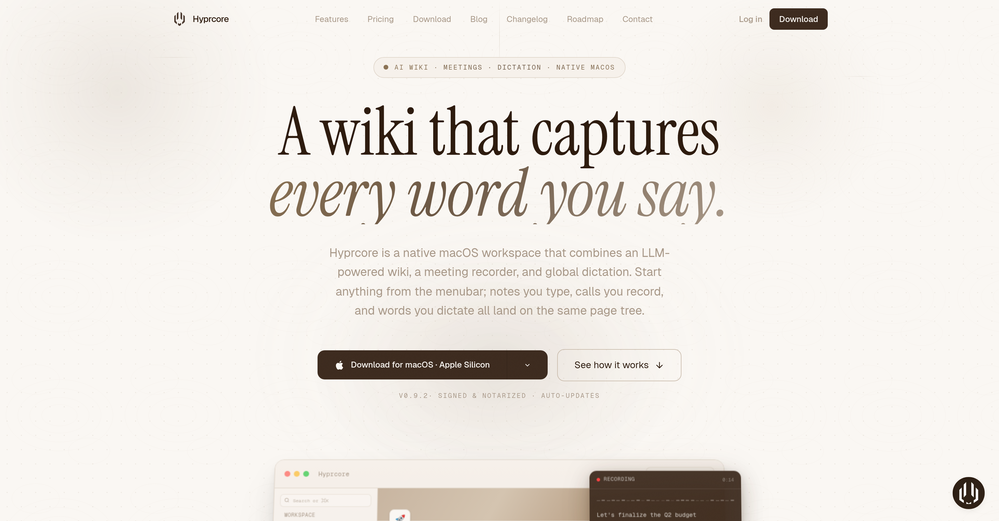
 Zeeshan🛠️ 1 toolMay 9, 2026@HyprcoreAwesome to use, the dictation really helps out while doing dev work
 -
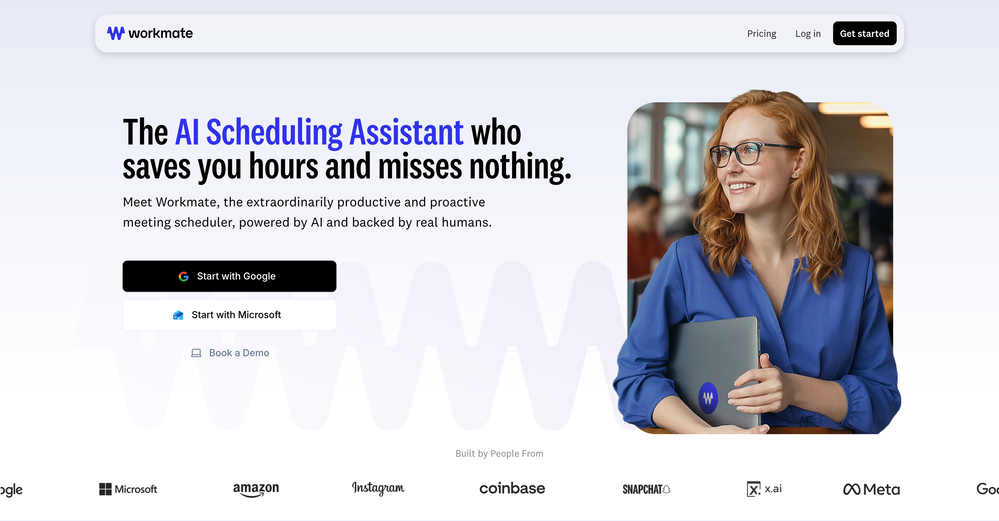 Used this for scheduling my last 3 interviews and honestly forgot how annoying it was before. One company wanted to do 4 rounds and instead of me going back and forth with their HR person a dozen times, Workmate just handled it. Saved me from that weird anxiety of 'did I respond fast enough' or 'is this time actually gonna work.'
 -
 Pay-as-you-go productivity. Meeting transcription at $0.25/hour, AI tasks, document search — noOpen
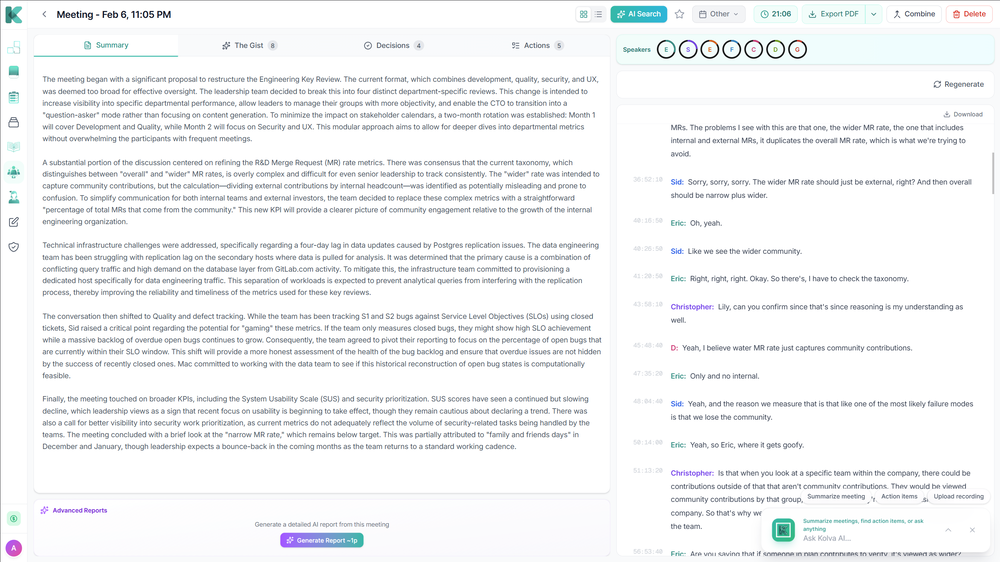 Kolva is a game changer! I use it almost every day and works every time! can't recommend it enough! I use it for every meeting. Give it go!
 -
-
 Open
Open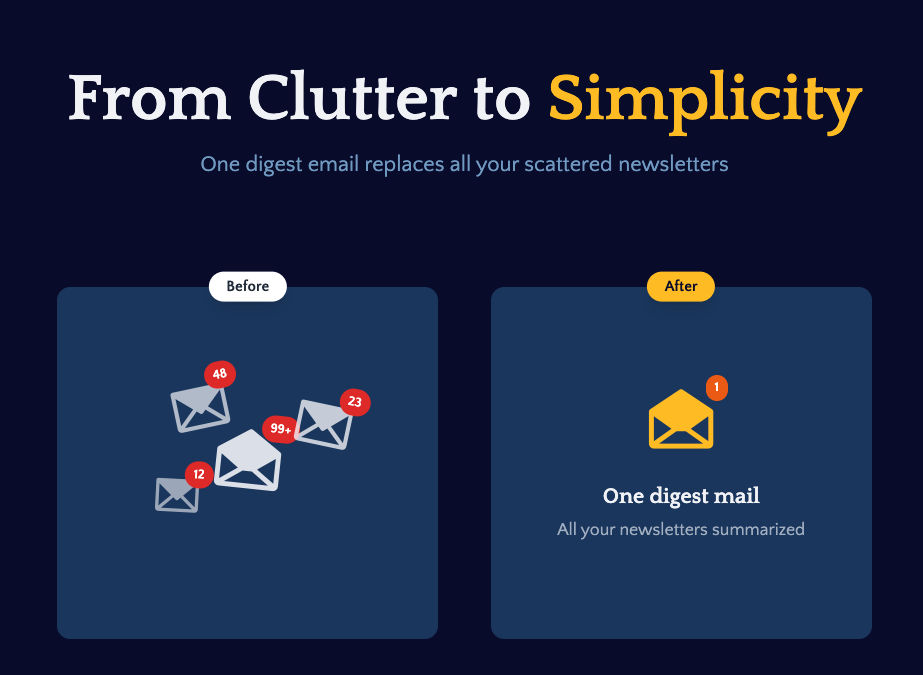 I built Remy to solve a problem I face every day: Newsletter overload 📬 Remy is your personal AI assistant that summarizes all your newsletters into a single digest email. Go from a cluttered inbox to a clear, concise briefing in one go.
 -
-
-
-
-









Other tools
-
Process Street has increased my efficiency in ways I didn't even know was possible especially with the AI-powered workflow builder and the insanely large template library!
-
This is an amazing tool--interactive, engaging, and impactful. We can gain powerful insights in seconds.
-
the autocomplete suggestions actually matched my tone and flow. the referencing tool is a lifesaver too, no more flipping between tabs. super smooth inside Word. gonna keep using it for sure
-
I’ve tried almost every AI slide generator out there, and Tosea is in a league of its own. Most tools just scrape the surface, but Tosea actually digs into my research PDFs. It captures the nuance and logical flow of the original document without the usual AI hallucinations. The slides it produced for my last project were surprisingly deep and well-structured. Plus, being able to export directly to PPTX and make my own tweaks is a lifesaver. It’s easily saved me hours of manual formatting this week.
- SpotlightSureThing.io - "OpenClaw" for BeginnersTask automation
-
No way to seemingly download it, though. Accepts your email address, doesn't provide a confirmation, doesn't indicate that access is coming. Just hand over your email address for a promise. Also, seemingly relies heavily on other services API, open AI, Anthropic, etc. This stuff should be clear from the outset.
-
🚀 Supercharge Your AI Workflow with Keymate! AI enthusiasts, researchers, and productivity power-users — meet Keymate, your new favorite AI-powered assistant to collect, manage, search, and chat with your digital knowledge. ✨ Why Keymate? 🔹 Collect any source – PDFs, Google Docs, YouTube videos, emails, web links — all in one private memory space. 🔹 Chat with your content – Ask complex questions and get grounded answers directly from your own documents. 🔹 Add notes and organize collections – Structure your memory the way you think. 🔹 Boost with AI context – Keymate uses a 128K context window and multi-LLM setup to deliver better, focused results. 🔹 Secure
- Didn't find the AI you were looking for?
-
Hey AI fans, I am Kalo, co-founder of Breezemail. If your inbox is anything like mine, you spend at least 20% of your life opening, answering, and unsubscribing from emails. Arguably, the only thing more tedious than this is fixing your grandma’s Windows XP (arguably). Or you just gave up, and your inbox app has a cute red dot with a truncation ellipsis (…), also known as the symbol of inbox doom. Either way, the whole inbox situation is an absolute disaster. We wanted to solve this challenge using AI. Breezemail will help you enter the holy land of Inbox Zero. It’s an email categorizer tool that keeps important emails in your inbox and categorizes the rest into folders using natural language prompts. How does it work? 1. Breezemail has a default Important category which leaves all your real human emails in your inbox. 2. Everything else is organized into AI folders (or labels). Labels using natural language prompts, for example, “All emails from my family”. 3. We give you a bunch of pre-defined categories to start with, and you can create your own custom categories, the same way you would write a ChatGPT prompt (yes, our tool also uses ChatGPT). We’ve been testing it in-house for both our personal and business emails, and it worked so well that I no longer hate link builders and outreach people because their requests are neatly organized into a couple of folders. For my personal inbox, I can finally see all my receipts in one place, and all stock newsletters are ready for daily review in a different folder. Go try it out now for free. We’d love to hear your feedback, so please don’t be shy and drop me a line back. Currently, the tool is only available for Outlook, but we are working on a Gmail app, too. If you’d like to try it for Gmail, please let us know. Thank you, Kalo
-
This is the only chat app, comparable to whatsapp, that has live, automatic translations as you chat. You can also send voice messages that get transcribed and translated automatically. Amazing stuff.
-
-
 Write smarter, not harder. QuillMinds helps you craft high-quality essays and researchOpen