Go to section
Sponsor
 Flow - 4x faster than typing
🎤 Dictation
Flow - 4x faster than typing
🎤 Dictation
The front page of AI.Used by 90M+ humans.

Generate image
Tasks
Generate text
Free mode
Trending
Leaderboard
Characters
 Mini tools
New
Featured
Lists
Agents
Requests
Jobs
Map
Newsletter
Starter pack
Free tools
Speech to text
Text translator
Remove background
Settings
Edit profile
My tools
Gallery
Dashboard
Inbox
Get featured
Contact TAAFT
For you
Popular
Job impact index
Most saved
Affiliate program
Submit AI tool
Notification preferences
Glossary
Home
Timeline
My profile
Create tool
Deals
Companies
Models
Robots
Papers
Fundraises
Repositories
Devices
Organizations
Events
Prompt Pack
Merchendise
APIs
Features
Tools
Countries
Collections
Videos
Mini tools
New
Featured
Lists
Agents
Requests
Jobs
Map
Newsletter
Starter pack
Free tools
Speech to text
Text translator
Remove background
Settings
Edit profile
My tools
Gallery
Dashboard
Inbox
Get featured
Contact TAAFT
For you
Popular
Job impact index
Most saved
Affiliate program
Submit AI tool
Notification preferences
Glossary
Home
Timeline
My profile
Create tool
Deals
Companies
Models
Robots
Papers
Fundraises
Repositories
Devices
Organizations
Events
Prompt Pack
Merchendise
APIs
Features
Tools
Countries
Collections
Videos
Mini tools
New
Featured
Lists
Agents
Requests
Jobs
Map
Newsletter
Starter pack
Free tools
Speech to text
Text translator
Remove background
Settings
Edit profile
My tools
Gallery
Dashboard
Inbox
Get featured
Contact TAAFT
For you
Popular
Job impact index
Most saved
Affiliate program
Submit AI tool
Notification preferences
Glossary
Home
Timeline
My profile
Create tool
Deals
Companies
Models
Robots
Papers
Fundraises
Repositories
Devices
Organizations
Events
Prompt Pack
Merchendise
APIs
Features
Tools
Countries
Collections
Videos

▼ Top rated
Slack tool
Free mode
100% free
Freemium
Free Trial
Featured matches
-
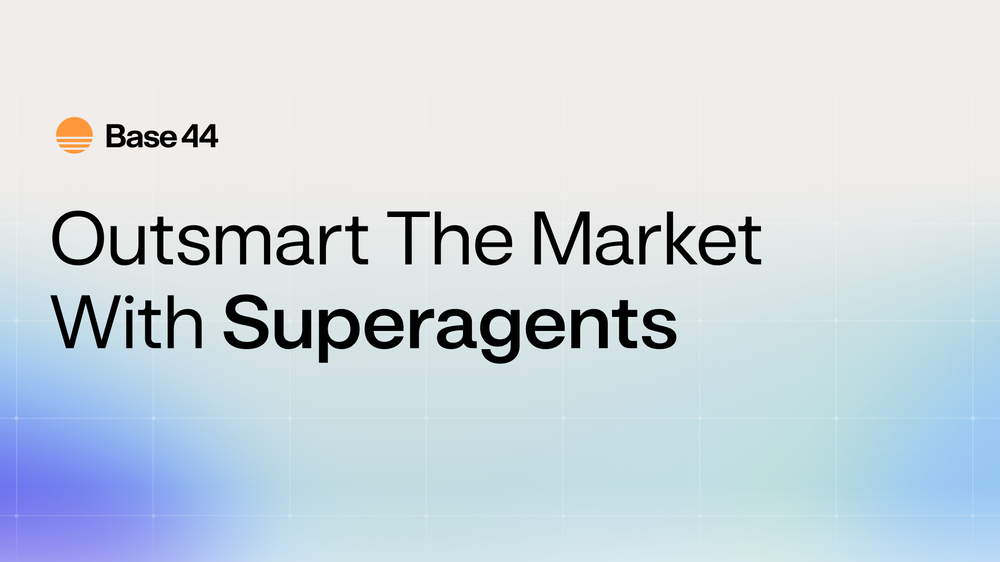 Daniel Edri🛠️ 3 tools 🙏 39 karmaMar 16, 2026@Base44 SuperagentsBase44 Superagents is an AI tool that designs personalized AI agents to automate various tasks without requiring any coding. It offers users a platform where they can deploy apps that are built specifically for AI agents.
 -
-
-
 I was one of the first users of Zocra. The platform has been instrumental in helping me prepare for meetings, generate follow ups, and ensure that no customer action items are ever missed. I use it continuously to provide feedback and feature requests to the product team, as well as to develop real-world use cases for our marketing efforts.
 -
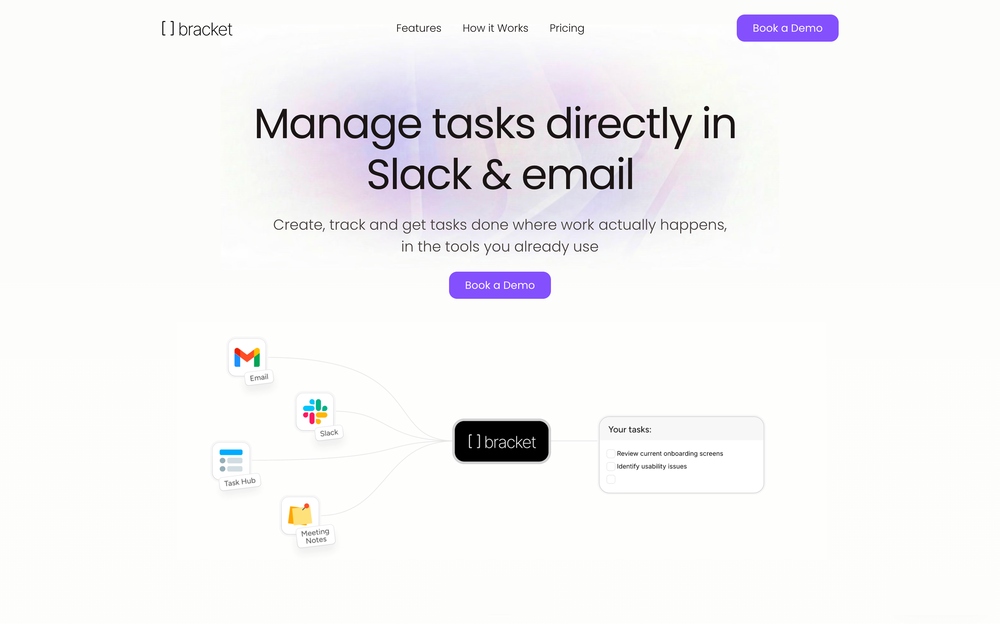 Bracket makes your task list proactive. Instead of hunting tasks across tools, Bracket captures them straight from Slack and Email (for now :P). It automates follow-ups, takes accountability for your tasks, and eliminates the hours wasted maintaining task systems. Operate where your work happens —> no context switching, no dropped balls, just a team that actually follows through. Try Bracket free, sign up to the waitlist today.
 -
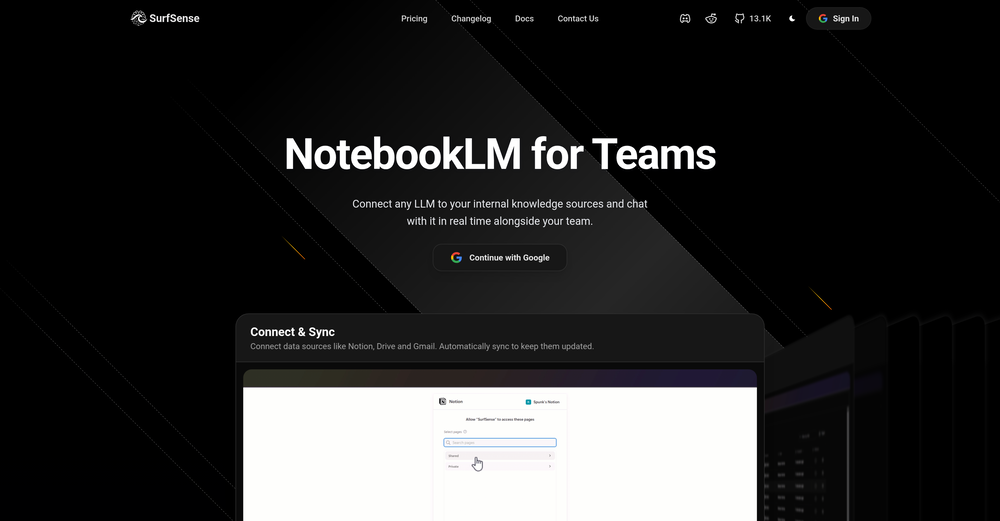 Honestly SurfSense is amazing, I use it almost every morning to get an mp3/podcast of my Gmail, Gcal and urgent Linear tickets so I know exactly what's going on that day. It's also insane for board games because I just throw the rulebooks in and share it with my friends so we can chat with the AI together to figure out how to play. And it is scarily good at untangling and explaining really complex rules when we encounter some weird situation!
 -
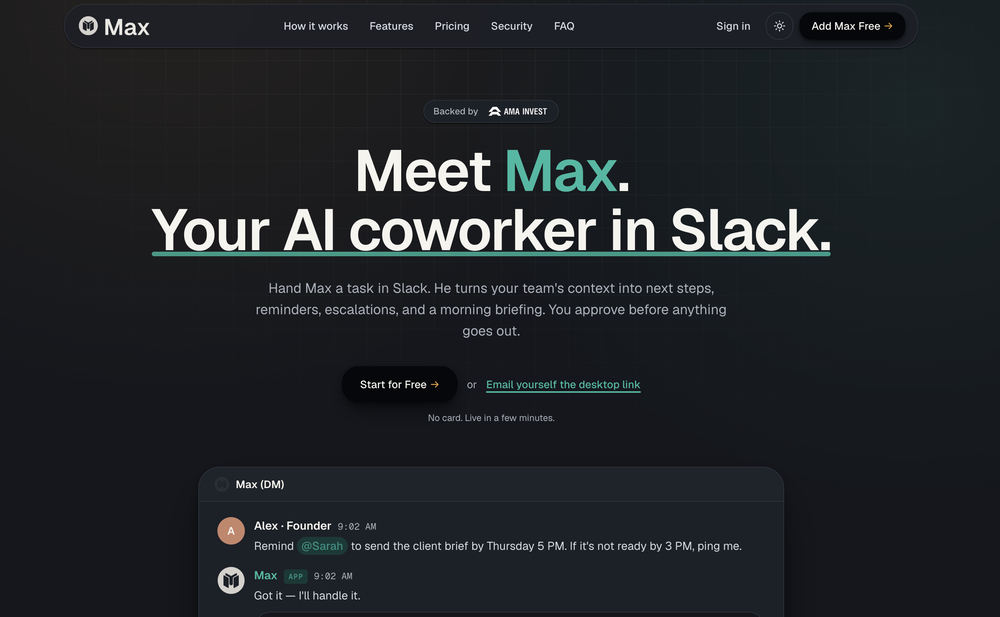
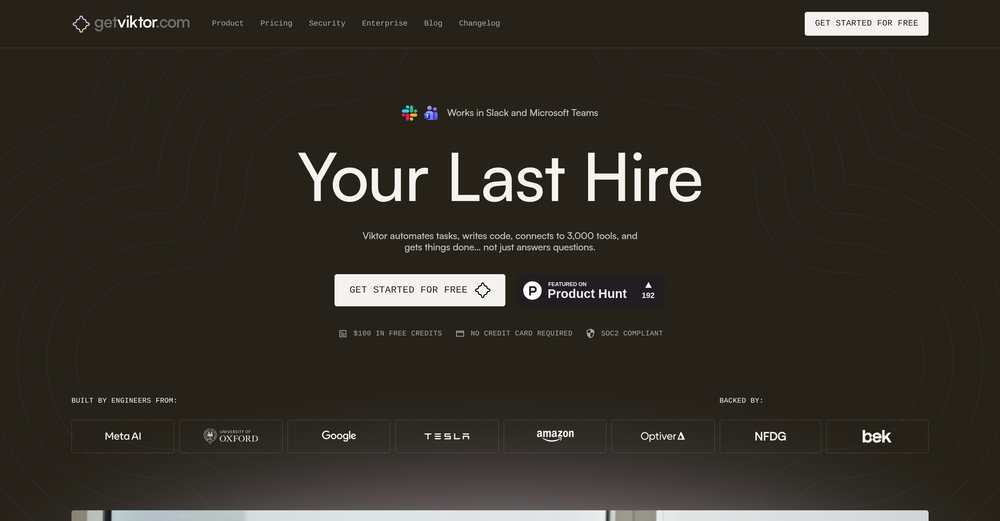 Yes, finally a slack tool that does it all. I wonder how safe it is?
 -
-
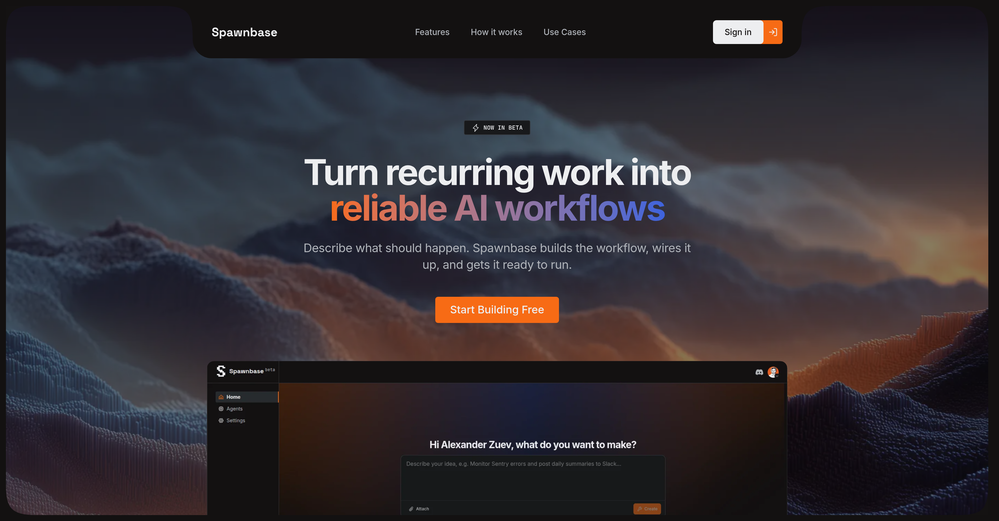
 I love the idea of how one platform can hold so many features in one place, working so efficiently.
 -













Other tools
-
Great personalized digests you can share with your team mates!
-
- SponsorFlow - 4x faster than typing🎤 Dictation
-
That is a very good tip particularly to those fresh to the blogosphere. Short but very precise info… Appreciate your sharing this one. A must read post!
- Didn't find the AI you were looking for?
-
Finally, a productivity tool that doesn't overcomplicate things. Caret's tab-complete works seamlessly across apps — once you get used to it, going back feels impossible. Exactly what macOS was missing.
-
Since the VSC extension became available, I've been using IDEs just to install the extension and run Claude Code in them. In the peak of my dev frenzy, I was running nine Claude Code instances in three projects on two computers. Cognitive strain was also extreme, but the amount of code and solutions deployed at that time was extreme as well.
-
I started with OpenClaw on a sandboxed environment on my Mac, but now trying ZeroClaw on a very old Thinkpad with Ubuntu. Feels more non-dev friendly and seems to handle security better.