Go to section
Spotlight SureThing.io - "OpenClaw" for BeginnersTask automation
The front page of AI.Used by 90M+ humans.

Generate image
Tasks
Generate text
Free mode
Trending
Leaderboard
Characters
 Mini tools
New
Featured
Lists
Agents
Requests
Jobs
Map
Newsletter
Starter pack
Free tools
Speech to text
Text translator
Remove background
Settings
Edit profile
My tools
Gallery
Dashboard
Inbox
Get featured
Contact TAAFT
For you
Popular
Job impact index
Most saved
Affiliate program
Submit AI tool
Notification preferences
Glossary
Home
Timeline
My profile
Create tool
Deals
Companies
Models
Robots
Papers
Fundraises
Repositories
Devices
Organizations
Events
Prompt Pack
Merchendise
APIs
Features
Tools
Countries
Collections
Videos
Mini tools
New
Featured
Lists
Agents
Requests
Jobs
Map
Newsletter
Starter pack
Free tools
Speech to text
Text translator
Remove background
Settings
Edit profile
My tools
Gallery
Dashboard
Inbox
Get featured
Contact TAAFT
For you
Popular
Job impact index
Most saved
Affiliate program
Submit AI tool
Notification preferences
Glossary
Home
Timeline
My profile
Create tool
Deals
Companies
Models
Robots
Papers
Fundraises
Repositories
Devices
Organizations
Events
Prompt Pack
Merchendise
APIs
Features
Tools
Countries
Collections
Videos
Mini tools
New
Featured
Lists
Agents
Requests
Jobs
Map
Newsletter
Starter pack
Free tools
Speech to text
Text translator
Remove background
Settings
Edit profile
My tools
Gallery
Dashboard
Inbox
Get featured
Contact TAAFT
For you
Popular
Job impact index
Most saved
Affiliate program
Submit AI tool
Notification preferences
Glossary
Home
Timeline
My profile
Create tool
Deals
Companies
Models
Robots
Papers
Fundraises
Repositories
Devices
Organizations
Events
Prompt Pack
Merchendise
APIs
Features
Tools
Countries
Collections
Videos

▼ Latest
Text-to-visuals
Free mode
100% free
Freemium
Free Trial
Featured matches
-
-
-
-
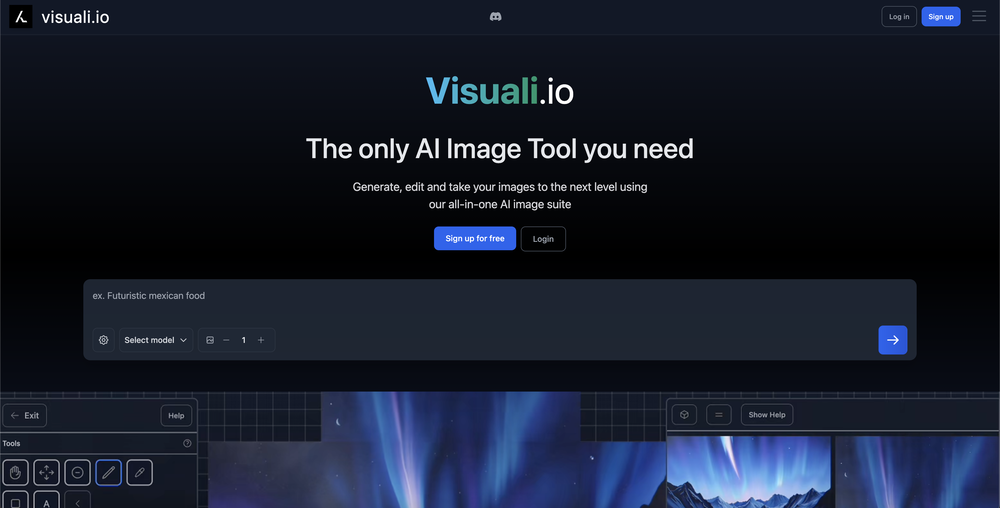 HUM VA🙏 4 karmaDec 15, 2023@VisualiGreat user interface and easy to use
 -
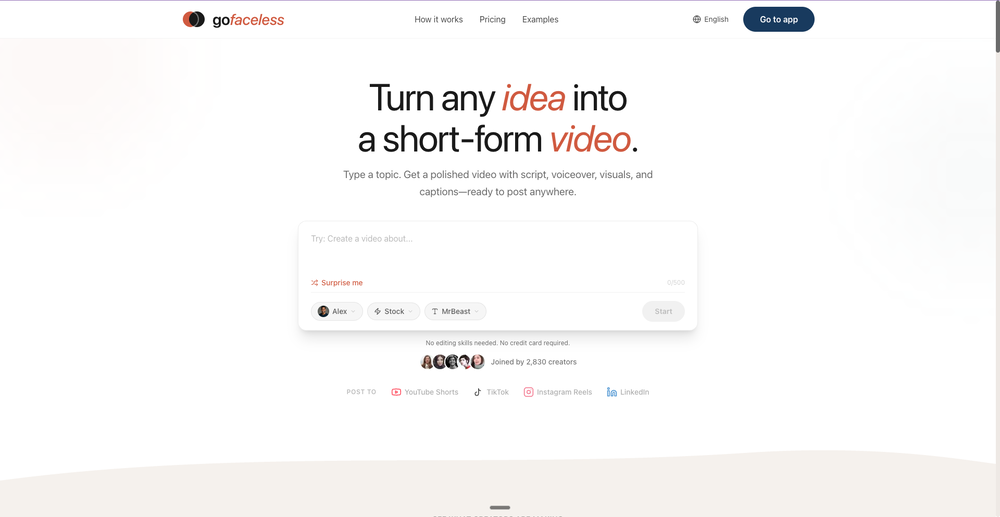
GoFaceless turns a single prompt into a finished, ready-to-post video — script, AI voiceover, B-roll, music, titles, and captions, fully assembled. No timeline to wrestle with, no stock clips to hunt down.
New in this release:
- Edit by chatting — change the voice, script, pacing, language, or any setting just by typing, and it re-renders instantly.
- Full timeline control when you want it — trim, split, reorder, and adjust volume on any track.
- Reusable AI presenters + faceless B-roll — pick a character once, reuse it across every video.
- 30+ languages, vertical and landscape (16:9), with grounded visuals that match real places and facts.
Describe your video, get a finished one back, then refine it in plain English. Faceless content on autopilot.
-
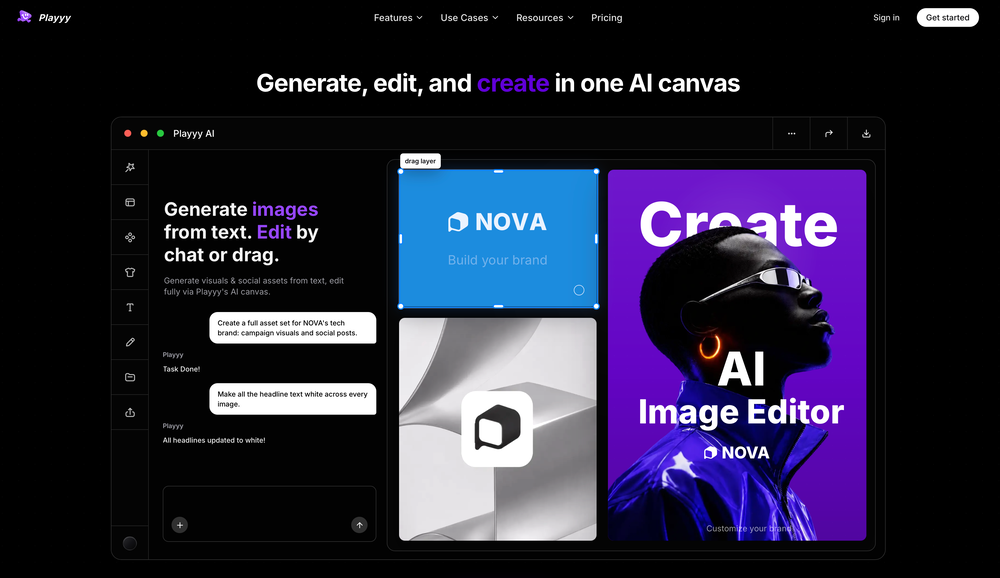 Most design workflows require switching between various tools. For instance, you might use ChatGPT to generate an image and then refine it in Canva. However, Play now significantly streamlines this process by integrating both image generation and an image editor into a single AI canvas and workspace. This is a game-changer for anyone creating images or marketing visuals.
 -
 Generate AI images. No subscription. Credits never expire.Open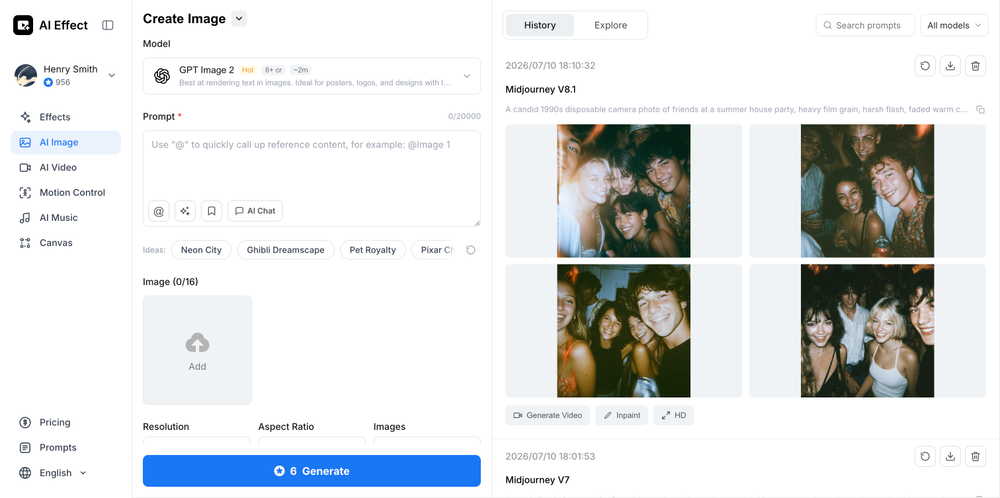
-
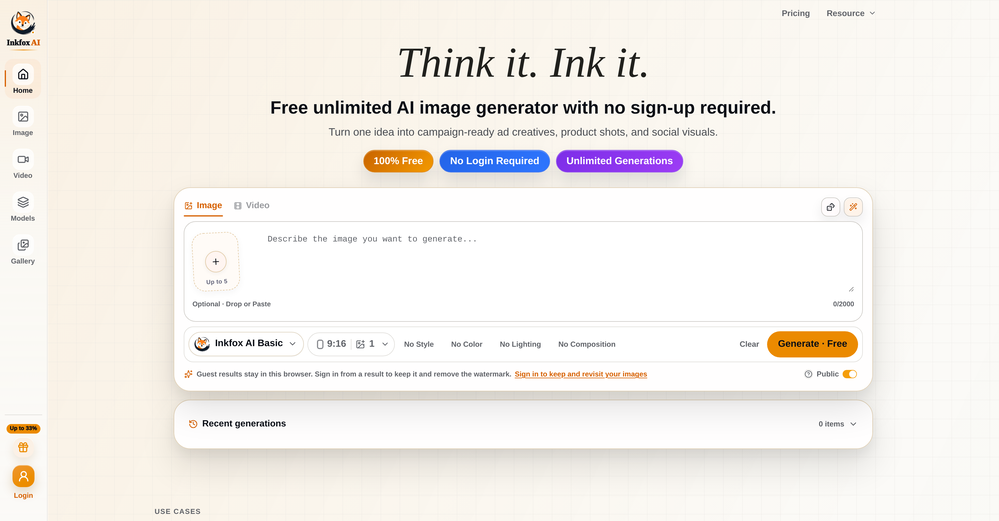
-
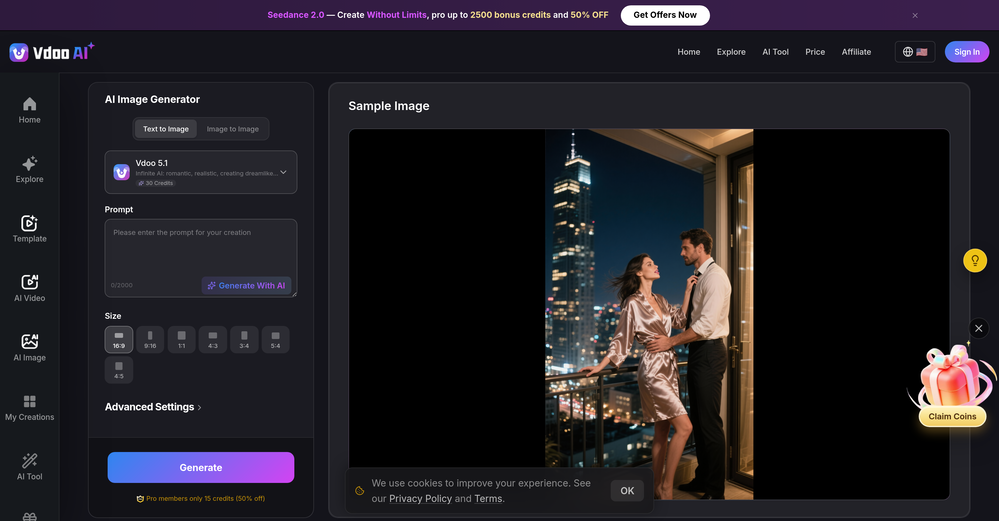 prompted a few different styles and it handled them pretty well. images came out detailed and didn’t take long either. solid for quick ideas.
 -
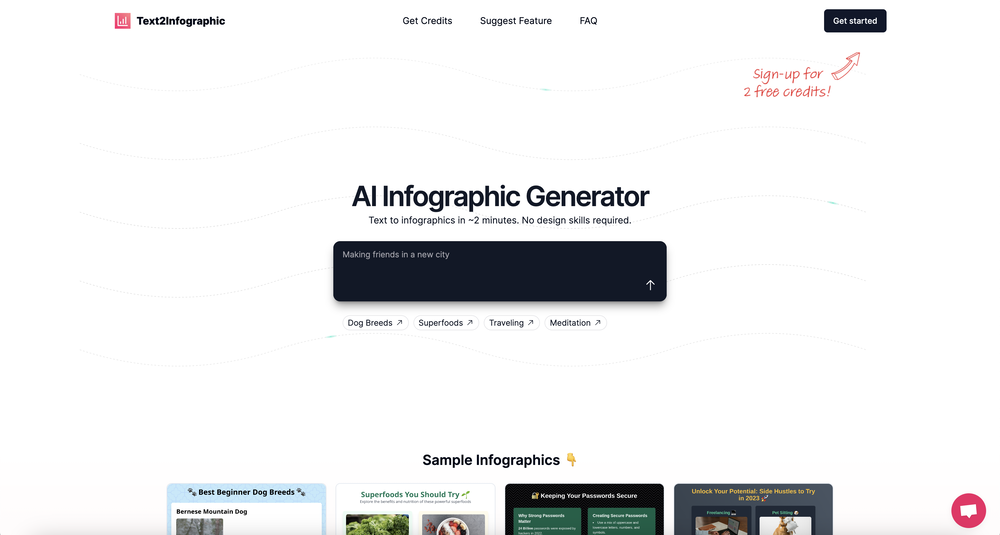 Which is more valuable, time or money? This doesn't save you either, at the moment as you only get two infographics to test out and you have to do quite a bit of editing to get it to look ok. The point of infographics is to inform in a highly visual and compelling way. None of the example info graphics are that. I suggest a pivot and use AI to fill out the text in a pre-made graphic template.













Verified tools
-
AIReel provides a convenient way to generate videos or images from text prompts or photos using several AI models in one place. When trying different prompts and images, the platform produced AI creations with noticeably different visual styles depending on the model selected. Compared with accessing many AI video models directly on their native platforms, the overall cost is more affordable, making it easier to experiment with AI-generated content, including both AI videos and AI images.
- SpotlightSureThing.io - "OpenClaw" for BeginnersTask automation
-
 Open
Open -
 Transform any image into stunning AI-enhanced visuals.OpenIt can generate any image I want freely, it's amazing!
 -
 Generate full-length faceless YouTube videos from text and earnOpenNoodle Tomato is an amazing video creation tool. You can create shorts or full length videos on ANY subject. Choose your voice, bullet points about what you want the video to be about. It then creates the script, all of the videos into parts that are editable. After it compiles the video you can download it directly, post it to YouTube and it's that simple. You need 0 knowledge of AI prompting or video editing.
 -
 Open
Open -
 Turn product photos into marketing videos instantly.Open
 -
Terrible experience. Spent over $200 to produce a music video that Musid.ai was never able to complete. System crashed during the final production generation/rendering - over and over and over. Contacted [email protected] - no response whatsoever after 2 days. Don't touch it! UPDATE: minutes after posting this Musid.ai responded by reinstating all of the credits purchased. Doesn't compensate for the wasted time but better that a poke in the eye with a sharp stick! I'll review again once I get to the other side of this drama...
-
-
 AI infographic generator that turns blog posts into link magnetsOpen
 -
Nice art! This tool seems promising, keep up the good work
-
this one’s pretty fun for anime clips. tried pushing a character through a few different styles and it kept the main look surprisingly well. motion can get a little weird, but the good outputs are really good.
-
-
 OpenThe features are incredibly comprehensive. I really love it — the AI videos I created got a ton of praise when I shared them. Likes galore!
 -
I did not like it. Seems very generic and did not adapt or recognized the topic to change the figures and the templates. Simply put my text to templates not related to the topic.
-
Just paste content in, layout will automatically be desigend
-
-
-
Experimented with the image to video mode. You are limited to 8 creations per day on the free plan, a 3s preset duration and no prompt inputting as the AI analyze the image to decide the most likely possible animation. So far from the given results with eight different picture type, it clearly looks like the AI engine is more prone to animate subject rather than anything else.

































Other tools
-
Really useful tool here. Saves a lot of time when creating diagrams. Made a video about it here: https://www.youtube.com/watch?v=ClySYyEBvno
-
I've tried so many image enhancing apps but I couldn't believe that this one works so much better than the others!
-
I tried to test it, but no trail option before subscribing.
- Didn't find the AI you were looking for?
-
-
They couldn’t generate zebras without their stripes on 3 separate tries. That’s basic f-ing shit.
-
 Create stunning, ultra-realistic images from text prompts.Open
 -
 Transform text descriptions into stunning cartoon images instantly.OpenDid not match my image 100%, but it still slayed! Good job
 -
 Open
Open -
 Transform text prompts into polished, design-ready visuals.Open
 -
 Transform text into noir-inspired mafia sketches.Open
 -
-
why all of tools doesnt accept our customized prompt again?
-
 Generate detailed cinematic visuals with varied effects.Open
 -
 Witty Chuck Norris joke generator with DALL-E visuals.Open